Start with your idea.
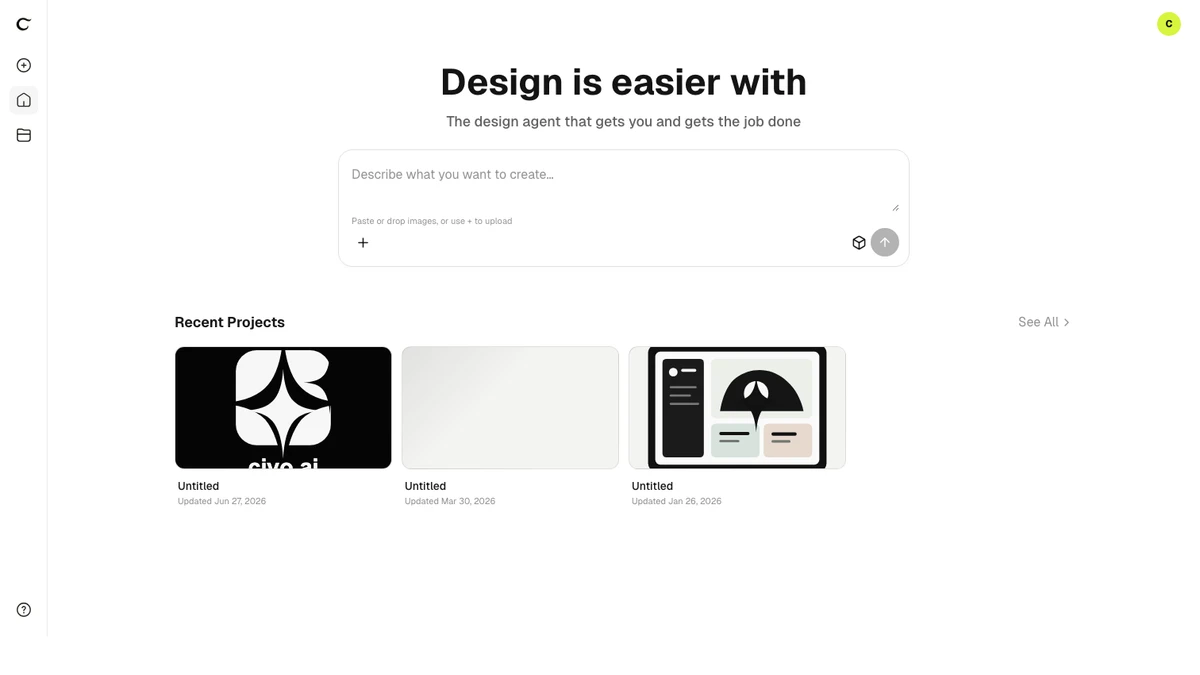
Home and the canvas now open with a simpler composer: tell the Design agent what you want to make and start creating. The agent model picker is now hidden, leaving more room for your brief and references.
Product updates
Home and the canvas now open with a simpler composer: tell the Design agent what you want to make and start creating. The agent model picker is now hidden, leaving more room for your brief and references.
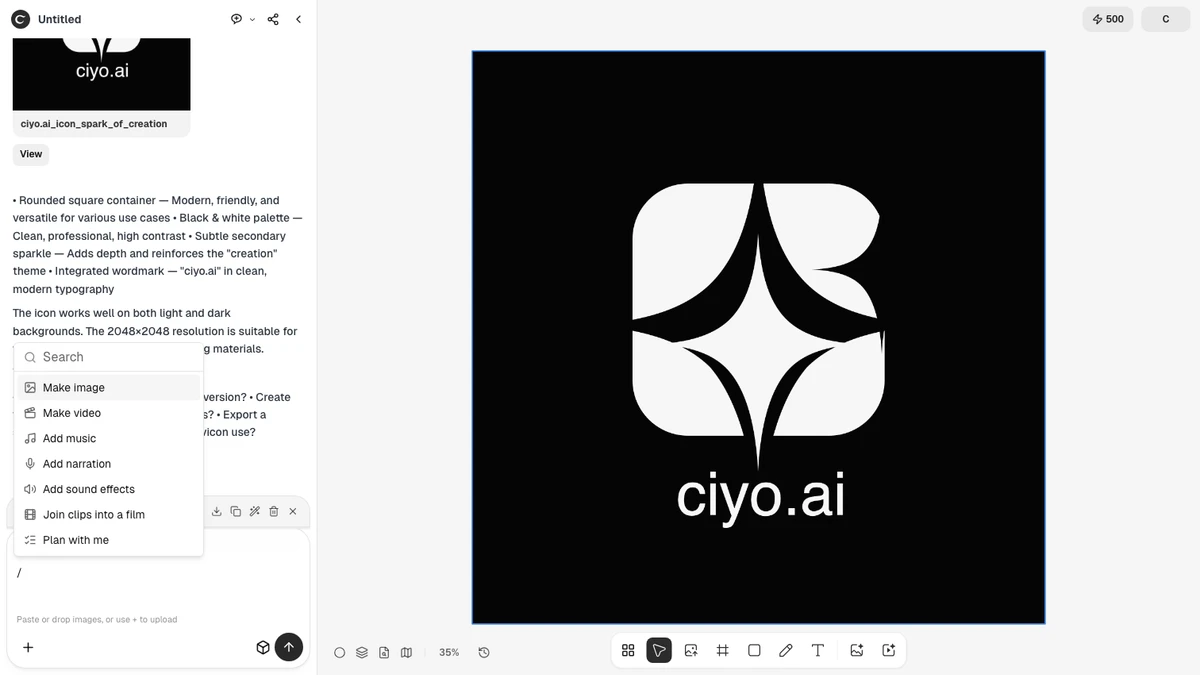
Ask the Design agent to create narration, music or sound effects and assemble them with your clips into a finished video. Type / in an empty Agent chat box for starters such as Make image, Make video, Join clips into a film and Plan with me. Selecting several pictures or videos now shows a removable reference chip for each one, and the agent can read every frame of an attached GIF.
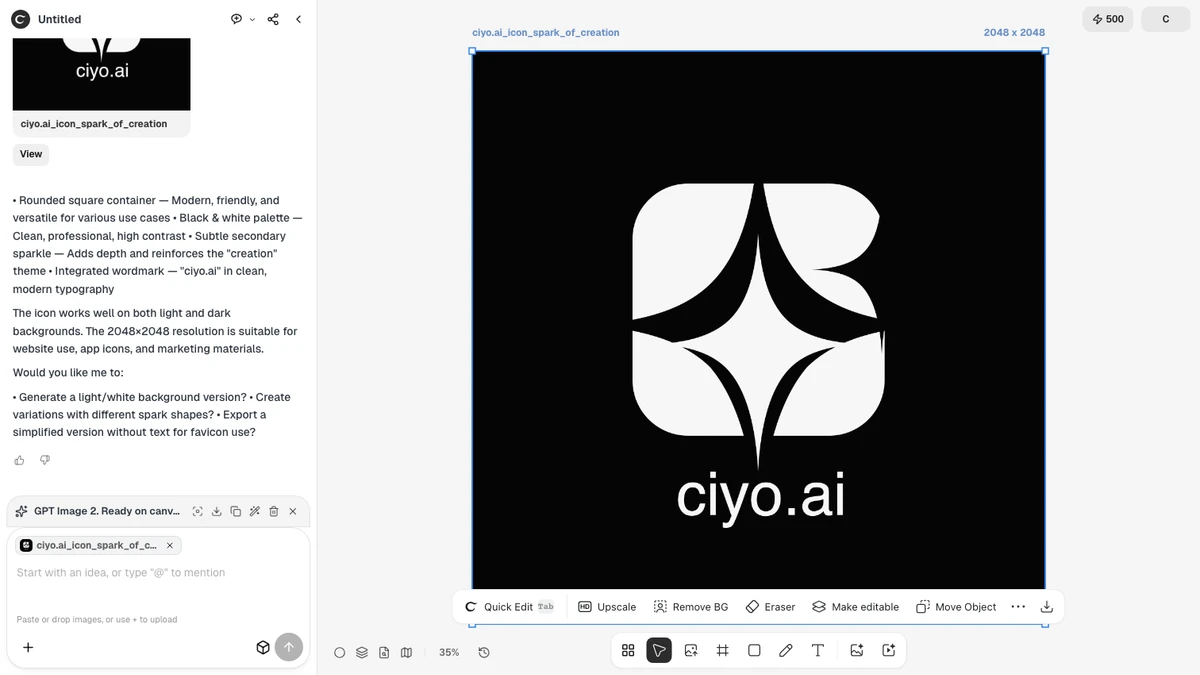
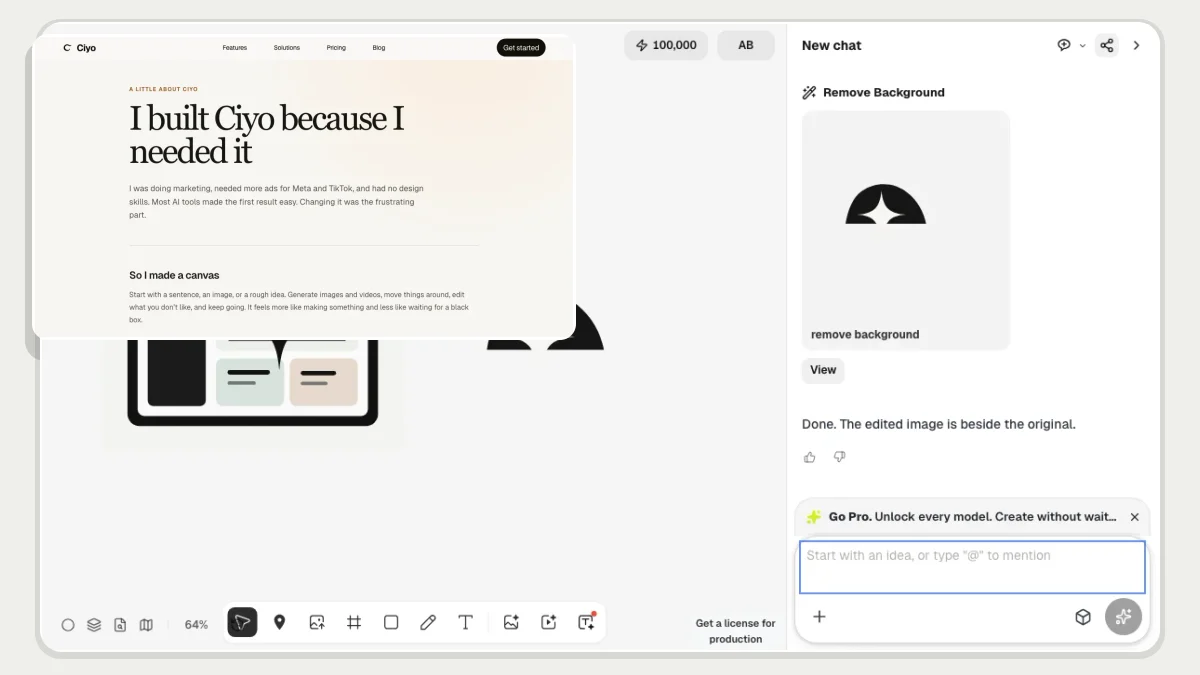
Select a picture and choose Make editable, or ask the Design agent to do it. Ciyo places a Layer set beside the original, with a background and transparent cutout layers you can move or edit individually. Quick Edit keeps a cutout’s transparent background, and Merge makes a flat copy of the edited Layer set. Words in a layer remain part of the picture; changing them uses an image edit.
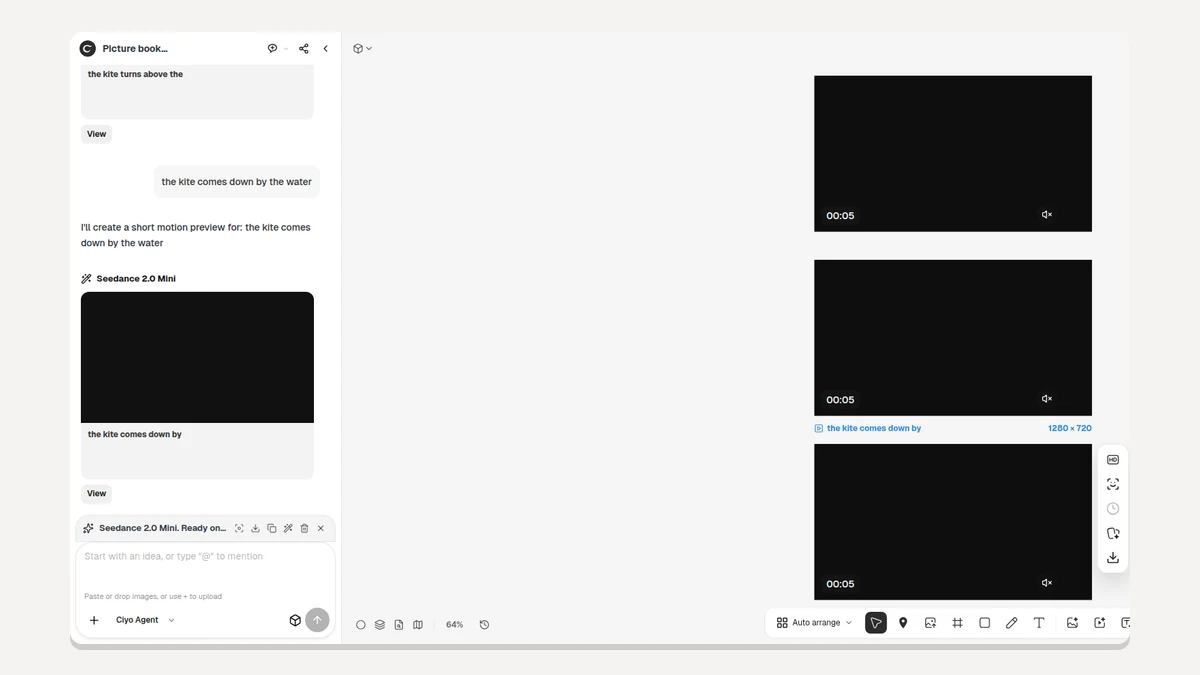
Run more than one video at a time on the same board: every clip lands in its own card, placed in the order you started them and always on screen, instead of wherever there happened to be room, and the Video Generator lets go of the picture it has just animated instead of quietly animating it again. The canvas no longer shoves itself sideways while it loads, and a browser whose storage is full can no longer take a board down. A new chat starts empty rather than dragging the board’s earlier work into it, your first message stays on screen with one honest timer, welcome credits are in place before you type, a screenshot pasted from Windows or PowerPoint reaches the Agent as you see it, Pricing lists only the models you can pick, and the canvas and Home bars fit a phone screen.
Paste or upload a clip straight onto the board or into the Agent’s composer, and start a whole new board from a video on Home. Stop now stays in the composer for as long as a turn is running and ends it on the press rather than a moment later, pictures you drop appear on the board before they finish uploading, and the Agent has a Linux workspace of its own where it can run code and save what it makes onto the canvas.
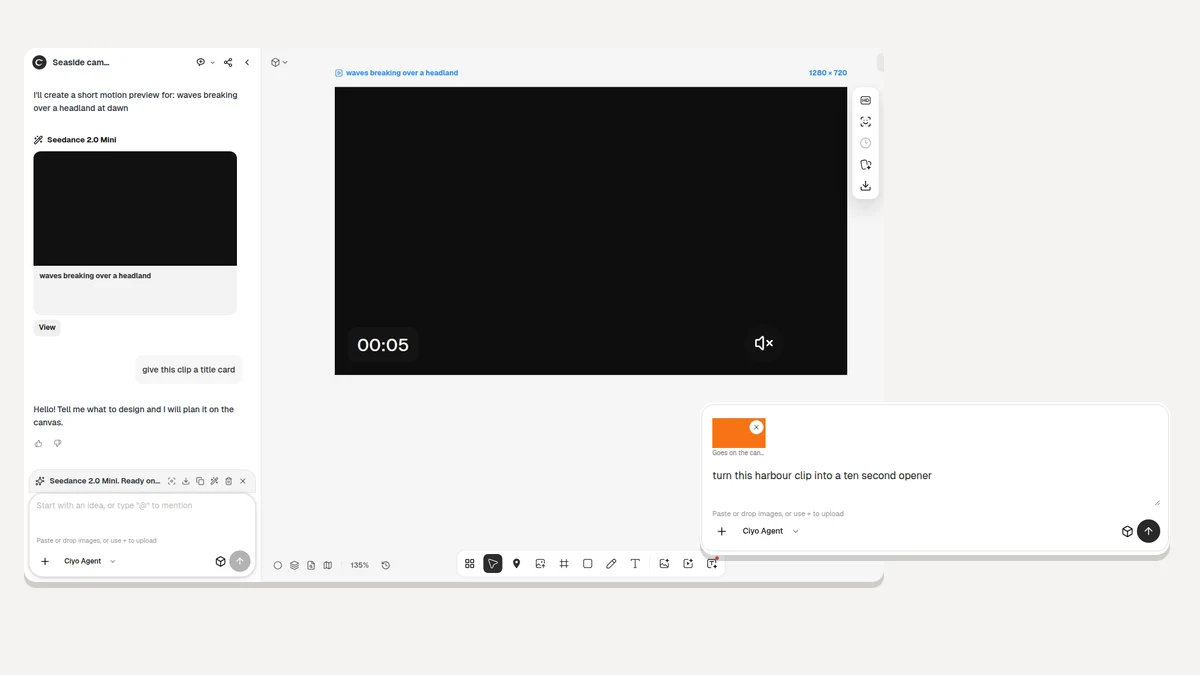
An Activity line now shows the Agent working and how long it has been at it, and the board glides to each result as it appears instead of leaving you to find it. Quick Edit’s Run button quotes what the edit will really cost, a new board opens straight onto the canvas without the three-step tour, and a conversation no longer stalls part way through an answer.
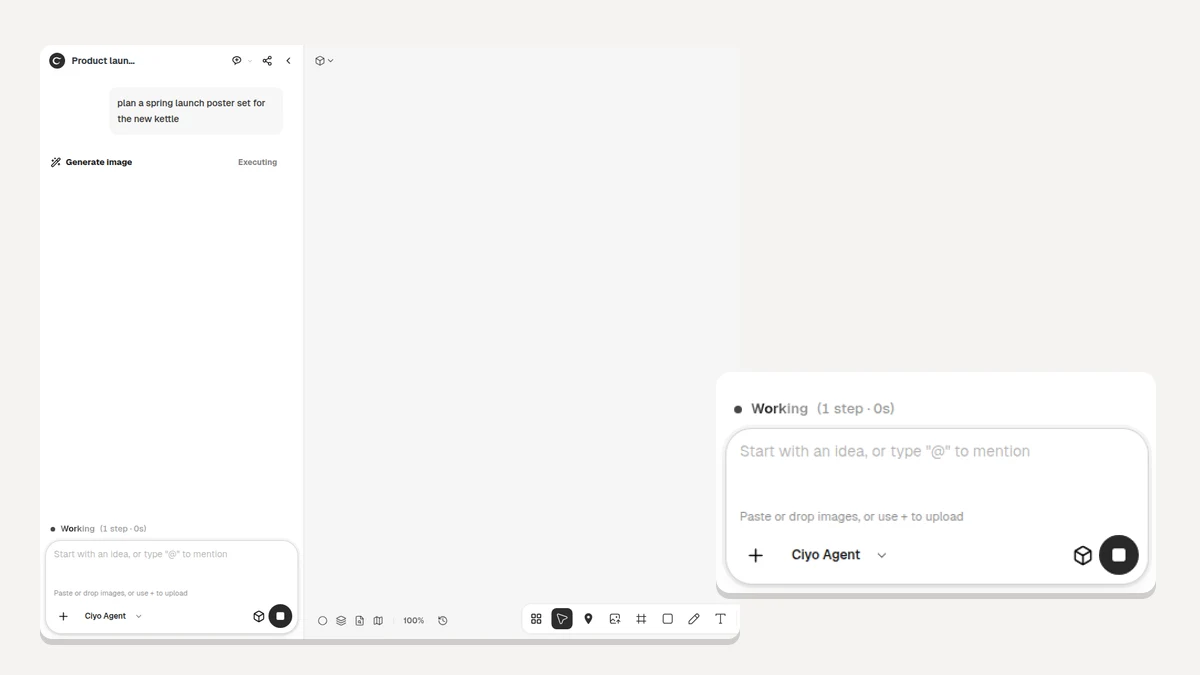
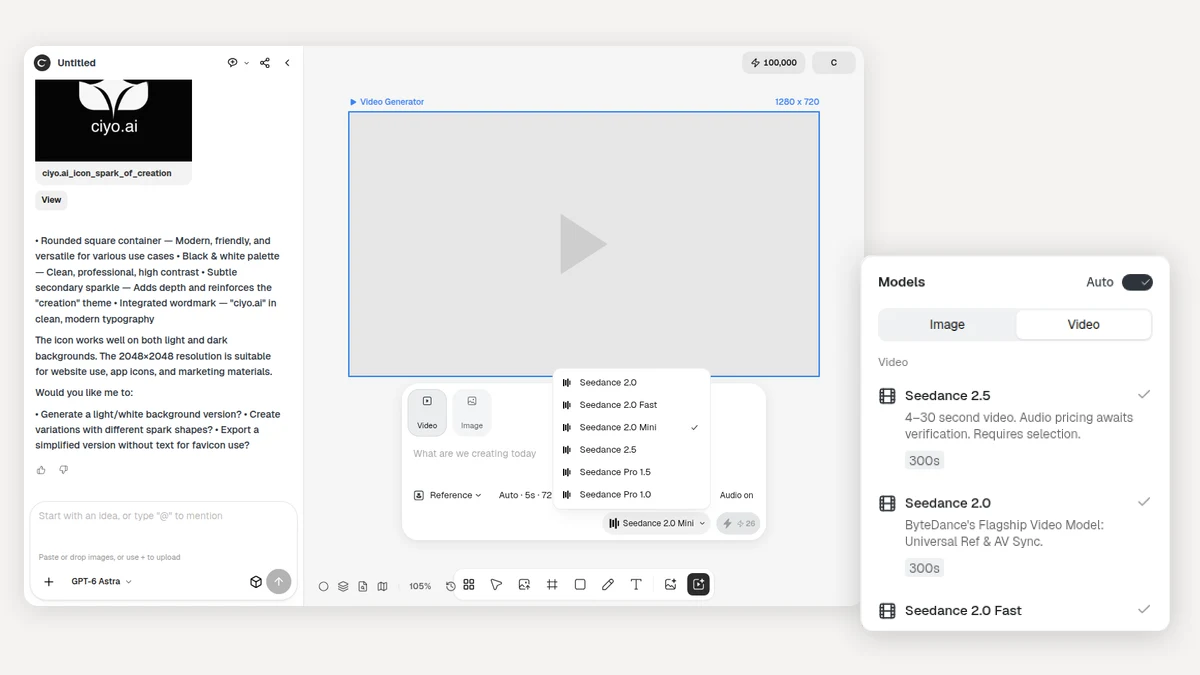
Turn Auto on and the Agent chooses the video model for you, with Seedance 2.5 now in the roster and each model's limits in view while you choose. The separate video purchase step is gone, so the credit wall is the only moment you buy, and a draft you start as a guest survives sign-in.
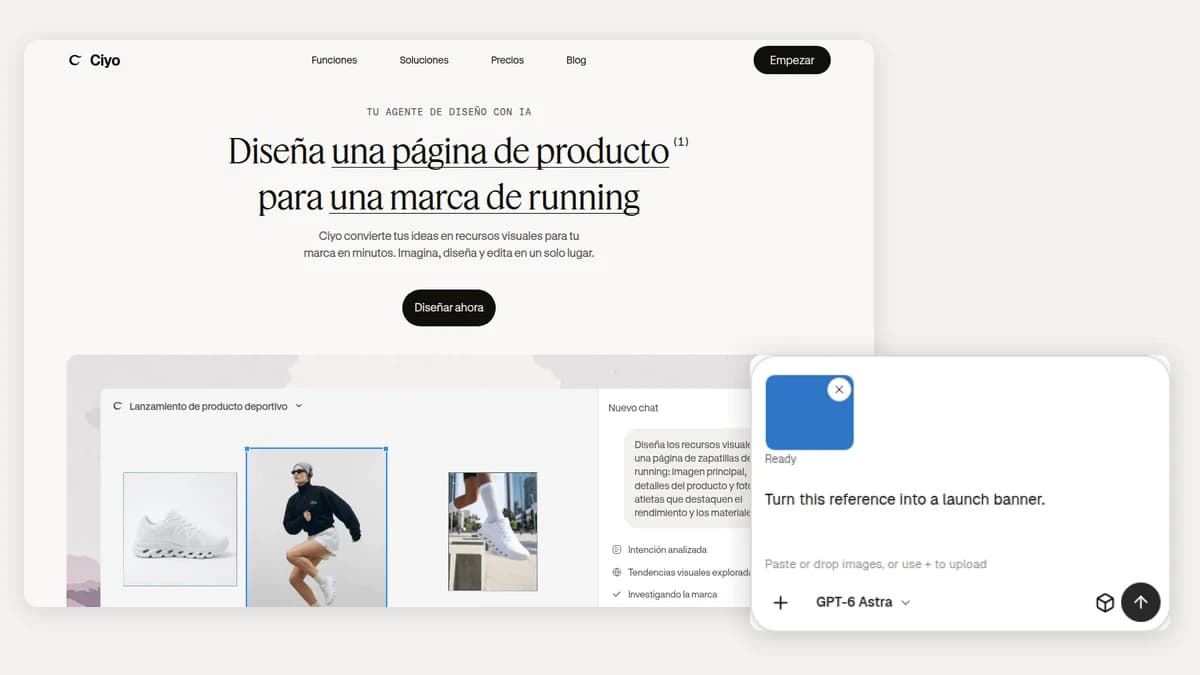
The redesigned composer takes image attachments, so you can hand the Agent a reference and have it edit straight from the conversation. New chats start on GPT-6 Astra, and Spanish joins the landing page as a sixth language.
Workspace navigation moved into the left header, canvas media sizes itself to the board, and the chat layout follows. Conversations now have Create and Plan modes, the Agent can see what you sketch, you can stop or steer a run from one button in the composer, and results stay live through a reconnect.
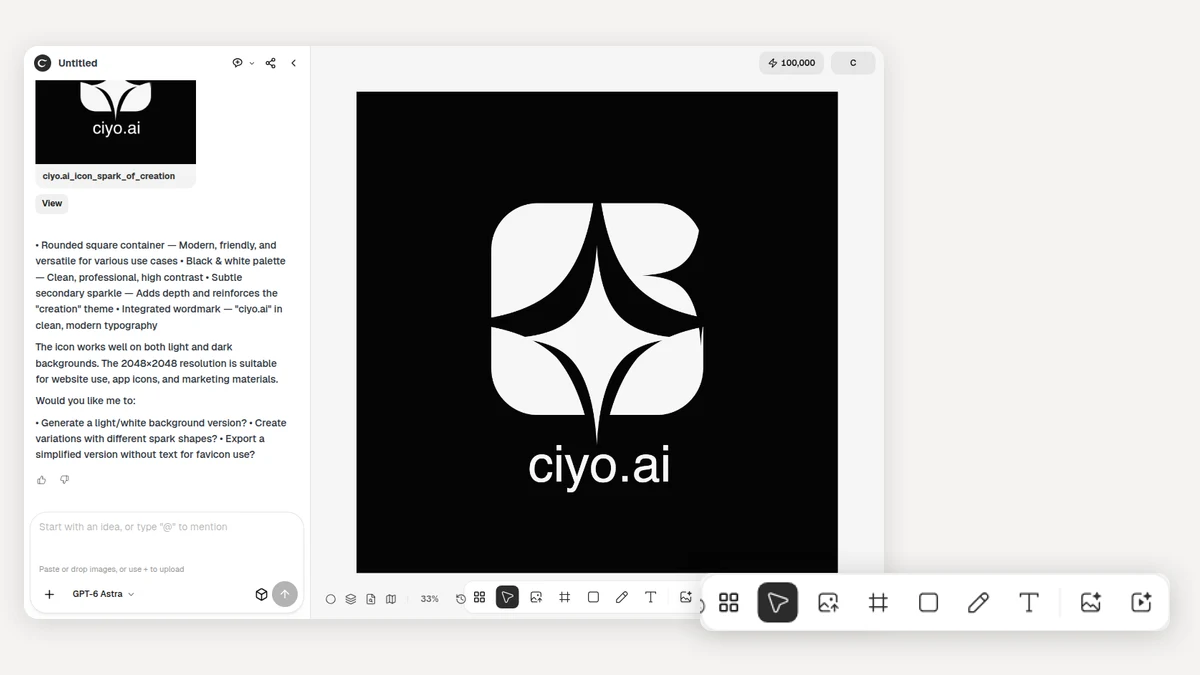
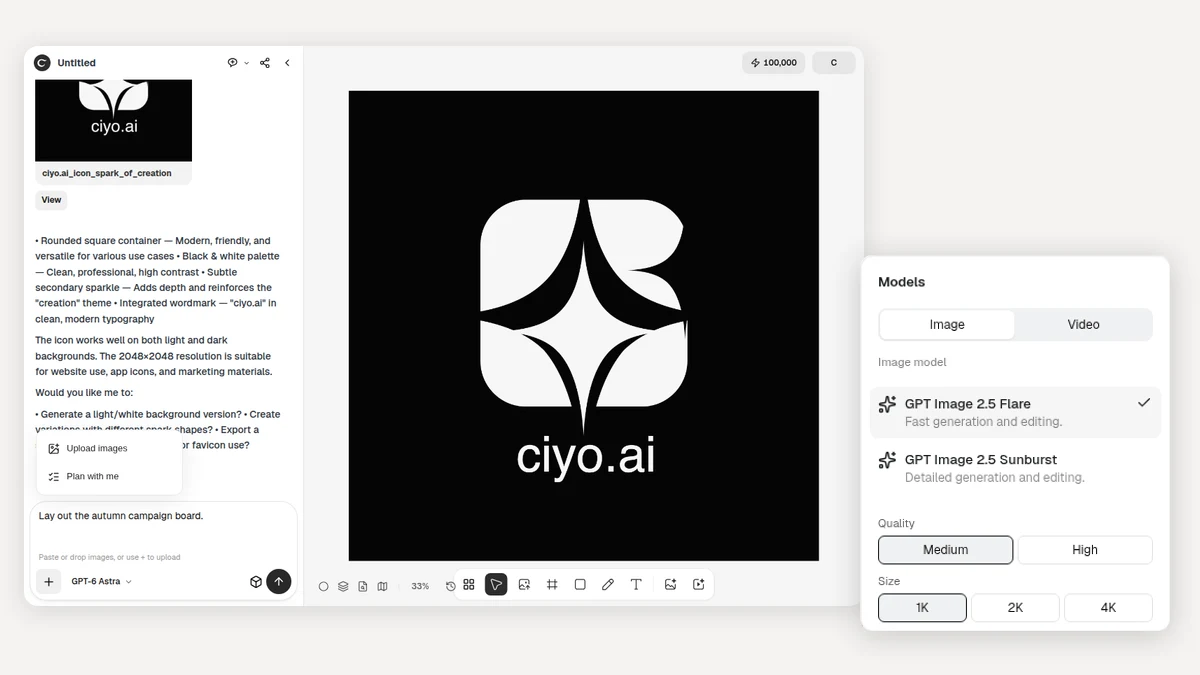
Ask the Agent to plan with you: it interviews you about the work, writes a creative brief, and waits for your approval before it starts. GPT Image 2.5 Flare and Sunburst join the model menu, the image and video menus now drive Agent generation directly, and the per-turn generation caps are gone.
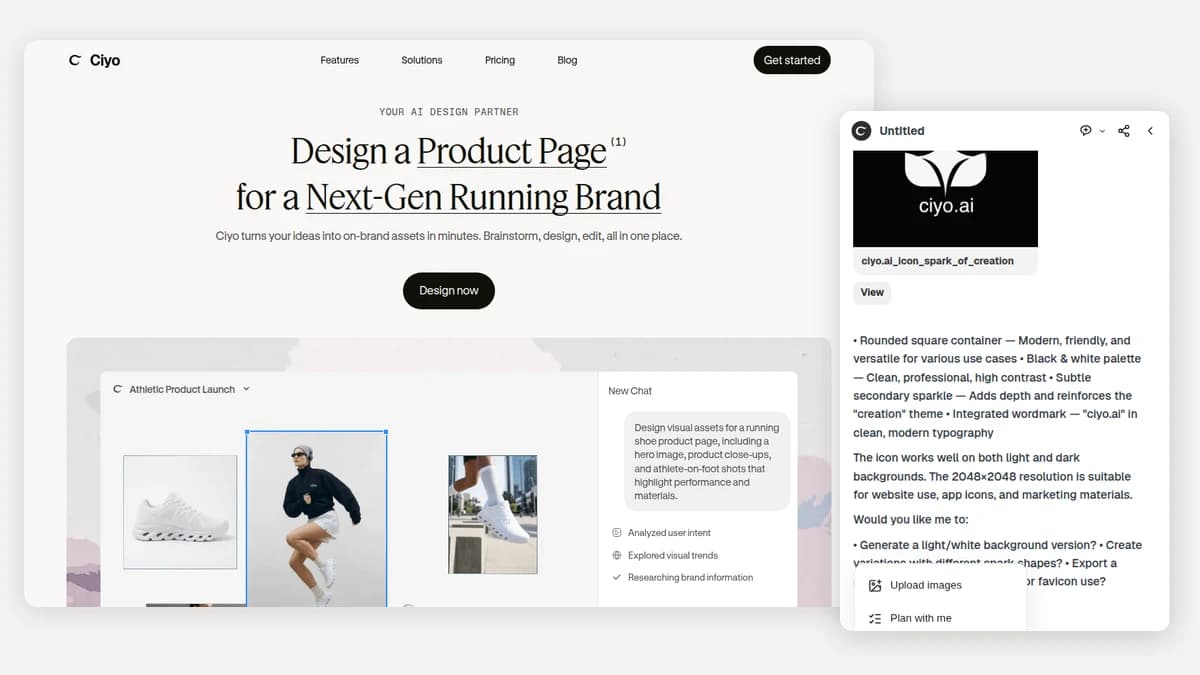
The landing page now introduces what Ciyo does in a line of its own, and search and social listings call it an AI design agent. Behind the canvas, the design Agent runs end to end on a new runtime: one conversation engine behind every board, with skills it can load for jobs like paper animation.
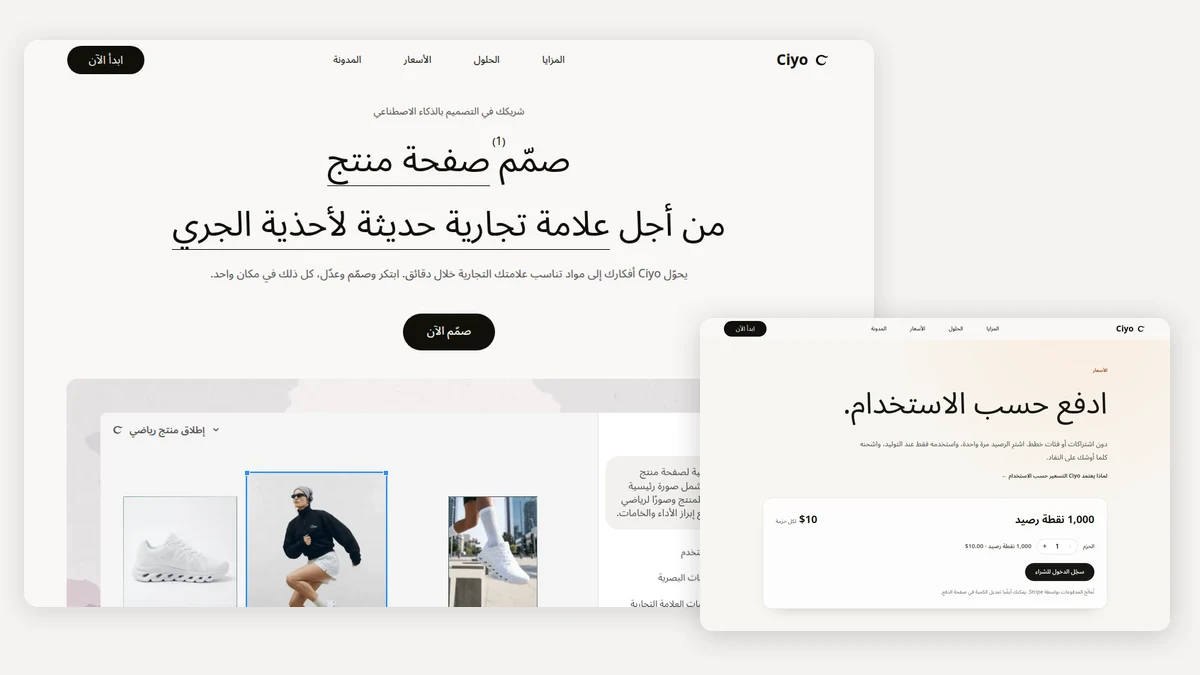
The landing page, Pricing, Blog, Tools, About, Updates, and the legal pages all have complete Arabic editions with right-to-left layout. On a phone the Home agent stays front and centre, and guided chat actions suggest the next step in a conversation.
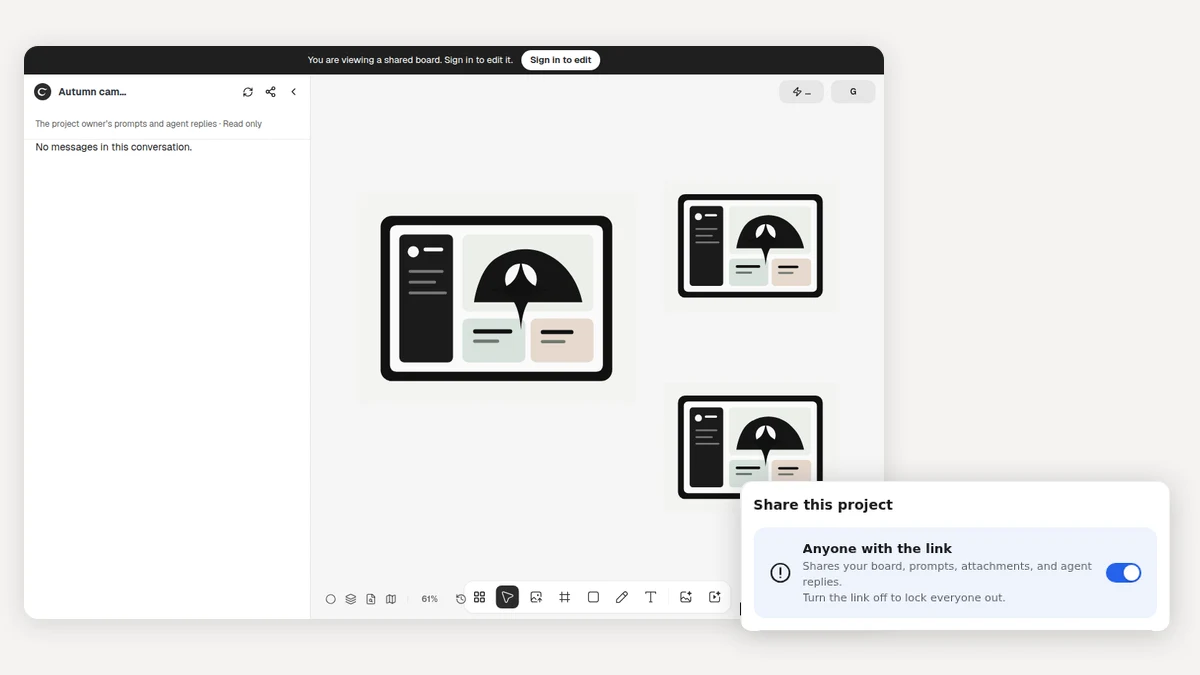
Send a link to any project: anyone can open the board and look around without an account, then sign in to pick up editing. The Agent also generates video in Reference mode, and typing in the composer no longer slows the canvas down.
The design Agent now understands your board and can remove backgrounds, upscale or vectorize images, adjust and crop them, and create new angles. Beyond the canvas, the refreshed About page shares why Chris built Ciyo, with one navigation across every public page.
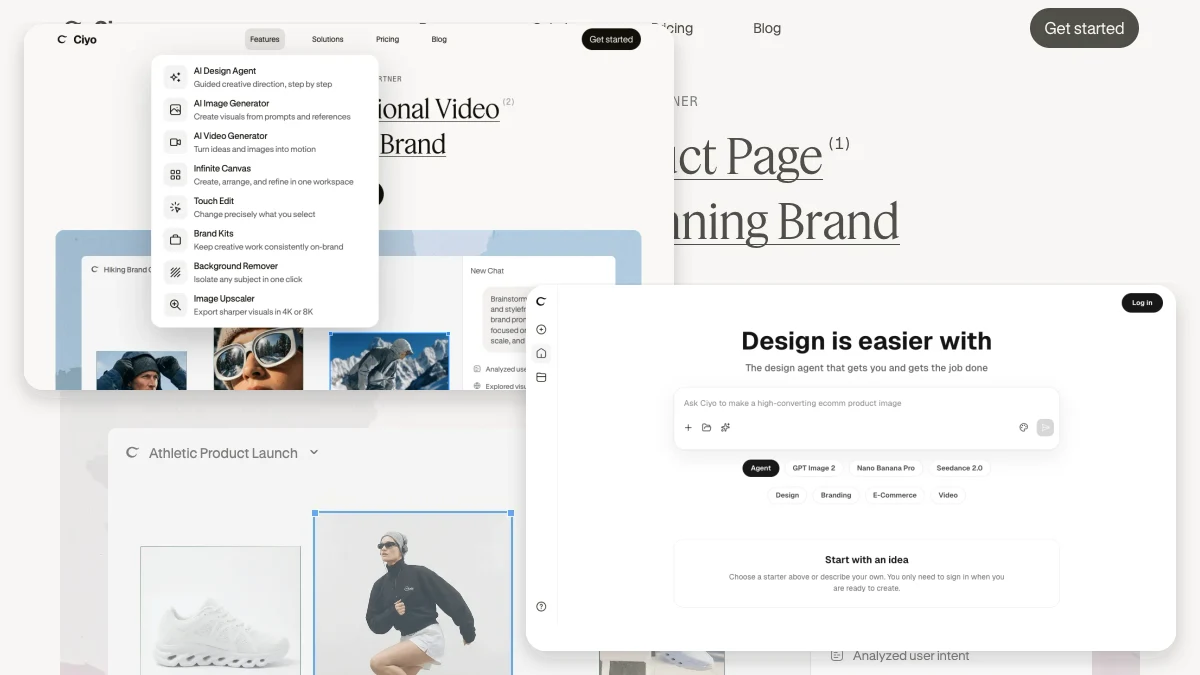
Explore localized Features and Solutions, compare creative tools by outcome, and open a guided Marketing workflow from the landing page. Start as a guest, carry your prompt, model, and category through sign-in, and move quickly with responsive media, Tokyo-region functions, and long-lived artifact caching.
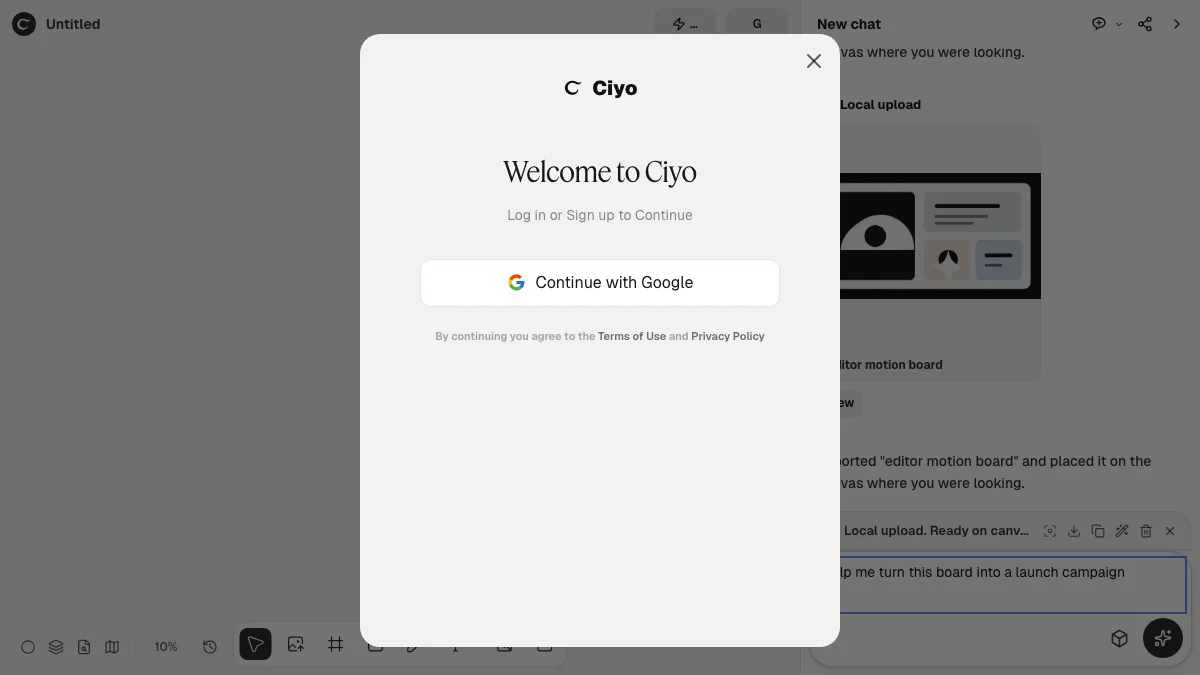
Start on a local canvas without an account, then sign in when you first generate or ask the Agent for help. Eligible new accounts receive 100 credits for image and editing workflows.
Start from Home or open the Agent beside any canvas. Conversations survive reloads, understand the board, and can place generated work directly into your project.
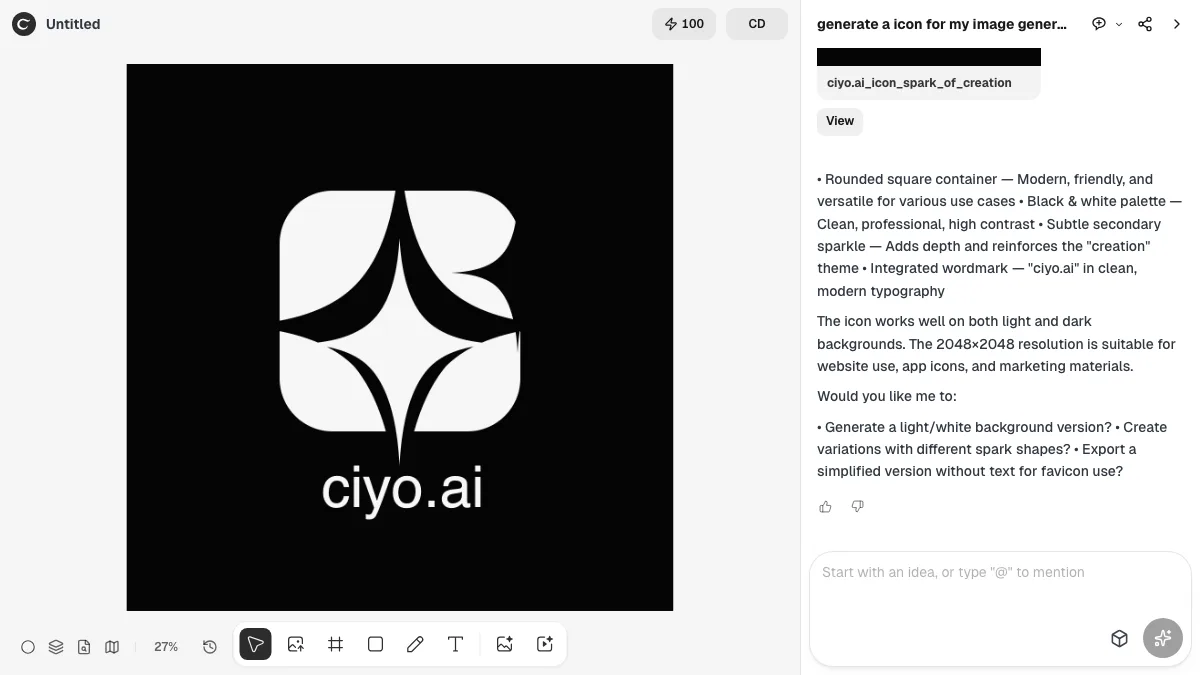
Select, drag, resize, and keyboard-nudge campaign assets directly in the Ciyo homepage preview.
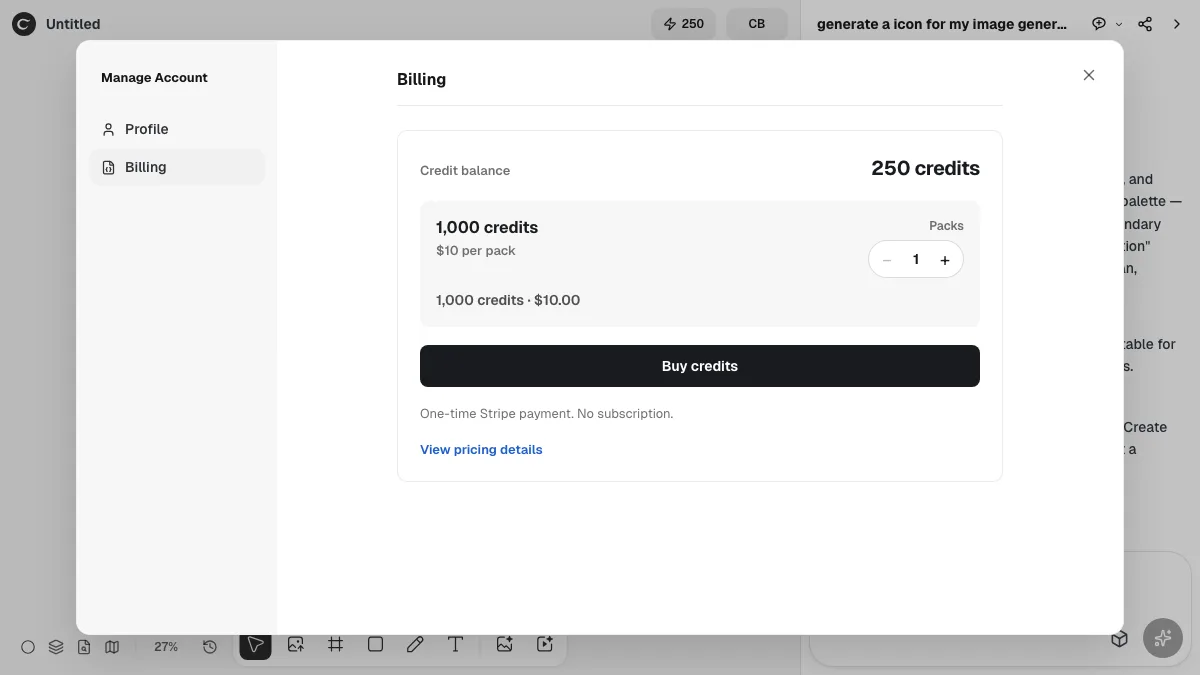
Check your confirmed balance, choose a one-time credit pack, and see the live total before checkout—no subscription required.
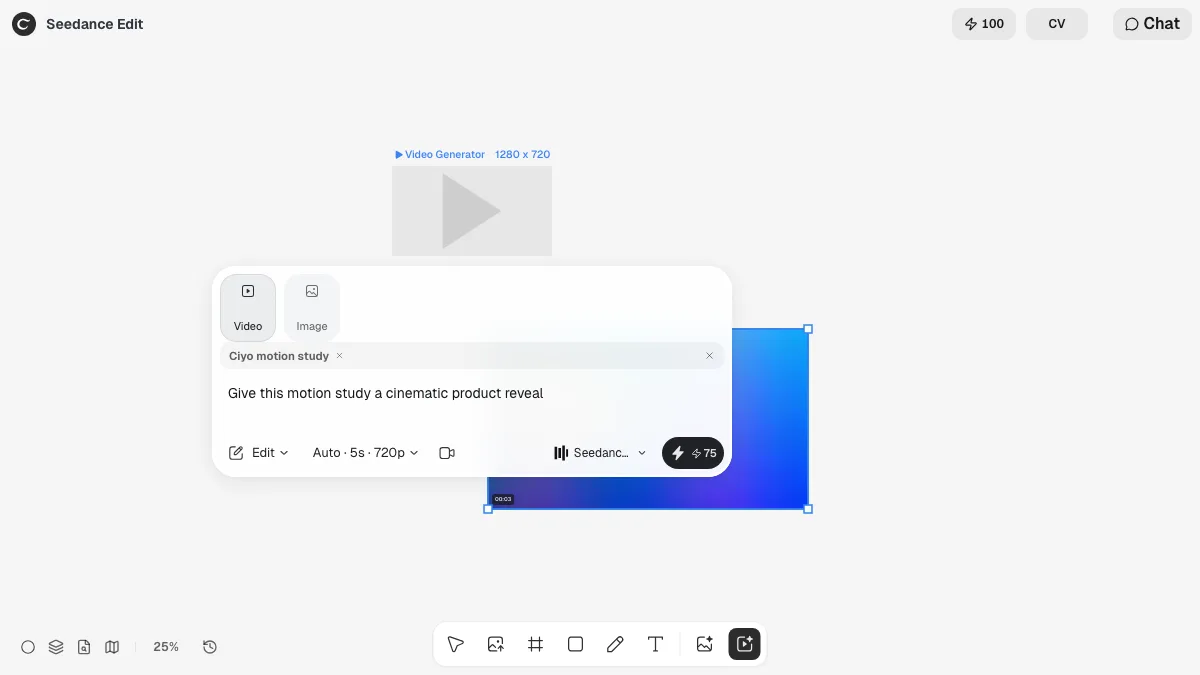
Use image and video references in Edit mode while keeping the selected Seedance model, duration, resolution, and other settings.
Align or distribute artwork, tidy it into Auto Layout, or flatten selected layers without shifting the composition.