Discord Server Banner: Keep the Name Area Clear
Create a Discord server banner at 960 × 540, keep the top strip clear, and review a text-free example before checking your server’s upload preview.
Read articleCiyo Blog
How we think about useful creative tools, transparent pricing, and the choices behind Ciyo.
Create a Discord server banner at 960 × 540, keep the top strip clear, and review a text-free example before checking your server’s upload preview.
Read articleCreate podcast show cover art, check the title at small preview sizes, verify a solid RGB export, and keep the editable source separate from the final PNG.
Read articleCreate an Eventbrite event image with a clear focal point, compare wide and square crops, and check the actual listing preview before publishing your event.
Read articlePlan Kickstarter reward images from a clear contents matrix, keep shared items consistent across tiers, and provide separate descriptions for accessible review.
Read articlePrepare a one-color rubber stamp design, inspect letter gaps at the intended size, and use an A4 scale proof before asking a maker for a test impression.
Read articlePrepare an enamel pin design with closed color regions, a separate metal-and-fill map, and explicit size notes for the chosen manufacturer’s artwork review.
Read articlePrepare embroidered patch artwork at its intended size, compare a detailed draft with a simpler version, and review lettering, line weight and borders.
Read articlePrepare acrylic keychain artwork with readable front and back designs, distinguish clear areas from white ink, and review the maker’s file requirements.
Read articleBuild custom game card artwork with distinct faces, a common back and an explicit file map; review trim assumptions before using the printer’s real template.
Read articlePrepare a round coaster design with a separate die and bleed review, inspect the actual-size proof, and check the printer’s stock and finish requirements.
Read articleBuild a LinkedIn carousel PDF from an ordered page set. Check page size, reading order, small text and the final document before posting it.
Read articlePrepare WhatsApp catalog images with a photo-to-item checklist. Keep product codes, names and export files matched before adding items to your catalog.
Read articlePlan Depop photos that show the actual garment, labels, measurements and wear. Use a six-view checklist and keep condition evidence visible in every edit.
Read articleDesign a YouTube end screen template around real Studio elements. Reserve space for a video and subscribe button, then check timing and placement.
Read articlePrepare Twitch emote sizes from one original design. Check 28, 56 and 112 pixel PNGs for clear expressions, true transparency and correct file dimensions.
Read articleDesign a gift tag template with a usable writing area, clear ribbon-hole space and a plain-paper proof. Check names, pens and tying before printing.
Read articleUse the exact address label template for your stock. Keep text editable and compare the first and last labels on a plain-paper proof before printing.
Read articleDesign wedding place cards from one approved guest list. Check long names, meal-code mapping and folded orientation before printing the complete set.
Read articleCreate a save the date design from confirmed names, date and city. Keep undecided details off the card and check the actual file before printing.
Read articleCompare Canva and Ciyo for layouts, agent-led revisions and export handoffs. See a real date-only Ciyo edit, documented limits and pricing models.
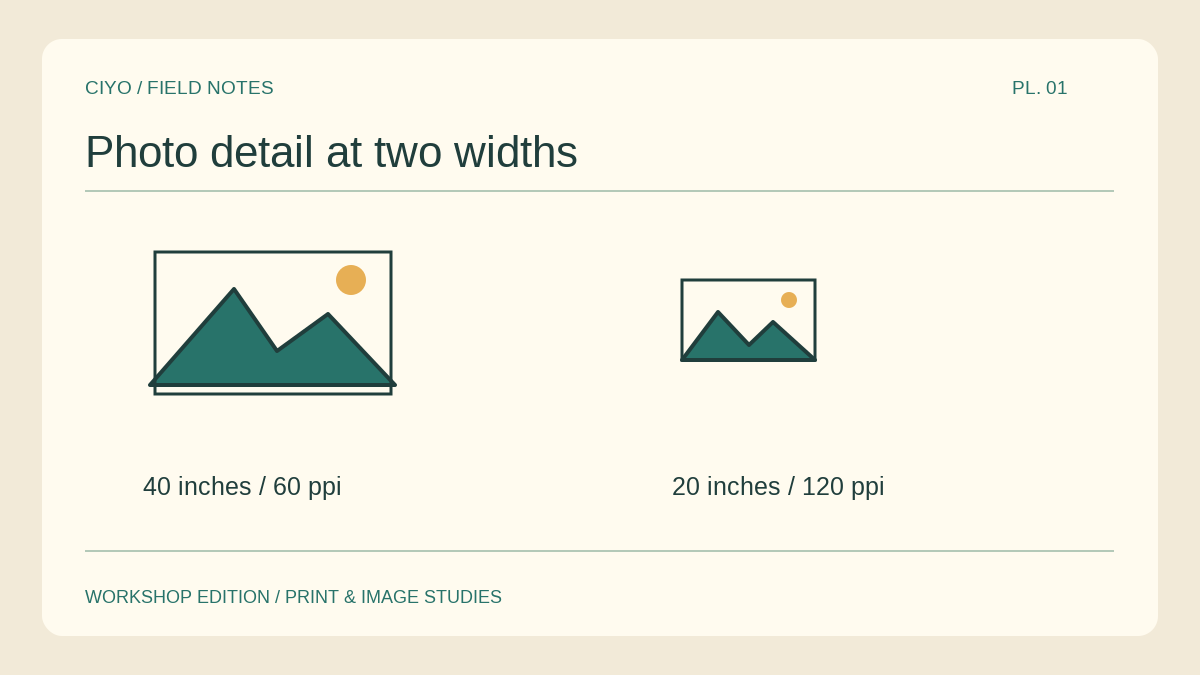
Read articleCalculate a photo’s pixels per inch at two wall sizes, print a demanding crop, then choose how many sheets to use for the finished tiled poster.
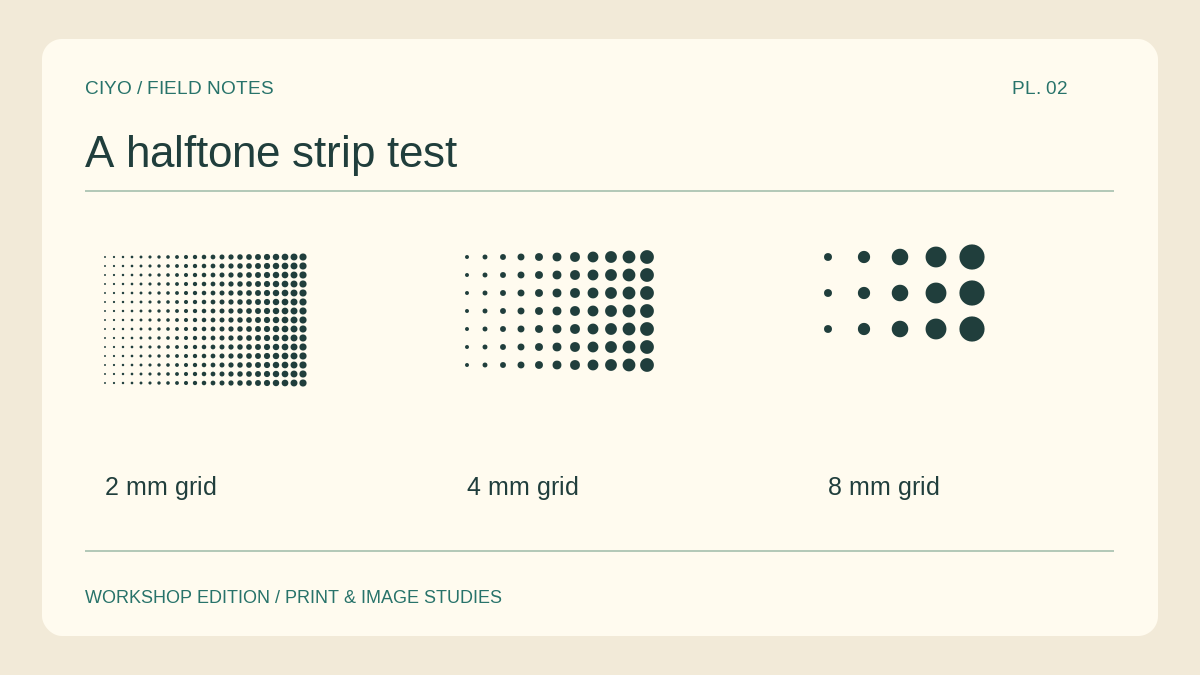
Read articleCompare three dot intervals on the same portrait crop. Print a small halftone test and choose the wall poster that reads well from your doorway.
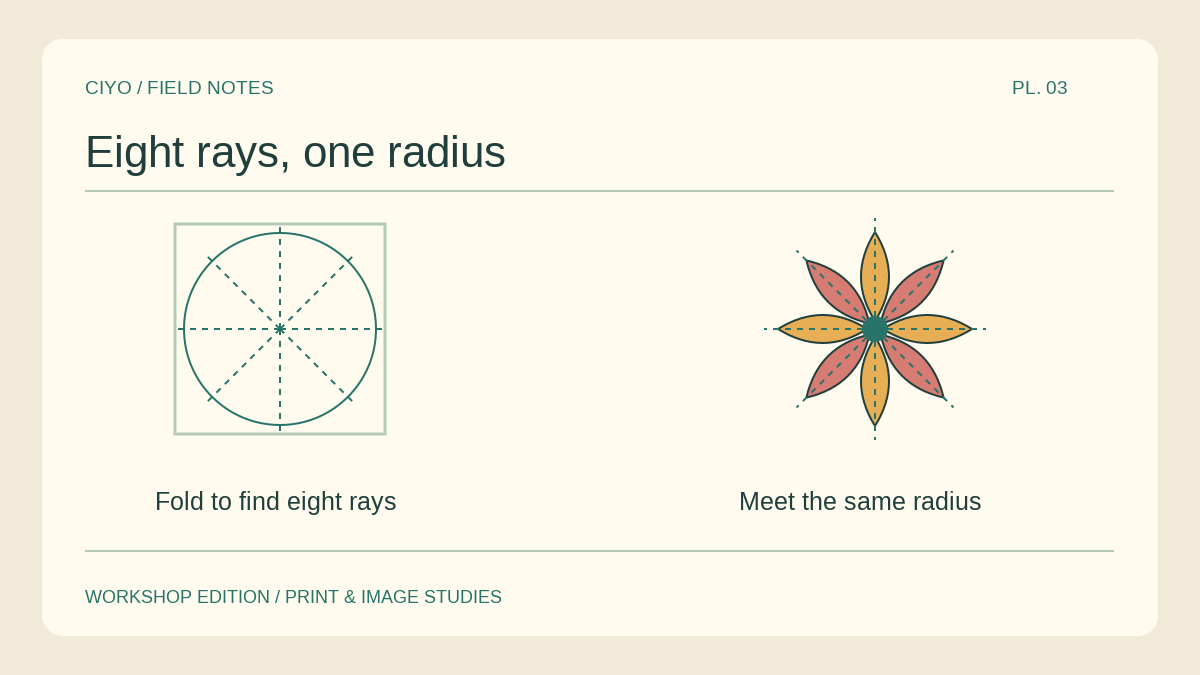
Read articleFold a square to locate eight directions, mark an even radius and draw a rangoli flower. Compare the sketch with a printable eight-petal outline.
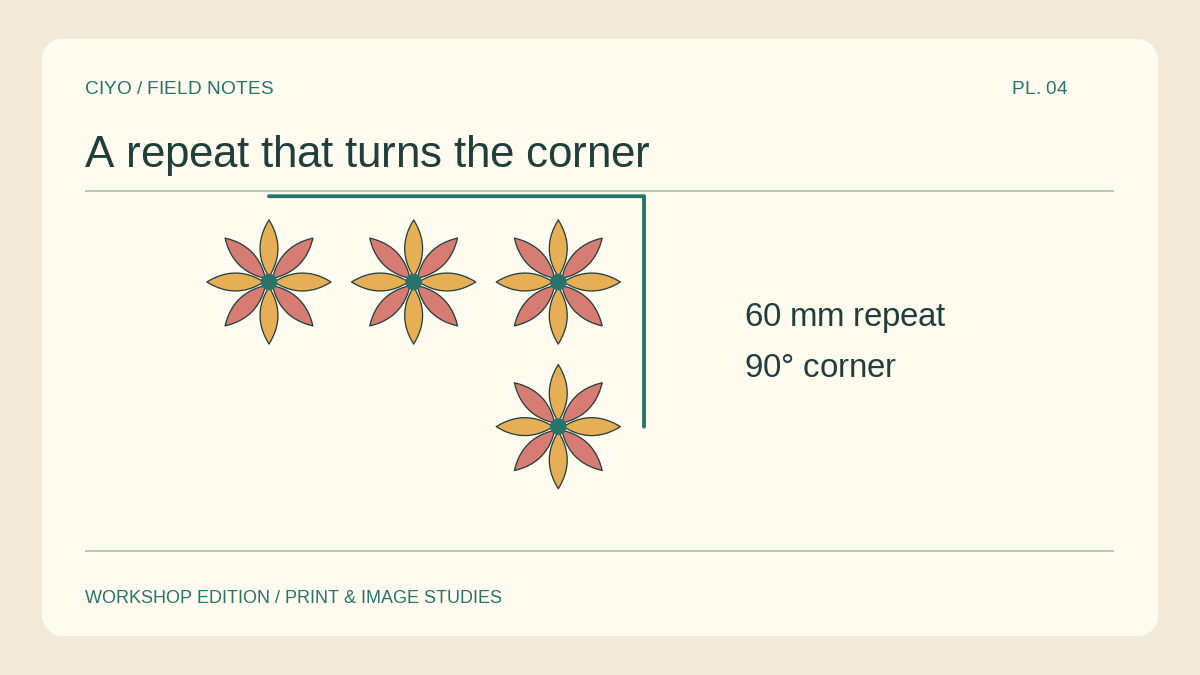
Read articleUse two short trial strips and a corner tile to turn a rangoli border through 90 degrees while keeping the flower centres equally spaced.
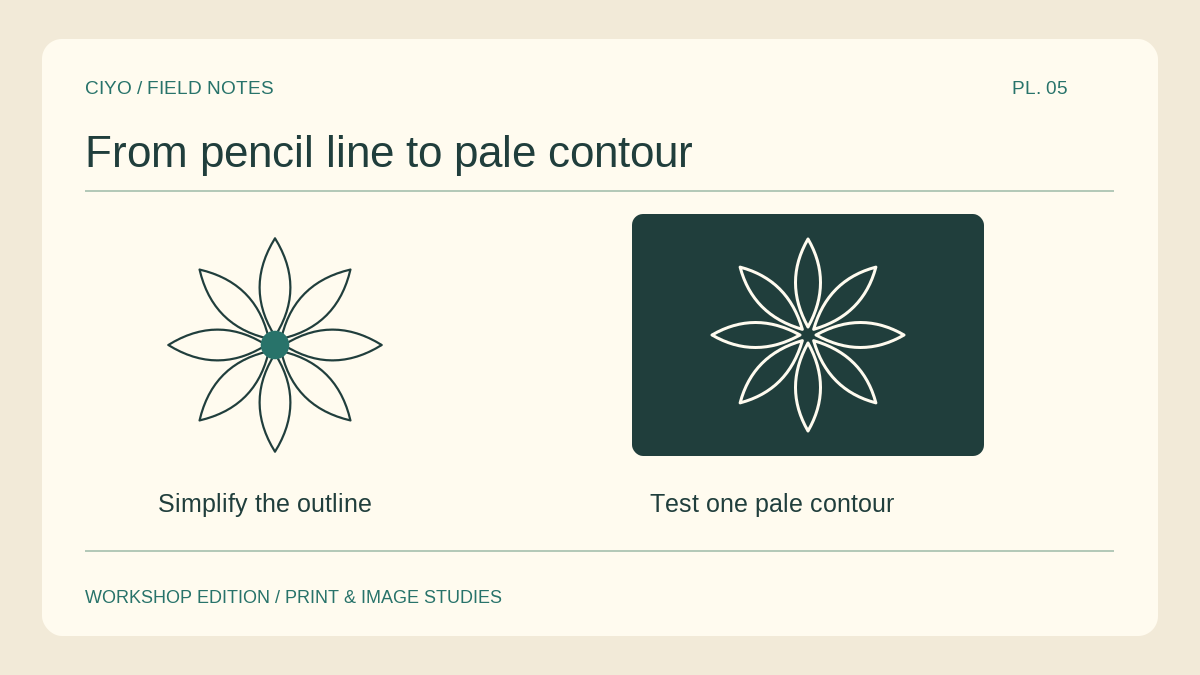
Read articlePrepare a rangoli tracing for dark paper, test a pale transfer line on a scrap and check that the smallest gaps survive before tracing the whole flower.
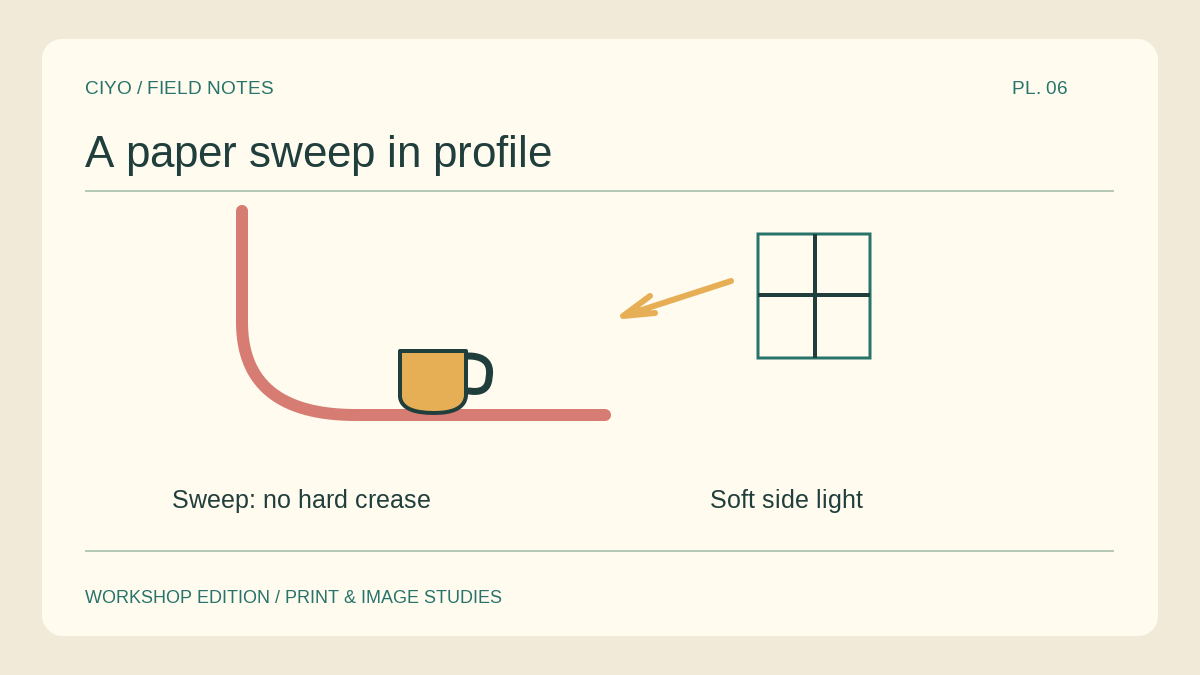
Read articleCurve a sheet of white paper behind a small product, soften the side light and test the horizon with an empty cup before taking the listing photograph.
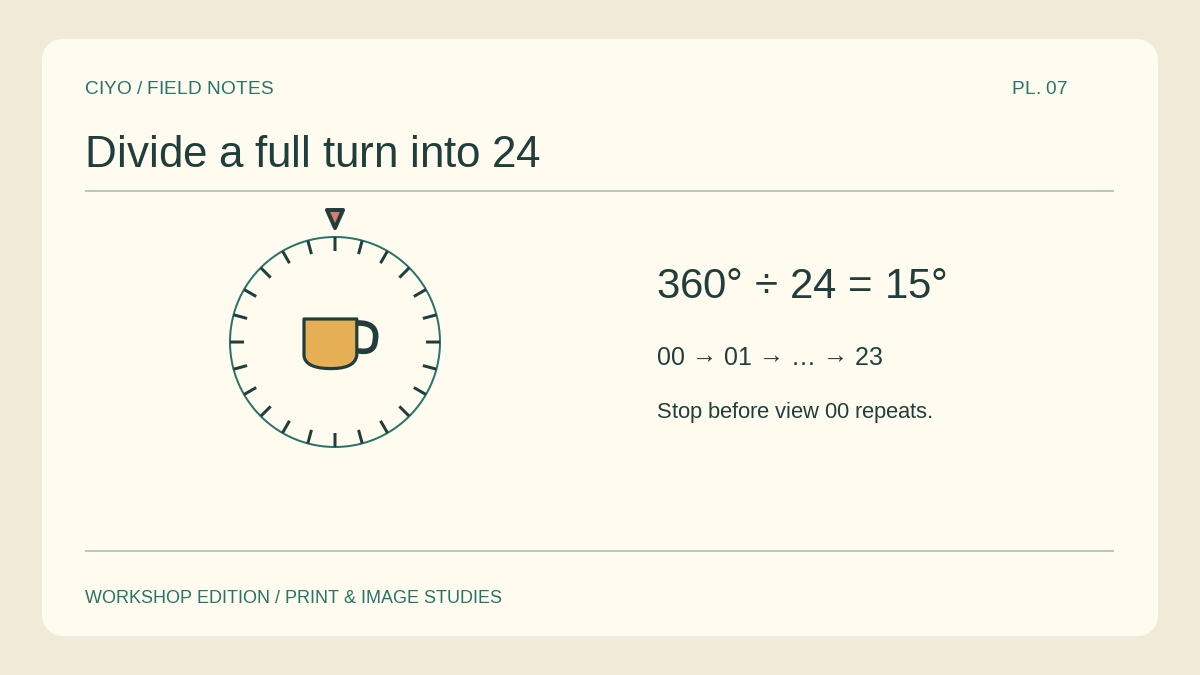
Read articleMark a turntable in 15-degree steps, photograph 24 product views in order and check the last-to-first transition before exporting a looping spin.
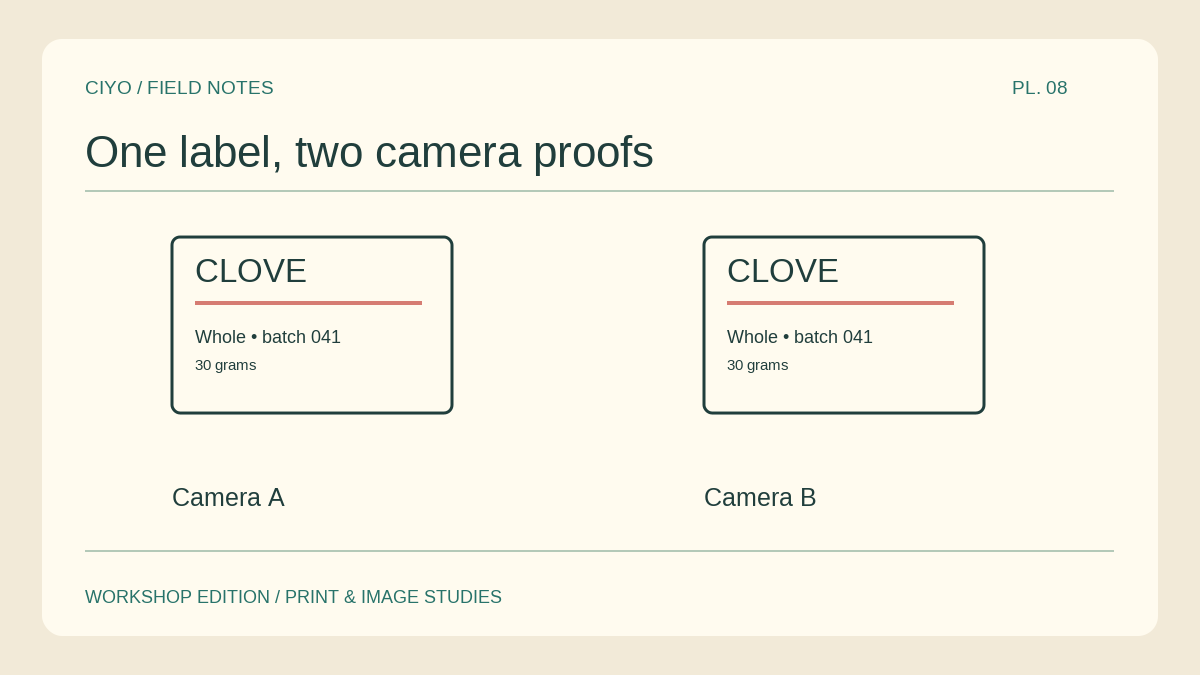
Read articlePhotograph the same spice tin with two cameras. Compare the smallest line of type at listing size while holding light, framing and distance steady.
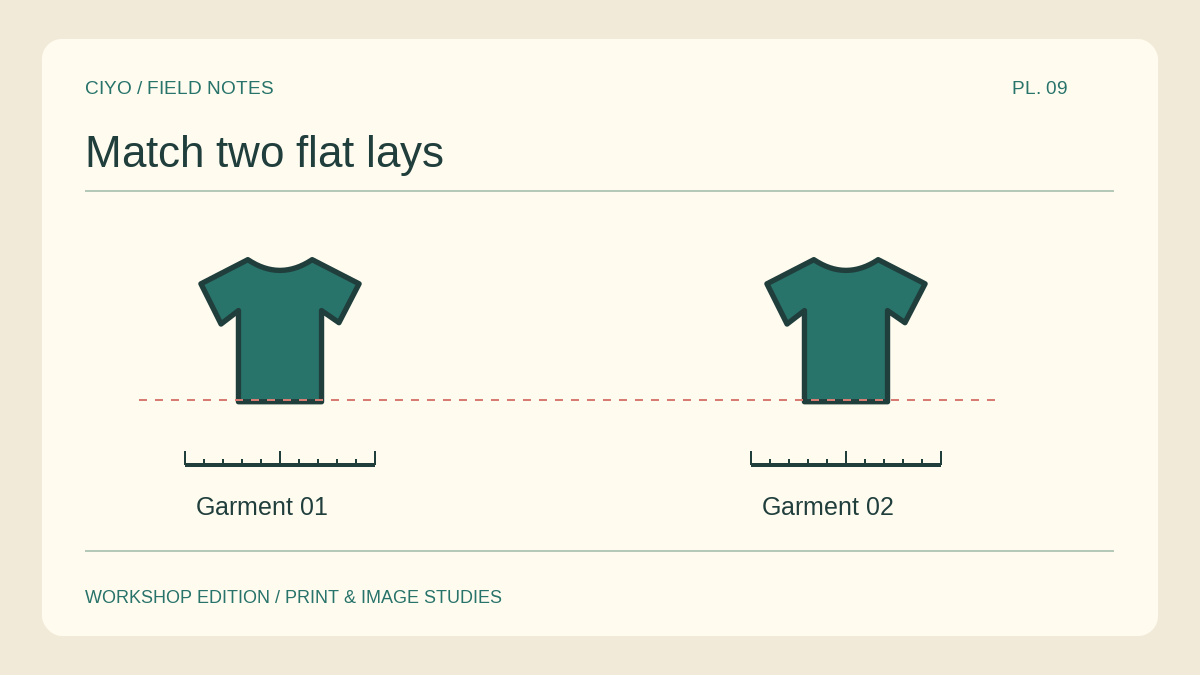
Read articleUse a ruler outside your delivery crop to photograph two flat garments at matching scale, then compare the pair before publishing the colourways.
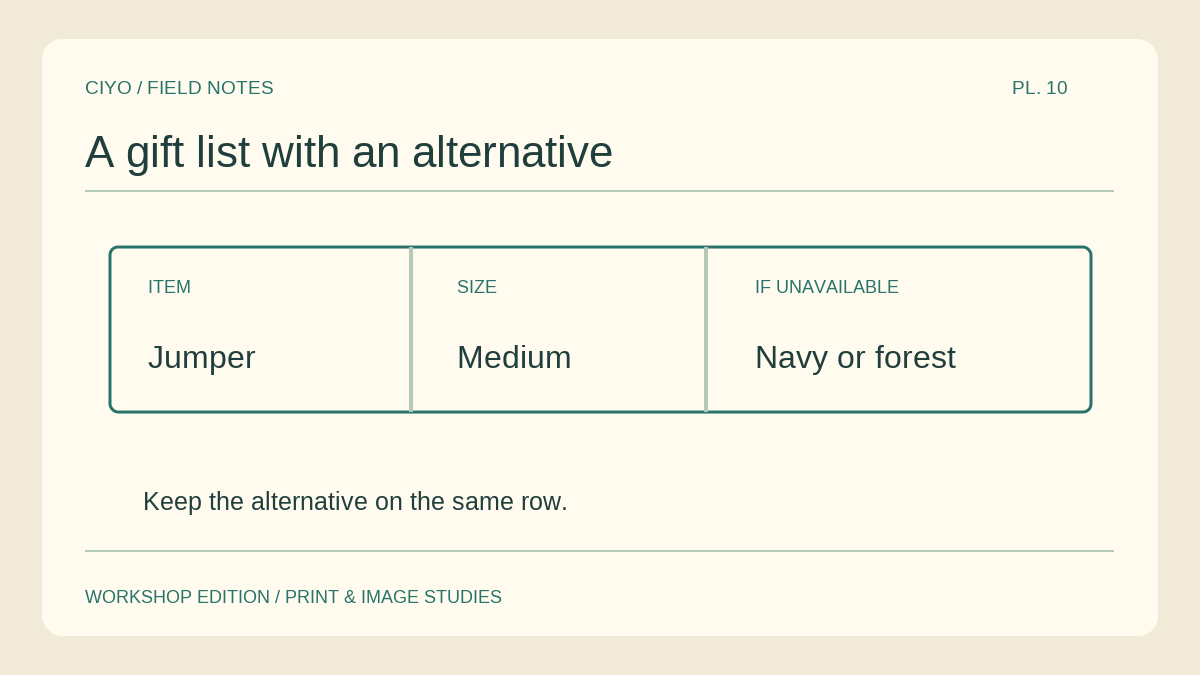
Read articleDesign a printable Christmas wish-list row that keeps each item, its size and an acceptable colour alternative together when the list is shared.
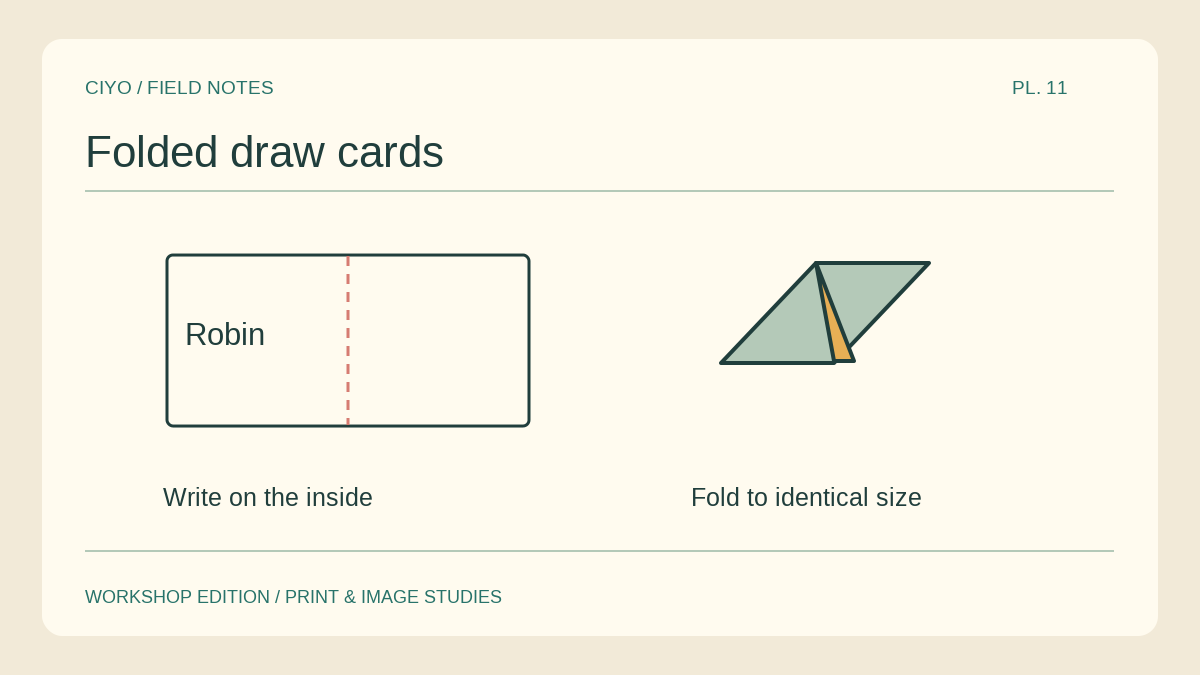
Read articleMake matching paper slips for an in-person Secret Santa draw. Check folds and show-through on a trial card before writing every participant’s name.
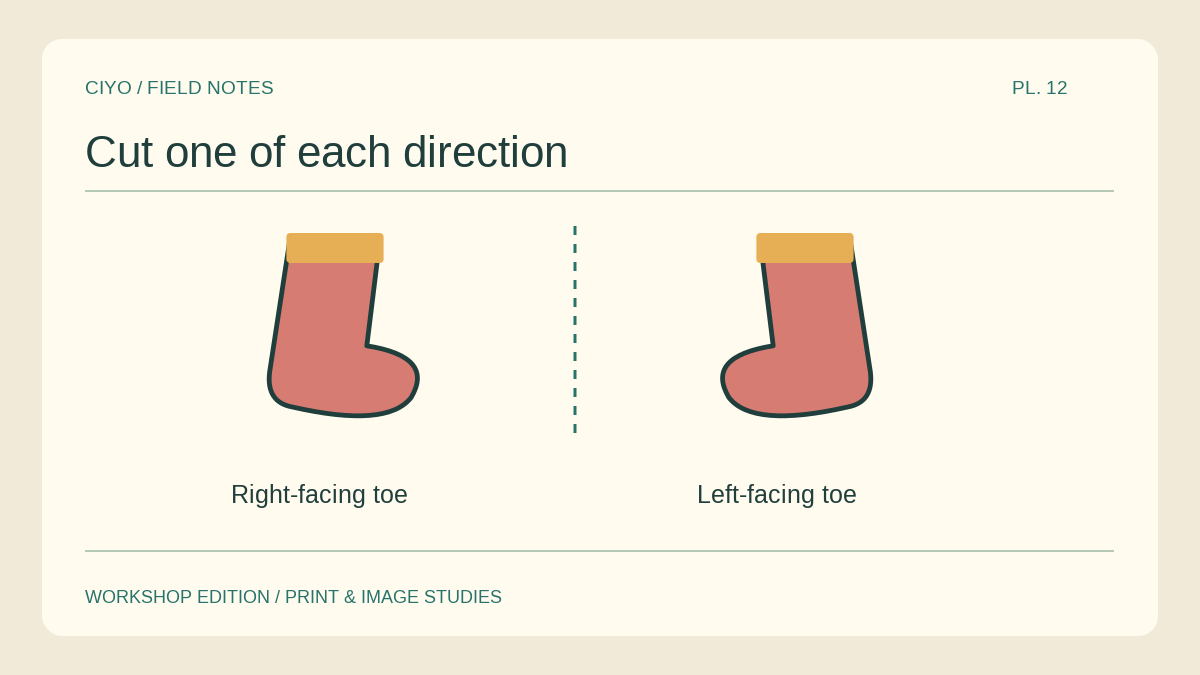
Read articleRehearse a Christmas stocking cut on paper. Compare toe direction, seam allowance and fabric orientation before cutting the two mirror-image pieces.
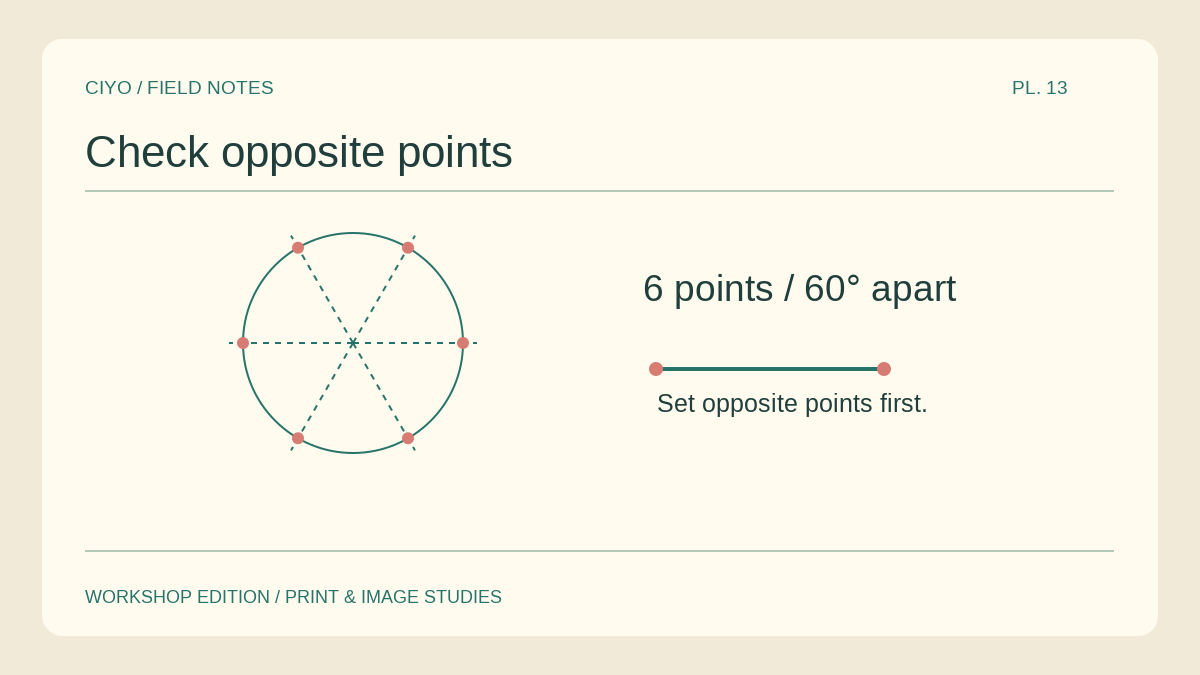
Read articleDraw a six-spoke grid to block a crochet snowflake at a chosen diameter. Position opposite points in pairs and save the guide for matching decorations.
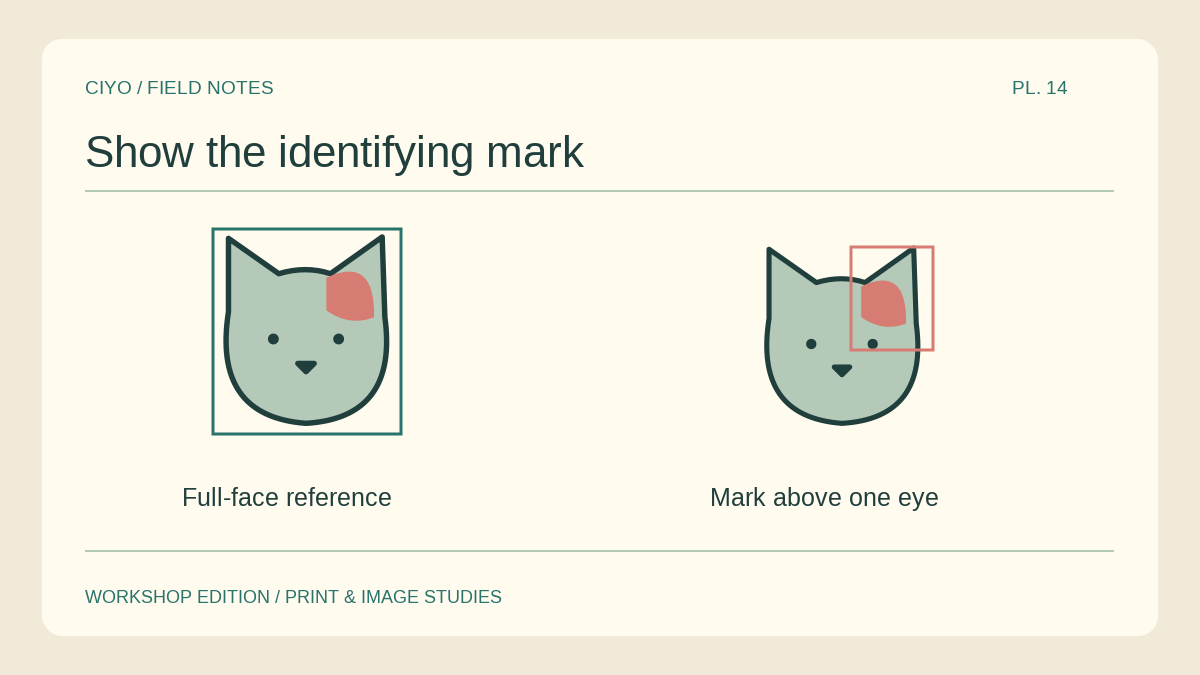
Read articleChoose a recent, unaltered missing-pet photo and pair a full-face view with a second crop that clearly shows a distinctive marking at poster size.
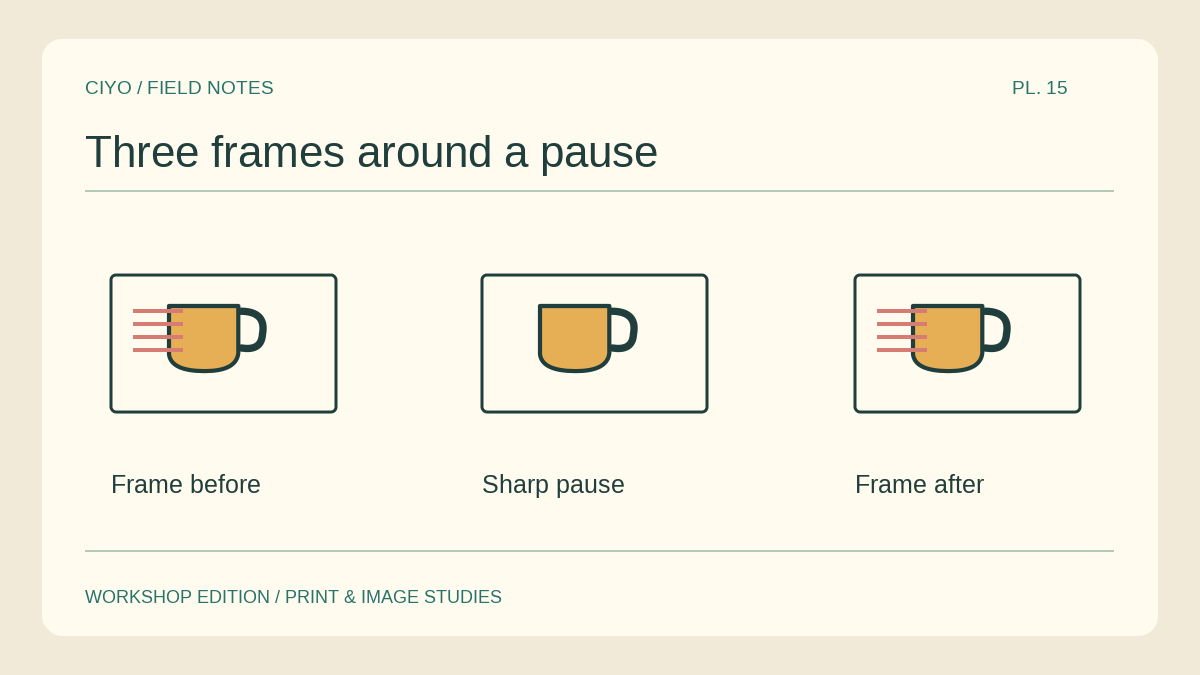
Read articleCompare neighbouring source frames at full size, check a moving product label for blur and test your chosen still at the final video-thumbnail size.
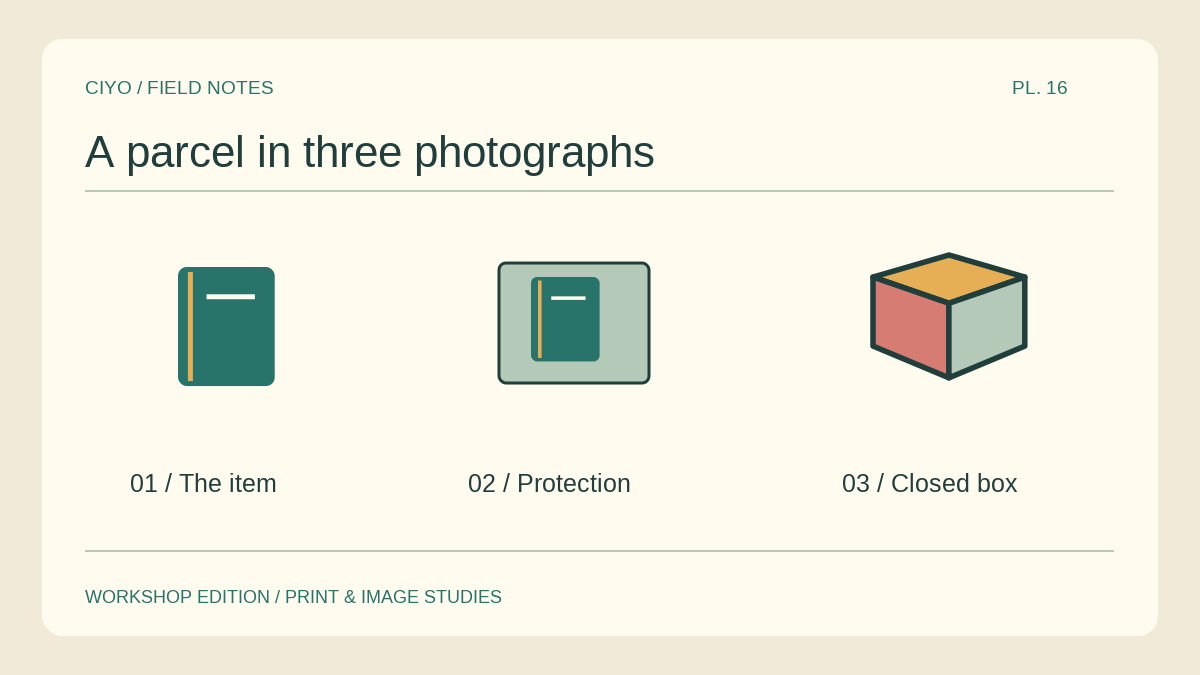
Read articleMake a three-photo Vinted packing record showing the item, protection and closed parcel. Keep private labels out of any photographs you share.
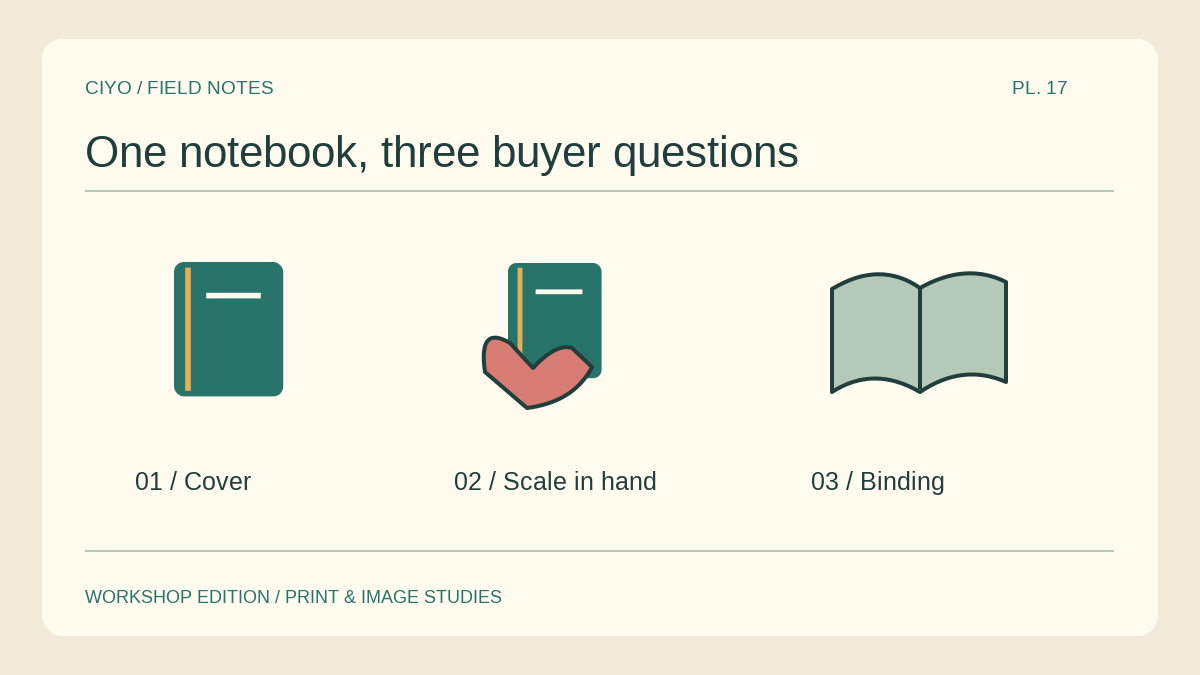
Read articlePlan three listing photographs around what a buyer needs to know: how a notebook looks, how large it feels in the hand and how far the binding opens.
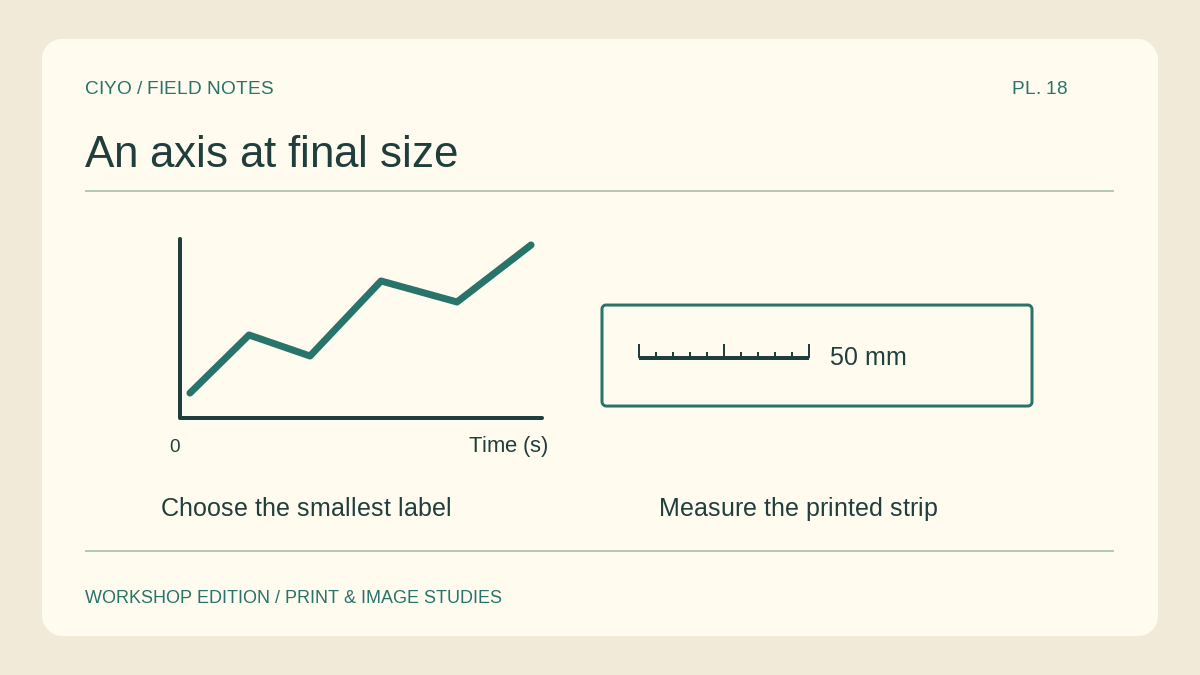
Read articlePrint the smallest axis label from a scientific poster at final size and check a 50 mm reference bar before approving the paper proof for the full board.
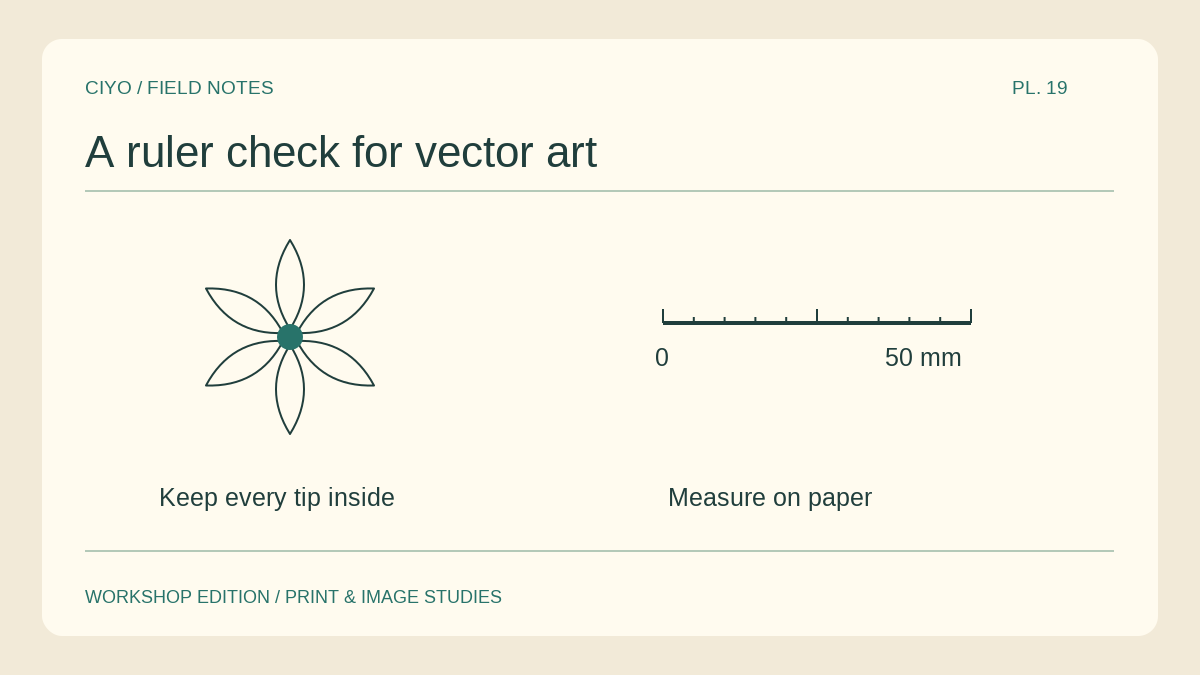
Read articlePlace a measured scale bar beside an SVG outline, print a trial sheet at actual size and check its width with a ruler before tracing the final motif.
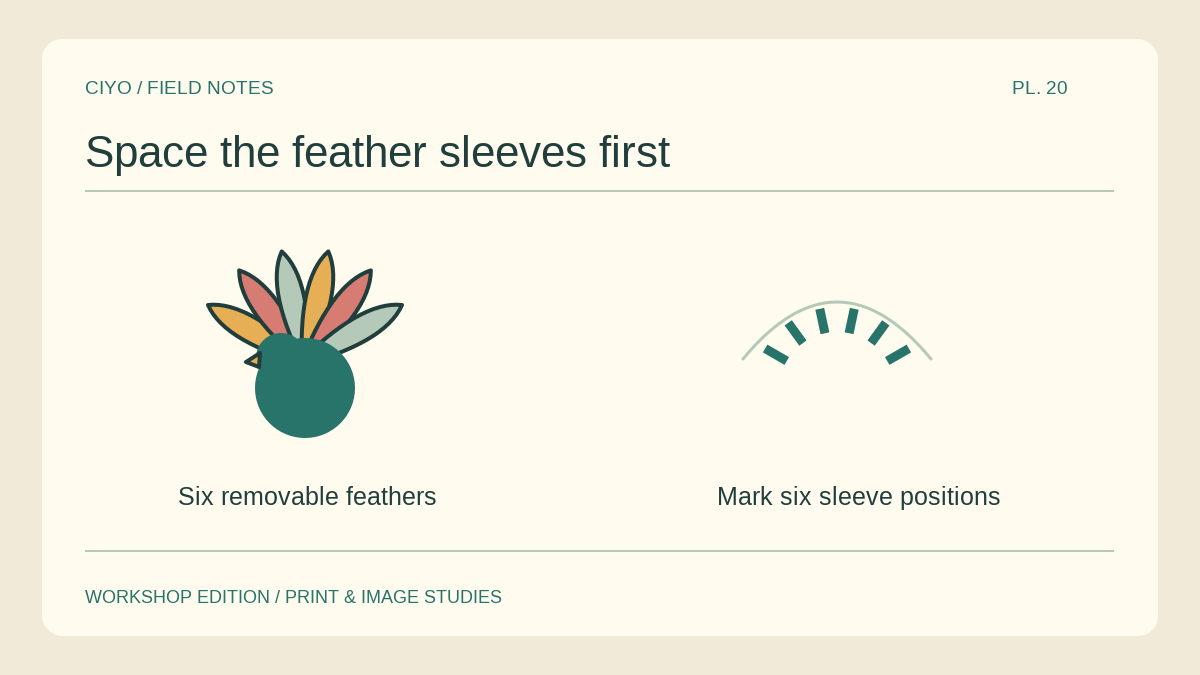
Read articleLay out six evenly spaced attachment sleeves on a paper turkey body, test spare feathers on scrap and keep the back accessible for a classroom display.
Read articlePrepare holiday photo cards with your own artwork, approved back-panel copy and a supplier proof that confirms branding, trim and photo placement.
Read articlePlan a full wrap book cover around the final interior and printer spine template, then check back-cover copy, barcode placement and proof approvals.
Read articleDesign a car magnet around a measured flat door area, clear seams and a short contact message, then check a physical sample before the print order.
Read articlePlan window cling design around the installation and viewing sides, clarify who reverses the artwork, and check the supplier proof before printing.
Read articleOrganize funeral program design around approved words, a clear reading order and one signoff owner, then check the folded proof with your printer.
Read articleBuild a wedding program template from the actual ceremony order, approved names and roles, then review timing, line breaks and a folded printer proof.
Read articleCreate a jewelry care card using maker-approved instructions for each material, keep unsupported claims out, and review the final copy at print size.
Read articleCreate a real estate feature sheet from approved property facts and authorized photos, track each source, and review mismatches before the final proof.
Read articleCompare Photoroom vs Ciyo for product-photo work: documented batch edits, canvas planning, individual review and the checks needed before choosing a plan.
Read articlePrepare ChatGPT product feed images with a variant-to-photo worksheet, unique item IDs and public image checks before an authorized external submission.
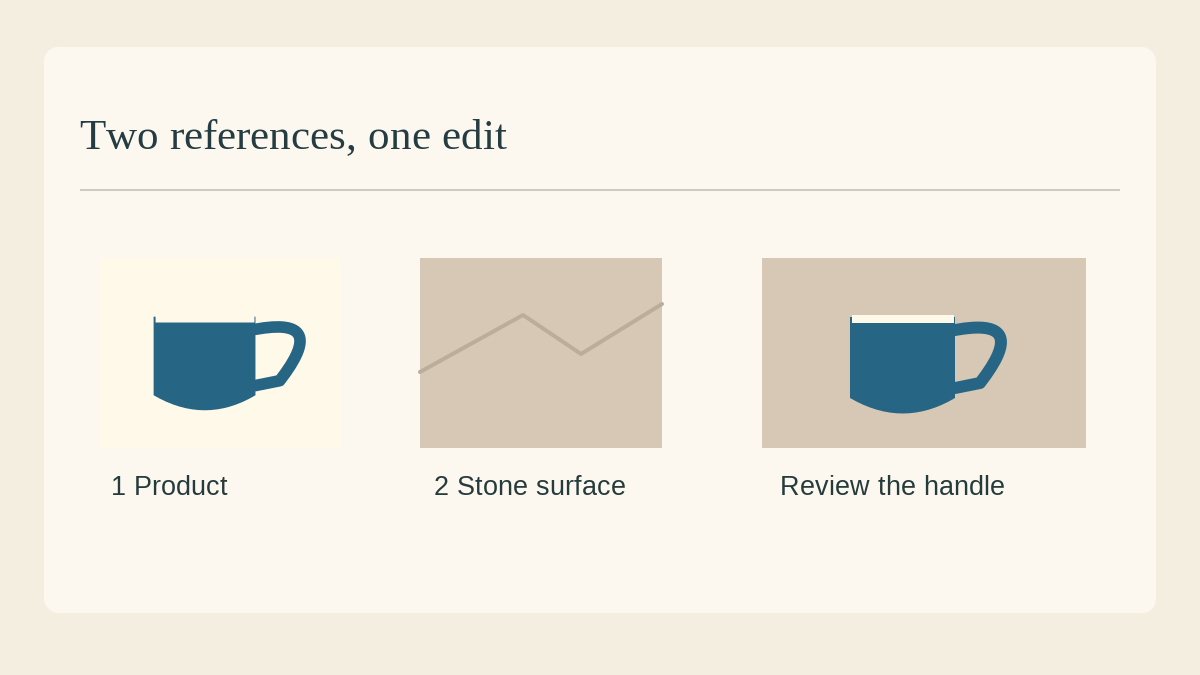
Read articleUse a packshot and a surface reference in MiniMax H3 Image editing. See how to write an ordered two-image brief and inspect a handle, stamp and shadow.
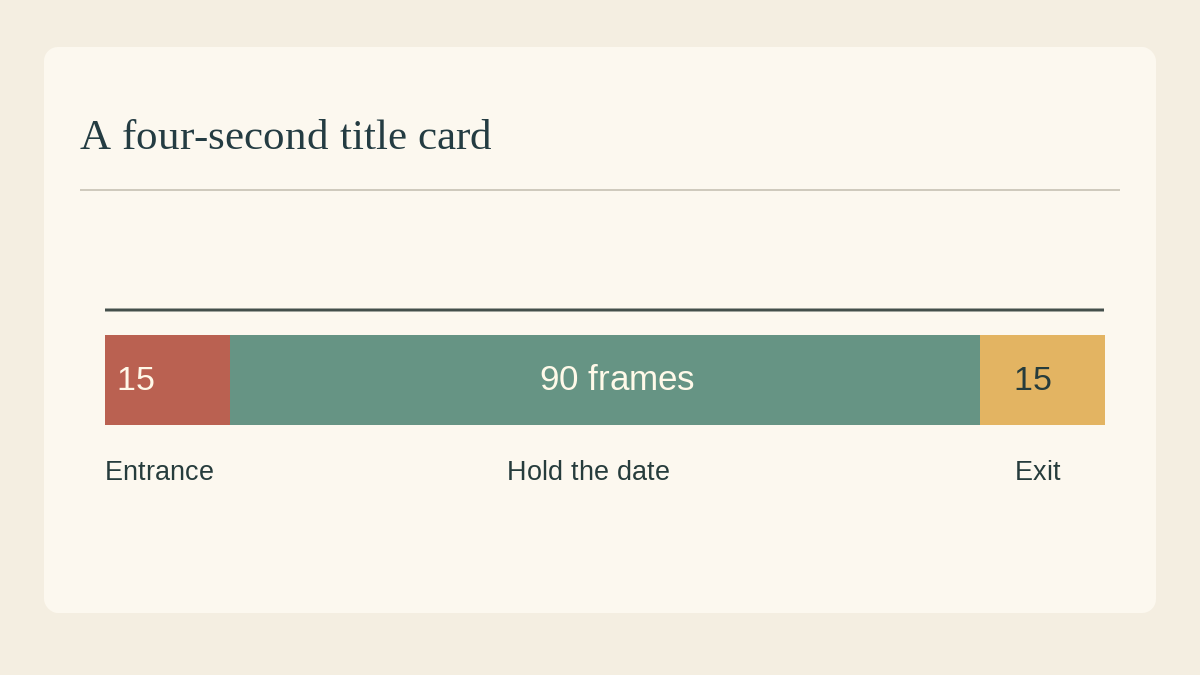
Read articlePlan a four-second title card as a 120-frame sequence, preview the date and headline in HyperFrames, then inspect the rendered MP4 before editing it into a film.
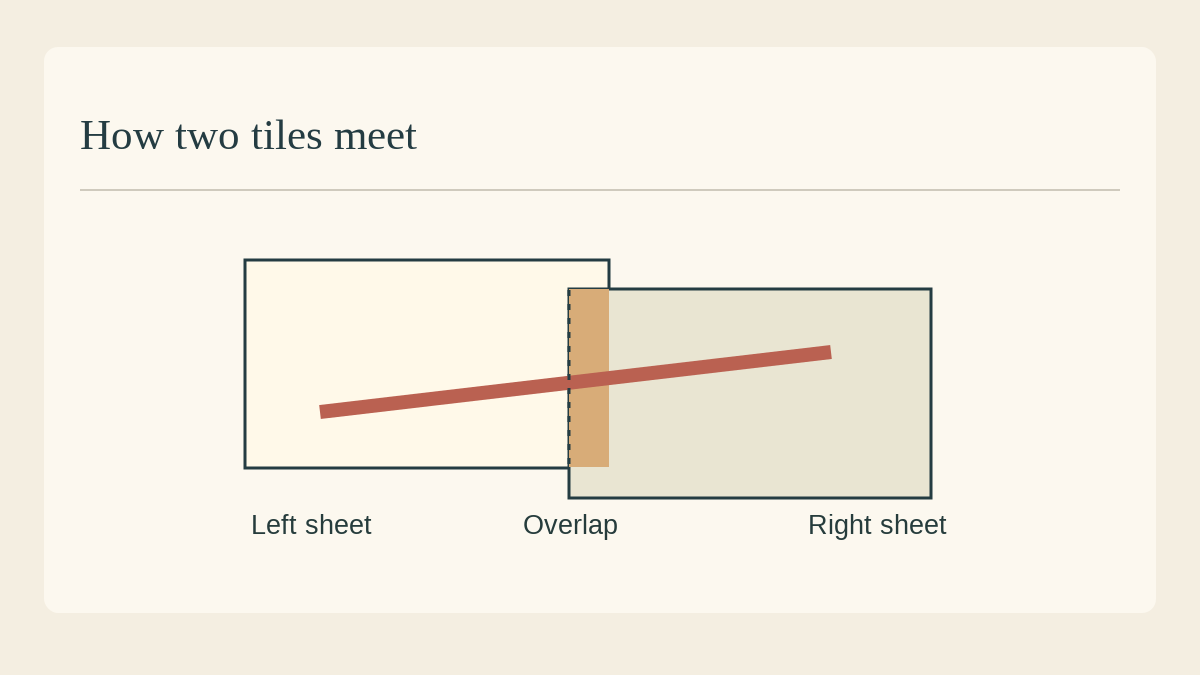
Read articleTile a classroom display across A4 sheets with a printable overlap. Check the scale on two neighbouring pages and assemble the full tarpapel by row.
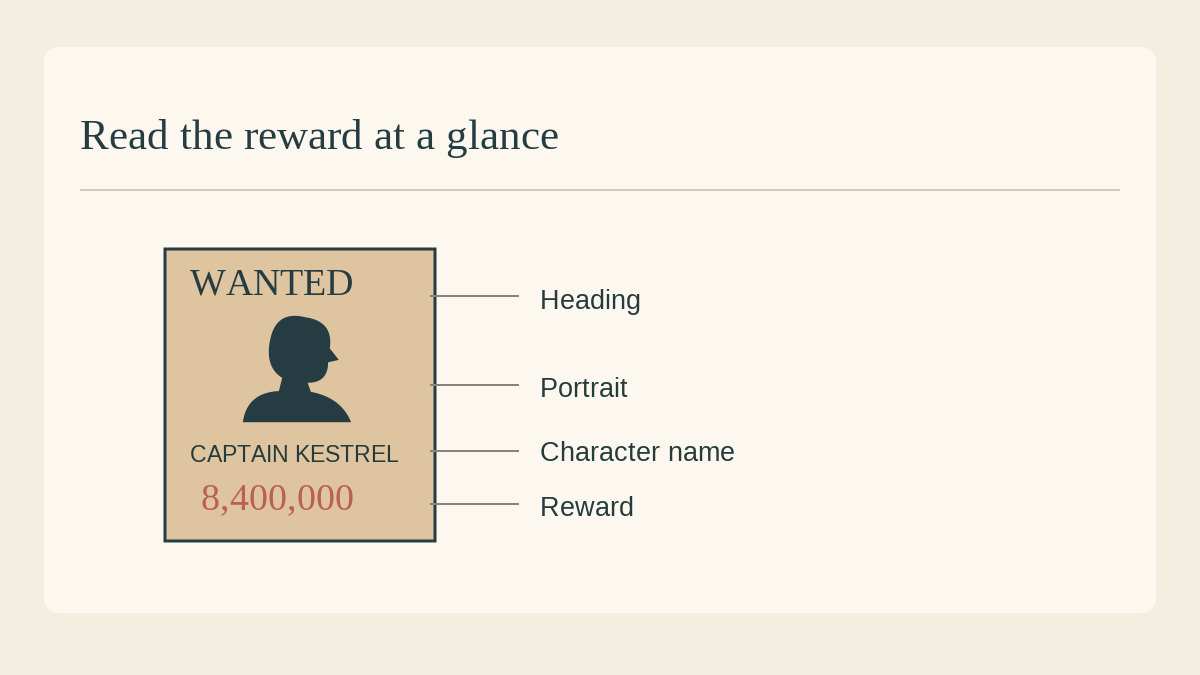
Read articleDesign a One Piece–inspired bounty notice for a fictional character. Fit the portrait, long name and reward into distinct bands and check the digits in print.
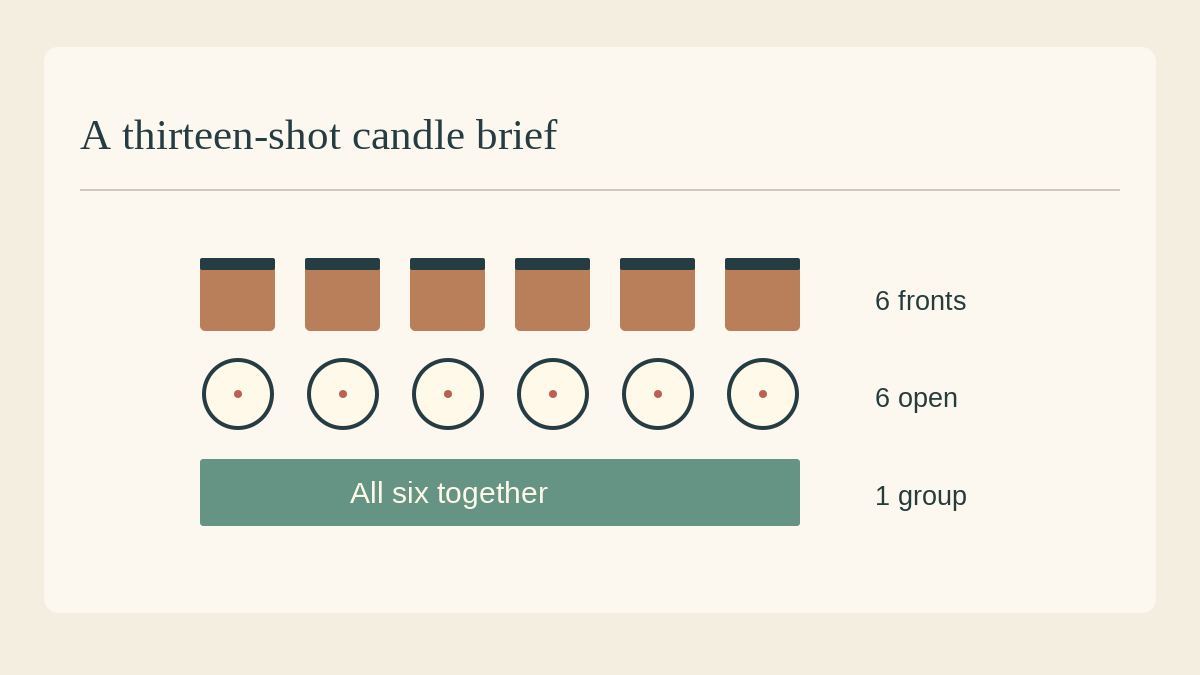
Read articleWrite a brief for a Bristol product photography studio using a six-candle example. Count packshots, specify the lid reflection and agree how the samples return.
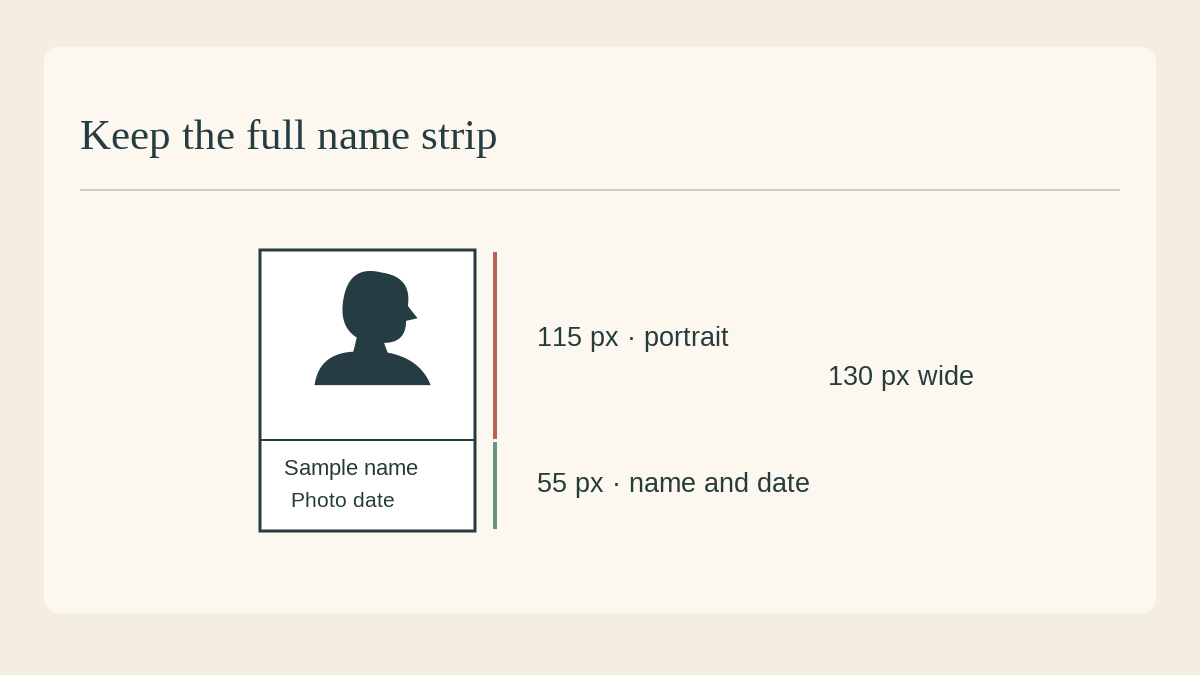
Read articlePrepare a JPEG for a TNPSC application using the commission’s illustrated photograph dimensions. Keep the name strip in the crop and check the finished file size.
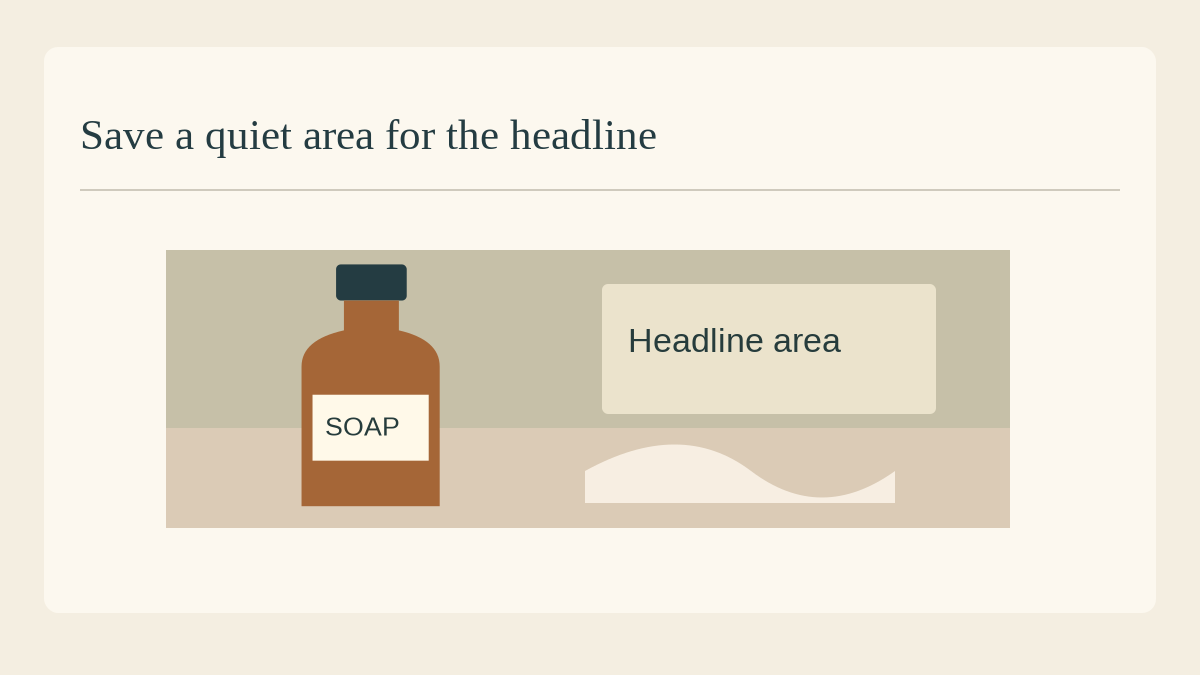
Read articleBuild a reference-led product scene in Magnific using an amber bottle example. Brief the set, reserve space for your headline and compare product details.
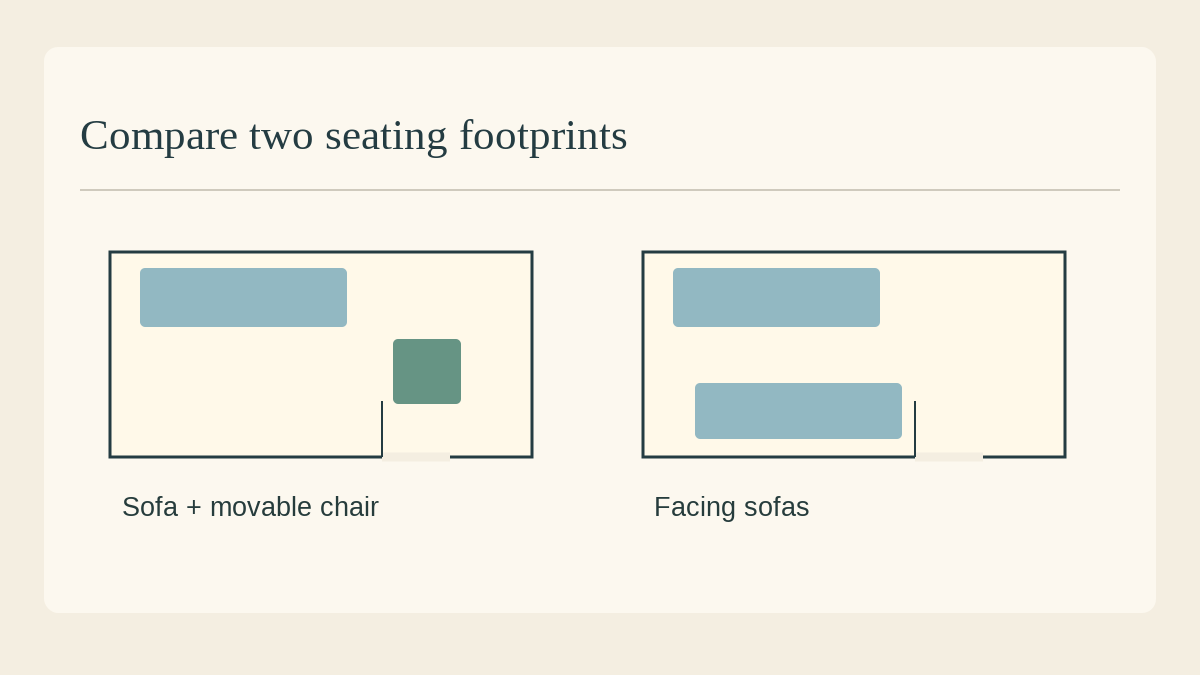
Read articleTest a sofa and chair against two facing sofas on the same measured room plan. Use scaled footprints and a real walking trial before choosing the seating.
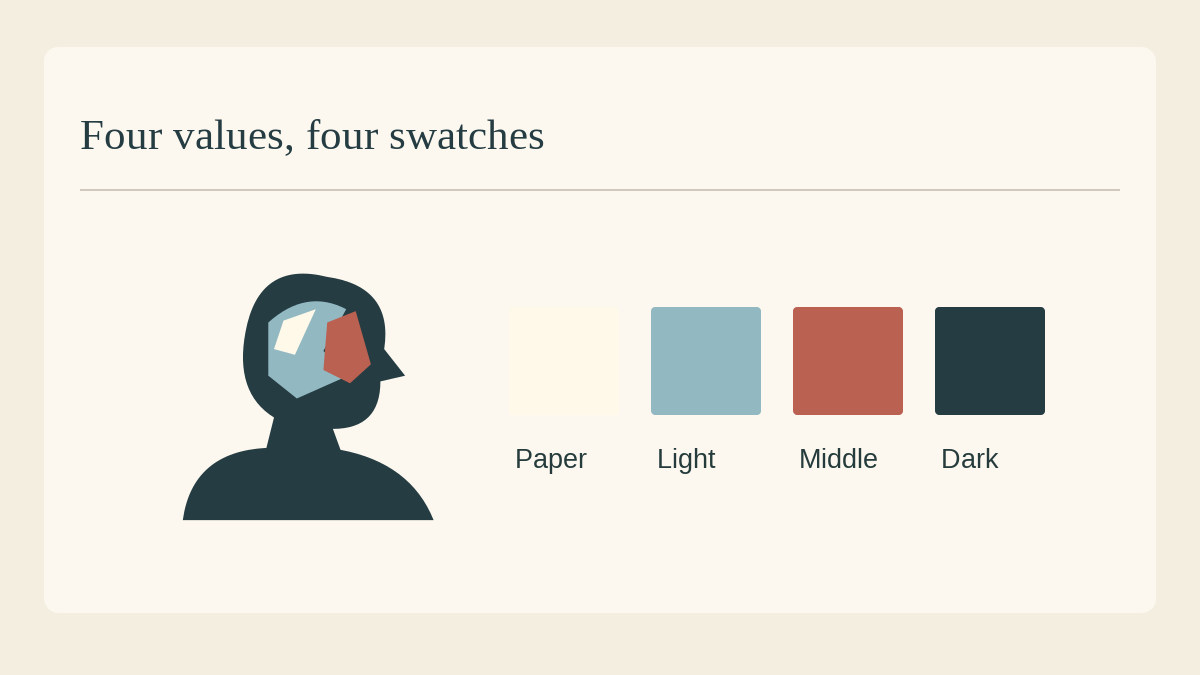
Read articleStudy the colour structure of the Obama HOPE poster using an original portrait. Map the face to four values and proof the eye, title and printed swatches.
Read articleSend an original animated GIF to a Discord conversation. Check the loop in the saved file, attach it to a message and troubleshoot a paused or rejected upload.
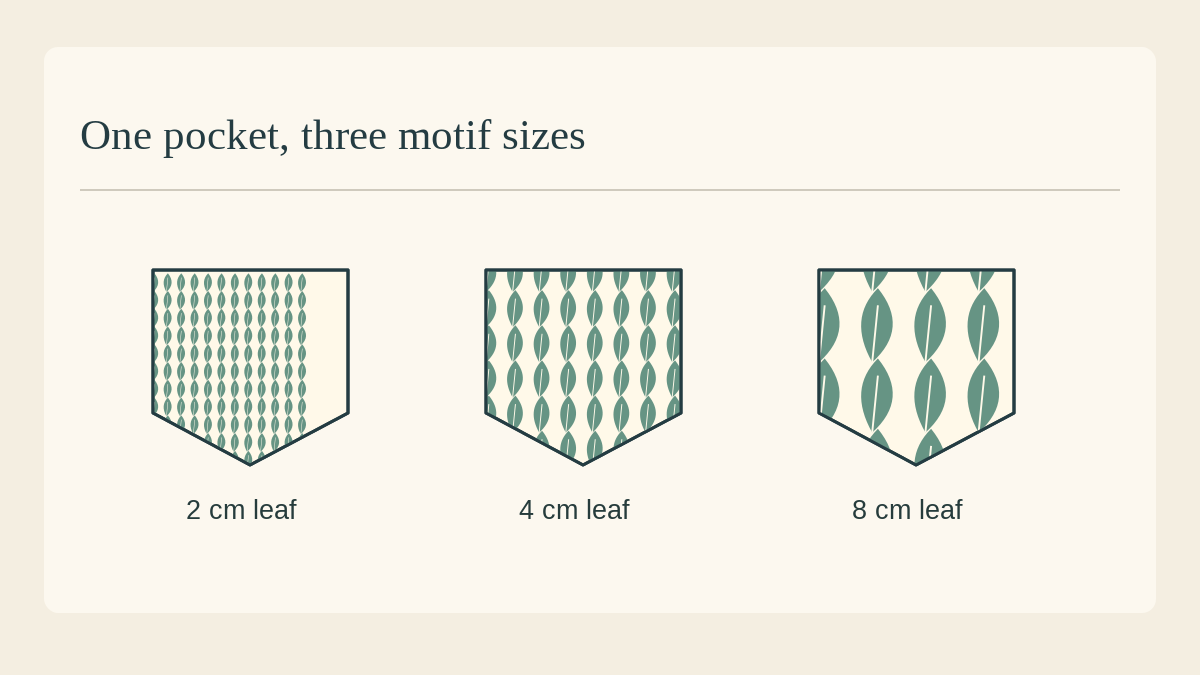
Read articleUse a paper pocket window to compare three motif sizes on a shirt. Check what survives the crop and hand a measured fabric scale to your printer.
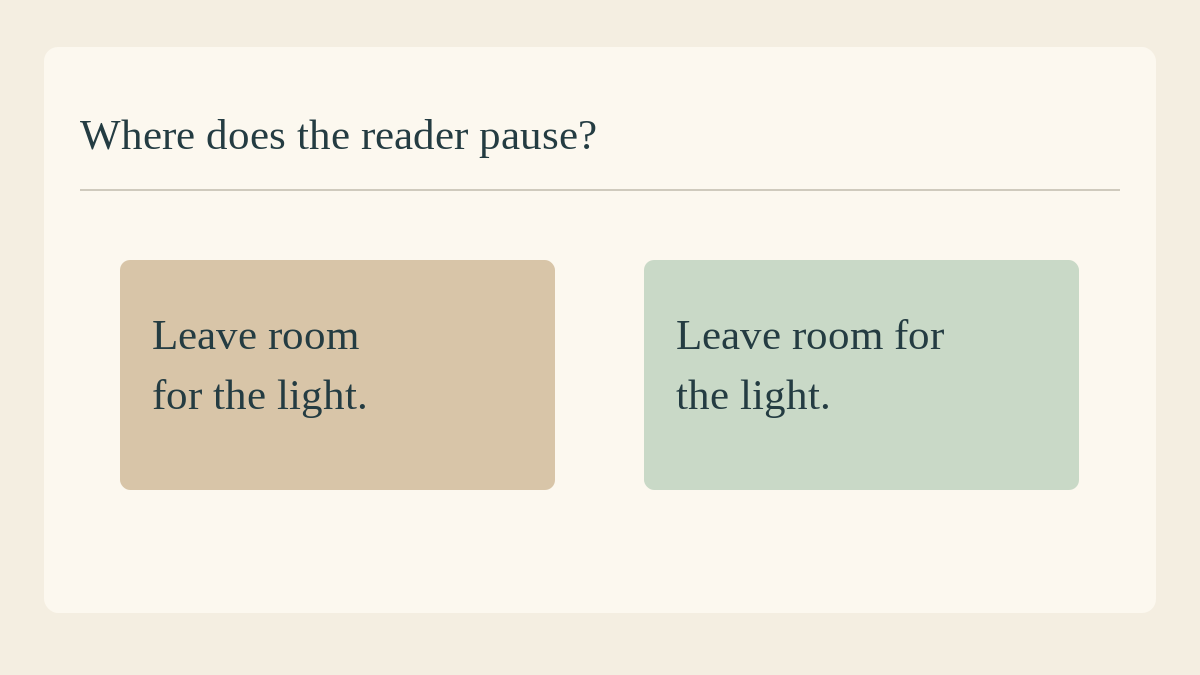
Read articleChoose a line break for a short quote poster using two proofs of the same phrase. Check emphasis, attribution and the reading order after a square crop.
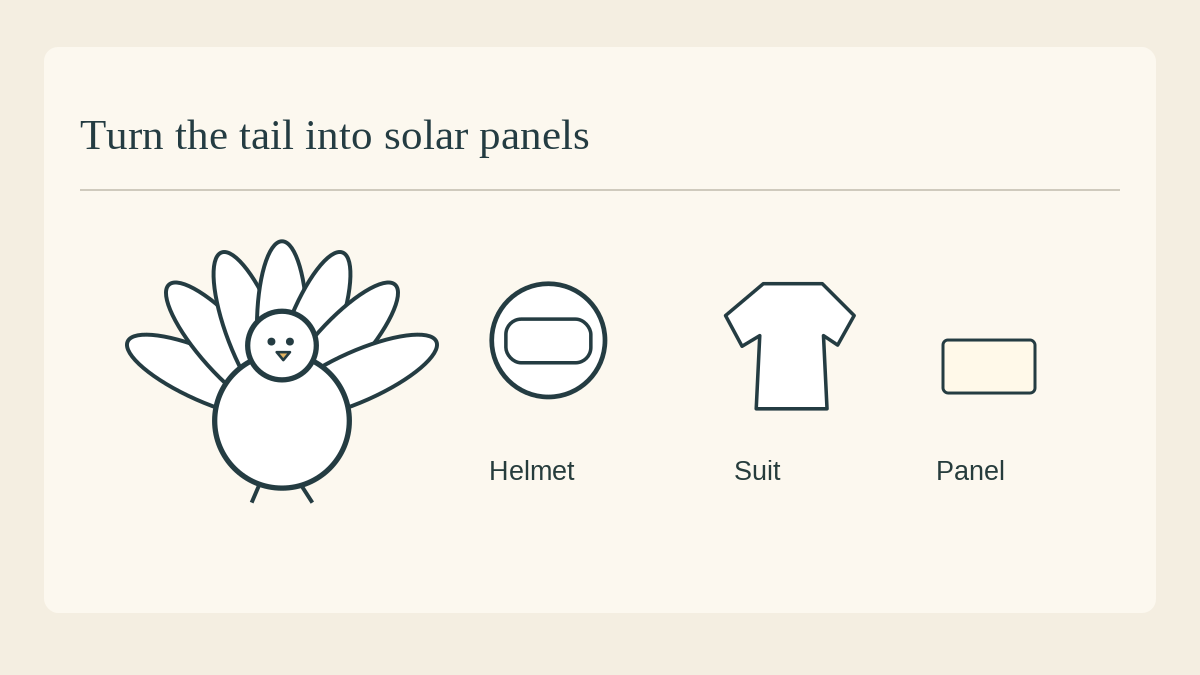
Read articlePrint a turkey base and separate astronaut costume pieces. Fit the helmet, turn the tail feathers into solar panels and assemble a classroom disguise.
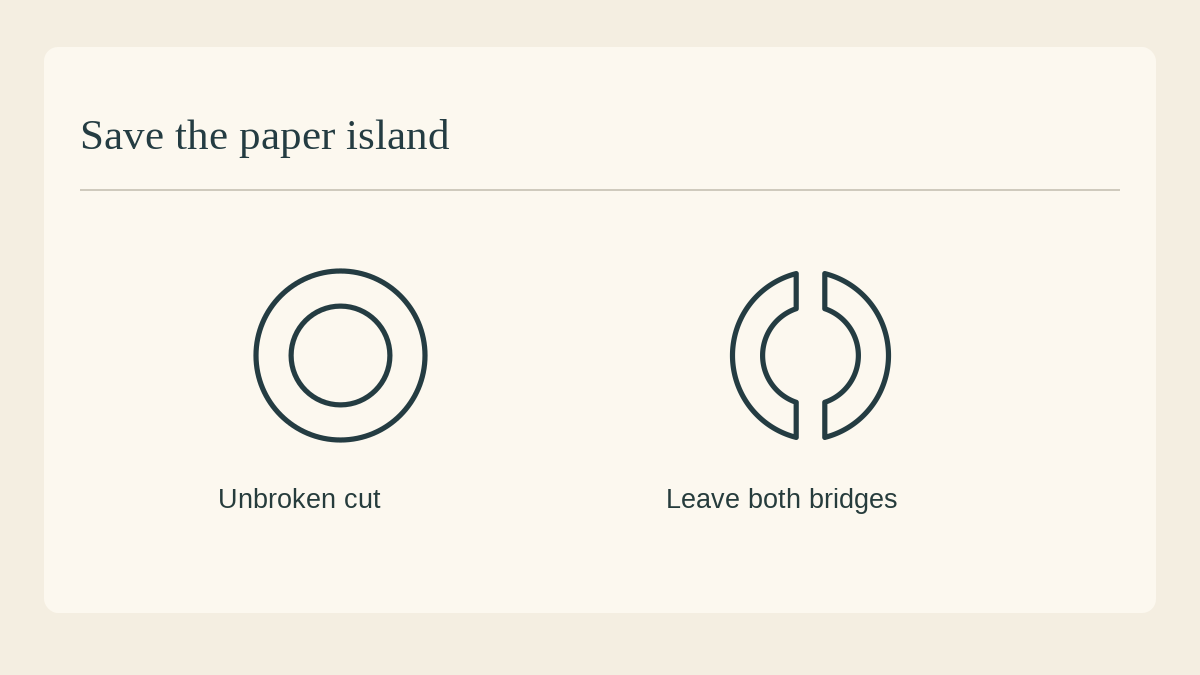
Read articleMake a paper pumpkin stencil with connected islands. Print a bridge test sheet, compare two rings and trace a clean master before decorating a curved surface.
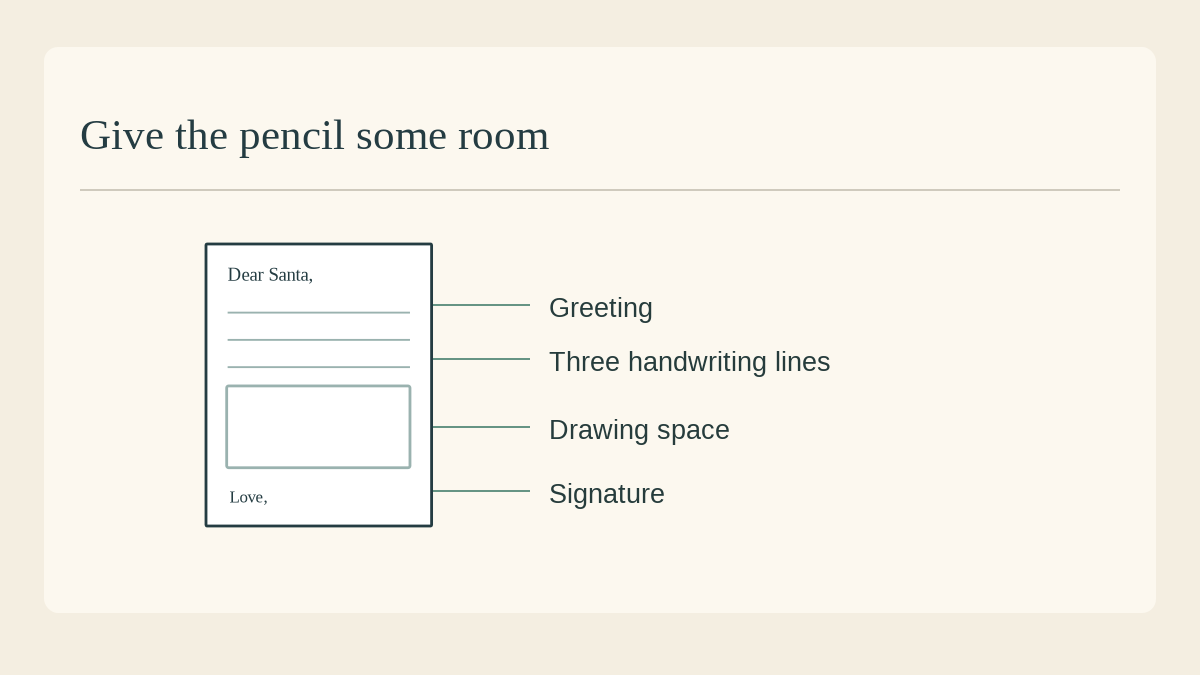
Read articlePrint a letter to Santa for an early writer with three generous writing lines and a drawing box. Test the spacing with a pencil and leave room for a signature.
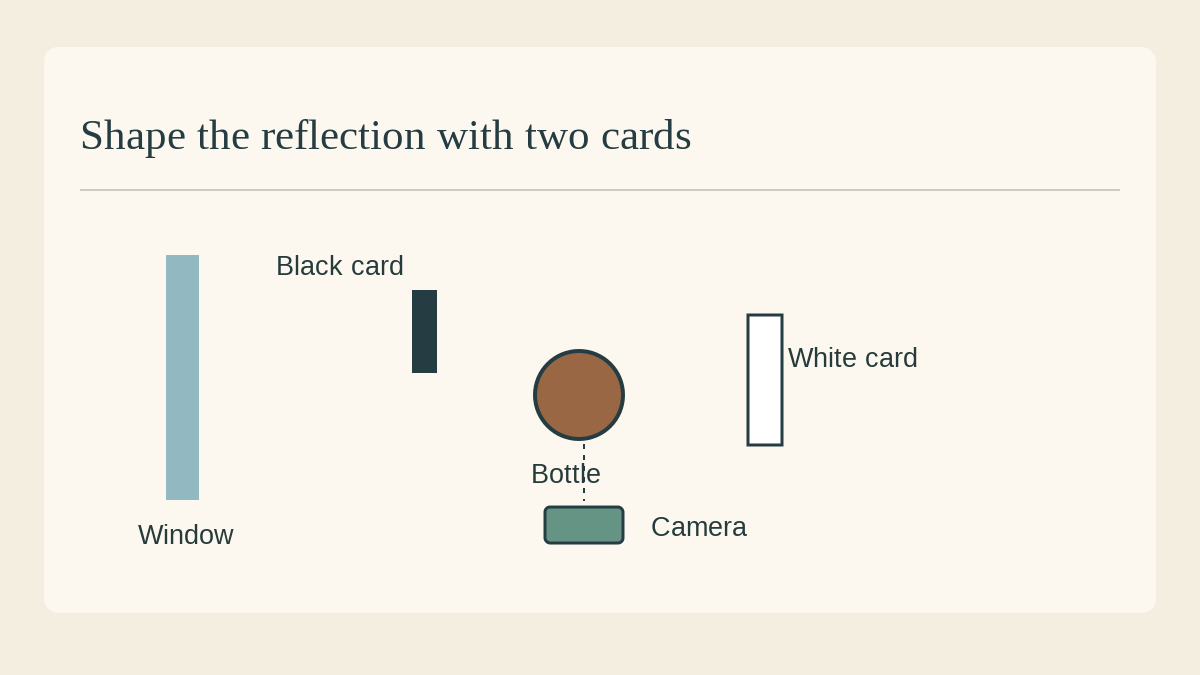
Read articlePhotograph a glossy bottle with side window light and two cards. Shape a bright reflection, restore a dark edge and record the positions for the next product.
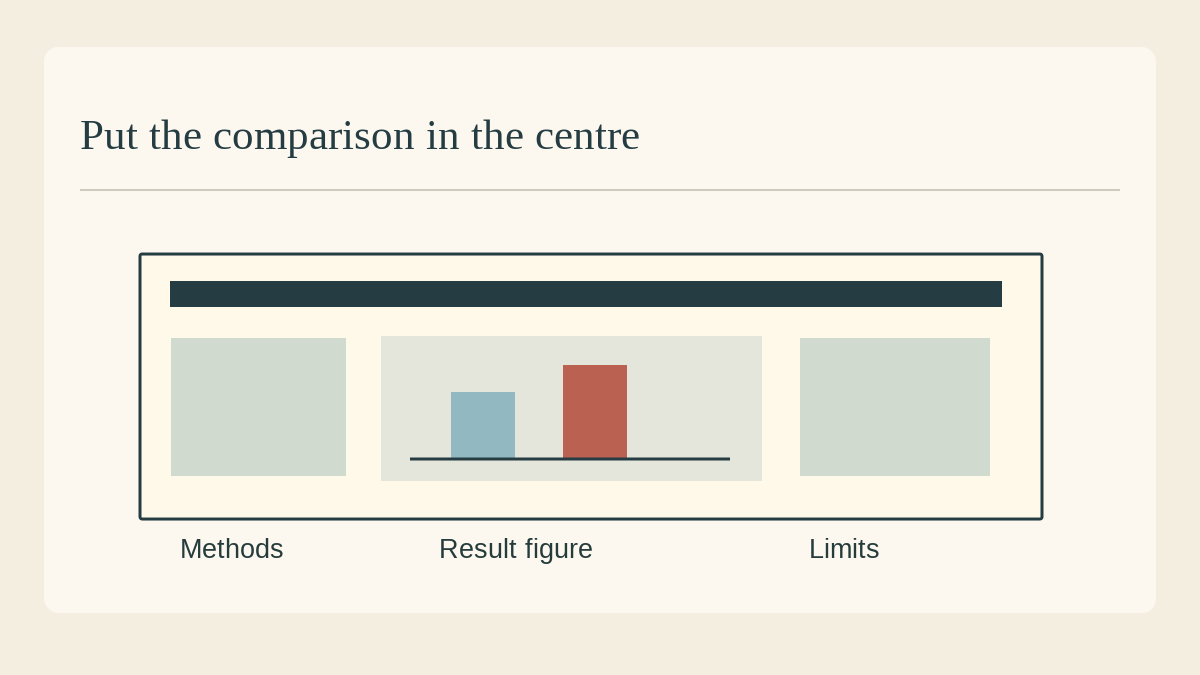
Read articleLay out a scientific poster around one comparison figure. Give the units and sample size a home, state the limit of the result and proof the axis labels at full size.
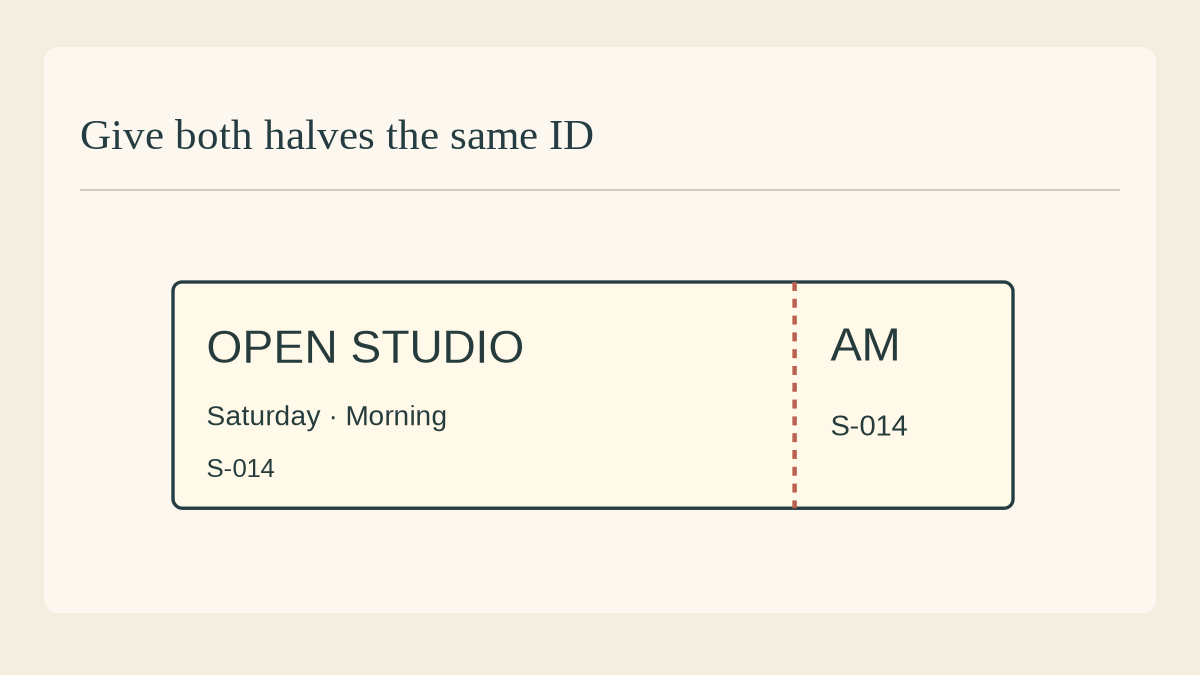
Read articleDesign a tear-off ticket that keeps the date with the guest and repeats the session and identifier on the stub. Test the layout by tearing a physical proof.
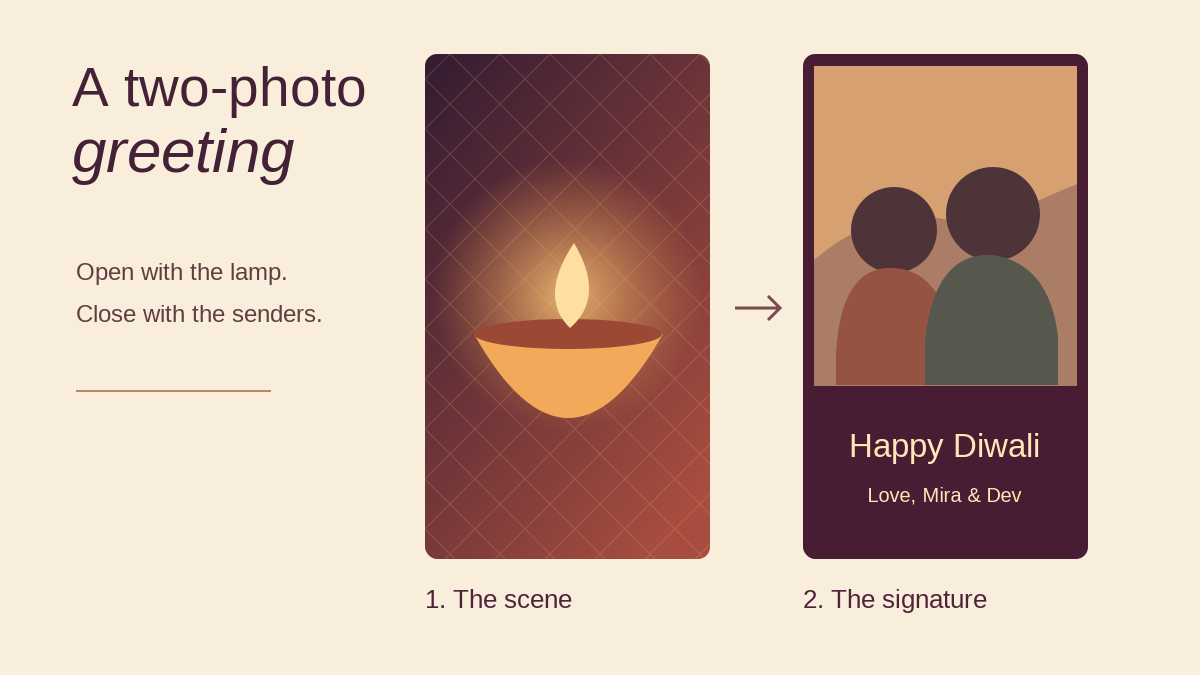
Read articleChoose a Diwali CapCut template by its clip count, prepare two vertical photos, and keep the sender’s greeting readable through the final transition.
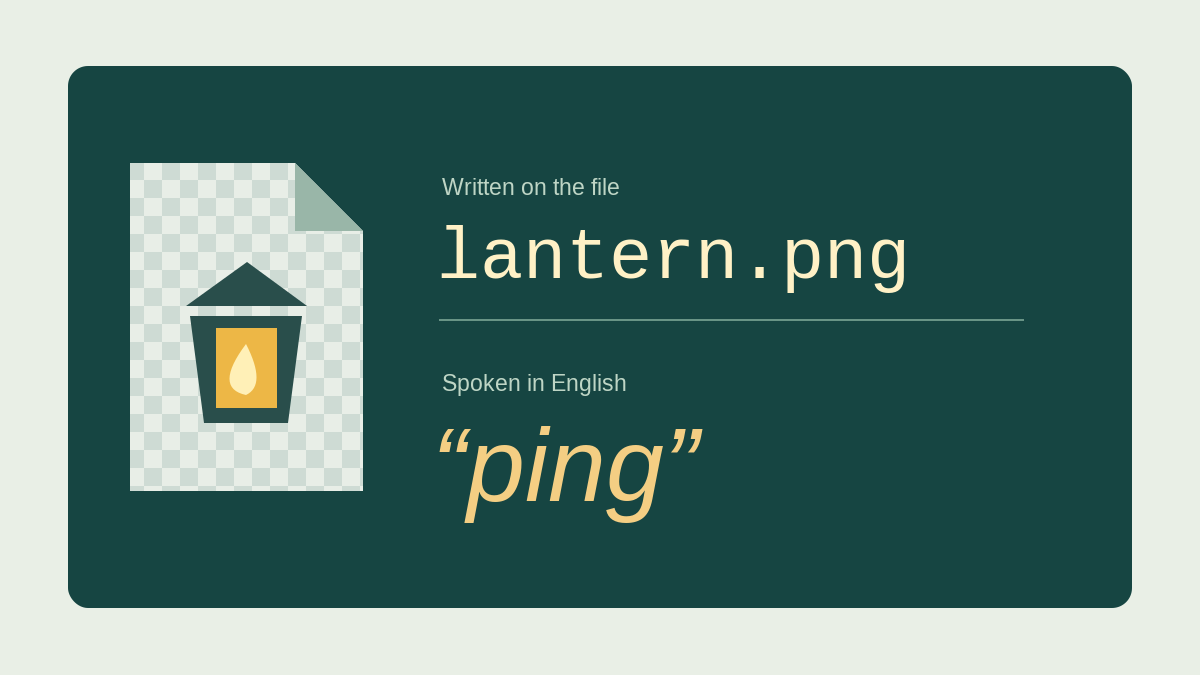
Read articleThe PNG developers recorded both the name proposal and its pronunciation. Follow the original January 1995 note through to the spelling used on exported files.
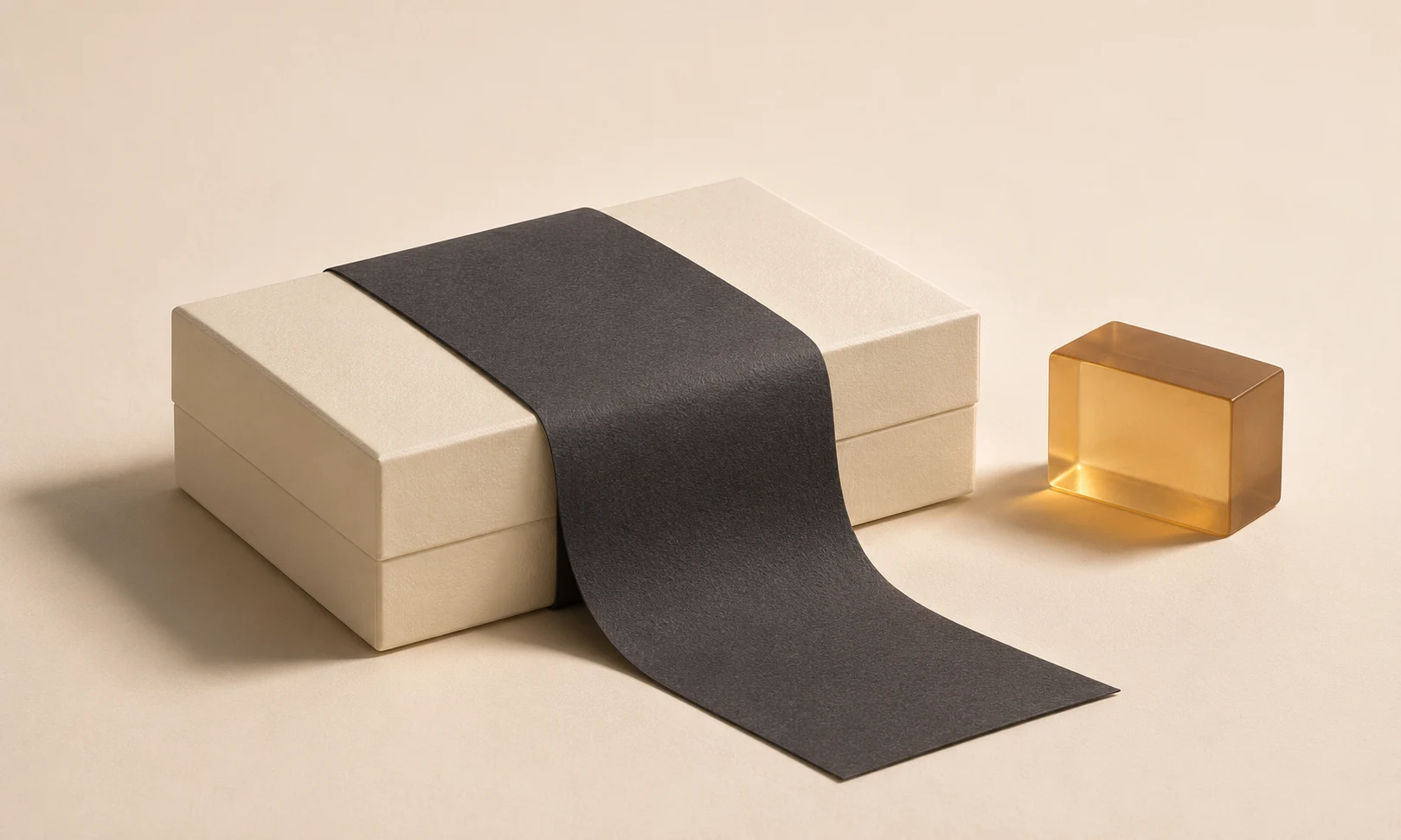
Read articlePlan belly band packaging around a measured wrap, reserve the overlap, and test a paper proof before sending approved artwork to your printer.
Read articleDesign an earring display card with measured hole positions, room for the actual jewelry, and an actual-size proof before printing your shop cards.
Read articlePrepare a bottle neck hanger using your printer’s template, keep copy clear of the opening and fold, and test a paper sample on the actual bottle.
Read articleBuild a fabric swatch card with a stable sample ID, verified material notes and room for the real fabric, then check the printed card before reuse.
Read articlePlan a takeout menu from approved dish and price data, map its panels, and check a folded paper proof before handing the design to your printer.
Read articleCreate a reserved table sign with readable names and times, plan both faces of a folded tent, and test the actual print from each guest approach.
Read articleDesign a click and collect pickup sign with the right entrance, next action and readiness wording, then compare it with your customer instructions.
Read articleCompare Kittl and Ciyo for a print-design workflow using current documentation, export checks, licensing questions and a repeatable proof checklist.
Read articleUse the Firefly Graph beta announcement to plan a repeatable creative workflow with explicit inputs, review stops and a manual trial before automation.
Read articlePrepare a product launch press kit with approved facts, traceable image captions and working download links, then check the handoff before sharing it.
Read articleBuild a Fable 5.2 creative brief from approved facts, separate open questions from instructions, and hand one clear visual direction to Ciyo.
Read articleExtract a practical checklist from brand guidelines with Fable 5.2, keep page references and exceptions, then review a visual draft in Ciyo.
Read articleUse Fable 5.2 to organize supplied customer research, distinguish evidence from ideas, and prepare ad concepts with traceable source references.
Read articleWrite a Fable 5.2 storyboard request with clear shot actions, continuity locks and timing, then manually review the sequence with Ciyo tools.
Read articlePlan a Fable 5.2 presentation outline around audience decisions, map claims to sources, and prepare visual briefs without inventing slide results.
Read articleConsolidate creative feedback with Fable 5.2, retain conflicting decisions and approval owners, and give Ciyo one clearly scoped revision request.
Read articleReview localized campaign copy with Fable 5.2 using a locked offer table, then inspect text expansion, dates and right-to-left layout in Ciyo.
Read articleOrganize a long Fable 5.2 campaign conversation with a revision register, source authority and a compact handoff that keeps obsolete offers out.
Read articleChoose a Fable 5.2 effort setting with a small matched evaluation, compare accepted briefs and elapsed time, and keep speed separate from quality.
Read articleUse three Fable 5.2 product-image prompt templates for a hero image, detail and scene, with source locks and a manual Ciyo generation handoff.
Read articleDesign a restock announcement from verified variant stock, show the correct product photo, and check the action before exporting a social graphic.
Read articleCreate a preorder announcement with distinct order dates and shipping estimates, preserve approved terms, and check the final graphic at phone size.
Read articleBuild a holiday gift guide around one recipient and budget, match every card to real product facts, and check the mobile layout before sharing.
Read articleDesign a clothing size chart from approved measurements, distinguish body and garment values, and check units, diagrams and the smallest mobile row.
Read articlePrepare a wrapping paper repeat from original motifs, inspect a tiled preview and physical scale, then confirm the printer’s file requirements.
Read articlePlan packaging artwork on a vendor-supplied dieline, preserve cut and fold information, and separate a visual mockup from the production handoff.
Read articleDesign a wedding seating chart from a verified guest list, choose an alphabetical or table layout, and test long names at the actual print size.
Read articleLay out an owner-approved return policy sign with readable conditions, a clear scope and a checked destination, without inventing store rules.
Read articlePrepare a shipping delay announcement from confirmed order facts, distinguish estimates from promises, and keep the graphic aligned with customer updates.
Read articleCreate a digital product mockup from actual downloadable pages, preserve what buyers receive, and distinguish presentation props from included files.
Read articleNano Banana produces still images in Ciyo. Use an approved still as the base, animate one element, then export and inspect a looping GIF.
Read articleCompare product colorways using consistent images and shared criteria, document trade-offs, and check physical samples before production.
Read articlePlan product ad shots with a complete fictional 15-second example, then manually hand the list to storyboard and animatic tools.
Read articleCompare Ciyo and Krea using official sources: canvas workflows, reusable nodes, billing and limits to check before choosing.
Read articleSee what changed in Claude Fable 5.2, where to use it, how it differs from Mythos, and which first task makes sense for a creative team.
Read articleCalculate Claude Fable 5.2 API costs for a brief, repeated image review, and Fast mode with example token counts and prompt caching rates.
Read articleSee how Claude Fable 5.2 Fast mode works, how to compare streaming and completion times, and when faster output justifies the premium cost.
Read articleCompare Claude Fable 5.2 with 5.1 on API rates, documented capabilities, and migration risks, then pilot the upgrade on your own workflow.
Read articleCompare Claude Fable 5.2 and Opus 5.5 on published API rates and benchmark evidence, then test both on the same planning or review task.
Read articleFind Claude Fable 5.2 in the model picker, check which usage allowance applies, and turn a short source packet into an actionable creative brief.
Read articleRead Claude Fable 5.2 benchmark scores in context, compare the reported conditions, and build a small pilot that reflects your team's work.
Read articleUse Claude Fable 5.2 vision with two reusable screenshot audit prompts, then verify reported findings against your original copy and images.
Read articleLearn what Claude Fable 5.2 can do with image inputs, how its text output differs from image generation, and how to hand off a verified brief.
Read articleSend a minimal Claude Fable 5.2 Messages API request, find its text and usage fields, and know what to check before adding images and tools.
Read articlePrepare an Etsy listing photo with the recommended pixel dimensions, leave room for thumbnail crops, and preview the real product before saving.
Read articleBuild a wholesale line sheet from verified product photos, SKU codes, case packs, and prices. Use the included two-product example to check an order.
Read articleDesign a shelf talker around the actual rail, fold, and trim. Use a one-product example to check readability and placement before printing.
Read articleBuild a storefront window mockup from a straight-on photo, check mullions and handles, then turn the approved placement into a vendor handoff.
Read articleChoose a Shopify collection image size by checking the actual card and hero slots, then preview one source image at desktop and mobile widths.
Read articleCompare shoe colorways with a locked silhouette and a component palette. Build a side-by-side approval board and hand off a physical sample request.
Read articleDesign a market booth banner for an actual stall. Check viewing distance, table obstructions, mounting points, and the printer's template.
Read articleTurn a verified assembly sequence into a parts list and illustrated steps. Use an example template and test whether a new reader can follow it.
Read articleUse a predictable ecommerce image naming convention for originals, approval proofs, and exports. Match each derivative to its product and source shot.
Read articleMake a product photo proof sheet with stable shot IDs, explicit selects, and revision notes. Keep each approval tied to the original image file.
Read articlePlan a locked macro of a filled pipette, a single drop and one controlled spread on an approved surface. Slate the bottle, pipette and spread separately.
Read articleCompare two eight-second REED edits with the same six frames held in the same order. Both scratch reads start at 2.000 s, and the end card arrives at 6.000 s.
Read articleRiver Light uses deep teal for the field, pale type for names and a lime disc as the recurring mark. Duplicate the square layout before moving the lime disc.
Read articleAssign an owner, source name, destination, pixel or print dimensions, due time and last confirmed revision to every deliverable.
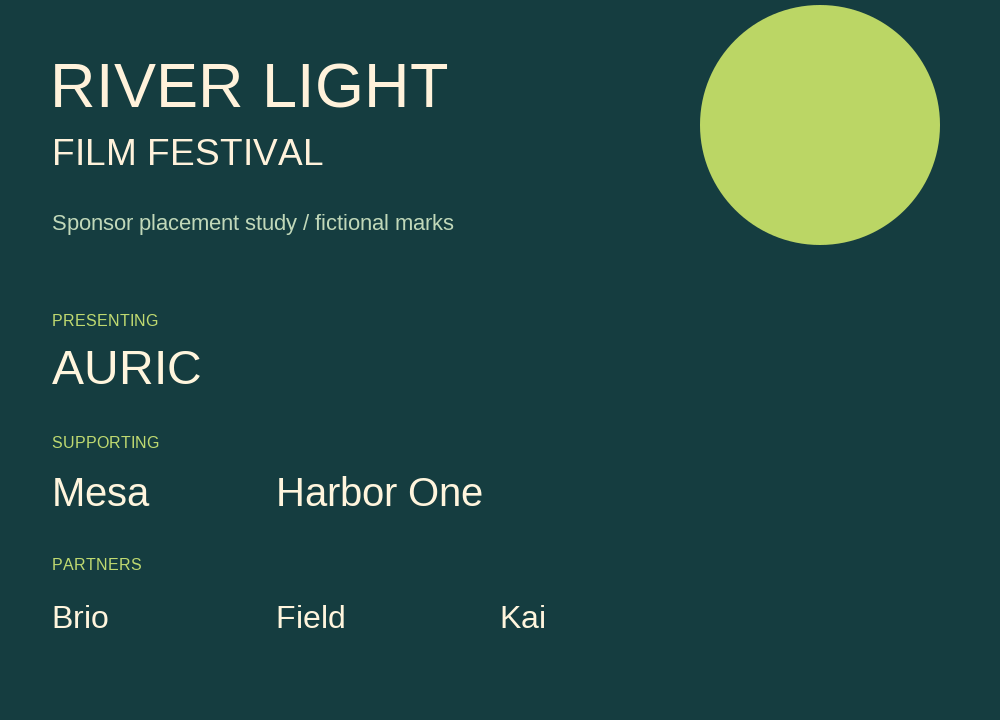
Read articleReserve the primary title area before arranging the supplied sponsor marks. Under each slot write the approved tier and whether the mark still reads from the proof.
Read articleUse the longest guest name on the busiest and lightest expected backgrounds. Test a solid or translucent backing, leaving room for the broadcaster's own bug.
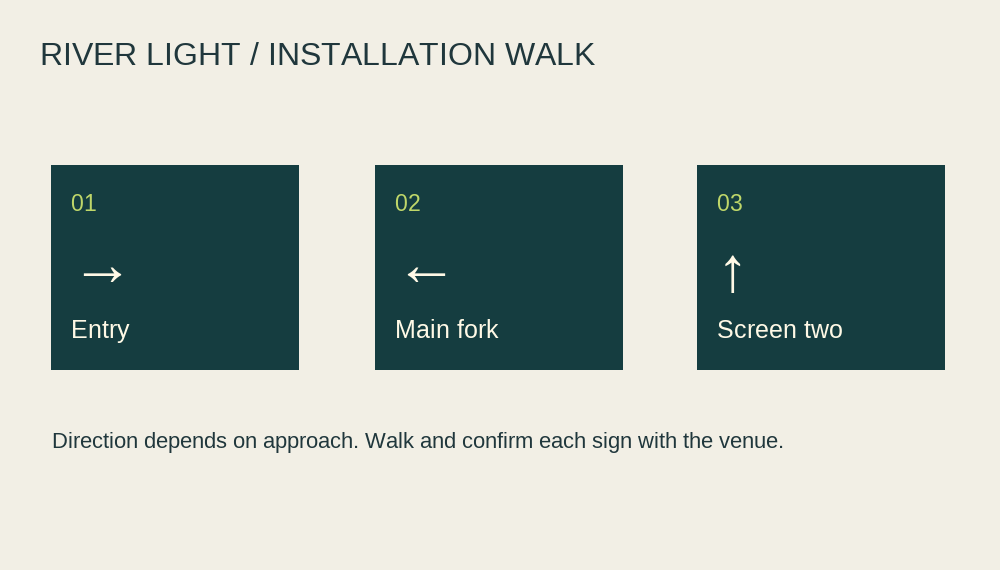
Read articleStart with the actual entrances and mark where a visitor can choose two directions. Walk from the entrance toward the fork with a copy of S02 in hand.
Read articleGive the operator three cues: walk-in, speaker introduction and a holding loop. At rehearsal, ask the operator to delay the next GO by one full loop.
Read articleUpdate the master roster first, then list the stage card, square post, lower third and programme. Keep old and new version IDs in the same change record.
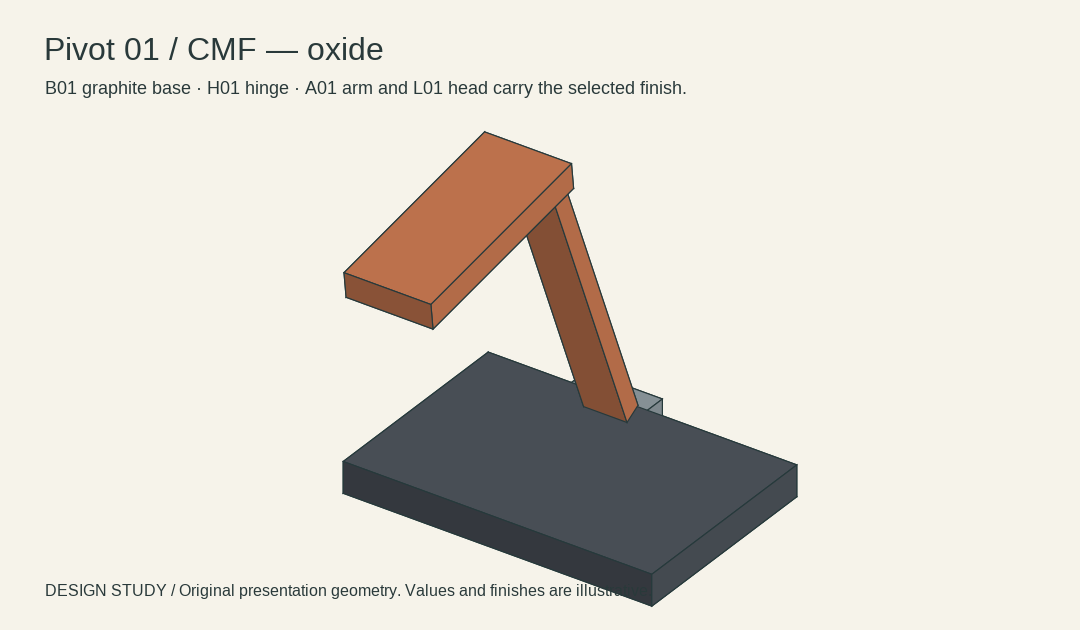
Read articleUse the supplied Pivot 01 model at 65°. A different RGB value in this drawing is an option identifier, not a calibrated material sample.
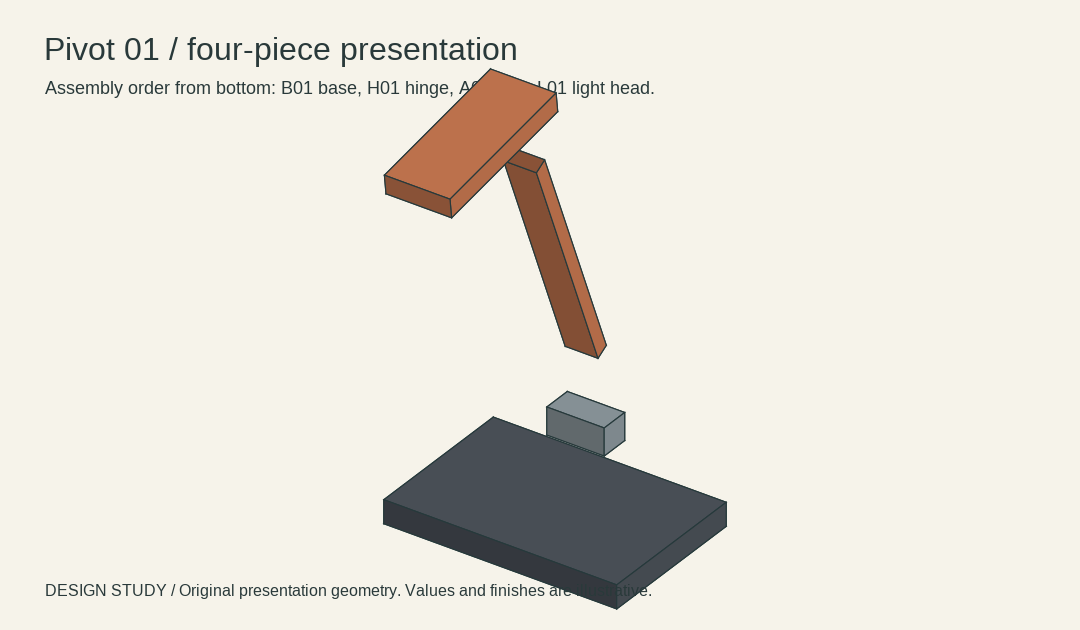
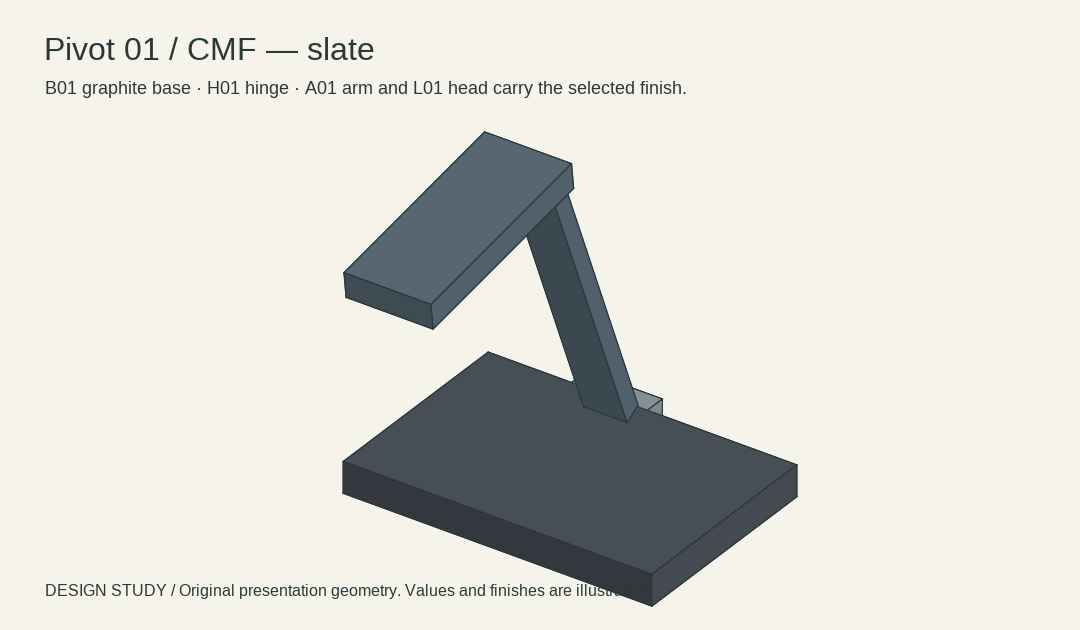
Read articleThe source model names B01 base, H01 hinge, A01 arm and L01 head. The exploded distance is for legibility and must not be interpreted as a clearance.
Read articleUse the 65° view as hero, two other poses as movement references and the colorway strip as the decision row. On a second pass cover the hero image.
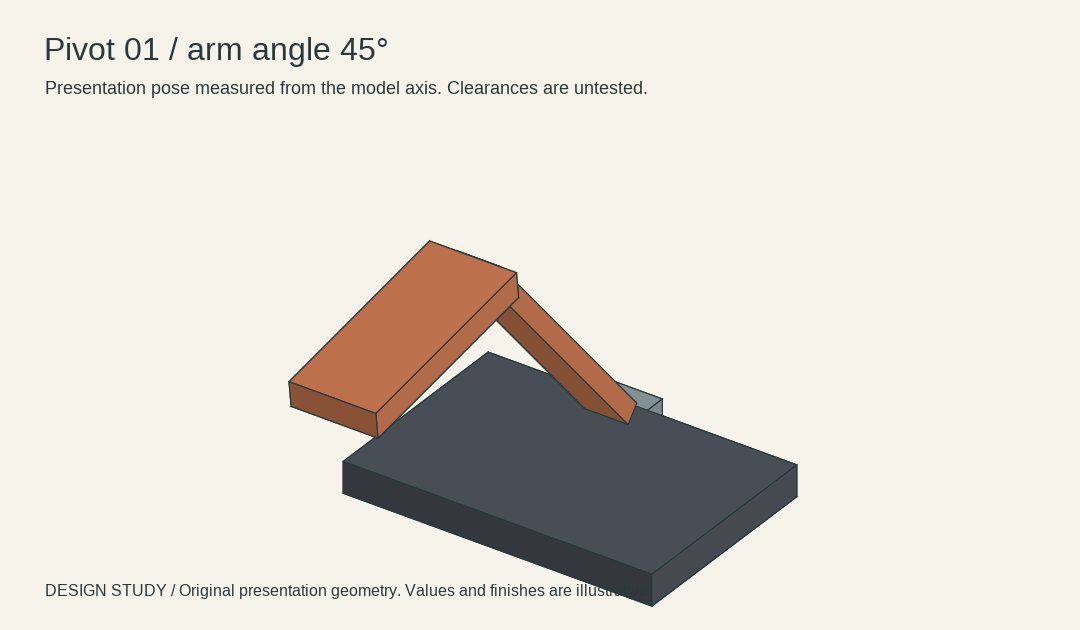
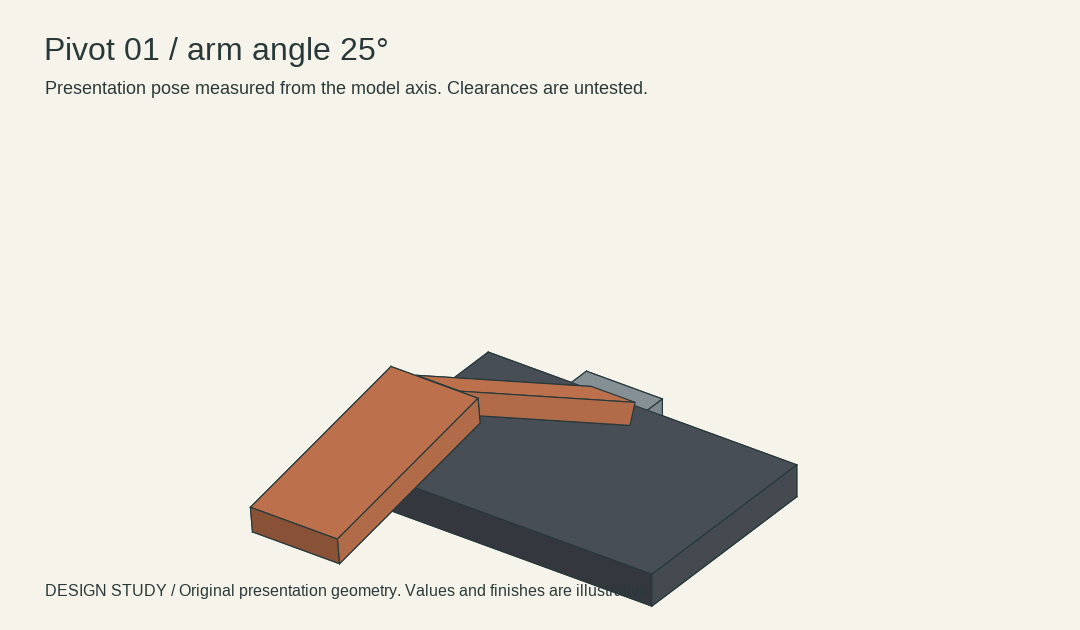
Read articleUse the 25°, 45° and 65° source poses from the same parametric arm. The H01 pivot should remain in the same place while the arm rotates around it.
Read articleB01 and H01 stay fixed in all three variants. Introduce a deliberate mismatch in a working copy: set the CW02 head to chalk and leave its arm oxide.
Read articleHand over the assembled source view, part IDs, selected finish and any excluded angles. Supply the SVG separately with its finish name and approved crop.
Read articleStoryboard three actions: lift the folded lamp by its base, place it on a desk, then open the arm. Separate observed user behaviour from an imagined pose.
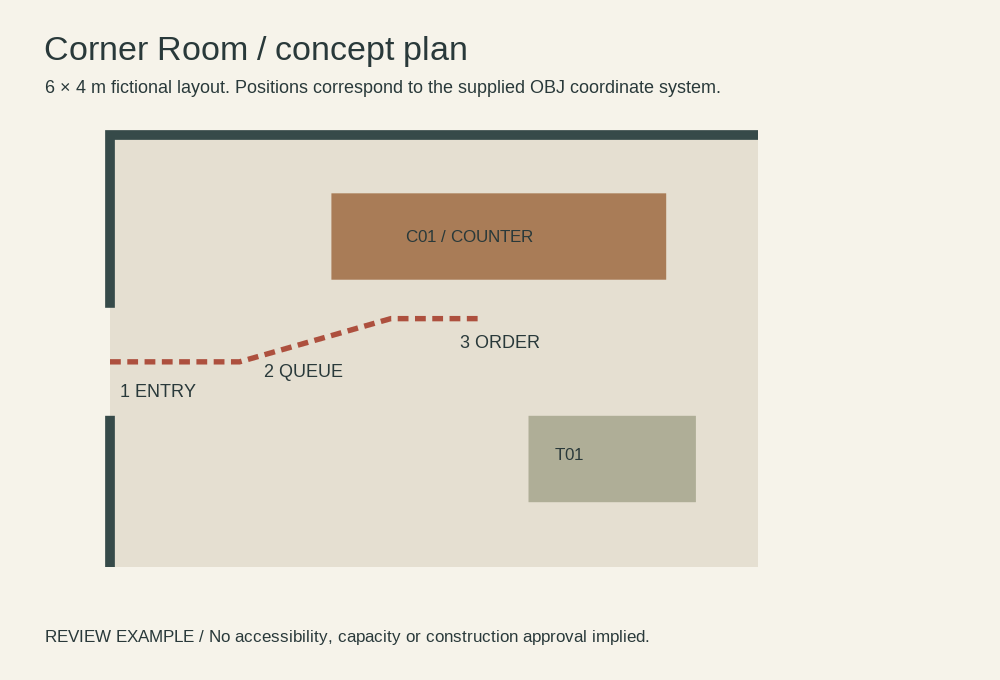
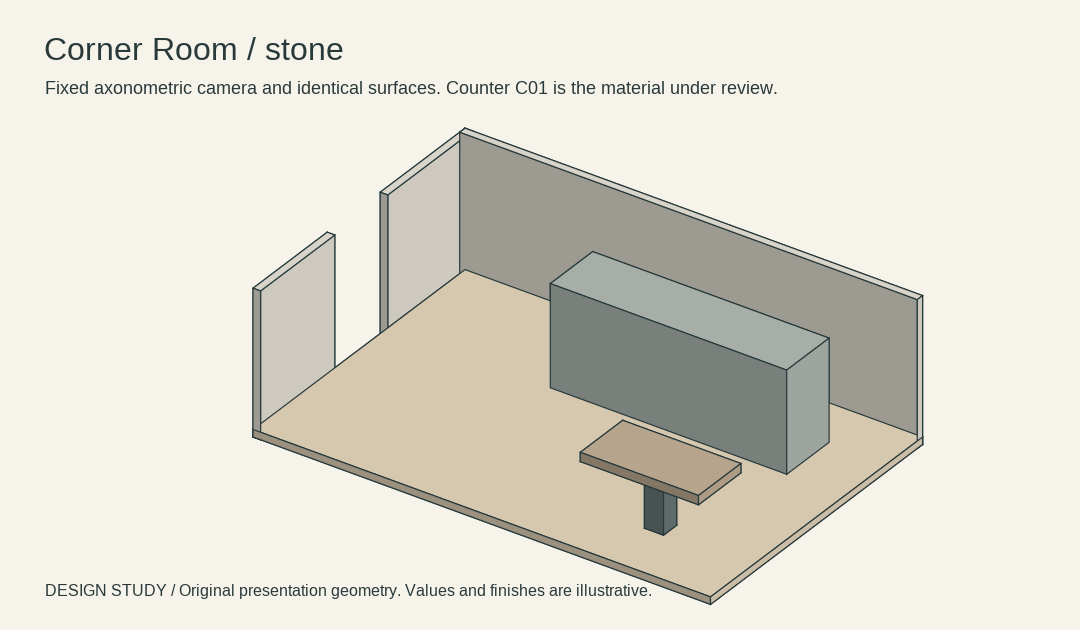
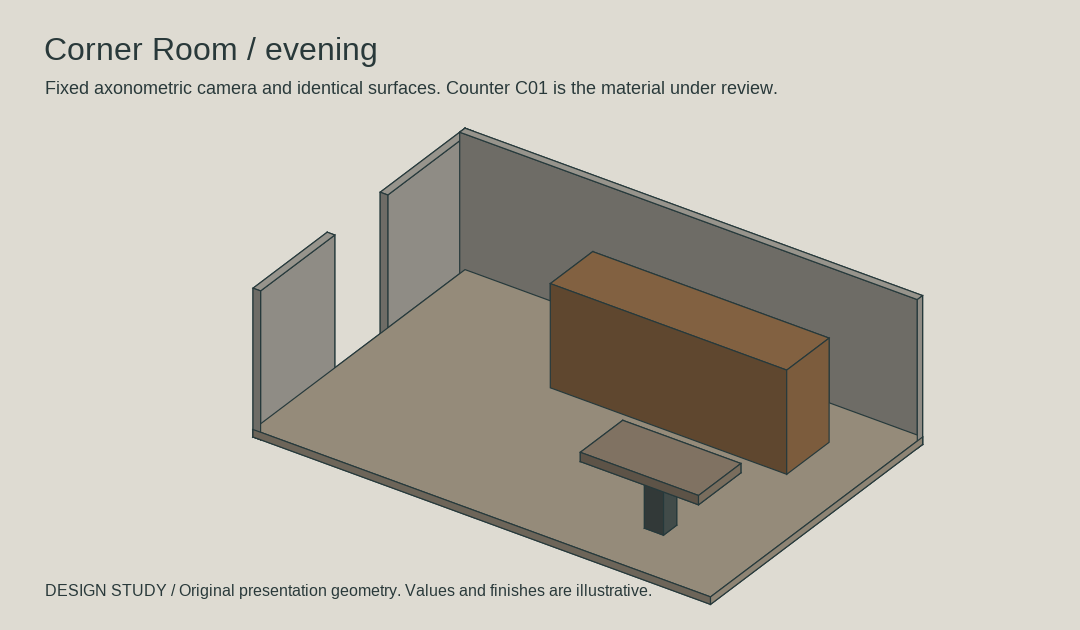
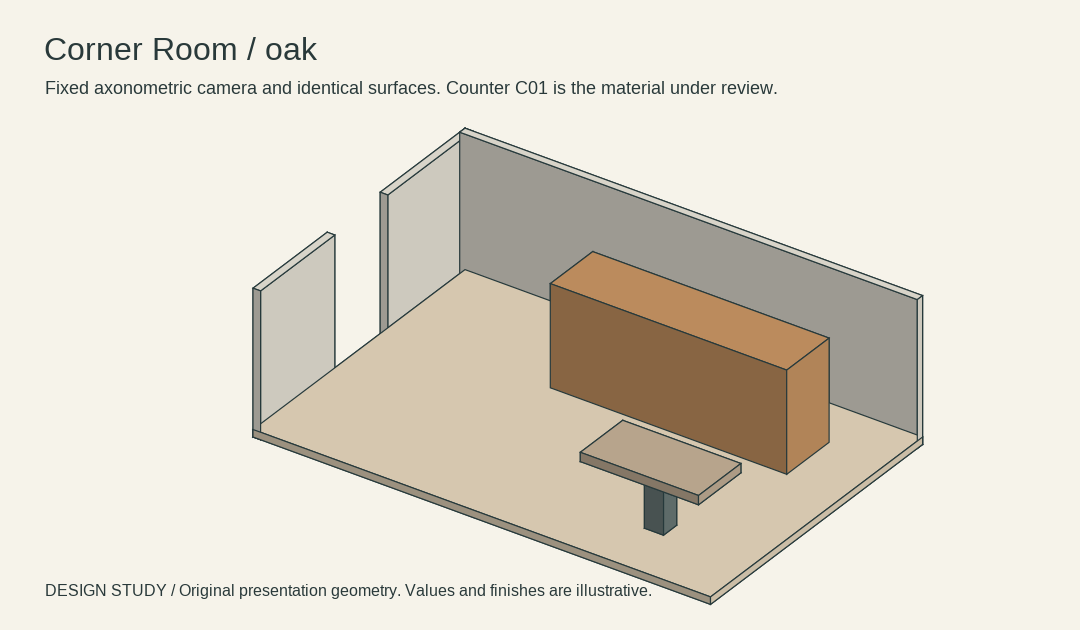
Read articleCorner Room is a fictional 6 × 4 m concept. Keep the entry gap and table location fixed between versions; check real dimensions with the project architect.
Read articleUse C01-O and C01-S as alternative concepts for the service counter. Find C01, then attach the supplier's sample tag to each proposed finish.
Read articlePlace room-oak and room-stone over one another. Their floor, windows or wall edges, table and counter geometry come from the same coordinates and camera.
Read articleCompare the oak daytime view with the evening illustration. The lighting designer supplies fixture specifications and measured or simulated lux values.
Read articleUse the gap in the left wall as the entry, pause at the queue turn and finish facing C01. Match each storyboard stop with an arrow on the same plan.
Read articleMark arrival, waiting and ordering with three numbered stops. Check measured aisle widths and any accessibility or evacuation requirements separately.
Read articleUse C01-O on the oak view and C01-S on the stone view. Search the finish register for the old C01-O code and list its drawings before making substitutions.
Read articleRecord which concept the client prefers, which physical samples are pending and which issues still need technical review.
Read articleAt 24 fps, cut A starts its three panels at frames 0, 32 and 72. Cut B holds the same second panel a second longer, moving the third panel to frame 96.
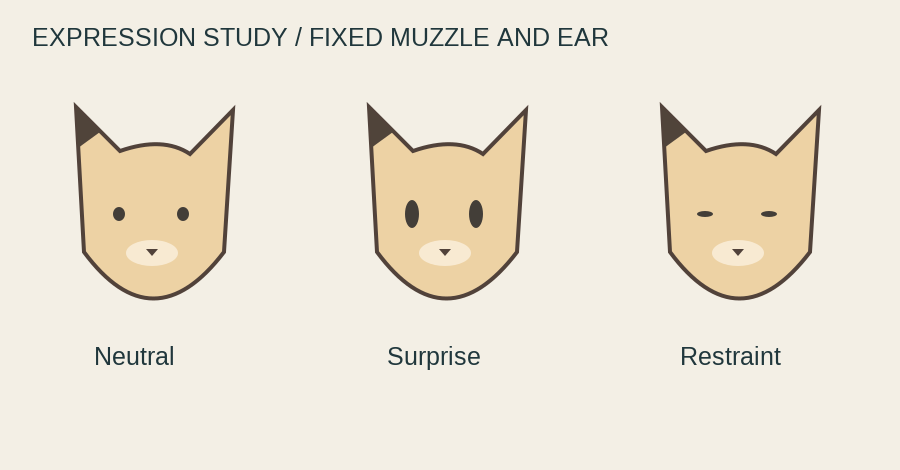
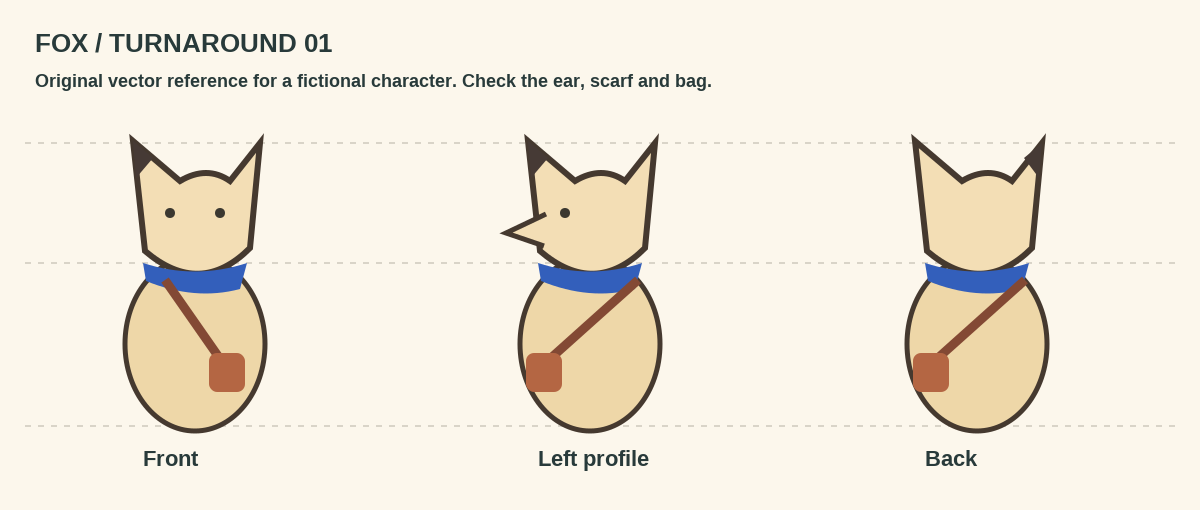
Read articleUse the neutral fox as the master. Give the animator a neutral sheet and two tested expressions with the preserved identity landmarks marked.
Read articleDraw a floor-plan line between the observer and the doorway. Ask a viewer where the door is after each cut, then check the answer against the plan.
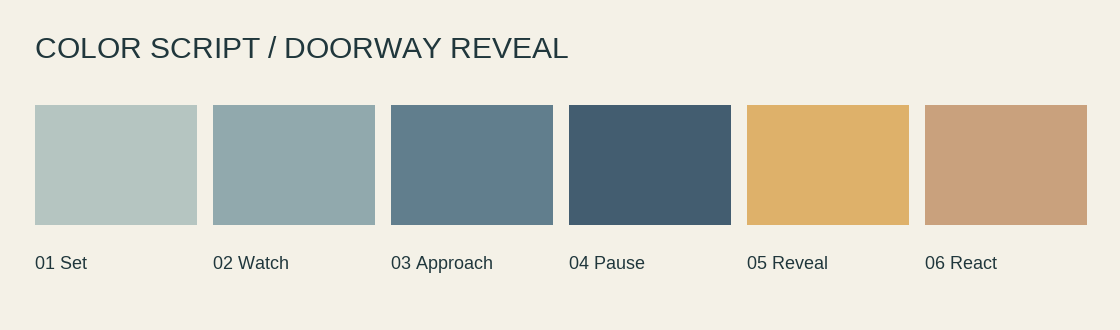
Read articleUse a neutral opening, cool approach and warm reveal, then carry the warm accent onto the reaction shot. Include the grayscale check used for the decision.
Read articleGive each panel a stable shot ID, source filename, action, hold in frames, camera direction and owner. Rename a copy of P02 while retaining shot 020.
Read articleAssign the fox's bag to a named anatomical side. For each shot log screen side separately from the character's own side, plus the direction of travel.
Read articleKeep the opening 32 frames and the next scene at frame 144. In B, hold panel two for 64 frames instead of 40 and reduce the reveal from 72 to 48 frames.
Read articleIn the trailer board label each shot as captured gameplay, interface, title card or concept. Put the source build and capture filename next to gameplay frames.
Read articleUse three columns: viewer question, exact UI action and visible outcome. An invented button is an error even when it makes the visual sequence shorter.
Read articlePick one task and define the same starting and finishing states in both builds. The paired demo illustrates the method with an original mock interface.
Read articleChoose the smallest button label needed to understand the demo, inspect it in the capture, then compare the edited zoom with the final encoded mobile frame.
Read articleRecord a demo account with fictional data. Include any tooltip or project label that enters outside the masked account corner in the second review.
Read articleMatch each localized subtitle to the real UI action and its timestamp. Keep product names and button wording consistent with the captured UI language.
Read articleUse a row for time, visible action, spoken line and expected state. For the dark cup edit: “Select the original again” is verifiable in the recording.
Read articleCut from a known initial state to its result, remove idle wait and mark what is accelerated. Compare the first and last frame and the actual GIF file size.
Read articleUse an asset register containing release version, screenshot name, video timecode, caption key and destination. Change one label and list every affected output.
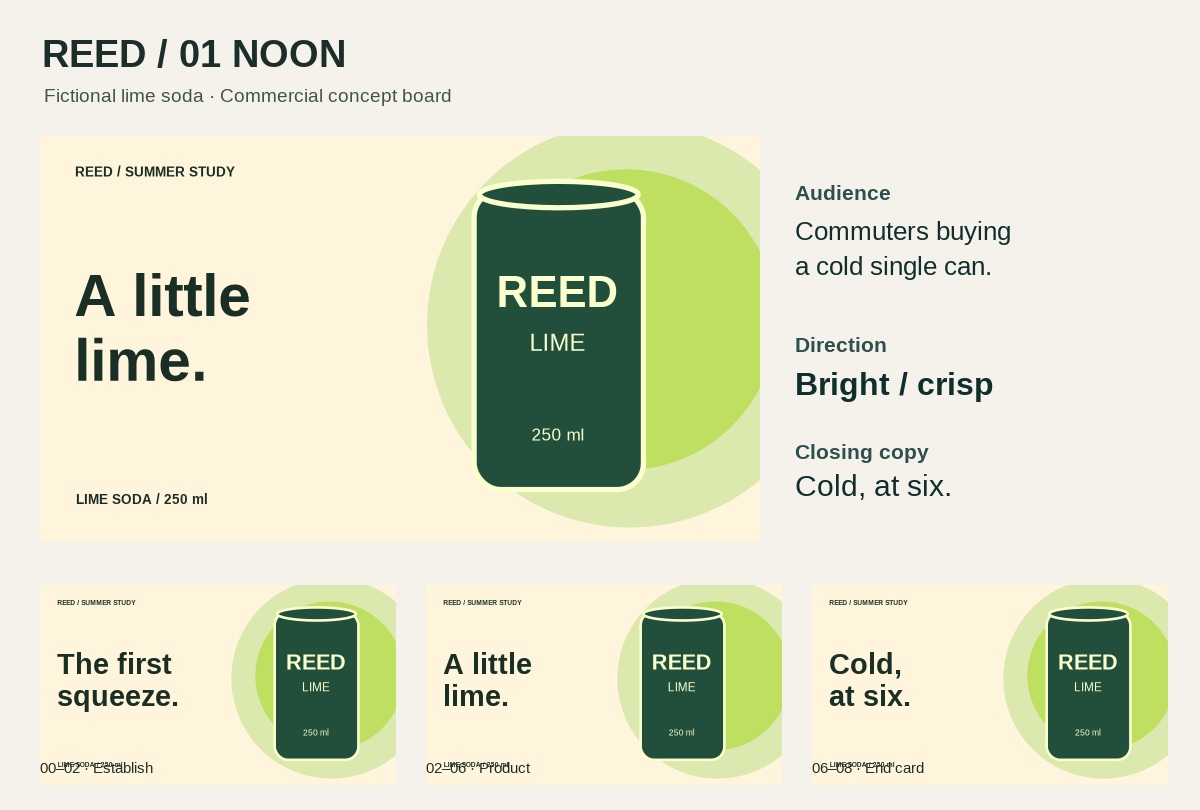
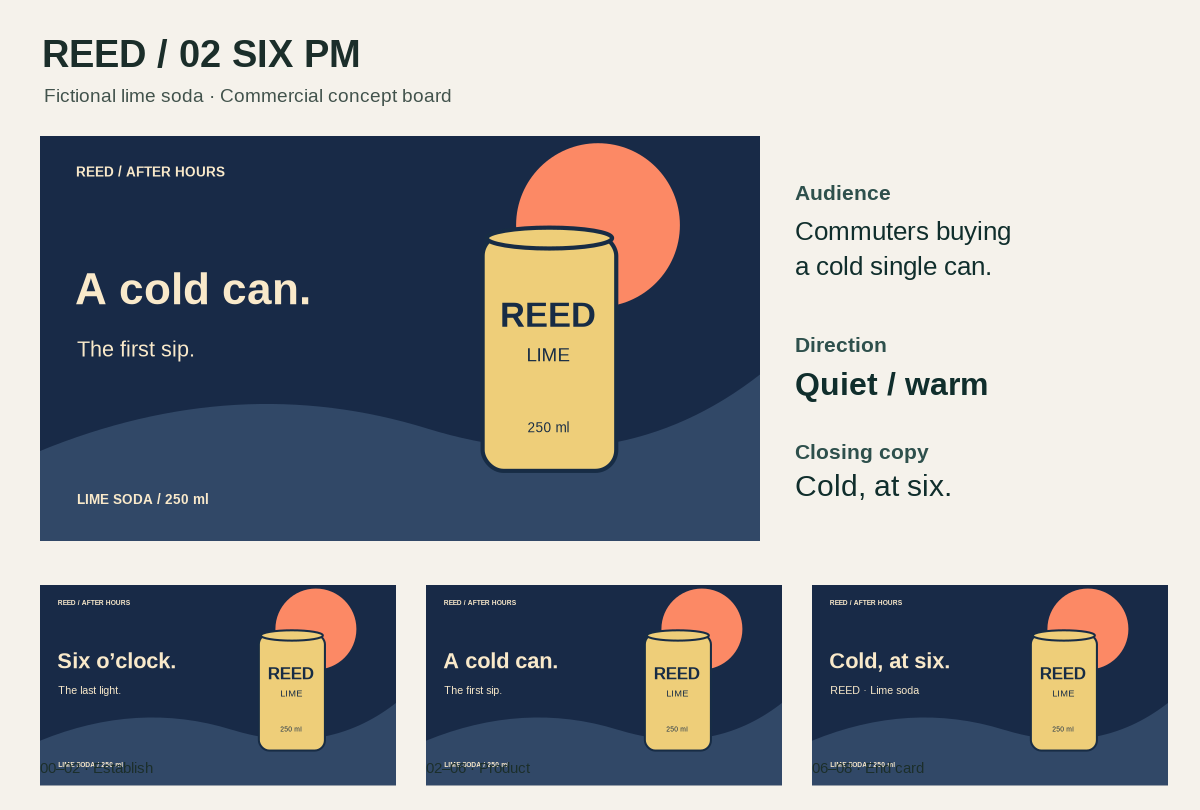
Read articleCompare two finished advertising concept boards made for the same fictional lime soda. Download the artwork and watch the eight-second cuts before choosing a route.
Read articleDownload an editable director’s treatment and a completed beverage example with shot timings, product constraints and a narrowly scoped revision for the client to review.
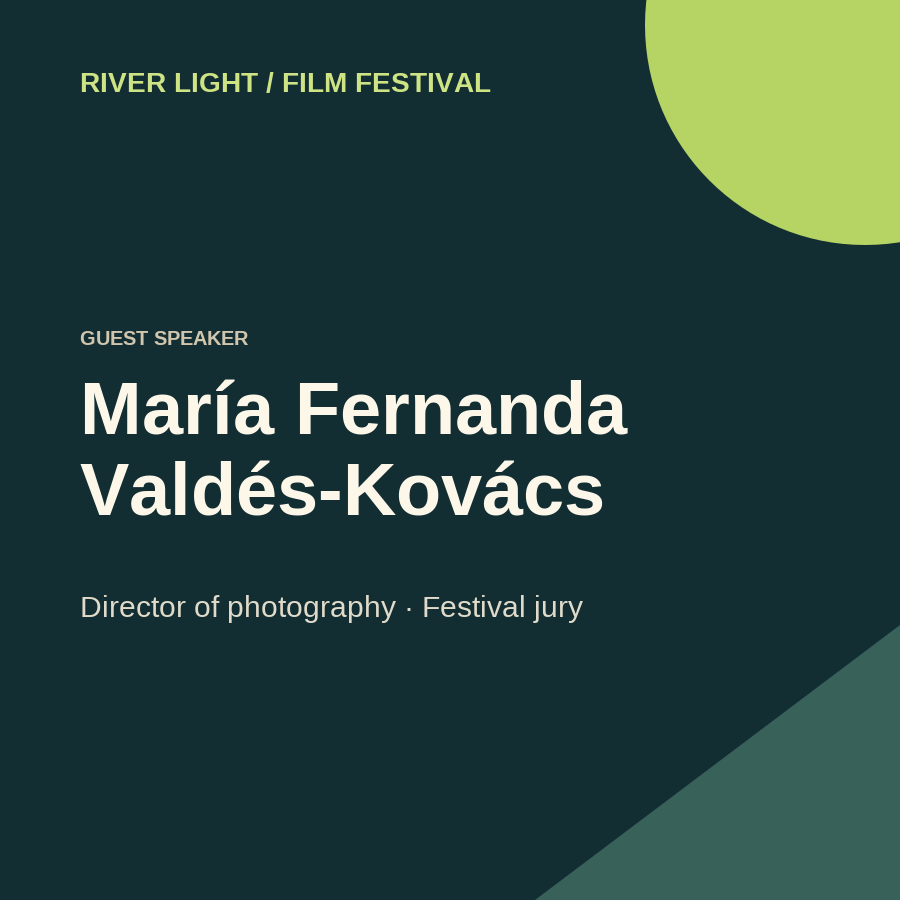
Read articleOpen four editable SVG speaker cards for a fictional film festival. Compare a short name and an accented long name in stage and square formats, then proof your own.
Read articleReview a 30-second product demo edited from a real Ciyo screen recording, including the source actions, speed changes, privacy mask and a captioned comparison of the outputs.
Read articleMake a looping GIF with GPT Image 2.6 in Ciyo. Copy a motion prompt, pick the right crop, then check the restart and download the animated file.
Read articleUnderstand GPT Image 2.6 access, Flare and Sunburst, pricing, GIFs and editing controls, with a practical checklist for your next campaign.
Read articleUse three GPT Image 2.6 prompt templates for campaign images, focused edits and layout variants, with clear inputs and a practical review checklist.
Read articleCompare GPT Image 2.6 Flare and Sunburst by documented strengths, token pricing and edit needs, then use a matched-task checklist to choose.
Read articleUse a calendar maker to separate artwork from a verified 2027 date grid, check week starts and month lengths, and inspect a printable page before ordering.
Read articleUse a recipe card maker to lay out an approved recipe across two sides, preserve quantities and steps, and check readable type and front-to-back orientation.
Read articleUse a bookmark maker to build a two-sided author handout, check a long title in a narrow layout, leave useful writing space, and verify the print alignment.
Read articleUse AI photo restoration carefully: separate damage from identity, compare the face with the source, preserve a master scan, and know when to stop editing.
Read articleUse a thank you card maker for a small order insert, preserve handwriting space, compare simple layouts, and check print cost without promising sales gains.
Read articlePlan a hang tag design around its hole and trim, mirror the reverse correctly, preserve approved product facts, and inspect a clean file and technical proof.
Read articleBuild a table tent design from the flat sheet, check both upright faces and the offer, and distinguish a digital folded preview from a physical print proof.
Read articleUse an AI greeting card generator for original cover art, then plan the inside message, sender, fold and envelope fit with editable text and a full-size proof.
Read articleBlur a product photo background while checking the label, handle and edge transitions. Compare a reference edit with a masked composite and inspect the export.
Read articleChange instructions while Ciyo is working with a clear correction, keep the original task in view, and check submitted work before assuming it was canceled.
Read articleCreate a holiday shipping cutoff graphic from approved shop dates. Separate order deadlines from arrival estimates, retain editable text, and check both sizes.
Read articleUse an AI image extender to add product-photo copy space. Compare the original subject, inspect new seams, and choose a source-pixel fallback when edits drift.
Read articleCreate four coordinated clipart files with a shared style, editable sources and transparent PNG exports. Check alpha, clipping and reuse on a card and handout.
Read articleFinish an AI product video with an approved still packshot and separately rendered text. Check usable motion, transition, final-card duration and the saved MP4.
Read articleBuild a three-frame Instagram Story for a shop launch: introduce, show a detail, and invite action. Export separate artwork and leave room for native controls.
Read articleMake a four-page event program from approved names, roles and times. Keep editable sources, review a speaker correction, and check page order before printing.
Read articlePrepare a Facebook Page cover, test narrower crops and profile overlap, and revise the message. Use simulations first, then check the real Page preview.
Read articleRemove a background from a fuzzy product, inspect real PNG alpha on light and dark surfaces, and recognize halos, clipped fibers and cases needing a new source.
Read articleUnderstand Ciyo credits after a failed generation: separate returned media credits from completed agent work, check task status, and prepare support details.
Read articleEvaluate Lovart scheduled design tasks with a recurring brief, trial run, credit cap and review owner. Compare documented controls with a manual Ciyo workflow.
Read articleNano Banana 2.1 costs $0.0336 per 1K image on the Gemini API, with 14 reference images. See 2K/4K prices, batch rates, and what is free.
Read articleWan 2.6 and Pika H3 Flex both make 15-second multi-shot video. Compare references, audio, resolution, API prices and license limits.
Read articleHow to make an anime series with AI: lock a character, storyboard 5-second shots, hand over cleanly at cuts, and budget the credits.
Read articleUnderstand Gemini’s October 2026 brand tools, prepare a reusable campaign brief, and keep app connections separate from a manual Ciyo design workflow.
Read articleMake a product email GIF with a useful static first frame. Plan restrained motion, check every saved frame, and balance dimensions, colors and file size.
Read articleCreate AI phone case artwork for a specific supplier template. Check the camera opening, edge wrap, safe placement and exported file before ordering.
Read articleUse an AI screenshot editor workflow to frame a real app screen, add truthful callouts, and preserve interface text in the saved marketing graphic.
Read articleUse AI food photography to improve lighting in a real dish photo, then check ingredients, garnish and portion details against the original before sharing.
Read articleRemove glare from product photos with a capture-first workflow: reduce one hotspot, compare label details and reshoot when reflections hide product facts.
Read articleImprove white-on-white product photography by separating background brightness from subject detail, checking cutout edges and retaining a believable shadow.
Read articleUse a lookbook maker to plan a small collection, sequence real product photos and review page pacing, item identity and exports before sharing your story.
Read articlePlan a two-sided AI door hanger design around the printer’s cutout and safe areas. Keep the offer readable and inspect the final artwork before printing.
Read articleCreate a coordinated Instagram Highlight cover set for a small shop. Choose clear symbols, check circular crops, and inspect separate image exports.
Read articleExplore Kling 4.0's longer videos, richer references and keyframes. Compare Flash limits and see which announced features are still coming soon.
Read articleChoose between Kling 4.0 Omni Reference and Keyframes, assign clear roles to your inputs, and plan a product reveal with practical review checks.
Read articleAdapt three Kling 4.0 product-video prompts for a hero shot, a short story and a targeted edit, with reference roles and an output review checklist.
Read articleCompare Kling 4.0 and Seedance 2.5 for product videos: reference inputs, timing controls, access, task cost and a practical shot-review checklist.
Read articlePrepare ghost mannequin photography with real interior views, a scoped AI edit and garment checks for necklines, seams, lining and shape before export.
Read articleRemove wrinkles from clothes in photos with a bounded editing brief, then inspect weave, seams and pleats so smoothing does not change the garment.
Read articleRemove the background from glass with a review of transmitted color, edges and reflections, plus clear limits on when a cutout needs specialist work.
Read articleCheck product photography color accuracy after AI edits with adjacent-shade references, consistent viewing conditions and an honest finish review.
Read articlePlan product image gallery order on a review board, give each picture a shopper question and hand off an approved sequence without duplicating images.
Read articleBuild Black Friday ad design around three clear offer layouts, keeping approved prices, qualifiers and deadlines readable with editable text in Ciyo.
Read articlePlan AI flat lay clothing photography from a permitted source, inspect garment shape and print, and know when a real overhead photo is the better input.
Read articleUnderstand Ciyo Video Auto vs manual model selection, separate image and video settings, and check which saved choices apply to the next request.
Read articleCompare clipping path vs AI background removal by edge complexity, editable-path requirements and handoff quality before choosing a product cutout workflow.
Read articlePlan coffee shop branding across a menu, cup and storefront. Use a fictional café brief, review each application, and prepare a clear production handoff.
Read articleBuild three consistent Discord emoji from one original character. Check transparent PNGs, file size and chat-scale readability before uploading to a server.
Read articleUse an AI catalog maker workflow to organize three product photos, SKUs and approved prices into a sales sheet, with checks for accuracy and ordering clarity.
Read articleUse an AI letterhead generator for visual direction, then keep the letter body editable in a document. Follow a practical header-to-print handoff and checks.
Read articleBuild a service rate card with a price list maker workflow. Keep prices, durations, starting rates and add-on conditions clear in print and phone previews.
Read articleUse an AI movie poster generator workflow to compare two original key-art directions, protect the exact title and credits, and review a short-film poster.
Read articleUse an AI coupon generator workflow to design a clear offer. Check the discount, eligible item, code, deadline and terms, then test redemption separately.
Read articleUse an AI Pinterest Pin generator workflow to create three clear product-photo angles. Check the image ratio, headline and destination before publishing.
Read articleDecide between JPEG or PNG for print by checking photos, sharp graphics, transparency and the printer’s requirements. Inspect actual files before ordering.
Read articleUse an overlay maker workflow to design a static stream frame, inspect real PNG transparency and follow an external OBS Image Source setup with a local preview.
Read articleChoose between Frames and Reference in Ciyo, prepare the right product images, and check opening frames, identity and motion before exporting a clip.
Read articleCompare Ciyo, Runway and Adobe Firefly as Higgsfield alternatives for product videos, with dated pricing, workflow tradeoffs and a practical selection brief.
Read articleUse five image-to-video camera movement prompts for product photos, with copyable templates, motion checks and advice on preserving the product's shape.
Read articleUse this AI jewelry photography checklist to review chains, prongs, stone edges and reflections while editing backgrounds without misrepresenting a product.
Read articleTurn an approved customer review into a readable testimonial ad, with a five-step design workflow, copyable brief and checks for wording and attribution.
Read articleCompare AI image models in Ciyo using one product photo, a fixed editing brief and a practical scorecard for product fidelity, useful outputs and task cost.
Read articlePlan Amazon A+ content images from real product photos, separate visuals from factual copy, and review each module on desktop and mobile before submission.
Read articleDiagnose AI image editing quality loss, compare sequential edits with an original-reference restart, and keep a practical record of the details that must stay.
Read articleBuild a product comparison chart from verified specifications, with a copyable brief, factual review checks and a readable graphic for two or three variants.
Read articleCheck ad landing page message match with a side-by-side workflow for product variants, offers, calls to action and visuals before changing campaign creative.
Read articleTest an AI certificate generator with editable SVG text and a long recipient name. Compare the real source and preview before ordering a larger batch.
Read articleTest an AI label generator with a flat editable source, a separate safe-area proof and one scent variant before adapting the design to a printer template.
Read articleTest an AI book cover generator with a real ebook JPEG, editable title and native-size thumbnail. Inspect the handoff before paying for more cover concepts.
Read articleTest an AI album cover generator with a square RGB PNG, editable artist and release text, and a small preview before delivering artwork to a distributor.
Read articleTest an AI mascot generator with one original, a downloaded transparent cutout and a reference-based pose. Inspect identity and edges before buying a set.
Read articleCompare an AI design agent with an image generator by task, inputs and revision needs. Use a decision checklist and see a real Ciyo concept-review example.
Read articleLearn what an infinite canvas does, how it differs from a fixed artboard, and how to keep references and versions separate from the final delivery in Ciyo.
Read articleUse this product video brief template to define the audience, approved copy, photo assets, motion and delivery. Includes a download and a filled example.
Read articlePrepare product photos for AI video with a practical upload checklist. Organize variants, detail views, logos and motion choices, with a downloadable asset list.
Read articleChoose an AI brochure generator by checking both sides, panel order, editable source files and one text correction before paying for a print campaign.
Read articleChoose an AI thumbnail generator by testing readable headlines at small sizes, editable source delivery and the actual image export before paying.
Read articleChoose an AI flyer generator by testing editable event details, source-file delivery and a single time change before paying for a larger campaign.
Read articleTest an AI room design tool with one furniture change, checking doors, windows and extra objects before spending on a redesign or shopping list.
Read articleChoose an AI tattoo generator by testing a simple concept, one linework revision and the artist handoff before paying for a full design package.
Read articleTest an AI pet portrait generator with a reference, a style change and a marking checklist before paying for a gift, print or larger portrait order.
Read articleTest an AI video ad generator with one short product clip, checking shape, markings, motion and the exported file before paying for more variants.
Read articleChoose an AI headshot generator by testing face fidelity, glasses, crop and one limited edit before paying for a larger portrait pack or team rollout.
Read articleTest an AI mockup generator with a bag-and-cup concept, one color edit and a file checklist before paying for packaging that must go to a printer.
Read articleEvaluate an AI product background generator with a two-item pilot, checking silhouettes, labels, shadows and consistent framing before a catalog run.
Read articlePlan an AI product photography budget in Ciyo with a six-image worksheet, retry allowances, editing costs, and checks for usable product images.
Read articleEvaluate a paid AI logo generator by usable deliverables: SVG paths, transparent PNGs, light and dark variants, small-size proofs, and a clear handoff.
Read articleCreate two fictional display banners in Ciyo, recompose their layouts, and check dimensions, copy, file size, and exported PNGs before approving spend.
Read articleScope a paid AI design revision in Ciyo with a fixed poster source, one approved CTA change, and checks that protect copy, layout, and the final export.
Read articleCompare an AI image subscription with pay-as-you-go using a Ciyo worksheet, illustrative attempt counts, acceptance rates, and a clear break-even limit.
Read articleSee how Ciyo’s Opus 5.5 agent turns five product photos into a 20-second motion video with music, original branding, and Seedance hero shots.
Read articleBuild readable Opus 5.5 kinetic typography for a workshop promo. Set scene timing, preserve exact copy, inspect type bounds, and review the exported video.
Read articleCreate an Opus 5.5 seamless motion loop with a frame-based phase. Avoid a duplicated endpoint, inspect the seam, and separate smooth motion from static holds.
Read articleReframe an Opus 5.5 motion video for vertical and square layouts. Preserve scene timing, measure text, and rebuild positions instead of stretching the export.
Read articleMake an Opus 5.5 animated chart video from clearly labeled example data. Fix the scale, preserve labels, and check values throughout the animation.
Read articleControl Opus 5.5 motion easing with frame-based entrances and holds. Compare linear and eased movement, catch overshoot, and keep essential copy in bounds.
Read articleRevise an Opus 5.5 motion video with a narrow change contract. Preserve approved scenes, compare matching frames, and retain the source behind every export.
Read articleStoryboard an Opus 5.5 motion video with timed beats, exact copy and clear asset requirements. Review static states before spending time on a full render.
Read articleFix font differences in an Opus 5.5 motion video. Pin the font, wait for browser font readiness, measure actual type, and compare exported hold frames.
Read articleTime an Opus 5.5 motion video to a beat grid. Convert BPM to frame positions, avoid cumulative rounding drift, and verify cues against the actual audio.
Read articleCheck an Opus 5.5 motion video export for dimensions, frame rate, frame count and audio. Distinguish source settings from the encoded file before delivery.
Read articleLearn print bleed, trim size and safe area with a Ciyo postcard workflow. Calculate the layout, keep guides separate, and check the file before printer handoff.
Read articlePrepare a pixel-art sprite hitbox in Ciyo, keep collision coordinates separate from visible alpha bounds, and check a native PNG with an overlay proof.
Read articleSet unequal sprite-animation frame durations in Ciyo, verify the saved GIF timing, and keep a native loop separate from its enlarged inspection preview.
Read articleFix duplicate IDs in repeated inline SVG badges with Ciyo, update gradient and clip references together, and inspect the corrected pair in a real page.
Read articleCompare SVG outline icons at 24, 48 and 96 pixels in Ciyo, use non-scaling-stroke deliberately, and inspect small-size weight before shipping the icon.
Read articleCheck image print size in Ciyo using pixel dimensions and PPI, compare identical PNGs with different tags, and avoid mistaking metadata for added detail.
Read articleDesign a fictional gift certificate in Ciyo with an exact value, identifier and recipient fields, then check the source before preparing a print proof.
Read articleCreate a six-visit loyalty stamp card in Ciyo, preserve the supplied reward wording, and check stamp geometry before testing the card with real stock.
Read articlePrepare fictional pickup-order labels in Ciyo, keep IDs, items, quantities and time windows paired, and review a corrected three-label print-sheet proof.
Read articleDesign a fictional product care card in Ciyo from approved wording, check every instruction in the SVG, and avoid adding unsupported material claims.
Read articleMake a fictional event speaker poster in Ciyo, keep speaker and host roles distinct, verify the calendar details, and inspect an editable SVG proof.
Read articleEnlarge pixel art in Ciyo with integer nearest-neighbor scaling, preserve transparent edges, and check the exported PNG against every source pixel.
Read articleAlign sprite foot anchors in Ciyo with transparent padding, preserve each source pixel, and deliver a common frame with explicit offsets for engine review.
Read articlePrepare an SVG logo for light and dark backgrounds in Ciyo. Keep its paths intact, test currentColor in real HTML, and check external image limits.
Read articleUse Ciyo to prepare an SVG logo with a useful accessible name, hide repeated decorative marks, and check a home link in actual browser markup.
Read articleCompare lossless WebP, lossy WebP and JPEG exports in Ciyo using one unchanged product-image master, actual file sizes, and decoded-pixel checks.
Read articleMake craft-fair price tags in Ciyo from a checked item-and-price table, keep the text editable, and inspect an A4 sheet before a physical print proof.
Read articleCreate a clear holiday opening-hours sign in Ciyo from checked dates and times, keep closed days explicit, and review the editable SVG before sharing.
Read articleCreate a QR workshop poster in Ciyo with a verified destination, preserve the quiet zone, and decode the finished poster instead of trusting its appearance.
Read articleBuild a product-variant contact sheet in Ciyo from a verified file-to-SKU map, preserve the source images, and check every label before a catalog handoff.
Read articleCreate a workshop timetable graphic in Ciyo from checked session times, catch gaps and overlaps, and preserve the approved schedule in an editable SVG.
Read articlePlan a pixel-art walk cycle in Ciyo, keep every frame on the same grid, and check foot contact, timing and the loop before exporting your game sprites.
Read articleUse Ciyo to organize approved sprites, pack an atlas with a coordinate manifest, and check padding, transparency and frame alignment before engine import.
Read articleTurn your Ciyo logo into a small symbol, export real PNG and ICO icons, and inspect native-size previews before adding the favicon files to your website.
Read articleRepair a clipped SVG logo in Ciyo by checking curve bounds and changing its viewBox, then compare real exports without redrawing the original paths.
Read articleAdd a convincing contact shadow to a product photo in Ciyo while checking the label, silhouette and light direction against your original reference.
Read articleBuild a Black Friday bundle image in Ciyo from real product photos, with correct quantities, readable offer text and a clear separation from styling props.
Read articleArrange real before-and-after photos in Ciyo with matched framing, readable labels and honest captions, without generating a transformation that never happened.
Read articleCreate a product size comparison in Ciyo using verified dimensions, editable labels and clearly schematic images instead of trusting AI to infer scale.
Read articlePlace a reusable watermark in a product photo’s empty background with Ciyo, compare a rejected overlay and keep an unchanged master for other uses.
Read articleAdd clear product-photo callouts in Ciyo using visible shapes, preserve the original item and supply readable text alongside the annotated export.
Read articleGPT-6.1 Sol launched on September 29 at a fifth of Astra's API price. We gave both the same launch brief with strict rules, then made the images in Ciyo.
Read articleClaude Opus 5.5 cannot paint an image, but it can place every pixel of a 32 × 32 sprite in code. We tested it on a café mascot and compared an image model.
Read articleTurn an animated GIF into a sprite sheet your game engine can import, and catch the doubled frames and jitter that GIFs hide. Tested on a 7-frame slime hop.
Read articleMake every picture in a slide deck look like one illustrator drew it: a reusable style sheet, one anchor image, and a palette check that caught the drift.
Read articleTurn your café menu into a calm looping video for the TV above the counter: sharp prices, gentle motion, no jump at the loop. Tested on a fictional autumn menu.
Read articleCombine two photos into one with AI, and keep your product exactly as it is. We measured four ways to place a handmade mug on a windowsill; two changed the mug.
Read articleAdd sound effects that land on the moments in your clip: a crackle, falling flakes, a cup set down. Tested on an 8-second bakery Reel, timing measured.
Read articleElevenLabs released Eleven v4 on September 28. We used it through the Ciyo Agent for a 15-second mug video. The first line ran 1.5 s past its photo. Timing, loudness and fixes.
Read articleAnthropic says Sonnet 5.5 makes slides that need minimal editing. We gave Sonnet 5.5 and Opus 5.5 one deck brief and six Ciyo icons: 67 s against 309 s, and two different decks.
Read articleWe asked the Ciyo Agent for a 32 × 32 game hero seen from four sides. The drawing was good, but the first 32 × 32 file lost the face. What to check, and the fix.
Read articleWe made a pixel-art UI kit in Ciyo and measured it: three button widths and corners that did not match. The fixed kit has identical frames and a clean 9-slice.
Read articleWe made six matching deck icons in Ciyo and traced them to SVG. The file hid white shapes that show on dark slides. How we got clean one-colour SVGs and white PNGs.
Read articleA Reel cover is 9:16, but your profile grid shows only a 3:4 slice. We made a bakery cover in Ciyo, checked the crop in pixels and fixed a soft upscale.
Read articleWe gave a silent 10-second florist Reel to the Ciyo Agent and asked for music. The first track went almost quiet mid-clip; the second did not. What to ask for and check.
Read articleWe animated a three-frame café storyboard with Seedance 2.5 in Ciyo. Clips that only lock their first frame jumped at the cut; an end frame fixed it. Measured.
Read articleWe gave Claude Opus 5.5 one prompt for a café's 15-second Reel. It delivered a correct MP4 in 7 minutes, with three weak spots one short fix round solved.
Read articleWe turned the same product photos into video with Claude Opus 5.5 and with Seedance 2.5. One kept the label exact but nothing moved; the other poured real beans.
Read articleWe generated a 16-tile pixel-art tileset in Ciyo and tested every tile. The sheet looked right; the edges did not match. Two Quick Edits made the stone tile seamless.
Read articleWe made a café logo in Ciyo and asked for three mockups from the same file. The spelling held everywhere; the colour and the fern did not. What to check before you print.
Read articleHyperFrames turns the HTML that Claude writes into an MP4. We gave Claude Code with Opus 5.5 a café Reel brief: a 15-second video in under 6 minutes, and a byte-identical re-render.
Read articleThose one-prompt Opus 5.5 videos are real, sort of. A friendly guide from one-line showreel to overnight film, plus a teaser we rendered and fixed.
Read articleOne three-line prompt, Claude Opus 5.5 in Claude Code and clean product assets: a 39-second, beat-synced yo-yo promo, with the real hours, agents and cost.
Read articleWe turned a shop photo into pixel art with GPT Image 2.5. It looked right but had 173,508 colours and no 64 × 64 grid. Here is how to fix that.
Read articleWe animated a pixel-art shop front with Seedance 2.5. By one second, 27% of the 64 × 64 grid had changed. Here is when a video model works and when it does not.
Read articleWe asked for a two-colour logo with exact hex codes. All four results spelled the name right but held 15,000+ colours. Vector and one find-and-replace fixed it.
Read articleWe drew a rough logo in Ciyo and asked the agent to clean it up. The first time it worked from our words, not the drawing. One step made it follow the sketch.
Read articleWe generated a 16:9 slide background with a calm half for the title and measured it: 55% of the width stayed readable, and the title failed where it crossed the busy side.
Read articleWe split a generated event poster into 17 layers with Ciyo's Make editable, hid the date line and typed a new one. Here is what worked and what still needs a new picture.
Read articleWe made an A4 colouring page with GPT Image 2.5, ran a flood-fill test and found an open outline. One Quick Edit closed it. Here are the checks and the numbers.
Read articleWe made a die-cut sticker in Ciyo and checked the file a sticker printer needs: a real transparent background, a white border and a margin. Here are the measurements.
Read articleAlibaba released Qwen-Image-2.1 on September 20, 2026, with native transparent images. We tested a sticker in its official demo and read the licence: research use only.
Read articleOpenAI shut down the Sora API on September 24, 2026. We moved a small shop's photo-to-video job to Seedance 2.5 in Ciyo and wrote down what to check in the first week.
Read articleClaude writes text and code, not pictures. We had Opus 5.5 draw a sprite as SVG, then make a real poster by directing an image model. Here is what each gave us.
Read articleWe gave GPT-6 Sol an event poster with the old day and time, fixed the wording in Ciyo with Quick Edit, and asked Sol to check again. Here is what it caught and missed.
Read articleClaude Opus 5.5 can turn a logo into motion graphics written as code. We animated a café logo made in Ciyo for an Instagram story and checked all 181 frames.
Read articleWe gave Claude Opus 5.5 a café logo made in Ciyo and asked for an Instagram template, an X header, a business card and a pattern. We checked every colour and path.
Read articleImage models still garble text. We made a four-slide Instagram carousel with the pictures from Ciyo and exact text and layout from Claude Opus 5.5, then measured every line.
Read articleCan GPT-6 Sol make images? Sol and Luna return text. ChatGPT may still show a photo via an image tool, and Opus 5.5 drew an SVG. Here is the difference.
Read articleWe gave GPT-6 Sol and GPT-6 Astra the same bakery launch brief. Sol was fast and cautious; Astra asked for a product photo. What that means for planning images.
Read articleOpenAI says Free and Go users can use GPT-6 Luna in the ChatGPT desktop app, while Sol and Luna in ChatGPT Work need a paid plan. What that means for a small shop.
Read articleWe asked GPT-6 Luna for 100 image prompts and counted the result: 2,928 words, all on brief, four sentence openings. At API prices the text costs about a fifth of a cent.
Read articleGPT-5.6 Sol vs GPT-6 Sol: the newer one costs half as much. The same bakery brief put an unchecked claim in one caption and kept it out of the other.
Read articleAnthropic says Opus 5.5 performs at Fable 5.1's level on most work. On our bakery brief, Opus kept its guesses out of the captions; Fable put three of them in.
Read articleClaude Opus 5.5 pricing is $4 per million input tokens and $20 per million output tokens. See Pro, Max, Team, and Enterprise plans, plus what one brief costs.
Read articleReleased the same day, Claude Opus 5.5 and GPT-6 Sol planned the same launch post. Sol was quick and plain; Opus was slower and richer. We made both pictures in Ciyo.
Read articleWe asked Claude Opus 5.5 for a two-colour SVG logo mark. It wrote 13 shapes in 1,294 bytes; one piece of feedback fixed the two faults. Here is the result at 32 pixels.
Read articleWe changed one label on a real AI chart slide and asked Claude Opus 5.5 and GPT-6 Sol to check it. Both caught the error; only one raised a false alarm on the clean slide.
Read articlePeople search for the Astra Blender skill expecting a 3D engine. A skill is a folder of written instructions. Here is what each machine really does, and where the AI stops.
Read articleWe ran one prompt three times without changing a word. Every run invented a different slogan on the cup. Here is why that happens and what to change when you need repeatability.
Read articleThe free plan lists GPT-5.6 Sol, Terra and Luna, and states that image generation is not available on it. Here is what that means if you came looking for free AI pictures.
Read articleWe asked for a bar chart with four exact numbers, then measured the bars in the returned image. Every label was right and every bar was within one per cent. Here is the check.
Read articleWe vectorised a flat logo and a photographic post with the same tool on the same day. One produced 8 paths and 5.7 KB. The other produced 3,908 paths and 2 MB. Here is why.
Read articleA template editor asks you to choose a layout. A design agent asks you for the brief. We ran one weekend promo through the agent side and wrote down where each approach wins.
Read articleOwning the output, registering copyright and putting it in an advert are three different questions. Here is what the published terms actually say, and what they leave to you.
Read articleWe generated three avatars for a fictional coffee bar and shrank them to 32 pixels. Two survived, one collapsed. Here is the test to run before you upload anything.
Read articleOur generated A5 invitation had the right proportions and the exact four lines of text. It also came back at 181 dpi, where a printer needs 300. Here is the check before you order.
Read articleWe generated a staff shirt graphic and inspected the file: three flat colours, no gradients, and no transparency. Here is the brief that gets you there and the one job left.
Read articleJev came off the waitlist on September 20, 2026. Here is the endpoint, the three question types, the fields each one returns, and the limits to design around.
Read articleJev returns a confidence value with every answer. Two independent evaluations published in September 2026 measured whether that number is worth escalating on. Here is what they found.
Read articleWith a typed decision model the options you declare are the model's whole world. Two September 2026 findings show what that costs, and what splitting one question into five bought.
Read articleAn independent run measured a fixed per-call cost of about 430 ms, then fitted 800 typed judgements into a single 985 ms call for $0.00075. That changes how you design the loop.
Read articleWe asked GPT-6 Astra to score four generated posts against four written criteria. Fifteen of sixteen cells came back a 4 or a 5. That gap is what a System One model is built for.
Read articleTypeSafe's Jev does not write or draw. It answers one declared question in about a third of a second. Here is what that makes cheap in creative work, and what it cannot touch.
Read articleTwenty thousand files called final_v3_REAL. A decision model can tag the whole library from its text for about 25 cents. Here is the question set, and the trap to avoid.
Read articleWrong price, banned word, missing ad label. Four checks that are pure text, written as typed questions, plus the confidence rule that decides what a person still reads.
Read articleA campaign post collects replies faster than anyone reads them. Five typed questions per comment turn a scroll into a sorted queue, and change what you check from a sample to all of it.
Read articleFour of the five things that make alt text good are mechanical and can be checked on every image you publish. The fifth needs eyes, and no text-only model has them.
Read articleWe timed real image runs in Ciyo on September 20, 2026. Here is what a normal wait looks like, what makes a run longer, and when to cancel instead of waiting.
Read articleWe asked for a transparent pixel sprite in Ciyo and got a painted checkerboard in an RGB file. Here is how to spot fake transparency and how Remove BG fixes it.
Read articleA generated diagram slide can look right and read wrong. We made one in Ciyo, had GPT-6 Astra read every label back, and wrote down the checks that catch a broken slide.
Read articleWe attached ten reference images to one GPT-6 Astra request in Ciyo and it read all ten. We tried twenty-four and hit the limit. Here is the number and how to work with it.
Read articleOpenAI prices image models per token, not per picture. We show the published rates, what one image really cost us in Ciyo on September 20, 2026, and how to decide which route to use.
Read articleGenerate a business card front in Ciyo with your exact details, have GPT-6 Astra proofread every line, and run the three print checks that catch an expensive mistake.
Read articleYouTube shows only the middle of your banner on phones. We generated one in Ciyo, measured it against YouTube's own safe area, and found 5 per cent of the artwork outside it.
Read articleTypeSafe AI released Jev on September 15, 2026. It is not a language model and it does not generate text. Here is what a System One model is, and what it gives up.
Read articleAn agent loop is mostly small decisions. We look at where a System One model like Jev fits between code-based checks and LLM judges, and what one published test measured.
Read articleJev is advertised as 40 to 200 times faster than a frontier model, with free output tokens. We separate the vendor's figures from the one independent measurement published so far.
Read articleFix a 12-color palette and set rules with GPT-6 Astra, generate a sheet of pixel-art game icons, then measure how closely the file follows the palette.
Read articleUse GPT-6 Astra to write one style line and a text-safe image prompt per slide, then generate 16:9 slide images in Ciyo that leave room for your words.
Read articleList the logo versions a small business needs with GPT-6 Astra, make a reversed version in Ciyo, and compare its shapes with the original before you use it.
Read articlePlan a small campaign with GPT-6 Astra in Ciyo before you pay for anything, read the credit quote on each button, and confirm the charge in your balance.
Read articleScore a generated image against a short brief with GPT-6 Astra, rewrite only the part that failed, and fix it with one edit instead of a new prompt.
Read articleRemove a logo's white background in Ciyo, then test the transparent file on a dark surface before you put it on a sign, cup or website.
Read articleAsk GPT-6 Astra in Ciyo to pull a five-color palette from a photo, give each color a job, and check text contrast before you design your posts.
Read articleGenerate a café menu card with exact item names and prices in Ciyo, proofread it with GPT-6 Astra, and check the pixel size before you send it to print.
Read articleUse a storefront photo as the start frame for a 5-second Seedance clip in Ciyo, describe only the motion, and check each frame before you post.
Read articleTurn a storefront photo into a flat cartoon illustration with Quick Edit in Ciyo, then compare the details with the photo before you use it.
Read articleTurn an oversized creative request into one bounded first task with fixed facts, unknowns, exclusions and a completion check before GPT-6 Astra starts working.
Read articleUse GPT-6 Astra to write a three-view Blender shot list from buyer questions: framing intent for each view, plus what to verify in the .blend file first.
Read articleGenerate two image concepts with GPT Image 2.5, then have GPT-6 Astra score them pass or fail against the brief and name one visible problem in each.
Read articleUse GPT-6 Astra to write a symbol-only logo brief with 16 px, 32 px and avatar checks, generate a first mark in Ciyo, and judge it before you vectorize.
Read articleAsk GPT-6 Astra for an image plan for each landing-page section, with aspect ratio, required content, text position and a reuse decision.
Read articlePaint over a stray object with Ciyo's Eraser, run it, and inspect the repaired area for smudged texture before you publish the product photo.
Read articlePrepare a clean PNG logo, convert it with Ciyo's Vector action, and check the SVG's shapes, colours and background before you hand it to a printer.
Read articleUse Ciyo's Multi-Angles to create a rotated view of a product from one photo, then check shape, details and cropping before it joins your listing.
Read articleSelect both the object and its new spot with Ciyo's Move Object, describe the move in plain words, and check the old spot, shadows and nearby items.
Read articleUse Ciyo's Quick Edit to change one detail in an existing image with a sentence, list what must stay the same, and compare the result with the source.
Read articleResume a long Astra creative session with a checked handoff: preserve approved assets, separate unknown facts and give the next conversation one clear job.
Read articleTurn a one-off Blender request into a reusable task brief with explicit scene inputs, allowed changes, preview checkpoints and verifiable output files.
Read articleUse Astra to plan a pixel-art readability review at 32 × 32 and 64 × 64: check silhouette, contrast and pose consistency before investing in animation.
Read articleUse Astra to plan separate square and vertical image briefs while preserving product identity, lighting and editable copy. Review composition before generation.
Read articleDraft PowerPoint speaker notes with Astra using one takeaway per slide, explicit unknowns and natural transitions. Review promises before rehearsing.
Read articleTurn a workshop promotion into a clear image brief, check composition and copy space, then generate one approved concept in Ciyo.
Read articleKeep a workshop headline separate from AI artwork. Add and style a text object in Ciyo, revise the words, and check the right export.
Read articleDownload the right Ciyo image source, save its prompt and model details, and check dimensions before handing an asset to a teammate.
Read articleCreate a text-free campaign image with GPT Image 2.5 Flare in Ciyo. Specify subject placement, inspect negative space and keep the headline editable.
Read articleUse a reference in Ciyo's Sunburst workflow, state what must stay fixed, and inspect the handle, rim, glaze and dimensions after a background edit.
Read articleBuild a clear campaign review board in Ciyo: separate references from draft assets, align related cards, group them, and record the next decision.
Read articleMake a square product-photo crop in Ciyo, reposition the crop around important details, and check the result before using it in a catalog.
Read articleUse Ciyo’s adjustment controls to lift shadows and manage highlights, then compare the result with the original product image.
Read articleCreate a product cutout in Ciyo, inspect openings and contact shadows, and decide whether the result is ready for a new background.
Read articleVerify downloaded dimensions, inspect product details, and test the final placement after requesting an upscale in Ciyo.
Read articleBuild a reproducible Blender product scene with a scoped Astra brief, inspect a clay render, and keep the Python script and editable scene together.
Read articleCompare two actual Blender product renders with one lighting change, use Astra to scope the experiment, and choose a shadow treatment deliberately.
Read articleCreate amber, ivory, and charcoal material studies in one fixed Blender scene, compare roughness and highlights, and keep concept approval separate from real color matching.
Read articleRender an RGBA product asset in Blender, distinguish film transparency from material alpha, and inspect the image after importing it into Ciyo.
Read articleUse a small reproducible Blender failure, preserve the error, and ask Astra for a narrow fix before rerunning an expensive scene.
Read articleUse GPT-6 Astra in Ciyo to turn a small business brief into a flexible social media content calendar with clear facts, review points, and a copyable prompt.
Read articleUse GPT-6 Astra in Ciyo to write Instagram captions from an actual product photo, keeping verified details, voice, alt text, and calls to action reviewable.
Read articleTurn approved customer FAQs into useful social-post drafts with GPT-6 Astra in Ciyo, using a fact table, a copyable prompt, and a practical approval check.
Read articleReview a promotional social post with GPT-6 Astra in Ciyo by separating the verified offer, instructions, unknown facts, and a clear pre-publish checklist.
Read articleCreate a bilingual social-media draft with GPT-6 Astra in Ciyo while preserving verified facts, audience decisions, review steps, and native-language approval.
Read articleUse GPT-6 Astra in Ciyo to draft social image alt text from an approved image and fact packet, then review it for accuracy, duplication, and accessibility.
Read articleTurn a verified customer-research packet into three reviewable social ad concepts with GPT-6 Astra in Ciyo, without treating anecdotes as campaign proof.
Read articleTurn a rough bouquet sketch into a florist’s social media poster in Ciyo. Follow the real canvas screenshots, prompts and review steps.
Read articleReview a florist’s social post in Ciyo with real sketch screenshots. Fix an oversized headline, clarify the offer and choose a useful call to action.
Read articleTurn a florist’s sketch into a social media design brief in Ciyo. Use the real demo, a practical template and prompts for a small-business campaign.
Read articleBuild ecommerce product photos with GPT-6 Astra and GPT Image 2.5 in Ciyo. Includes a shot list, reference brief and product-identity review checklist.
Read articlePlan ad tests with GPT-6 Astra, create stills with GPT Image 2.5 and animate with Seedance 2.5 in Ciyo. Includes a test matrix and illustrative CTR chart.
Read articleUse GPT-6 Astra to review brand rules and GPT Image 2.5 to refine campaign images in Ciyo. Includes a reference hierarchy and visual QA checklist.
Read articleReplace product backgrounds with GPT-6 Astra and GPT Image 2.5 in Ciyo. Preserve labels, silhouette and reflections with a bounded edit brief.
Read articleCreate an approved still with GPT Image 2.5, plan motion with GPT-6 Astra and animate with Seedance 2.5 in Ciyo. Includes prompts and frame checks.
Read articlePlan a UGC-style product video with GPT-6 Astra, prepare GPT Image 2.5 references and generate Seedance 2.5 clips in Ciyo. Includes scripts and checks.
Read articleCreate email hero images with GPT-6 Astra and GPT Image 2.5 in Ciyo. Includes a composition brief, live-text checklist and practical alt-text advice.
Read articleExplore packaging concepts with GPT-6 Astra and GPT Image 2.5 in Ciyo. Compare three design directions, check label hierarchy and prepare a clear handoff.
Read articleAdapt one campaign into stills and motion with GPT-6 Astra, GPT Image 2.5 and Seedance 2.5 in Ciyo. Includes a format map and copyable production brief.
Read articleTurn client feedback into precise GPT Image 2.5 edits with GPT-6 Astra in Ciyo. Includes a revision table, protected-detail brief and approval handoff.
Read articleSee the Astra car commercial Reddit discussed, unpack its actual workflow, and plan a consistent fictional-brand film with Ciyo images and video clips.
Read articleSee the Reddit comparison of Astra and Sol magazine pages, then build a coherent visual essay with a fixed grid, controlled pattern breaks and Ciyo illustrations.
Read articleWatch Yatharth Gupta’s Astra launch film and explore its shared visual-thinking workflow, with a six-beat Ciyo keyframe plan for your own product.
Read articleExplore nocoo’s Astra playroom video and the detailed prompt behind it, then design an original isometric room concept in Ciyo before building in 3D.
Read articleSee Zachi’s Astra portrait in Canva, unpack its block-based visual treatment, and create a recognizable raster avatar in Ciyo with a focused likeness review.
Read articleExplore Soumya’s interactive Flora Brush demo, then design an original botanical initial and restrained bloom-loop asset in Ciyo.
Read articleExplore Yunfan Ye’s ordinary-house Astra demo, its closet-to-window mistake, and a Ciyo staging workflow that keeps visible architecture consistent.
Read articleWatch Pietro Schirano’s Astra iPod app demo, examine its nostalgic interaction idea, and create an original retro-device visual direction in Ciyo.
Read articleInspect the Reddit Astra landing-page comparison and its actual page, then use a more specific product-hero brief and Ciyo assets for your own brand.
Read articleExplore Tykoo’s Astra edit made from 55 clips and four music choices, then build a footage manifest and create specific missing visual assets in Ciyo.
Read articlePlan a sprite-sheet contract with Astra, create visual assets in Ciyo, and check alignment and frame order with a working preview.
Read articleCreate a character reference sheet, assign visual invariants, and plan consistent scenes with Astra and Ciyo image references.
Read articleUse Astra to develop distinct thumbnail ideas, create the visual assets in Ciyo, and evaluate them with a clear testing plan.
Read articlePlan a poster with Astra, create original artwork in Ciyo, and keep essential event copy editable through the final export.
Read articlePlan a five-slide carousel with Astra and build consistent visual assets in Ciyo, with a slide map and reusable prompt, then review the sequence on a phone.
Read articleTurn a short script into a shot table with Astra and create storyboard frames in Ciyo before committing to video generation.
Read articleUse Astra to explain visual references and build a focused mood board in Ciyo, with a reusable art-direction brief and one original concept to test it.
Read articleCompare code-authored SVG with raster-to-vector conversion, then prepare a simple logo concept and inspect its paths in Ciyo.
Read articlePlan an infographic with Astra, create supporting visuals in Ciyo, and keep data, labels and sources verifiable through export.
Read articlePlan a repeating texture with Astra, create a surface concept in Ciyo, and inspect seams and repeated motifs in a live tile preview.
Read articleUnderstand Astra's role in video workflows: planning shots, calling tools, editing footage and checking the exported file. Includes a reusable production brief.
Read articleWrite more useful Astra image-generation prompts with reference roles, layout constraints and controlled edits. Includes a fictional product campaign example.
Read articleGive Astra a clear deliverable, scope, assumptions and finish line. Practical prompts for landing pages, campaign briefs and revisions without unnecessary expansion.
Read articleWhy is GPT-6 Astra slow? Fast mode does not speed up a render or an external job. Find whether the model, a tool, or revisions are waiting, then fix that step.
Read articleAn evidence-based Astra review for creative work: what official demos and community examples show, what remains untested, and how to evaluate your own workflow.
Read articleScope a playable Astra game prototype with references, an asset list, controls and a finish condition. Includes an original browser starter and playtest checklist.
Read articleTurn a creative reference into a responsive landing page with editable copy, clear controls and visual checks. Includes the working Still campaign example.
Read articleChoose an Astra reasoning level for small edits, creative planning and complex tasks. Separate API effort values from app controls and evaluate quality against cost.
Read articleCreate a small instruction-only Codex skill for reusable visual briefs. Understand SKILL.md, invocation, repository placement and the limits of packaged instructions.
Read articlePlan an editable Astra presentation around your existing template, approved facts and visual assets. Includes a sample PowerPoint deck and a slide-review checklist.
Read articleCompare GPT-6 Astra and Claude Fable 5.1 on documented specifications, cross-vendor benchmark rows, tools, caching, and cost, then test them on a real creative brief.
Read articleWhat GPT-6 Astra’s launch benchmarks measure, which rows matter for creative work, where Claude leads, and what no benchmark tells you about image quality.
Read articleThe Blender and 3D demos behind the “gpt astra blender” searches run on Python scripts and a headless Blender, not a 3D-native model. What you need, what it costs, and where it fits a creative workflow.
Read articleUse gpt-6-astra through the Responses API: access checks, reasoning effort, the parameters that changed, the image generation tool, async tools, and what each request costs.
Read articleGPT-6 Astra lists a 1,050,000-token context window, a 922,000-token input ceiling, and a 128,000-token output ceiling. What fits, what it costs above 272,000 tokens, and how to use it for a brand book.
Read articleUnderstand how GPT-6 Astra uses image tools, how GPT Image 2 differs, and how to plan, edit, and evaluate images for real creative work.
Read articleA practical guide to GPT-6 Astra access, ChatGPT allowances, API token prices, long-context charges, and the real cost of a creative task.
Read articleHow to use GPT-6 Astra: ChatGPT labels it GPT-6 Pro. Check Work, Codex, and the API, then fix the plan, workspace, or rollout before you pay to upgrade.
Read articleA clear explanation of GPT-6 Astra, GPT-6 Pro, model capabilities, context limits, tools, and what the changes mean for creative work.
Read articleCompare GPT-6 Astra and GPT-5.6 Sol for briefs, design review, tool workflows, and cost, with a practical evaluation method for your own projects.
Read articleCompare Ciyo and Lovart for AI design-agent workflows, canvas editing and credit costs. See Ciyo's planning, generation and text-editing limits before choosing.
Read articleThe AI image generators you can pay per image, with no monthly plan: what counts as truly subscription-free, the real options in 2026, and how to choose.
Read articleWhat AI video really costs in 2026: what drives the price per clip, how subscription credits obscure it, and how to budget a project honestly.
Read articleCiyo has no monthly subscription. Learn how our pay-as-you-go AI image and video generator uses credits that never expire.
Read article