Product-image file review
Amazon Main Image Checks: Separate the Product from the Backdrop

A product image can look clean on a white webpage and still contain an off-white backdrop, an unexpected export size or details that do not match the item being sold. A prompt that asks for a white background does not prove the delivered file has one.
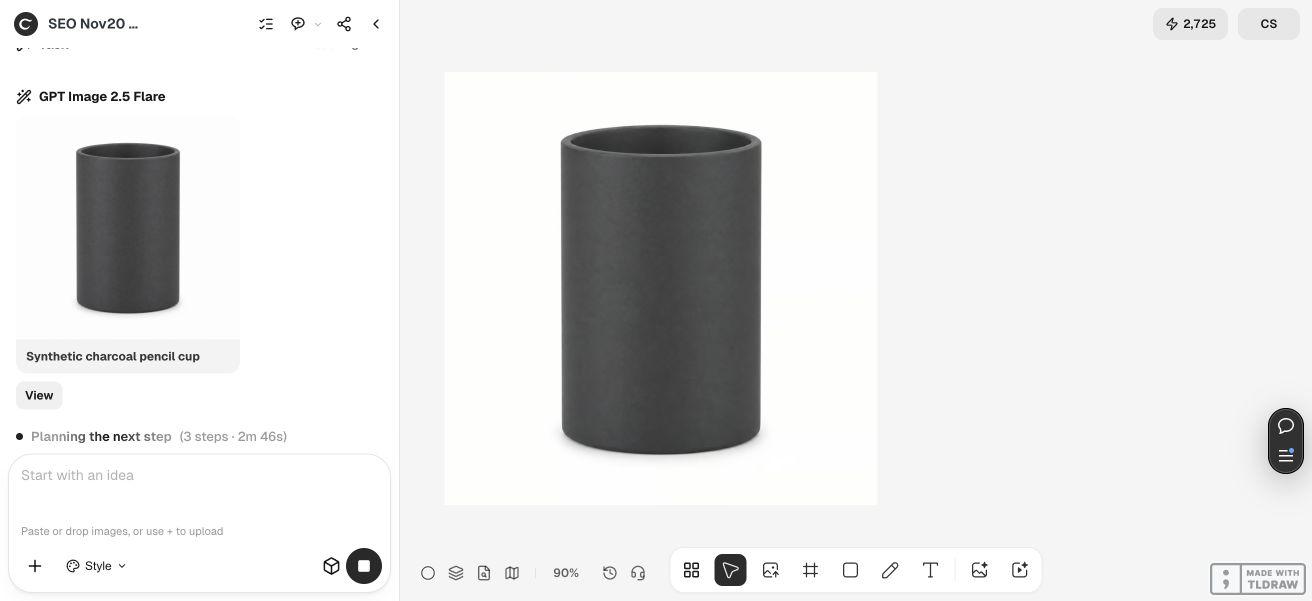
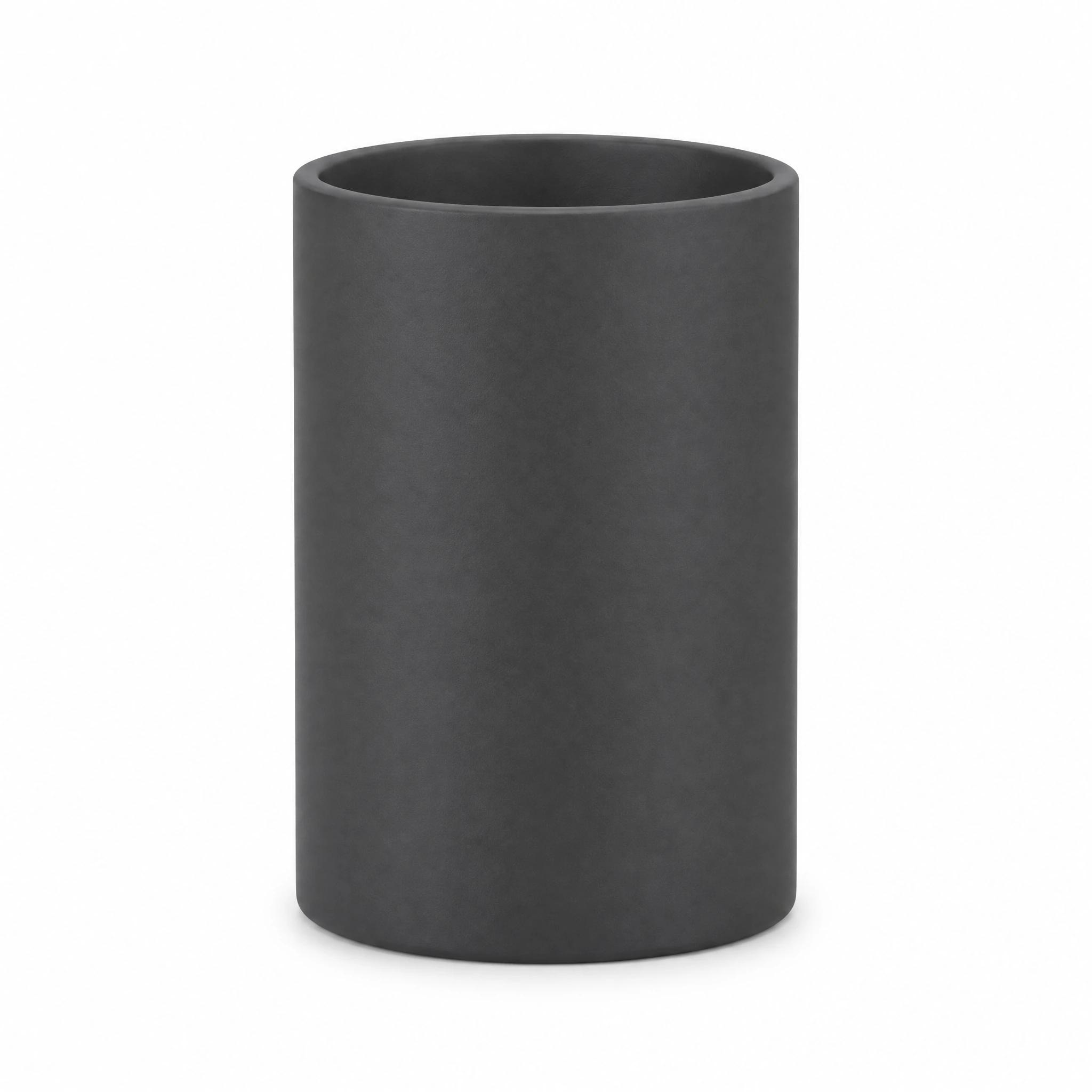
We used Ciyo to generate a clearly fictional pencil-cup image for a diagnostic exercise, then inspected the original PNG. It was 2048 × 2048 rather than the requested 1600 × 1600, and selected background pixels were not pure white. There is no real product reference for this synthetic object, so its product accuracy is unknown. This tutorial demonstrates preflight decisions, not an approved Amazon listing or a substitute for photographing your actual product.
Quick answer: approve product truth and file properties separately
For a real offer, begin with authorized photographs of the actual item and the current rules for its category. Compare the final image with that reference, then inspect the exact upload file's size, format, background and framing. A clean background does not establish accurate product details, and a large file does not establish marketplace acceptance.
Follow these five steps. The synthetic cup is deliberately limited to illustrating file inspection. Its worksheet records unknown product accuracy and no Amazon submission. Use the blank worksheet with your own authorized source, keeping uncertain checks open until the right person resolves them.
| Step | Action | Decision to record |
|---|---|---|
| 1 | Identify the actual item and applicable rules | The reference and category requirements |
| 2 | Keep generation and evidence distinct | What the source can and cannot establish |
| 3 | Inspect original dimensions and background pixels | Measured properties of the exact file |
| 4 | Review product details, edges and framing | Corrections or unresolved accuracy checks |
| 5 | Recheck the final export before marketplace upload | A documented decision on the upload file |
1. Establish the real product reference and current requirements
Name the exact offer: product variant, included quantity, finish and packaging where relevant. Gather authorized original photographs and specifications that let a reviewer compare visible details. An image of a similar object, including a convincing generated one, cannot establish the appearance of the item a buyer will receive.
Amazon's public photography guide emphasizes accurate product representation, a white background and appropriate framing. It describes RGB 255, 255, 255 for white backgrounds and recommends having the product fill 85% or more of the frame. It also directs sellers to the marketplace's technical and content requirements. Treat that public guide as general guidance, then check the rules that apply to your category and image role.
We could read the public photography guide, but the linked Seller Central help page exposed only its application shell through our documentation check. We therefore do not claim to have verified a complete current category-specific policy set. The seller's applicable guidance remains a required check before a real upload.
2. Keep the diagnostic example separate from a sale image
Our live Ciyo development request asked for an unbranded charcoal pencil cup, an empty white background and a 1600 × 1600 PNG. It explicitly identified the object as synthetic and prohibited any marketplace-approval claim. The workspace displayed GPT Image 2.5 Flare producing the example. After the image was saved, we stopped the remaining agent turn and performed the file checks independently.
This is a controlled way to demonstrate why output inspection matters without inventing a customer product or borrowing a seller's photograph. It is not a workflow for replacing an actual product with an imagined object. For a real listing, use the authorized product reference and verify that every subsequent edit preserves the relevant details.
The reusable prompt below is intentionally a diagnostic brief. Its output must stay labeled as such. If your task is editing an actual product photograph, keep the original alongside the edit and specify which background change is allowed; do not assume a generation prompt preserves physical truth.
Create one clearly fictional synthetic diagnostic image for an educational background-preflight exercise: [simple unbranded object] on a pure white RGB 255,255,255 background. Request a [width × height] PNG, one centered object, no clipping, text, logo, badge or unrelated props. Save the file and report actual dimensions. This is not a real product photograph and must not be described as an approved marketplace image or evidence of accurate physical details. The original file's pixels and framing will be inspected separately. Do not upload to a marketplace.3. Measure the original export and sample the empty backdrop
Inspect the original file rather than a browser thumbnail. The saved cup PNG is 2048 × 2048 and contains 3,288,462 bytes. That is a square image, but it does not match the requested 1600 × 1600 size. A requested dimension belongs in the brief; the delivered dimension comes from the file.
Sample known empty background pixels in the original sRGB image. Our top-left pixel was RGB 254, 254, 255; the top-right was 255, 255, 254; the bottom-left was 255, 254, 254; and the bottom-right was 254, 253, 254. These values can look white on screen, but they are not exactly 255, 255, 255.
We also examined four 32 × 32 corner patches. Only 387 of those 4096 selected pixels were exactly white. This is a finding about those patches, not an estimate of the whole background. It is enough to reject the claim that the sampled backdrop is uniformly pure white; it does not establish marketplace rejection or measure product accuracy.
The preview below is a compressed WebP for reading the article. Use the linked original PNG when reproducing the pixel checks, because compression or a resized preview can change pixel values. Record the exact filename and version in your own worksheet so the measurements follow the file they describe.
| Check | Observed result | Meaning |
|---|---|---|
| Requested size | 1600 × 1600 | A brief instruction, not a measurement |
| Original PNG size | 2048 × 2048 | The actual delivered pixel dimensions |
| Four sampled corner pixels | Each differs from RGB 255, 255, 255 | The sampled backdrop is not exactly pure white |
| Four corner patches | 387 / 4096 pixels exactly white | A local diagnostic, not a whole-image percentage |
| Real product accuracy | Unknown | There is no physical reference for this generated object |
| Amazon acceptance | Not tested | No upload or category-specific approval occurred |
4. Review the product independently of the white background
For a real item, compare the edited image with the authorized original at a useful zoom. Inspect silhouette, seams, openings, labels, texture, included parts and variant color. If a change makes the object more attractive but less accurate, return to the reference and revise that change. Background cleanup and product approval need separate decisions.
Inspect the edge for a pale halo, missing fine parts or leftover background. Check the framing with an appropriate product selection or mask and the applicable marketplace guidance. Do not infer a precise product boundary from a crude color threshold, especially when the item is pale, translucent or reflective.
For the synthetic cup, a diagnostic threshold selecting pixels with all three channels below 200 gives a 950 × 1562 bounding rectangle: about 46.4% of the image width and 76.3% of its height. That region can include shadow and is not a precise product mask. It is not a measurement of Amazon's 85% framing recommendation and cannot be used as a compliance pass or fail. The visible margins are a reason to inspect framing carefully, not to invent a marketplace result.
A solo seller can keep the source and final export side by side with the worksheet. An agency should have the product owner approve accuracy and the relevant marketplace owner confirm current rules. If no one can verify a detail, record it as unresolved instead of describing the file as ready.
5. Recheck the final file before handing it to the seller
After any crop, background correction or format conversion, inspect the actual final export again. Recheck dimensions, edges, background samples and product identity. A measurement of an earlier PNG does not automatically apply to a later JPEG, resized image or newly generated version.
Use the blank CSV as a simple review record. Give each unresolved check an owner and a next action. It is a manual worksheet: it does not analyze images, query Seller Central or submit a listing. The worked CSV shows how this example retains unknown accuracy and untested acceptance alongside its measured file properties.
Our synthetic image stops at this diagnostic stage. We have not corrected it into a sale asset, compared it with a physical cup or uploaded it to Amazon. For your own listing, finish the actual product and category checks in the seller's workflow before deciding to upload. A polished preview alone is not the evidence needed for that decision.
Main-image preflight questions
Does asking for pure white guarantee a pure-white file?
No. The example requested RGB 255, 255, 255, while sampled pixels in its original PNG were off-white. Inspect the actual export and sample known empty background areas.
Can I use this synthetic cup as a real product photograph?
There is no verified physical product behind it. It is an educational diagnostic only. A real offer needs authorized reference material and a reviewer who can verify the actual item and its details.
Does the 2048 × 2048 size mean Amazon will accept the image?
It establishes a pixel dimension, not acceptance. Applicable technical and content requirements, product accuracy and category-specific checks remain separate.
Does the dark-region rectangle prove compliance with an 85% rule?
No. The threshold includes dark pixels and potentially shadow, and it is not a precise product mask. Its width and height fractions are diagnostic measurements, not a marketplace framing verdict.
What skills and time does this check require?
You need file-property inspection, an image editor with pixel sampling and someone who knows the actual product and applicable marketplace rules. This example establishes no fixed review time or approval rate; difficult edges and unresolved product details can require more work.
Keep the product reference beside the final export
Use Ciyo for a clearly scoped visual task, then inspect the actual file. Keep measured properties, product accuracy and marketplace approval as explicit review decisions.