Practical design workflow
Blank Sheet Music: Make Five-Line Staves That Print Clearly
Blank sheet music is a small geometry task. A page with an extra line in one staff or too little room between systems becomes awkward as soon as someone starts writing.
The original download here contains ten five-line staves on A4. It includes no musical notes, clefs or key signatures. Use Ciyo for a visual layout concept, then preserve the actual staff geometry in the supplied SVG.
Quick answer: count lines before styling the page
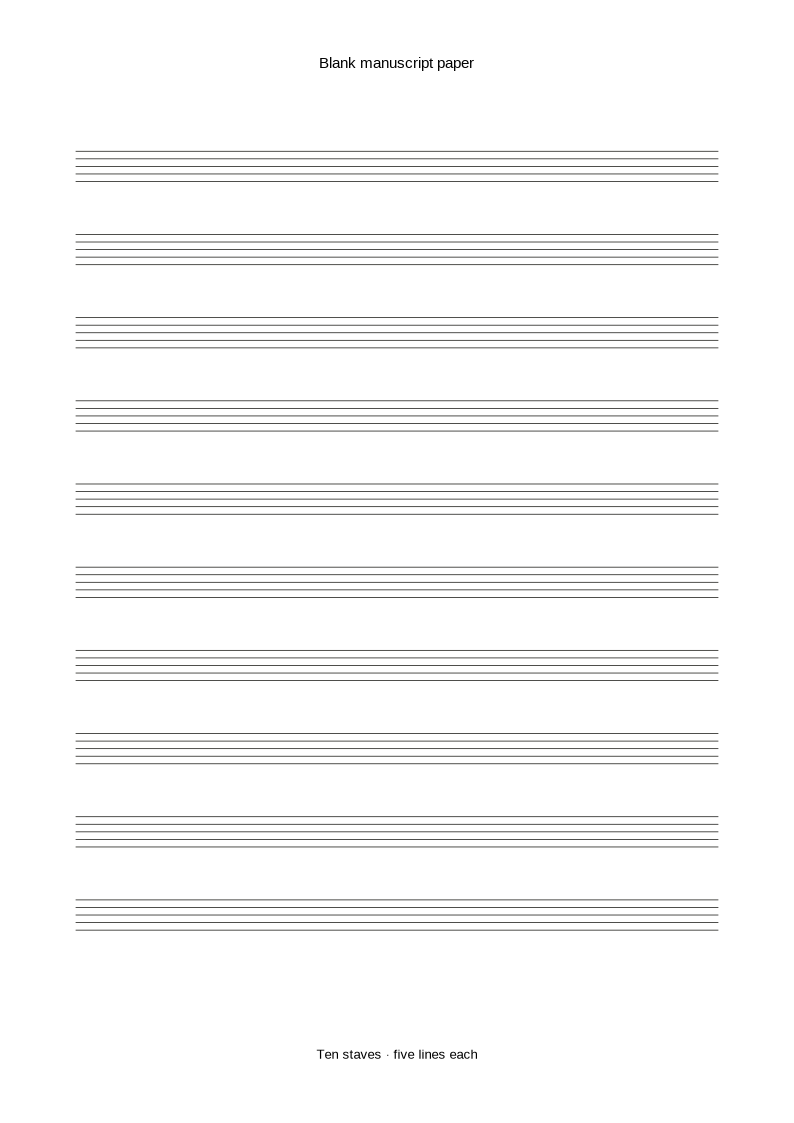
Each staff in the example contains five horizontal lines separated by 2 mm. Staff starts are 22 mm apart, leaving 14 mm from the bottom line of one staff to the top line of the next. The result is ten staves and fifty staff lines, not fifty independent decorative rules.
Follow four steps: choose the writing space, explore a page treatment, retain vector lines and print a proof. The dimensions describe the source. They are an example layout, not a universal engraving standard or a promise about a printer.
| Property | Example value |
|---|---|
| Page | A4, 210 × 297 mm |
| Staves | 10 |
| Lines per staff | 5 |
| Line pitch | 2 mm |
| Space between adjacent staves | 14 mm |
1. Decide what will be written by hand
Start with the intended use: a short notation exercise, a melody sketch or a teacher's demonstration. Someone adding large annotations may need fewer staves with more separation. Decide that before filling the page with lines. The example keeps the paper blank so the writer chooses the clef and notation.
Avoid adding staff labels, bar lines or exercise numbers simply to make a design feel finished. Those can imply a structure the writer did not request. If a task needs tablature, percussion notation or another system, choose an appropriate source rather than treating the five-line example as interchangeable.
2. Explore the page treatment in Ciyo
Create a separate fictional project and request a straight-on blank-paper concept. Inspect the settings and generation quote before running it. Use the image to judge the title area, contrast and overall whitespace.
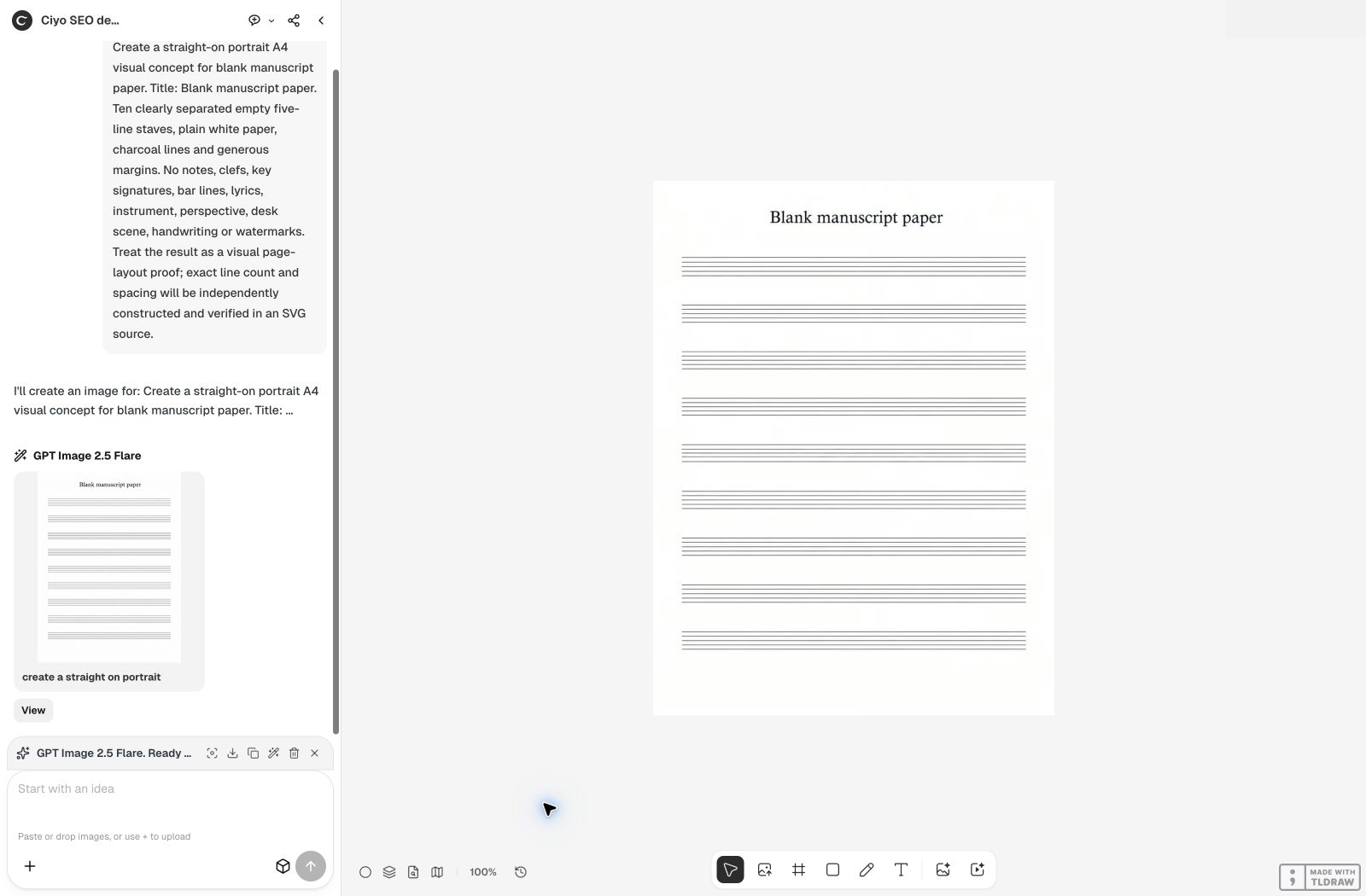
Count the lines if the generated concept contains staves. Repeated fine lines can be merged, added or uneven in an image; the prompt is not a guarantee of geometry. Do not describe a visual result as valid notation paper until you have checked its source or replaced the lines with explicit vector geometry.
On November 27, 2026, we used Ciyo’s production Image Generator with GPT Image 2.5 Flare, aspect ratio 3:4, 1K and one image. The displayed quote for this run was 2 credits. Check the quote in your own session.
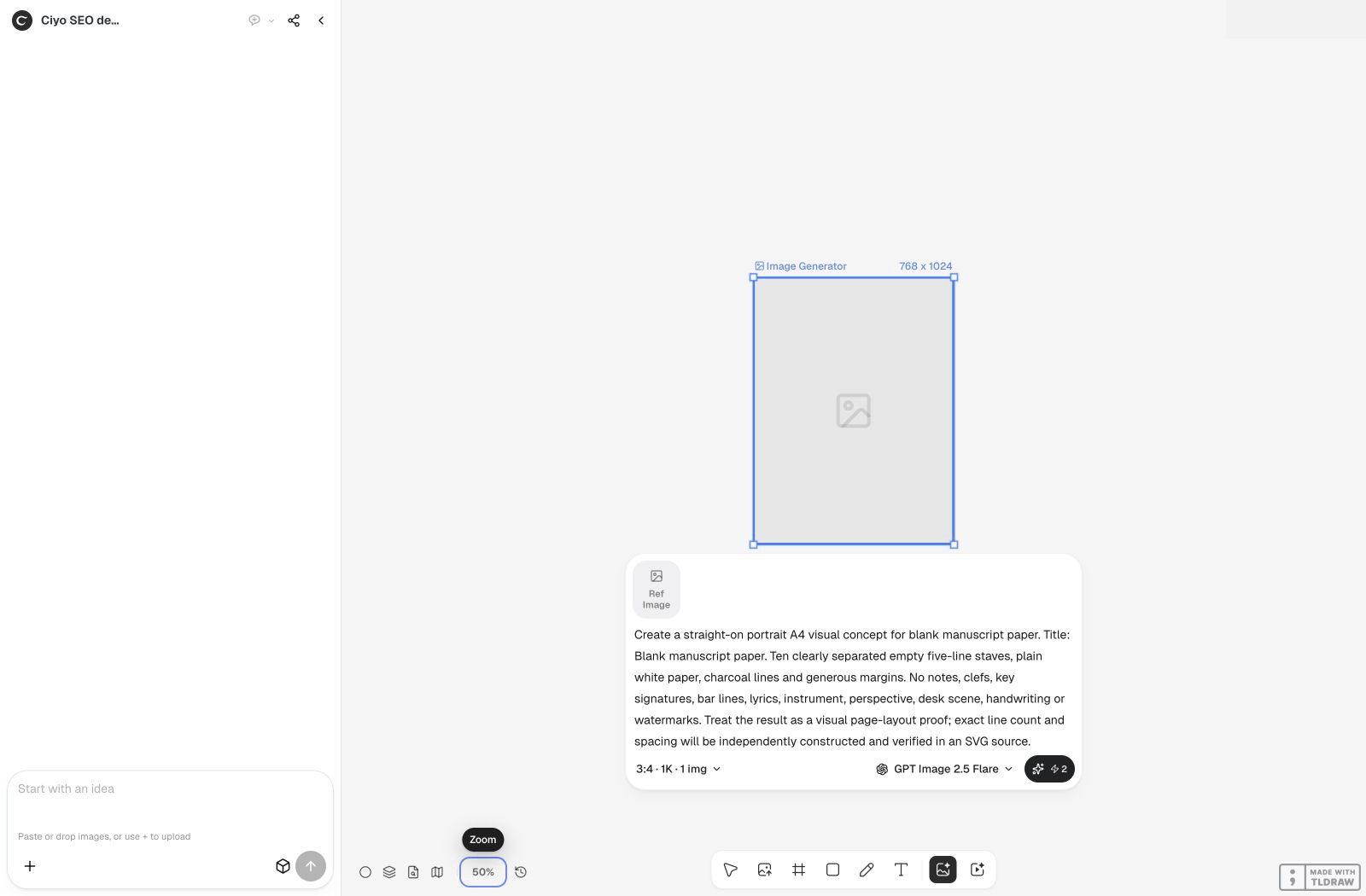
Create a straight-on portrait A4 visual concept for blank manuscript paper. Title: Blank manuscript paper. Ten clearly separated empty five-line staves, plain white paper, charcoal lines and generous margins. No notes, clefs, key signatures, bar lines, lyrics, instrument, perspective, desk scene, handwriting or watermarks. Treat the result as a visual page-layout proof; exact line count and spacing will be independently constructed and verified in an SVG source.3. Use the SVG for the actual staff lines
The generated sheet shows nine groups of five lines. The downloadable SVG contains the requested ten staves with verified spacing.
The supplied SVG draws each staff as its own group of five lines. Lines run from x = 20 to 190 mm. The first staff begins at y = 40 mm and subsequent starts advance by 22 mm. This makes the count and spacing inspectable in a vector editor or text editor.
Open the HTML wrapper to print, or edit the SVG directly if you need different margins or fewer staves. Save a new version after changing the geometry. The wrapper does not turn the SVG into a music-notation editor, and it does not add playback or validate the music you later write.
4. Check the proof with the intended writing tool
Print one page on A4 at 100%, with browser headers and footers disabled. Count five lines in the first, middle and last staff, then count ten staff groups. Check the full page rather than assuming that a correct first group proves the rest.
Try a few handwritten marks on a spare copy. If the line weight overwhelms pencil or the vertical space is too tight, adjust the vector source deliberately. Recheck the line count after edits. A large screen preview can hide weak contrast or cramped writing room on paper.
Choose a specialist tool for notation-specific options
Blank Sheet Music provides a dedicated workflow with page and staff controls. It may be a better starting point when you need different paper formats or more notation-specific choices. Verify the live controls for your task; the downloadable example here is independently authored and does not reproduce that tool's output.
Adding sound to a video is a different workflow from preparing notation paper. Neither an image generator nor a blank SVG sheet can establish that a musical composition is correct. Use a notation editor when you need semantic notes, playback or score validation.
Manuscript-paper questions
Does this file include clefs or notes?
No. It is blank staff paper with ten groups of five lines. You choose and write any musical content separately.
Can I change the number of staves?
Yes, by editing the SVG source and adjusting the spacing intentionally. Count the groups and lines again before printing the revised page.
Is the Ciyo image the printable source?
Use Ciyo for a visual concept. The supplied independent SVG gives explicit line coordinates and is the source intended for this printable.
Give the writer a clean page
Explore the page treatment in Ciyo, keep the staff lines in SVG and test one printed copy with the intended pen or pencil.