Practical design workflow
Delivery Stop Sheet Template for Time Windows and Access Notes
The driver starts at the river print room, but the “use receiving door” note belongs to the west studio. When stops move, the information attached to each address needs to move with them.
This fictional local route uses three destination aliases and no private addresses or contact details. A CSV and a production Ciyo proof show how to keep the notes tied to each stop.
Quick answer
Give each stop a stable ID. Store the planned window, package count and access note under that ID. Change the sequence field when you reorder; keep the other fields together on the same row.
| Sequence | Stop ID | Destination alias | Window start | Window end | Package count | Delivery note |
|---|---|---|---|---|---|---|
| 1 | ST-04 | West studio | 10:00 | 10:30 | 2 | Use receiving door |
| 2 | ST-08 | River print room | 10:45 | 11:15 | 1 | Hand to desk |
| 3 | ST-10 | North workshop | 11:30 | 12:00 | 3 | Use side entrance |
Attach each instruction to a unique stop
ST-04 is West studio, with two packages and a planned window from 10:00 to 10:30. Keep Use receiving door beside ST-04 after sorting. ST-08 goes to the River print room desk with one package.
ST-10 has three packages and a side entrance. Put the planned window and note on the same line so the driver can read them while verifying the stop ID.
If the windows overlap, confirm whether the driver can cover both and revise the sequence when necessary. Enter actual completion in a separate field after checking it in the real delivery process.
Explore the layout in Ciyo
Create an isolated project, open Image Generator and use this fictional delivery stop sheet brief. Keep the CSV alongside the visual proof so you can check the exact fields after generation.
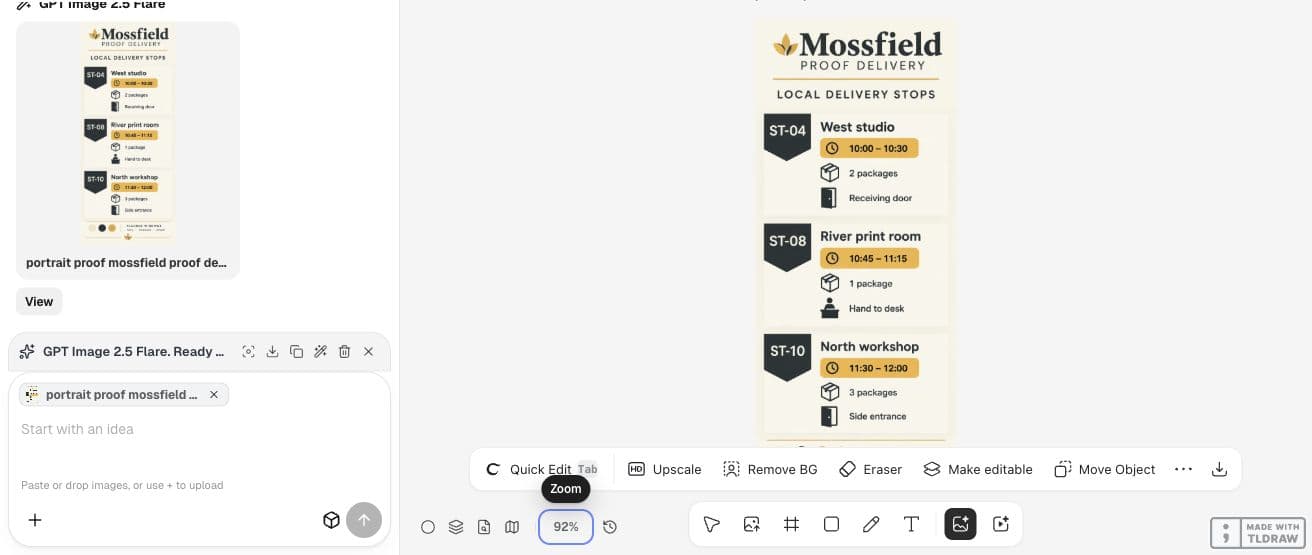
On November 28, 2026, we generated one image using GPT Image 2.5 Flare in Ciyo’s production canvas. The run used 9:21 at 1K and returned a 624 by 1456 image. Check your own quote before you submit.
Use the complete prompt below alongside the screenshot of the canvas composer.
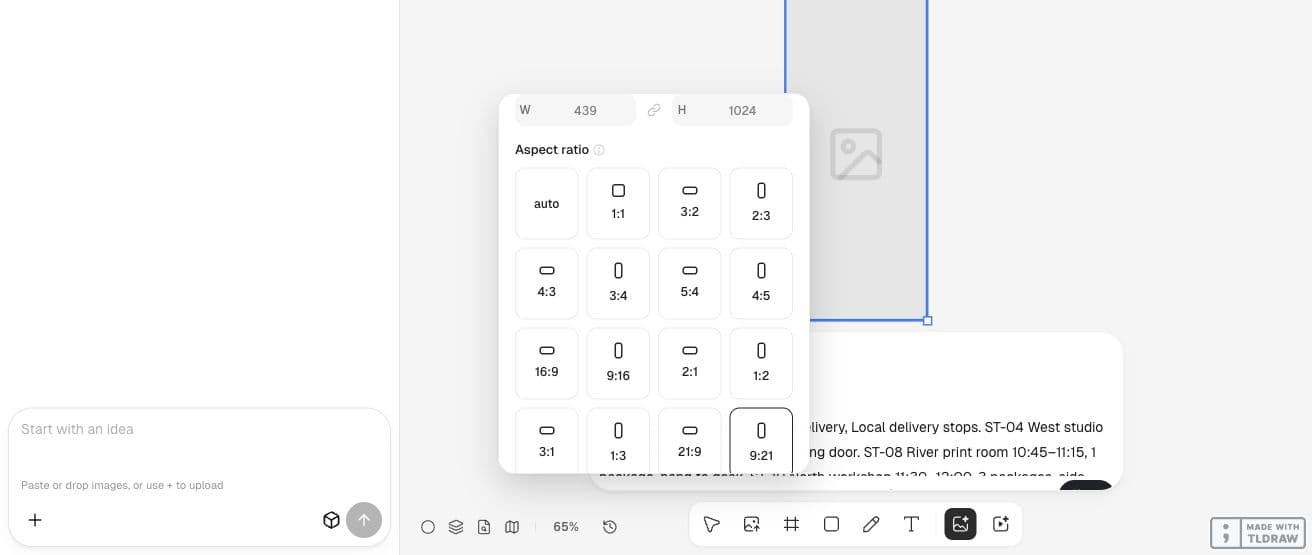
Portrait proof. Mossfield Proof Delivery, Local delivery stops. ST-04 West studio 10:00–10:30, 2 packages, receiving door. ST-08 River print room 10:45–11:15, 1 package, hand to desk. ST-10 North workshop 11:30–12:00, 3 packages, side entrance. These are planned windows. Ivory, charcoal and amber. No real addresses.Read the proof alongside the source
The proof put the three stop codes and their time windows in sequence and kept each package count and note with its stop. Keep Planned as a separate state in the CSV, since the image does not record delivery outcomes.
The image helps you check readability and layout. Keep the CSV as your editable source for the fields and values.
Test the sheet by changing two stops
Open the CSV and swap the sequence numbers for ST-04 and ST-08 in a working copy. Sort the whole table by sequence. Confirm that two packages and Use receiving door still belong to ST-04. Undo the swap if it breaks the original time plan.
Use a static sheet for a few checked stops. If the driver needs live routing or customer updates, use your organization’s approved delivery system. Keep the working list limited to the people who need the actual addresses.
Source and workflow context
Shopify’s official guide describes delivery handling and instructions in its store workflow. This worksheet uses separate fictional aliases to demonstrate a manual handoff.
Delivery stop sheet questions
Is a time window an arrival record?
A window is a plan. Record the actual arrival or completion separately after it is confirmed.
What should I do when a stop is moved?
Update the sequence, check the planned window against the new sequence, and keep the ID, instructions and package count together.
Should a route proof show customer addresses?
Use aliases in a design proof. Store addresses and contact details in the approved delivery system for the people fulfilling those stops.
Make a proof from checked fields
Create three fictional stops, reorder them once, and check that every note and quantity remains tied to the same stop ID.