Practical design workflow
Equipment Checkout Form That Tracks Return Condition

A tripod comes back with its plate attached, but the carry bag’s zip sticks. If you overwrite the original checkout note, you lose the distinction between what left the desk and what came back.
This example uses two fictional loans at Alder Photo Co-op. The editable form keeps the asset and its pieces together while leaving the return fields empty for gear that is still out.
Quick answer
Start with the asset ID and a separate loan ID. Count accessories when you issue the gear, note its departure condition, and add a due date. On return, record a fresh observation and set the disposition in its own field.
| Loan ID | Asset ID | Included pieces | Out condition | Due date | Returned condition | Disposition |
|---|---|---|---|---|---|---|
| L-07 | TR-014 | Plate and carry bag | Plate attached; bag intact | 2026-12-04 | Plate attached; zip sticks | Hold for inspection |
| L-08 | LT-006 | Power lead | Lead present; case intact | 2026-12-05 | — | Out |
Check the tag and the pieces in front of you
L-07 is the loan, while TR-014 identifies the tripod itself. The same tripod can have several loan records over time. Do not create a new asset ID on each checkout.
Write “plate and carry bag” in the included pieces field and say what you actually checked. For the LED panel L-08, record the cable as present. The separate return field stays empty while the panel is still out.
Use a dated note or photo reference from the approved loan system if the condition needs more detail. Keep borrower details in authorized records and use the loan ID on a shared or printed checklist.
Explore the layout in Ciyo
Create an isolated project, open Image Generator and use this fictional equipment checkout form brief. Keep the CSV alongside the visual proof so you can check the exact fields after generation.
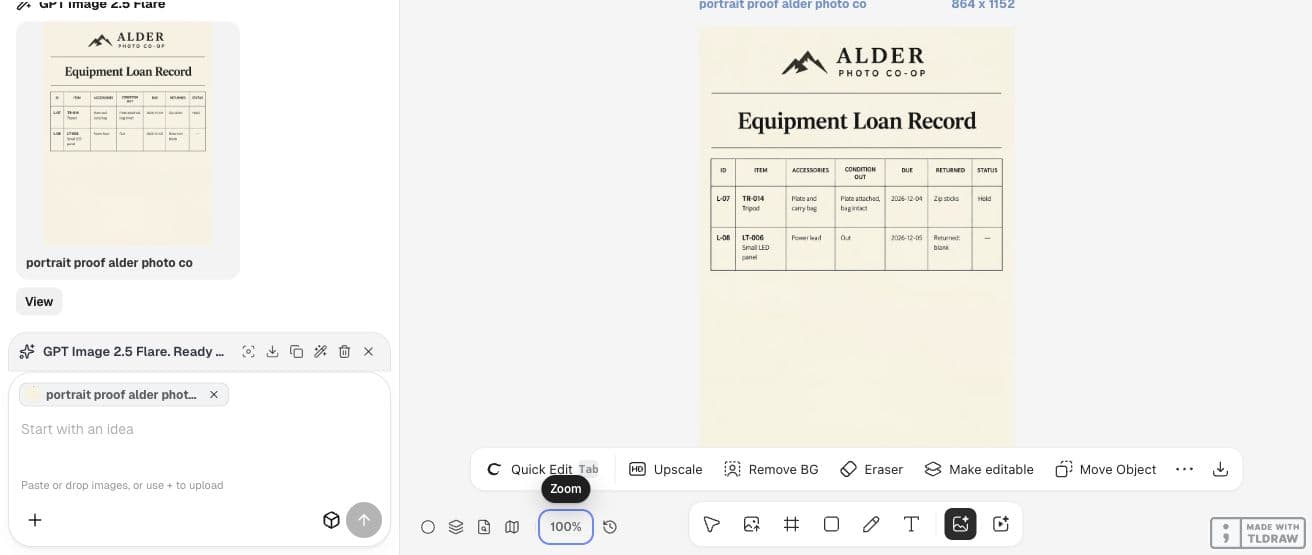
On November 28, 2026, we generated one image using GPT Image 2.5 Flare in Ciyo’s production canvas. The run used 3:4 at 1K and returned an 864 by 1152 image. The interface showed a quote of 2 credits for this configuration. Check your own quote before you submit.
Use the complete prompt below alongside the screenshot of the canvas composer.
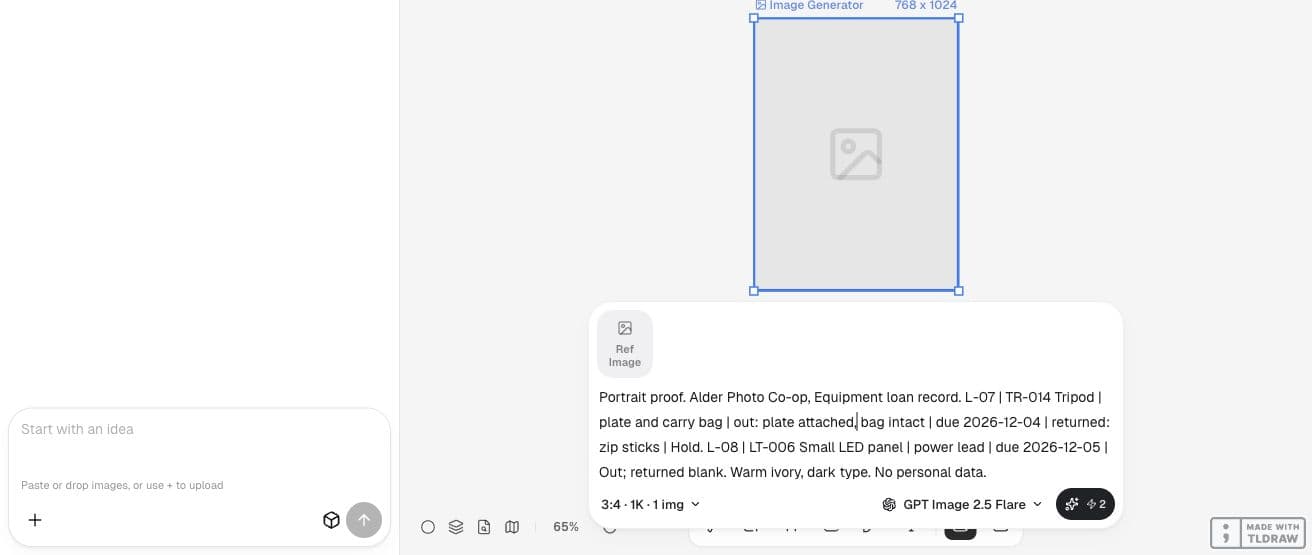
Portrait proof. Alder Photo Co-op, Equipment loan record. L-07 | TR-014 Tripod | plate and carry bag | out: plate attached, bag intact | due 2026-12-04 | returned: zip sticks | Hold. L-08 | LT-006 Small LED panel | power lead | due 2026-12-05 | Out; returned blank. Warm ivory, dark type. No personal data.Read the proof alongside the source
The proof kept both asset identifiers and the tripod’s sticky zipper. It drew the words Returned blank in L-08’s return cell and placed Out under condition. The editable source keeps return condition empty and disposition Out.
The image helps you check readability and layout. Keep the CSV as your editable source for the fields and values.
Record what returned before changing availability
Compare the inbound items with the outbound list. For TR-014, the plate is present and the bag has a sticky zip. Write that observation and mark Hold for inspection if your team needs a closer look.
Filter for disposition Out in the CSV. Only L-08 should appear. A blank condition cannot tell you whether the item was returned, so always check the disposition too. An editable sheet suits occasional loans. Use your lending system when dates, reminders, or multiple people require a shared record.
Source and workflow context
Northwestern’s equipment guide describes several kinds of items users can check out. The two loan rows here are original fictional examples and use no library borrower information.
Equipment checkout form questions
Do I need separate IDs for the loan and asset?
Use both when the same item can circulate again. The loan ID stays unique to this exchange, and the asset ID stays attached to the item.
What goes in a return condition field?
Write something you observed, such as a missing cable or a stuck zip. Record availability, review, or repair decisions in a separate field.
What if an accessory was missing at checkout?
Record the actual count and the missing piece before the gear leaves. Compare the return with that specific record rather than with a generic kit list.
Make a proof from checked fields
Draft an example with one returned item and one still out, then see whether the form keeps their return fields easy to distinguish.