Practical design workflow
Expense Report Template for Receipt IDs and Separate Currencies

The expense sheet says 29.50. Looking at the receipts, you realize the sheet added USD 20.00 and EUR 9.50. One neat total has made the recorded amounts harder to verify.
This fictional example from Pebble Display Lab gives you three editable expense rows and a live layout proof. It shows how to record what is present and how to flag a missing receipt for a reviewer.
Quick answer
Give every expense a line ID, amount, currency and receipt reference. Use a status to flag attachments that are missing. Subtotal recorded amounts within each currency and label whether those amounts have supporting receipts.
| Line ID | Receipt ID | Description | Currency | Amount | Attachment status |
|---|---|---|---|---|---|
| E-01 | R-17 | Proof paper | USD | 12.40 | Matched |
| E-02 | R-18 | Board clips | USD | 7.60 | Matched |
| E-03 | R-19 | Sample sleeves | EUR | 9.50 | Missing |
Line up each amount with a receipt reference
Match R-17 to E-01 and R-18 to E-02. Use a short description to make a mismatch obvious. For E-03 keep reference R-19 on the line and set the attachment status to Missing until it can be checked.
The recorded USD subtotal is 12.40 plus 7.60, or USD 20.00. The separately recorded EUR subtotal is EUR 9.50. Because R-19 is missing, the euro amount is still an entry to verify. Label the totals Recorded before presenting them as amounts supported by receipts.
If one receipt needs several line items, give those items their own IDs and repeat its receipt reference. Verify that the allocation adds back to the amount being recorded before you report it.
Explore the layout in Ciyo
Create an isolated project, open Image Generator and use this fictional expense report brief. Keep the CSV alongside the visual proof so you can check the exact fields after generation.
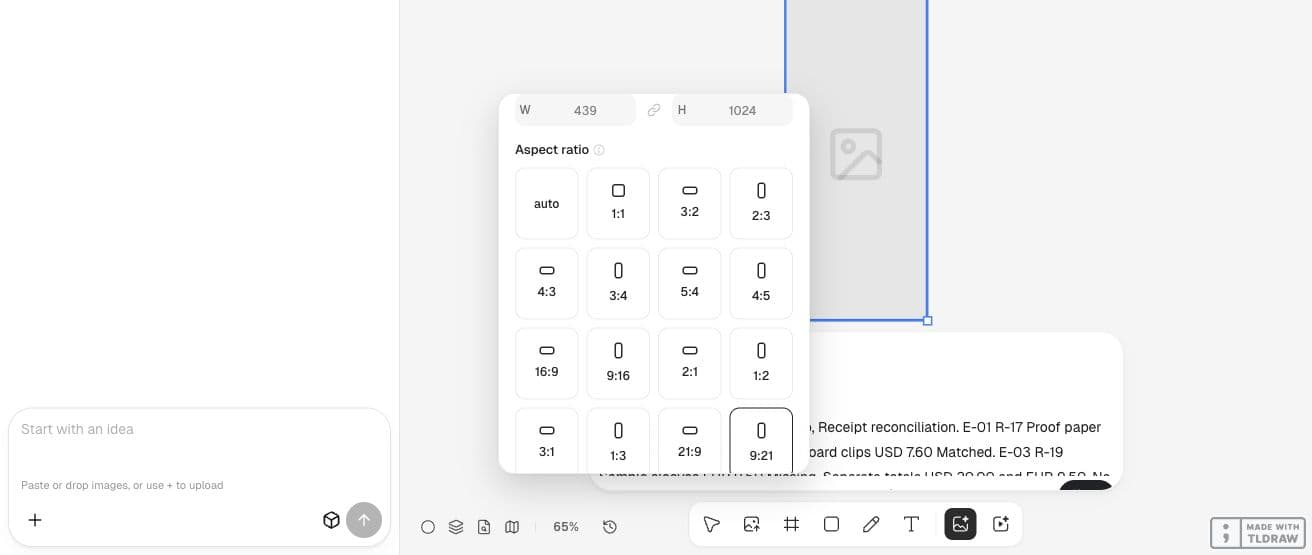
On November 28, 2026, we generated one image using GPT Image 2.5 Flare in Ciyo’s production canvas. The run used 9:21 at 1K and returned a 624 by 1456 image. Check your own quote before you submit.
Use the complete prompt below alongside the screenshot of the canvas composer.
Portrait proof. Pebble Display Lab, Receipt reconciliation. E-01 R-17 Proof paper USD 12.40 Matched. E-02 R-18 Board clips USD 7.60 Matched. E-03 R-19 Sample sleeves EUR 9.50 Missing. Separate totals USD 20.00 and EUR 9.50. No combined total. Ivory page, dark text, amber for missing.Read the proof alongside the source
The proof shows the three receipt IDs, both amounts in USD, the EUR row with missing receipt status, and separate USD 20.00 and EUR 9.50 totals. No combined currency total appeared.
The image helps you check readability and layout. Keep the CSV as your editable source for the fields and values.

Filter to missing attachments before handing off the sheet
Filter the supplied CSV to Missing. Only E-03 should appear. Then group by Currency and check both subtotals by hand. Keep the two currencies as separate groups when you add more rows.
Use the small CSV when you need to review a few lines together. Use the team’s expense system when you need attachment permissions or approval history. Leave private receipt images outside the proof and share them only through the authorized channel.
Source and workflow context
Smartsheet publishes expense reports with line-entry layouts. The example here makes the relationship between a recorded amount, its currency and its attachment explicit.
Expense report questions
Does a missing receipt mean the amount is zero?
Keep the recorded amount and flag the missing attachment. An empty attachment field cannot establish the amount.
Can I total two currencies together?
Report totals separately in this worksheet. If your workflow needs conversion, preserve both original amounts and use the approved rate and date through the normal process.
Does the sample approve anything for payment?
The sample records and reconciles entries. Use the responsible team’s approval workflow for any payment decision.
Make a proof from checked fields
Make a fictional proof with two currency groups and one missing attachment. Check that a reader can spot all three at a glance.