Interior concept review · Production guide
Interior concept sign-off checklist: record exactly what was approved
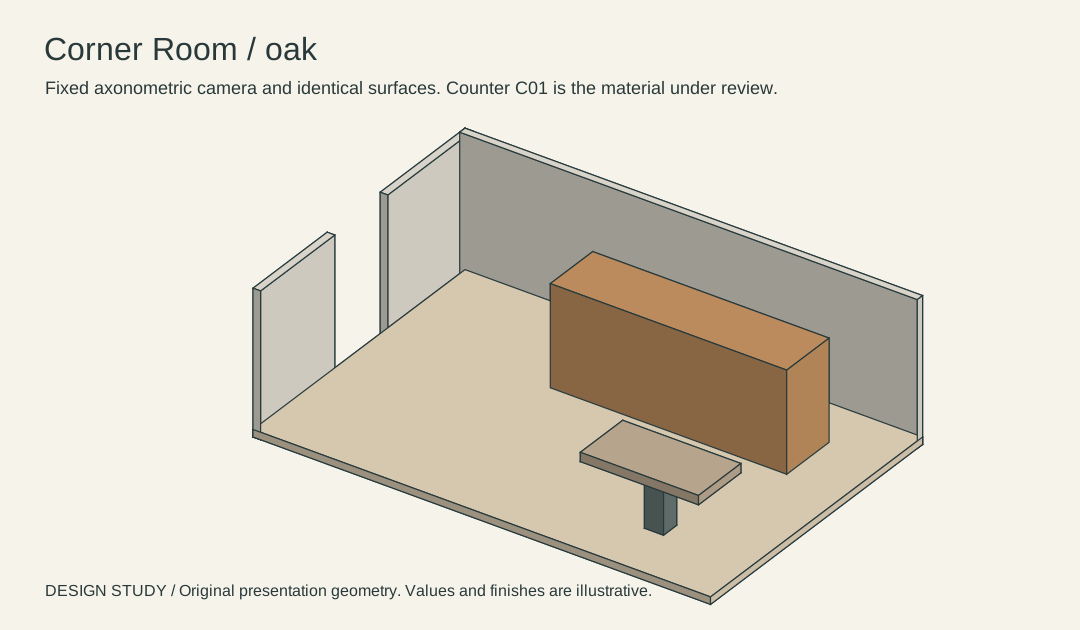
Record which concept the client prefers, which physical samples are pending and which issues still need technical review. Attach a dated plan/view pair to the decision.
Input and decision
Put image-specific approvals, sample-dependent approvals and unresolved technical questions in separate rows. Give each a named approver. Corner Room is a fictional original model. Its geometry is a discussion reference for this exercise.
Set up the comparison
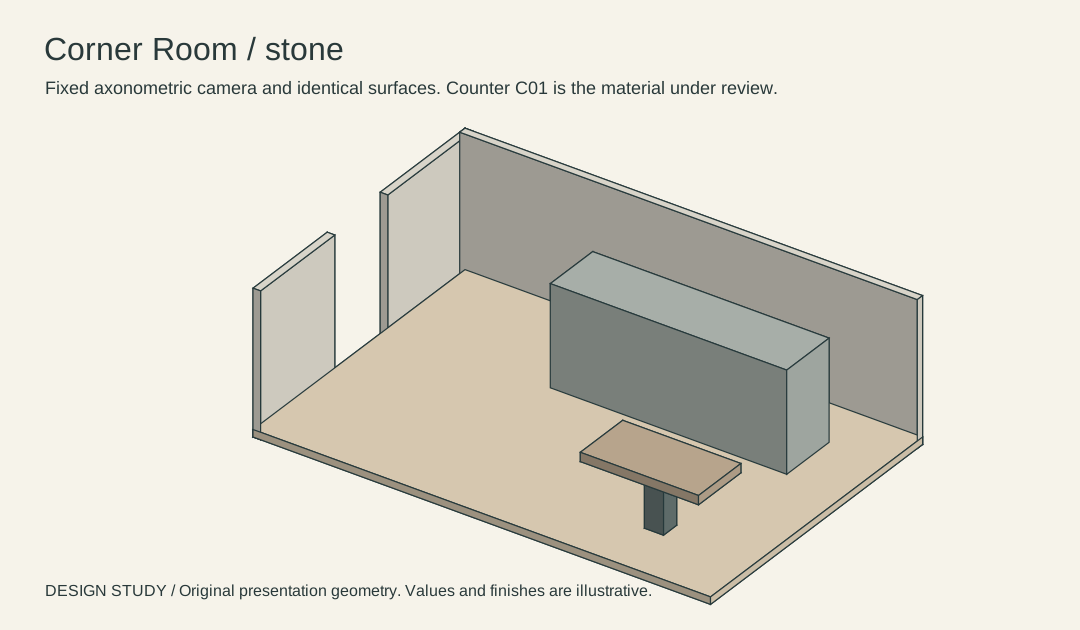
Read the selected C01 view back to the client. If they approve the color direction but still want a stone sample, record both statements without merging them.
Make the comparison
Ask the client to initial the selected render and date that choice. Have the sample reviewer sign a different row when the material actually arrives.
Worked record
The downloadable worksheet includes the records below and a blank row for your own project.
| Decision type | View or sample | Status | Decision owner | Due date |
|---|---|---|---|---|
| Appearance | C01-S | Preference recorded only | Client | Example |
| Material | C01-S physical sample | Pending | Designer | Project date |
| Technical | Queue width | Pending measured plan | Architect | Project date |
Check the result
A visual preference recorded for C01 must not silently approve lighting levels, final dimensions or the construction package.
Hand off the revision
Archive the dated image approval separately from pending sample and measured-plan approvals.
Review question
How do I reopen an interior approval after a new sample arrives?
Preserve the original image, date and decision. Reopen the material row for the new sample and link it to the earlier appearance decision.
Use the task on your own brief
Use a copy of the worksheet to keep the project’s source files, reviewed options and decisions together.