Editable travel printables
How to Make a Luggage Tag Template for Your Holder’s Window
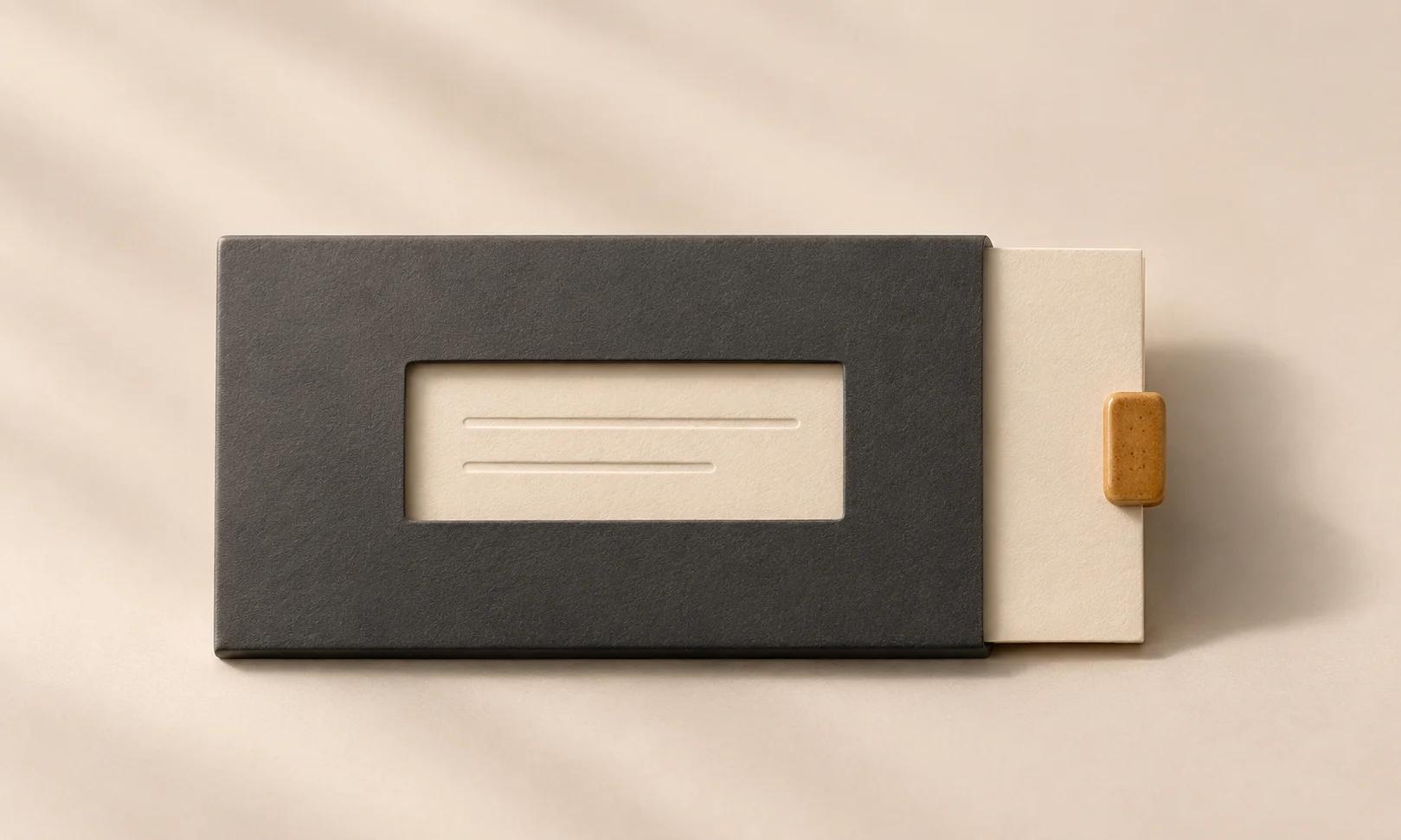
An insert can fit inside a luggage-tag holder while its contact line disappears behind the edge. Designing only to the outside rectangle misses the smaller opening through which someone actually reads it.
We made a fictional Alex Rivera contact insert in a live Ciyo project, using alex.rivera@example.com as the only recovery contact. We checked the editable source and reviewed a separate hypothetical window overlay. The dimensions are chosen demonstration assumptions, not measurements of a real holder, and no physical print or travel test was performed.
Quick answer: measure the visible window separately from the insert
Record both the insert’s outer size and the visible opening. Place the name and contact comfortably inside the opening, keep the exact contact string intact, then check a paper proof in the actual holder.
The five steps below use an assumed 85 × 54 mm face and a centered 75 × 44 mm opening. The opening is inset 5 mm from each face edge. Replace those assumptions with your own measurements before relying on the layout.
| Step | Action | Review result |
|---|---|---|
| 1 | Record the face and visible opening | Two separate measurements |
| 2 | Brief a minimal contact layout | An exact name and intended recovery contact |
| 3 | Check the contact string and overlay | Nothing missing or hidden in the assumed window |
| 4 | Inspect the clean file and source | Editable, clearly named print assets |
| 5 | Measure a proof in the real holder | Actual fit and paper readability |
1. Distinguish the cut face from the readable opening
Measure the space that receives the paper and the opening that exposes it. A holder border, sleeve lip or privacy flap can change what remains visible. Include the position of that opening, not just its width and height.
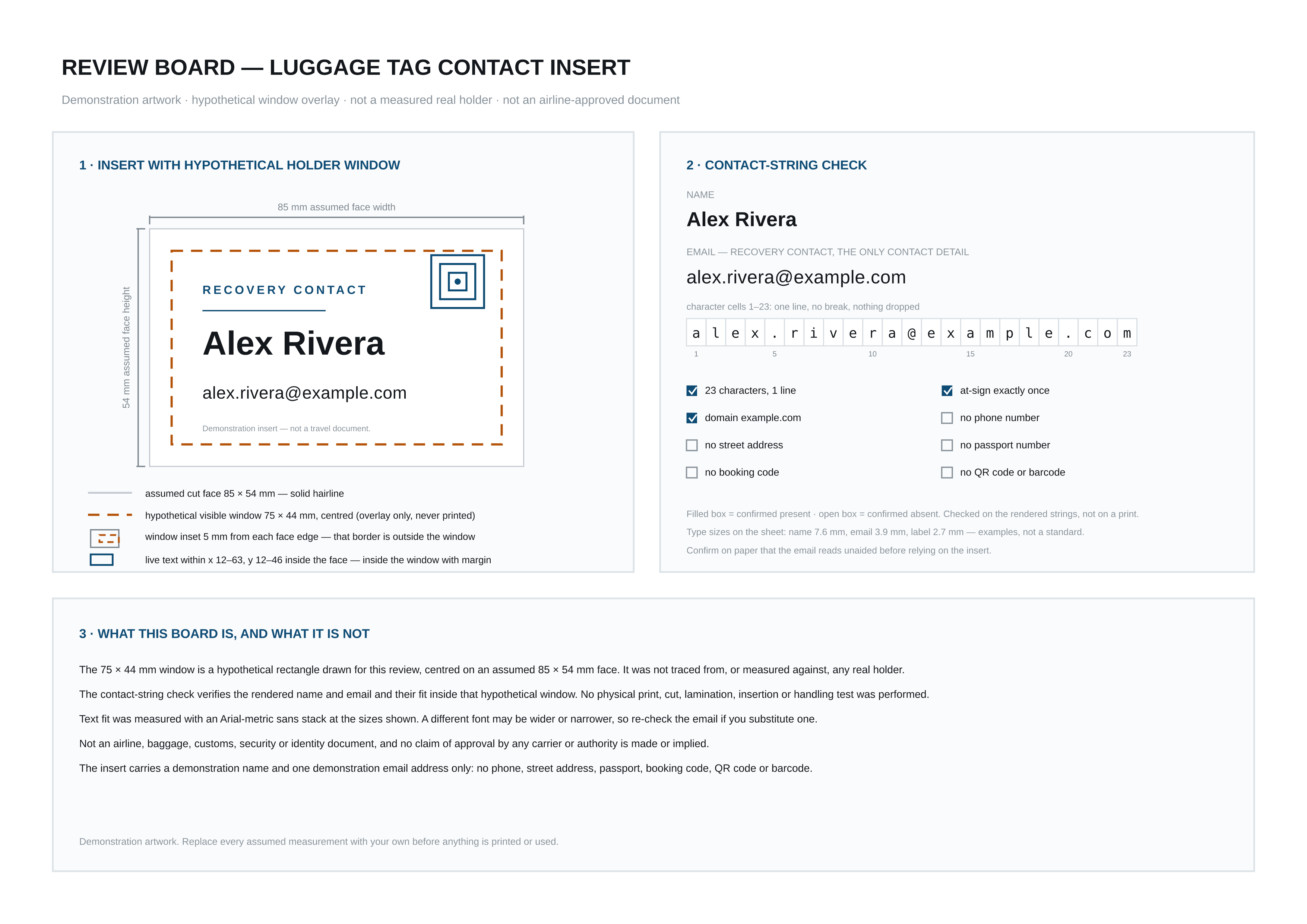
In this fictional example, the 75 × 44 mm window is centered within an 85 × 54 mm face. Subtracting the dimensions leaves 10 mm in each direction, or a 5 mm inset at each edge. That outer border is outside the hypothetical visible window.
These figures are not a luggage-tag standard. A different holder can have a different shape, offset window or insertion clearance. If you do not have the holder yet, label the layout assumptions and leave physical fit unresolved.
| Item | Example value | What to replace |
|---|---|---|
| Insert face | 85 × 54 mm | Usable insert space in your holder |
| Visible opening | 75 × 44 mm, centered | Actual opening and its position |
| Opening inset | 5 mm from each face edge | Border coverage measured on your holder |
| Print page | A4, 210 × 297 mm | Your paper and actual print settings |
2. Brief the exact contact and keep the layout simple
Create an isolated Ciyo project with the chosen geometry and exact text. Our example uses a name and one email address. It contains no telephone number, street address, passport data, booking code or QR code. Replace the fictional address with your own intended recovery contact only when preparing your private final file.
Ask for a clean print sheet and a separate window-review image. The window overlay belongs on the review, so someone preparing the insert can distinguish a hypothetical opening from the actual cut face.
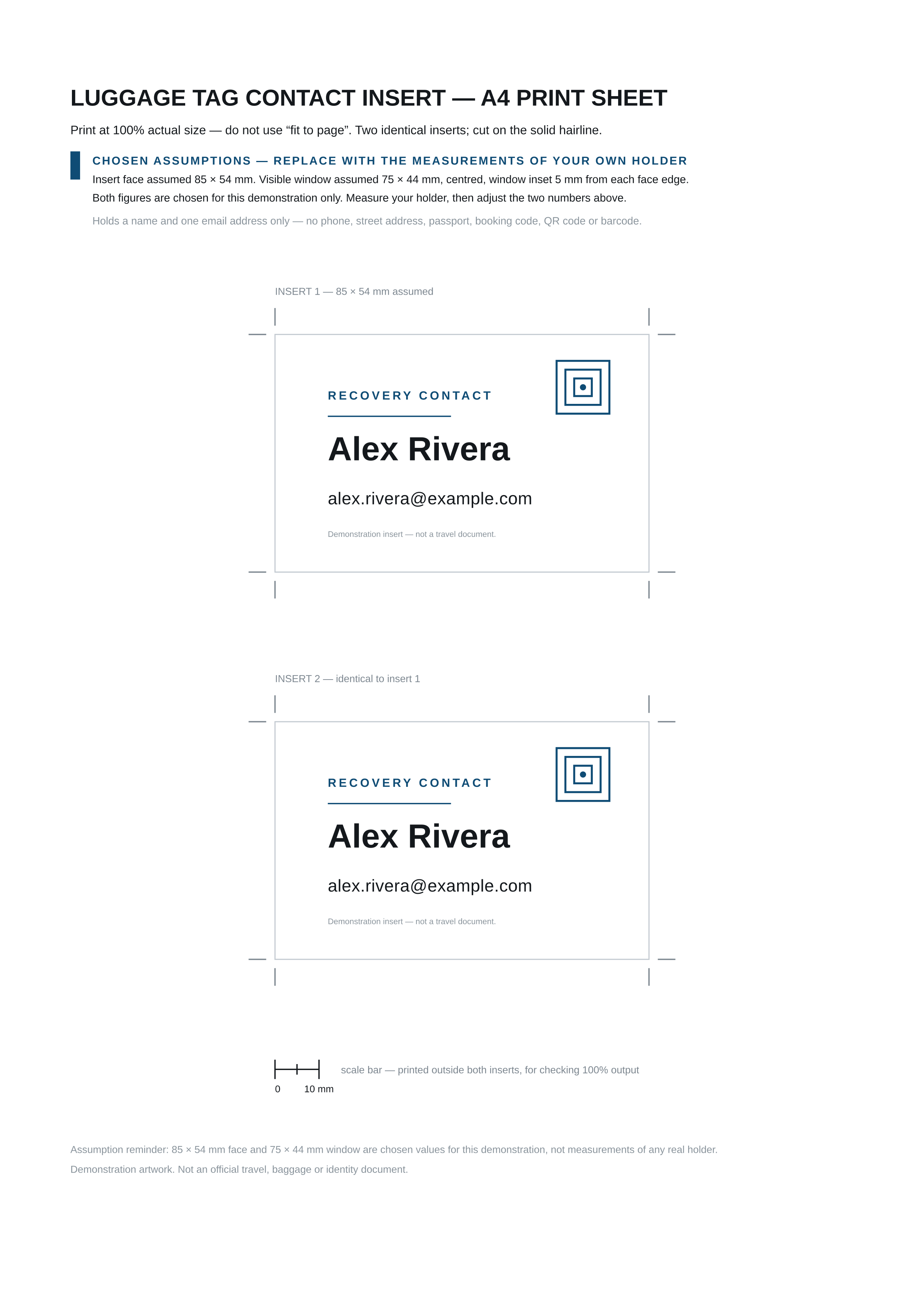
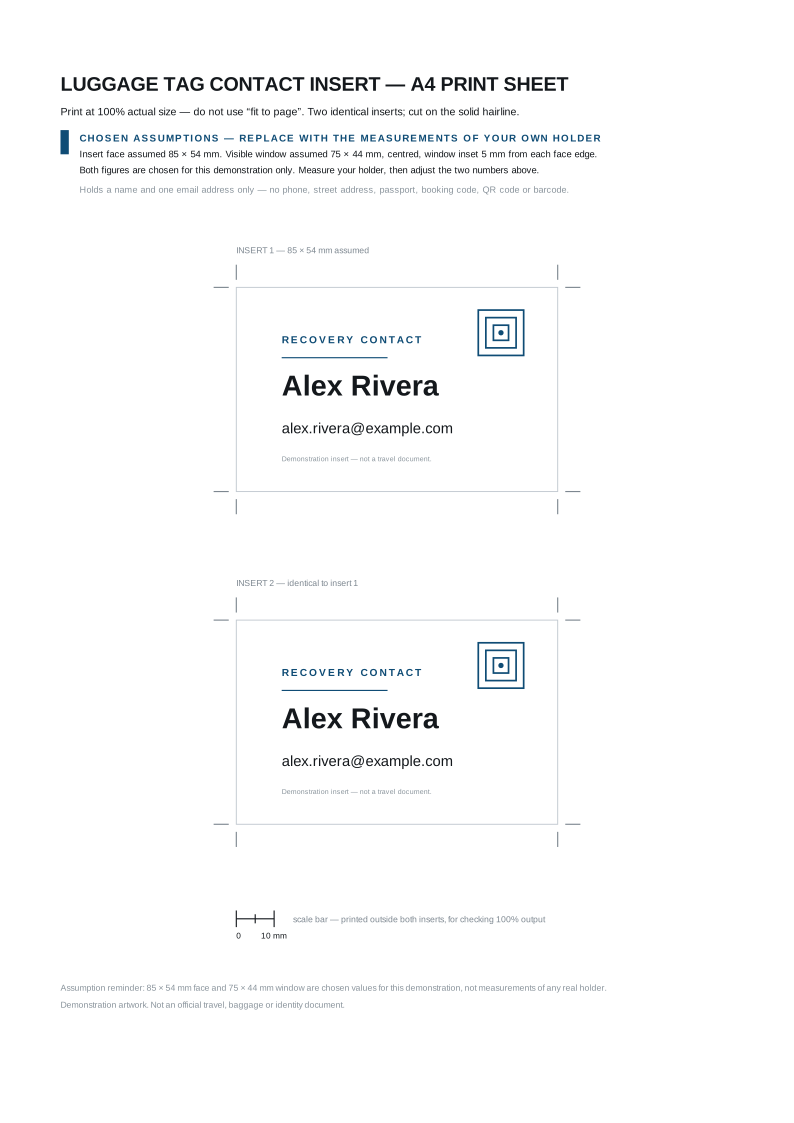
The live Design agent returned two matching insert faces on an A4 sheet and kept the text editable in SVG. It also created a proof that breaks down the email character by character. This is a vector-layout demonstration, not a baggage-tracking feature or a carrier-issued tag.
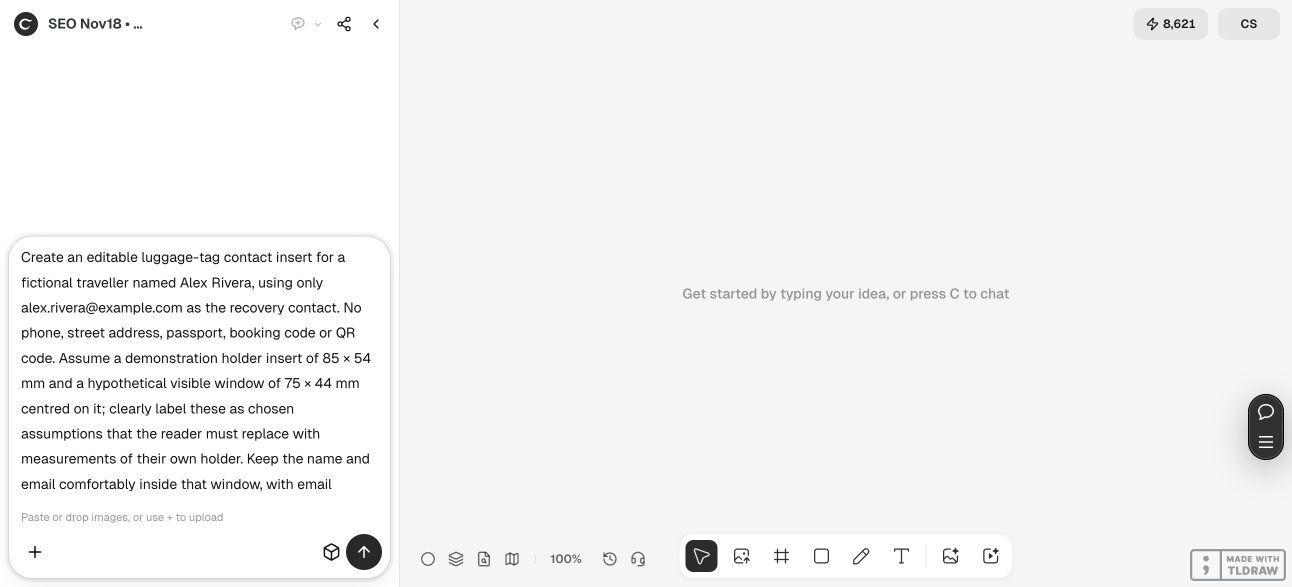
Create an editable contact insert for [fictional name or authorized private final text] using [exact intended recovery contact]. Use an insert face of [measured width and height] and a visible window of [measured dimensions and position]. If these are assumptions, label them as assumptions. Keep the complete name and contact comfortably inside the visible opening, with no missing characters or unintended line breaks. Prepare a clean print sheet with physical page units, cutting guides outside the face and a measured scale bar. Put the window overlay and contact-string check on a separate review image. Return complete editable SVG. State remaining printer, holder and paper-readability checks. Do not print, publish, send or claim carrier approval.3. Check the email as data and as visible text
Compare the contact string directly with your source text, including punctuation. Our fictional address has 23 characters and one at-sign. Both insert groups contain the exact same editable email text, with no line break or omitted character.
Then inspect the rendered result. Can you distinguish the period, at-sign and domain without guessing? Does the line remain inside the visible opening with room around it? A correct string in the source is useful, but it does not establish readability behind a real holder’s material.
The v2 review image shows the hypothetical opening as a separate dashed overlay. Its character check verifies the demonstration string, not delivery to a working inbox. We did not send an email or test a recovery process.
The original review also included an unsupported general minimum type-size statement. We asked Ciyo to remove it and describe only the example’s sizes, with a paper readability check left open. The corrected proof is the version used here. A type size alone cannot establish that every print and holder will be readable.
4. Keep the corrected clean sheet and editable source together
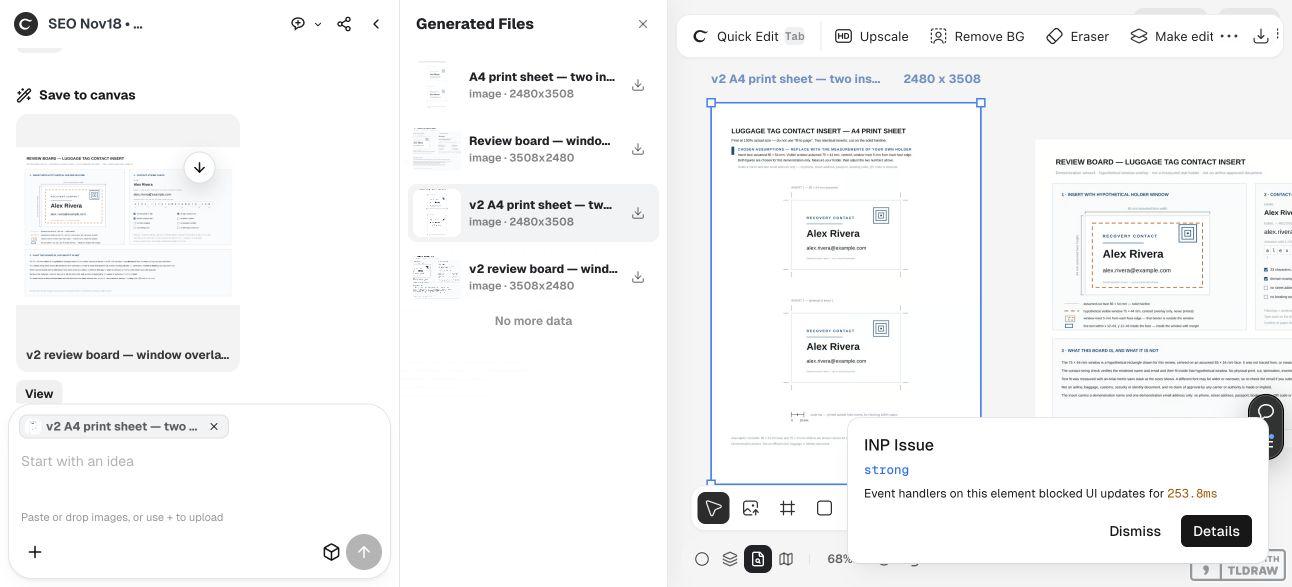
Use the final version name when selecting an export. Ciyo’s Generated Files list includes the original and corrected v2 images. The clean sheet measures 2480 × 3508 pixels; its separate review board measures 3508 × 2480.
The SVG declares an A4 210 × 297 mm page, with two 85 × 54 mm face rectangles. The scale bar runs from 62.5 to 72.5 mm outside the inserts, giving a 10 mm endpoint distance. Keep that reference for a paper-scale check.
The source uses live text and an Arial-first fallback stack. A different font or longer recovery address can change the line width. After adapting the contact, review the complete line and window position again rather than relying on this fictional string’s fit.
Changing the rectangle alone does not redesign the content. If your holder dimensions differ, adjust the internal positions, margins, motif and cutting guides as needed, then render a fresh proof. The Design agent’s reasoning is billable usage; a code-based layout does not establish a free total task.
5. Measure a paper proof inside the actual holder
Print one trial sheet at the intended size, then measure the scale bar and face. Check the printer’s actual output rather than assuming a setting preserved the dimensions. Cut a trial insert and confirm that it enters the holder without forcing it.
Inspect the name and contact through the real opening, including any plastic surface, border or flap. If the email is obscured, revise its position or type treatment and print another proof. A clean digital overlay cannot reproduce every holder’s material or coverage.
A traveller making one insert can work directly from the measured holder. Someone preparing several inserts should keep the holder version and final contact proof associated with each file, so the same assumed opening is not reused for incompatible holders.
We did not test a physical holder, cut paper, laminate, assess durability or perform a recovery attempt. This contact insert is not an airline, security or identity document. The demonstrated endpoint is an editable digital package ready for your own measured proof.
Luggage-tag insert questions
Is 85 × 54 mm a required luggage-tag size?
No. It is the chosen face size for this fictional example. Measure your own holder’s usable insert space and visible opening before adapting the source.
What does the 5 mm inset mean?
The hypothetical 75 × 44 mm window is centered inside the 85 × 54 mm face. Its edges sit 5 mm inside each face edge, so the outer border lies outside the visible window.
Was the example email tested?
We checked the exact 23-character string in both editable inserts and inspected its rendering. No email was sent and no recovery process was tested; example.com is used for the fictional demonstration.
Can I change the address or font?
Yes, but check the entire rendered line after the change. A longer string or wider fallback font may need a different position or type treatment inside the actual holder window.
Does the proof establish physical readability?
No. It records a digital layout using assumed dimensions. Print a measured trial and inspect it through the real holder before relying on your adapted insert.
Design for the opening someone will read through
Give Ciyo the face, visible window and exact intended contact. Review the string and corrected export, then check one measured proof in your actual holder.