Practical design workflow
Meeting Minutes Template for Decisions, Actions, and Open Questions

You leave the meeting knowing the workshop will stay in Room B. Someone reading your notes sees “Room B” beside Jo’s name and assumes Jo picked the room, when Jo only agreed to check the door. Separate decision and action records make the distinction clear.
This fictional workshop example uses four rows, an editable CSV, and a real Ciyo layout proof. Use the same fields for a project meeting or small team check-in.
Quick answer
Give confirmed decisions stable IDs. Record each follow-up with one owner, an agreed due date, and the decision it serves. Keep unresolved questions together so a reader who was absent can tell what changed and what still needs an answer.
| Record ID | Type | Summary | Owner | Due date | Decision reference |
|---|---|---|---|---|---|
| D-01 | Decision | Keep the Saturday workshop in Room B | — | — | — |
| A-01 | Action | Confirm Room B is unlocked at 09:00 | Jo | 2026-12-02 | D-01 |
| A-02 | Action | Send the Room B directions to registered attendees | Ari | 2026-12-03 | D-01 |
| Q-01 | Open question | Confirm whether spare stools can move to Room B | — | — | — |
Record the outcome before assigning the work
Write D-01 as a complete sentence. Add any verified rationale on a separate line. If your process records an approver, use a dedicated field so that name cannot be mistaken for the person doing a follow-up.
Jo checks the room’s access. Ari sends directions. Both rows refer to D-01, but their deadlines differ. Resolve expressions such as “next Wednesday” to calendar dates with the owner. Add the time zone if the exact deadline matters for people in different places.
The question about folding stools is still open. Keep it in the question list without an owner until someone agrees to investigate.
Explore the layout in Ciyo
Create an isolated project, open Image Generator and use this fictional meeting minutes brief. Keep the CSV alongside the visual proof so you can check the exact fields after generation.
On November 28, 2026, we generated one image using GPT Image 2.5 Flare in Ciyo’s production canvas. The run used 3:4 at 1K and returned an 864 by 1152 image. The interface showed a quote of 2 credits for this configuration. Check your own quote before you submit.
Use the complete prompt below alongside the screenshot of the canvas composer.
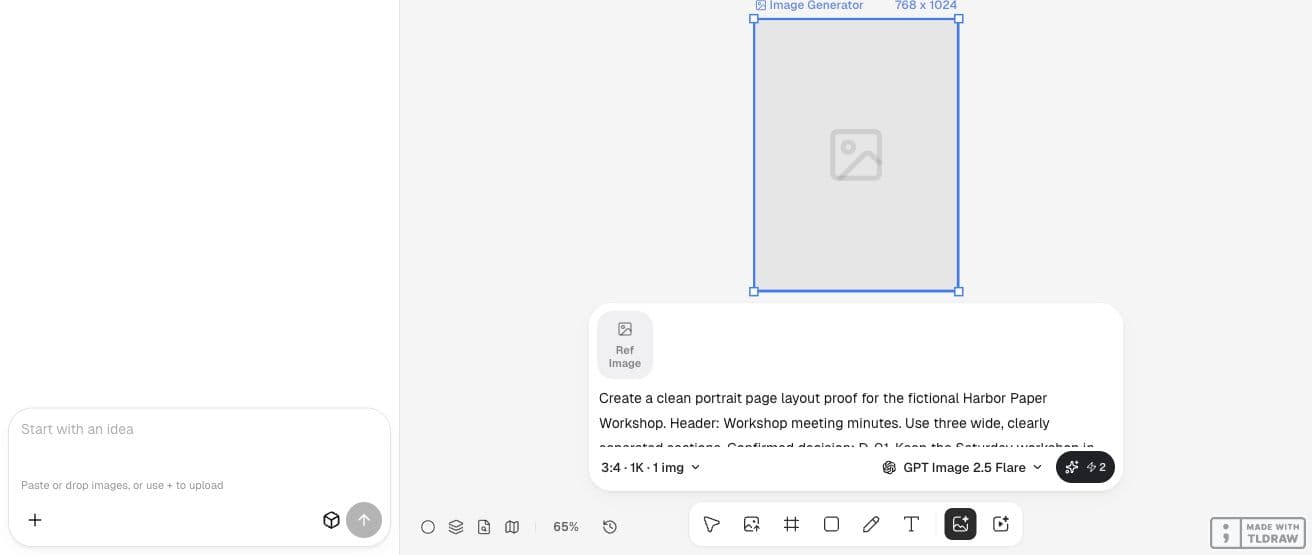
Create a clean portrait page layout proof for the fictional Harbor Paper Workshop. Header: Workshop meeting minutes. Use three wide, clearly separated sections. Confirmed decision: D-01, Keep the Saturday workshop in Room B. Actions: A-01, Jo, Confirm Room B is unlocked at 09:00, 2026-12-02; A-02, Ari, Send the Room B directions to registered attendees, 2026-12-03. Both refer to D-01. Open question: Q-01, Can the spare stools move to Room B? Use charcoal text, a warm white page, and a small amber accent. Show just this one page with no logos or decorative objects. Do not introduce new people or decisions.Read the proof alongside the source
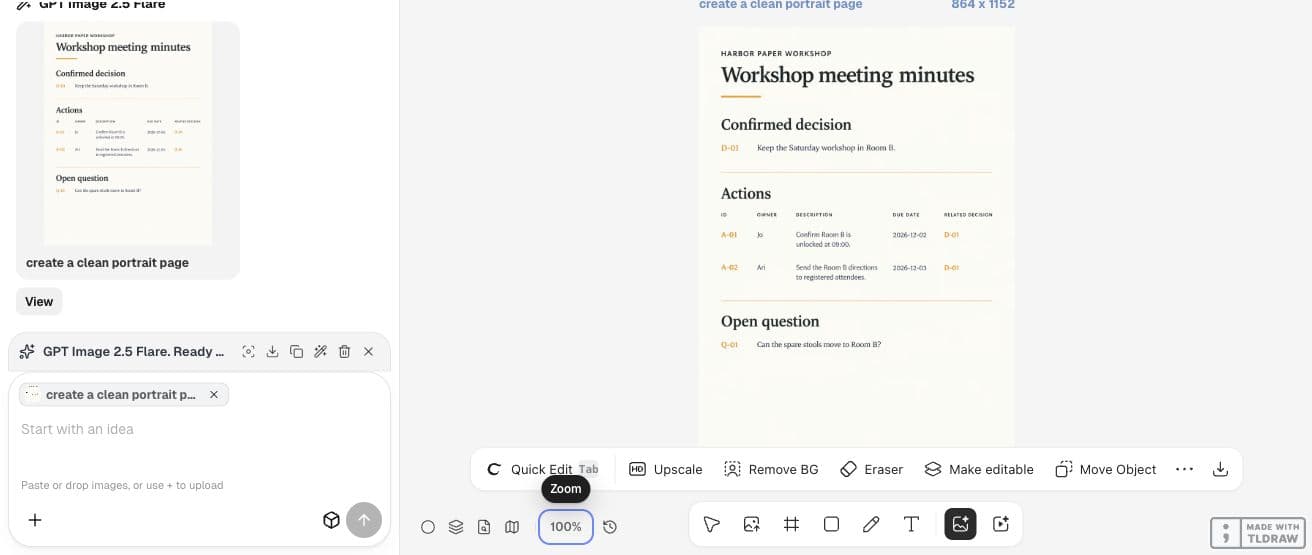
The three sections remained distinct. Both action rows kept D-01, the names Jo and Ari, their tasks and their respective due dates. Q-01 stayed a question.
The image helps you check readability and layout. Keep the CSV as your editable source for the fields and values.
Hand off a record the next reader can verify
Open the CSV in a spreadsheet. Filter by Owner to confirm Jo sees only A-01. Remove that filter and select Decision reference D-01 to see both actions. If you add an action from another decision, give it the correct ID before filling the deadline.
A one-page print proof is useful for a readout or pinboard. Use the editable source when people need to close tasks after the meeting. Give shared copies a version or meeting date and keep the IDs consistent across versions.
Source and workflow context
Smartsheet’s basic minutes template records actions and deadlines. The example here adds a shared decision reference so several owners can follow the same choice without merging their tasks.
Meeting minutes questions
Does each decision need an action?
Some decisions close a discussion without creating follow-up work. Leave the decision in the minutes and link actions only when someone has a concrete assignment.
Who owns an unanswered question?
Leave the owner blank until someone has agreed to investigate. Record a due date only after the owner confirms it.
Can I use the generated proof to make corrections?
Edit the CSV when a fact changes. Update a printed proof from the corrected source and confirm that the reference IDs still match.
Make a proof from checked fields
Take four real meeting lines, remove sensitive details from the design brief, and check whether the decisions, actions and open questions are easy to find.