Event coordination
Potluck Sign-Up Sheet: Keep Dishes, Servings and Owners Together

A potluck sign-up sheet needs to answer a small operational question: who is bringing what, and how much? A decorative food illustration cannot resolve two people promising the same dish or a contribution with no owner. Keep those facts together before you choose the visual style.
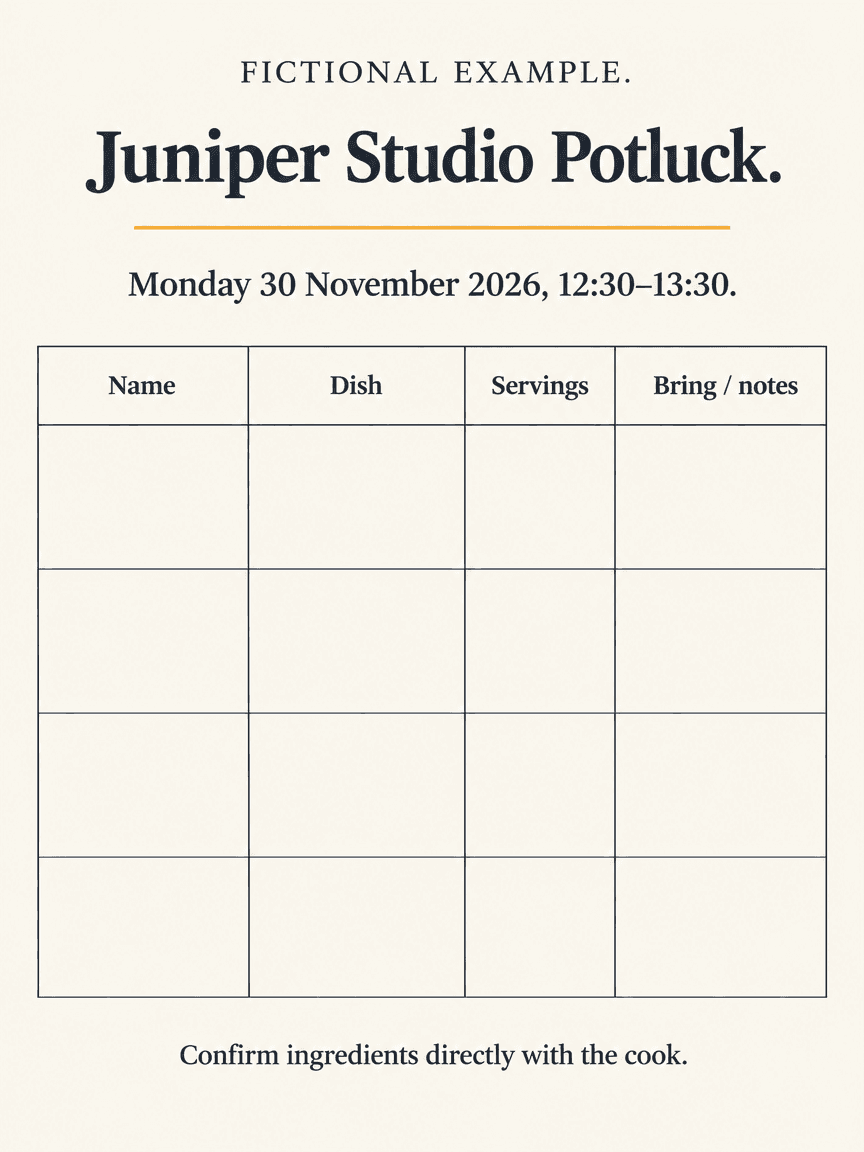
We generated a fictional Juniper Studio sheet in a signed-in Ciyo development workspace on November 23, 2026. The downloaded image preserves the four requested columns and four blank rows. The editable HTML and CSV below were authored separately; no event was organized or dietary suitability established by this demonstration.
Quick answer: keep the source and inspect the proof
Use one row per contribution, with Name, Dish, Servings and Bring / notes. Put the event date and time above the grid. Agree on the contributions, inspect the image against that source, then print a text-based sheet with room for handwriting.
Follow five steps: define the task, prepare a checkable source, generate a visual proof, inspect the actual output and use the separately authored working files.
1. Decide what a contribution row means
For our fictional studio lunch, one row represents one person's promised contribution. Name identifies the owner; Dish names the contribution; Servings records the contributor's estimate; Bring / notes holds an extra utensil or a practical arrangement. An ingredient list needs a separate, direct conversation with the cook.
Keep the four blank rows when testing the layout. Before a larger real event, add rows in the editable source and check the new page breaks. Do not shrink handwriting spaces until the table looks full. Canva's sign-up-sheet collection offers layout references; its existence does not establish how this Ciyo-generated proof will behave.
Original promotional post, November 23, 2026. The creator describes their own Thanksgiving planner, including a potluck sheet and an ink-saving option. Our blank contribution structure is an independent adaptation; the post is not evidence of Ciyo use, endorsement or an event outcome.
2. Freeze the event details and the blank fields
The sample is labeled FICTIONAL EXAMPLE and says Monday 30 November 2026, 12:30–13:30. Replace the title, date and time together before distribution. A sheet printed with last month's date can remain visually convincing, so compare these fields independently of the artwork.
Leave names and dishes blank until participants supply them. Do not ask the image model to invent attendees, signatures or serving counts. If contributions change, update one authoritative list and issue a clearly identified replacement instead of reconciling several photographed sheets.
| Field | Purpose | Before use |
|---|---|---|
| Name | Contribution owner | Ask the person to confirm |
| Dish | What is being brought | Resolve duplicate plans |
| Servings | Contributor's estimate | Clarify the unit |
| Bring / notes | Practical arrangements | Confirm ingredients directly |
3. Generate one flat visual proof in Ciyo
Create an isolated Ciyo project and open Image Generator. Our authenticated development run on November 23, 2026 used GPT Image 2.5 Flare, Medium quality, portrait 3:4, 1K and one image. Select the controls before entering the complete prompt, then review the displayed credit quote. Our run showed 2 credits; check your own current quote.
The copyable prompt is the actual English request. Replace the fictional details consistently and retain the stated constraints. The result is a raster image proof; the editable downloads below were assembled independently and are not Ciyo exports.
Create one flat portrait potluck sign-up sheet visual proof. Exact text: FICTIONAL EXAMPLE. Juniper Studio Potluck. Monday 30 November 2026, 12:30–13:30. Columns: Name | Dish | Servings | Bring / notes. Four blank rows with generous handwriting space. Footer: Confirm ingredients directly with the cook. Ivory background, charcoal type, small amber rule. No food photos, invented dishes, signatures or nutritional claims. This is an image proof, not an interactive form.4. Compare the actual output with the source
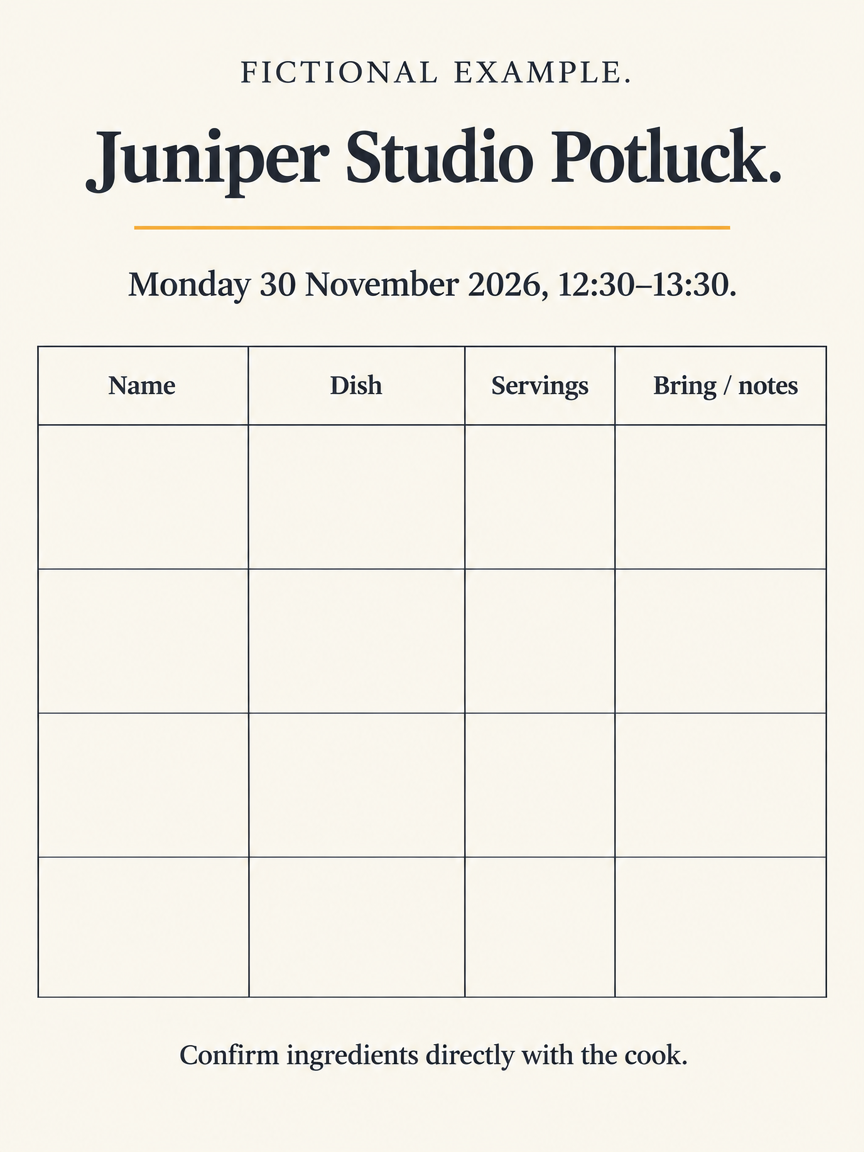
The actual PNG contains the event title, date, time and all four columns. There are four empty rows with handwriting space. The model adds punctuation after some headings and supplied lines; it does not fill the rows with invented contributors.
Check both the smallest footer and the row count. The instruction to confirm ingredients directly with the cook remains visible, but it is not a food-safety assessment or an allergy guarantee. The pixels are not an interactive sign-up form, and no responses were collected.
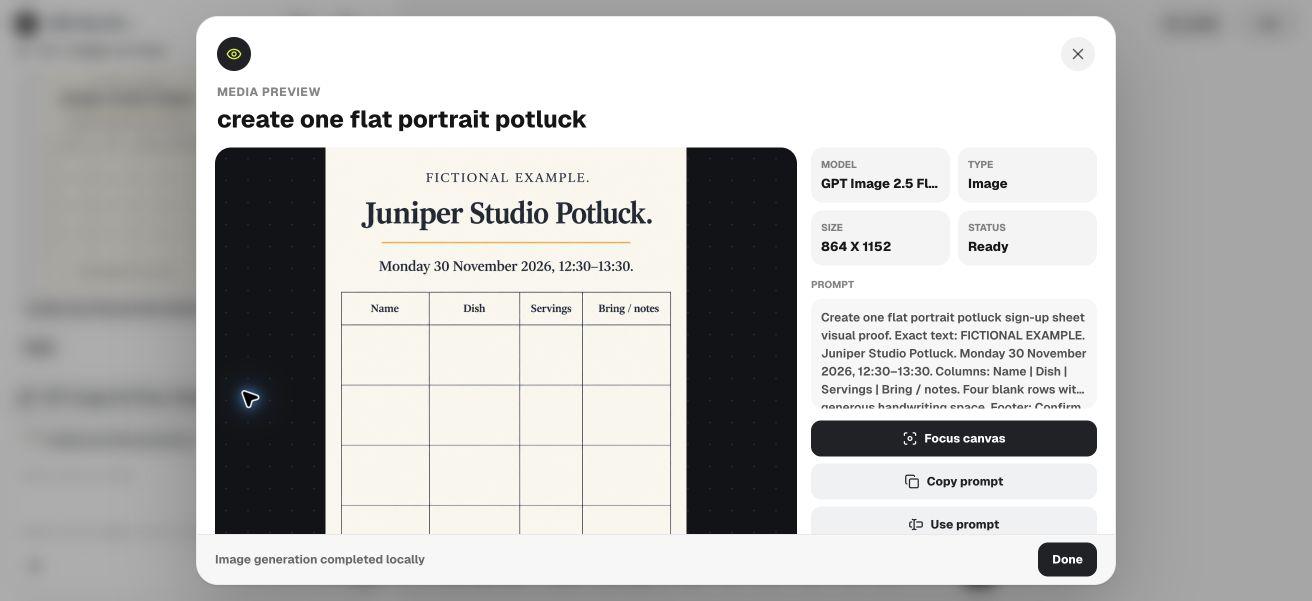
Ciyo media preview: inspect the model and original request
Open the generated asset in Ciyo’s media preview to compare the result with the model details and original English prompt. This whole-product capture shows that review step; the readable prompt and output inspection above remain the reference for small text.
5. Use one editable list to coordinate changes
Open the English HTML sheet for a print layout or the CSV for editing in a spreadsheet. Both preserve the blank contribution structure and were built independently of Ciyo's PNG. The HTML includes the fictional event time; the CSV contains contribution fields, so keep the event details beside it when sharing.
For a small in-person lunch, the paper sheet may be sufficient. For remote coordination, use a shared tool you already manage and designate one person to resolve changes. The supplied files contain no shared editing service, notification system or RSVP backend.
Choose the source you will maintain
Choose a document or spreadsheet editor when contributions will change repeatedly. Use the Ciyo image proof to explore visual hierarchy, then keep the approved details in editable text. Print one page and write a sample entry before distributing a stack.
Frequently asked questions
Can people sign up through the generated image?
No. This demonstration creates a raster image. The supplied HTML and CSV are separate files and do not include online response collection.
How should I record servings?
Agree on a useful unit with contributors, such as approximate portions. The blank field does not calculate quantities or verify dietary suitability.
Can I add more rows?
Yes, edit the companion source and check the resulting page breaks and handwriting space. The demonstrated image has four rows.
Prepare your own contribution-sheet proof
Start with your approved source, generate one visual proof and inspect the actual result before preparing the final working file.