Practical design workflow
Returns Intake Sheet for Expected and Received Items

The list says two display trays are coming back. Only one is in the box. If you replace the expected number with the count on the desk, the discrepancy disappears from the record.
The example follows two fictional items under return RT-12. The editable CSV keeps the planned quantities, physical count and current review state together.
Quick answer
Start with the return ID and each expected item. Count what you actually received in a separate column, note its observed condition, and mark the next action when a row differs from the plan.
| Item ID | Description | Expected qty | Received qty | Observed condition | Next state |
|---|---|---|---|---|---|
| T-08 | Display tray | 2 | 1 | One tray present; corner scuffed | Check missing unit |
| S-03 | Divider set | 1 | 1 | Sealed package | Awaiting review |
Preserve the original expectation next to the count
On T-08, leave Expected qty at two and write one in Received qty. Record the scuffed corner as an observation about the tray that arrived. The missing tray has no condition to record, so leave the discrepancy for follow-up.
On S-03, the count is one in both columns. The package is sealed. That visible observation describes the packaging, while the row remains Awaiting review.
If you receive a second box later, keep the timing legible in your normal workflow. Separate physical receipts can carry their own date or receipt IDs while referring to the same return.
Explore the layout in Ciyo
Create an isolated project, open Image Generator and use this fictional returns intake sheet brief. Keep the CSV alongside the visual proof so you can check the exact fields after generation.
On November 28, 2026, we generated one image using GPT Image 2.5 Flare in Ciyo’s production canvas. The run used 3:4 at 1K and returned an 864 by 1152 image. The interface showed a quote of 2 credits for this configuration. Check your own quote before you submit.
Use the complete prompt below alongside the screenshot of the canvas composer.
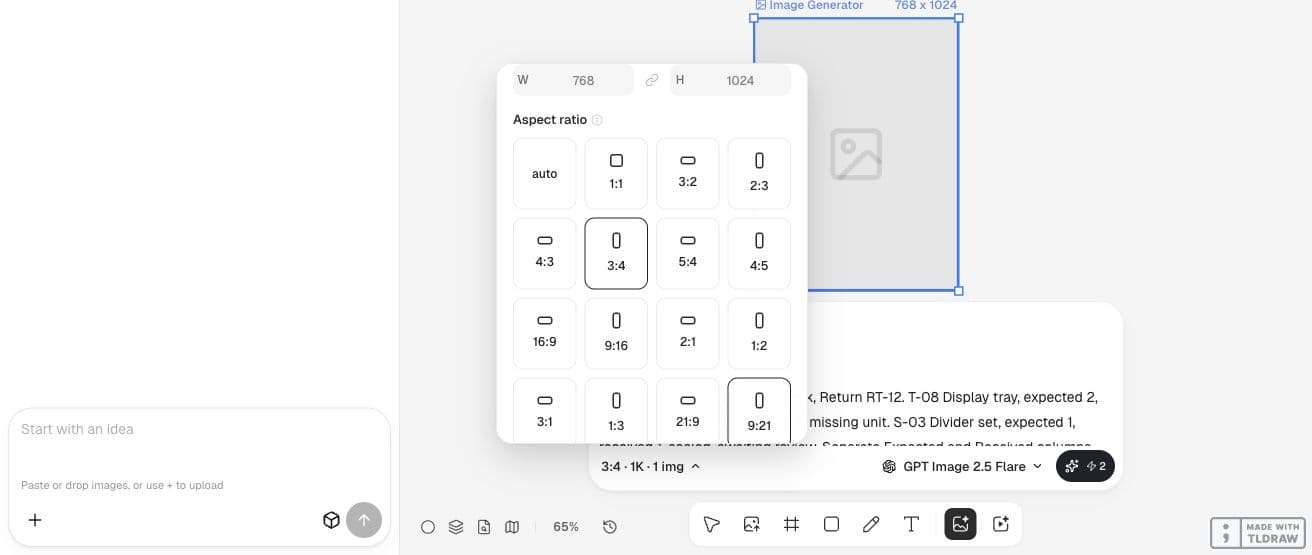
Portrait proof. Harbor Parcel Desk, Return RT-12. T-08 Display tray, expected 2, received 1, corner scuffed, check missing unit. S-03 Divider set, expected 1, received 1, sealed, awaiting review. Separate Expected and Received columns. Ivory, charcoal, small amber accent. No refund decisions.Read the proof alongside the source
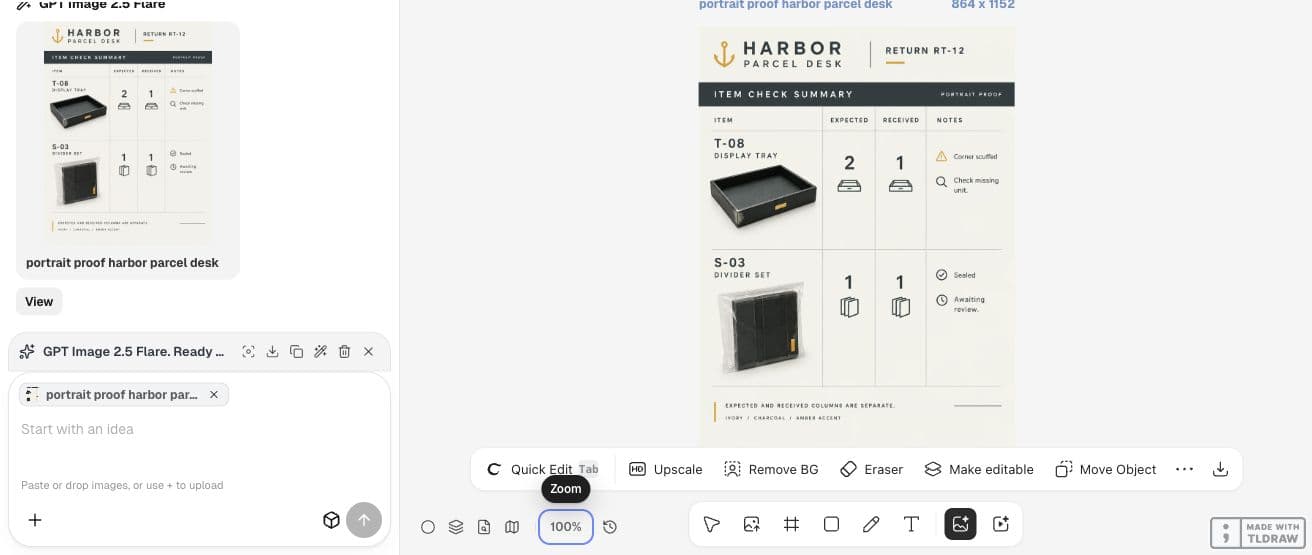
The image kept the expected count of two and received count of one for T-08, and one in each column for S-03. It added fictional illustrations of the items. It did not show a refund decision.
The image helps you check readability and layout. Keep the CSV as your editable source for the fields and values.
Read off the discrepancy before sending it for review
Open the CSV and compare Expected qty and Received qty side by side. One row should differ. Confirm that the differing row is T-08 and that one unit is unaccounted for. Repeat the count at the receiving desk if the condition note and quantity no longer align.
The sheet can guide a small receiving desk through intake. A store with several warehouses will likely use its order system to record receipts and route the next review. In either workflow keep inventory decisions and customer outcomes in their dedicated records.
Source and workflow context
Shopify’s return guide distinguishes the receiving and processing steps in its own product. This example uses an original worksheet for recording the count before a separate review.
Returns intake sheet questions
How should I record an item that was expected but missing?
Keep the expected quantity, enter the count that actually arrived, and flag the gap. Use zero only if you checked and found none.
Does a sealed package prove the item is in good condition?
It establishes what you saw on the package. If your process requires an item-level check, leave that review pending.
Can this sheet decide a refund?
Use the sheet as a receiving record. Apply the store’s approved review and decision process to the recorded facts.
Make a proof from checked fields
Make a two-row intake proof with one shortage and one matched count. Check if the mismatch stays visible without the illustrations.