Interior concept review · Production guide
Compare interior finishes from exactly the same camera angle
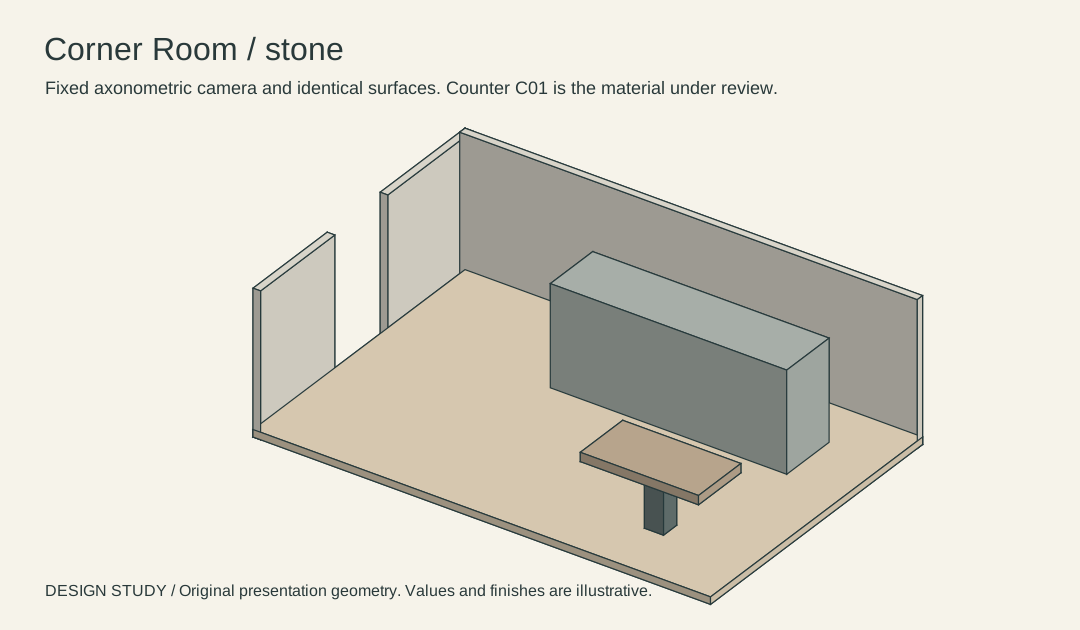
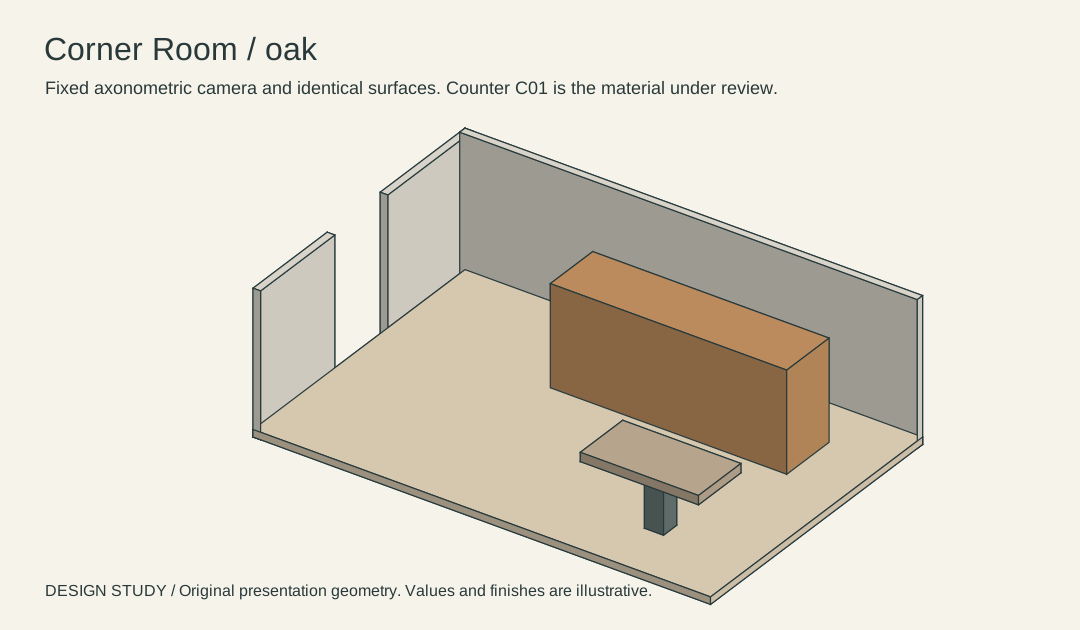
Place room-oak and room-stone over one another. Their floor, windows or wall edges, table and counter geometry come from the same coordinates and camera. Only C01's displayed finish changes.
Input and decision
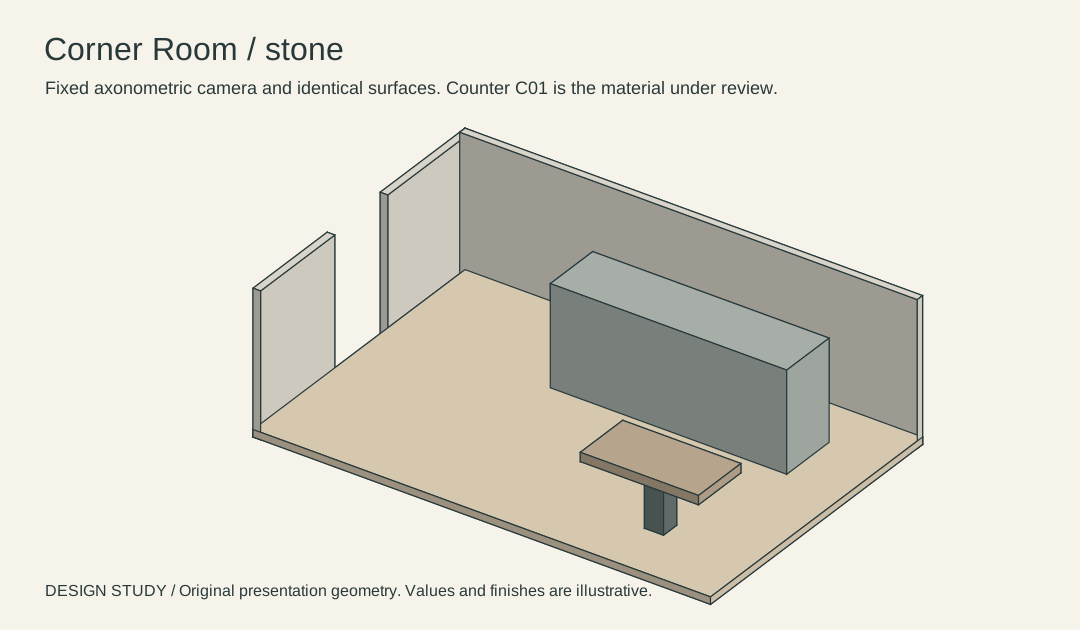
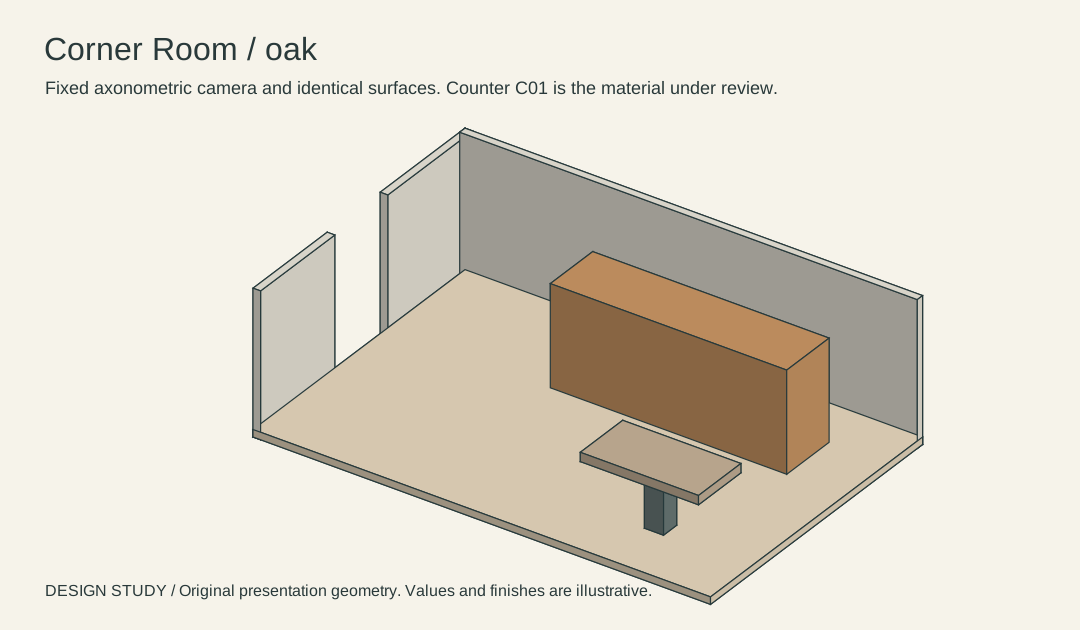
The fixed-camera oak and stone files use the same source meshes, projection and perspective scale. The intended change is the counter's displayed material. Corner Room is a fictional original model. Its geometry is a discussion reference for this exercise.
Set up the comparison
Open the SVGs at equal size and alternate between them. The entry gap and table silhouette are control points; an offset indicates a different view.
Make the comparison
Align the table corner and the entry opening in both exports. A double edge at either point indicates a view mismatch that must be fixed before color review.
Worked record
The downloadable worksheet includes the records below and a blank row for your own project.
| View ID | Camera | Changed surface | Control points | Decision |
|---|---|---|---|---|
| Counter A | Fixed axonometric | C01 oak | Entry gap and table | Compare |
| Counter B | Same axonometric | C01 stone | Same entry and table | Compare |
| Control | Source OBJ | No change | Four wall/floor IDs | Verified against model |
Check the result
Blink between the views at equal scale. If a wall or seat moves, return to the fixed camera and source model before making a material decision.
Hand off the revision
Give the client both exports at the same dimensions with the counter code on each. Archive the common geometry with the decision.
Review question
How can a reviewer check the oak and stone images share one camera?
Overlay the two SVGs at the same size and compare the table corner and entrance opening. Check the original geometry in the OBJ if either control point shifts.
Use the task on your own brief
Use a copy of the worksheet to keep the project’s source files, reviewed options and decisions together.