Practical design workflow
Shift Handover Report Template with a Named Next Owner

“Kits partly packed” tells the next shift where things stand. It leaves them to guess who should count what is left. A shift handover report needs both the latest observation and the next action.
The example follows fictional Maple Thread Workshop. Use the editable CSV to separate a pending handoff, an acknowledged task, and a closed item.
Quick answer
Record what you observed, then give the next action a receiving owner and a due time. Keep the receiving person’s acknowledgment in a separate field. An assigned item can still be waiting for acceptance.
| Item ID | Observed status | Next action | Receiving owner | Due time | Acknowledged |
|---|---|---|---|---|---|
| H-01 | Six kits packed | Count remaining packs | Lea | 16:30 | Pending |
| H-02 | Label proof waiting | Check sample label | Noor | 17:00 | Accepted |
| H-03 | Front table reset | — | — | — | Closed |
Separate the observation from what happens next
For H-01, record Six kits packed in Observed status. Put Count remaining packs in Next action. Give Lea the due time only after confirming the task and time with her. Until she acknowledges, keep Pending visible.
On H-02, Noor has accepted the label check. That says who picked up the responsibility. Keep the check open until the result is recorded. H-03 can remain in the log as Closed with the next action, owner, and time blank.
In a busy handover, read the open items first. Keep the ID when rewriting a note so the incoming worker can refer to the exact line or find it again after the next shift.
Explore the layout in Ciyo
Create an isolated project, open Image Generator and use this fictional shift handover report brief. Keep the CSV alongside the visual proof so you can check the exact fields after generation.
On November 28, 2026, we generated one image using GPT Image 2.5 Flare in Ciyo’s production canvas. The run used 3:4 at 1K and returned an 864 by 1152 image. The interface showed a quote of 2 credits for this configuration. Check your own quote before you submit.
Use the complete prompt below alongside the screenshot of the canvas composer.
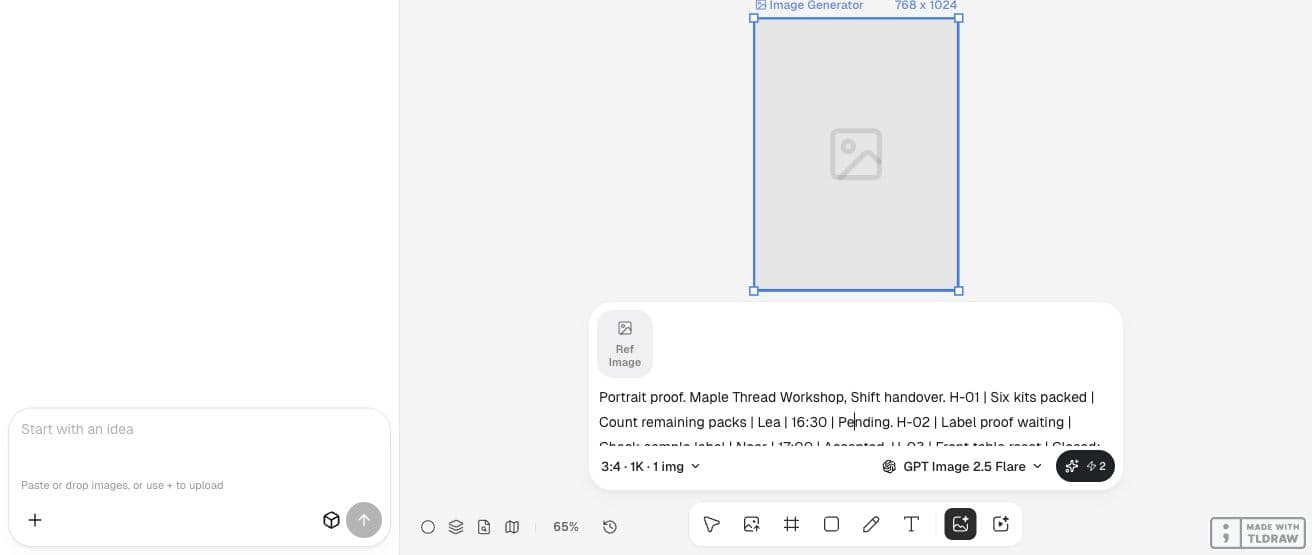
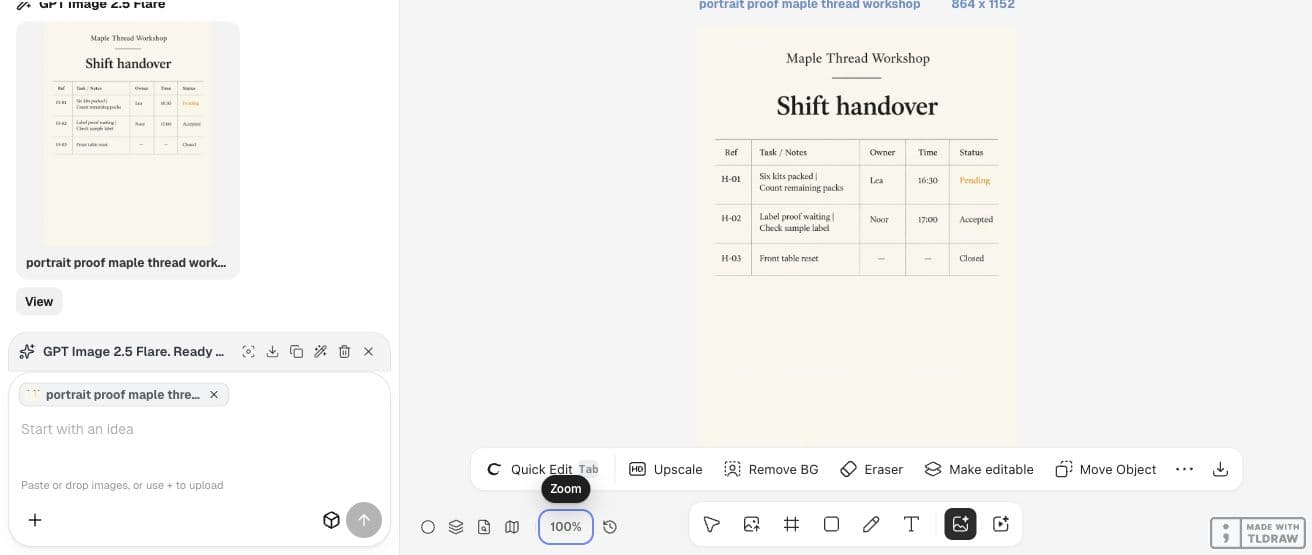
Portrait proof. Maple Thread Workshop, Shift handover. H-01 | Six kits packed | Count remaining packs | Lea | 16:30 | Pending. H-02 | Label proof waiting | Check sample label | Noor | 17:00 | Accepted. H-03 | Front table reset | Closed; owner blank. Ivory page, charcoal type, amber for pending. No extra rows.Read the proof alongside the source
H-01 stayed Pending under Lea and H-02 stayed Accepted under Noor. The closed H-03 had no owner. The output combined the observed status and next action under Task / Notes, so use the two CSV columns for the working record.
The image helps you check readability and layout. Keep the CSV as your editable source for the fields and values.
Check the report with the person receiving it
Open the CSV and filter by acknowledgment. Read one Pending and one Accepted row aloud. Ask the receiving person for the item, next action, due time, and owner. If the answer differs from the row, resolve it before sharing the final sheet.
One printed sheet makes sense for a single desk. A shared log helps when shifts overlap at more than one site. Add a dated status change when a task is acknowledged or closed so readers can see what happened after the handover.
Source and workflow context
Smartsheet publishes shift-change handover and end-of-shift examples. Mohideen Ahamed Lebbe’s November 27 X post asks whether incoming staff know what is pending and who will follow up. This worksheet turns those questions into fields for a fictional workshop.
This November 27 post asks whether the incoming shift knows what is pending and who will follow up. The example adapts those questions to a fictional workshop.
Shift handover report questions
Does Accepted mean completed?
Accepted means the receiving person has acknowledged responsibility. Close the item only after you have a result or an explicit decision to stop.
What if I cannot reach the next owner?
Leave the acknowledgment Pending. Use the handoff channel your team already follows and note a specific time for the next check.
Should closed items stay in the report?
Keep them when the incoming team needs context. Display open work first or apply a filter when the closed history crowds the page.
Make a proof from checked fields
Use one unfinished item, one accepted task and one closed item to test if your next shift can read the difference from the layout.