Footwear workflow
Shoe Colorway Design Board with a Component Palette
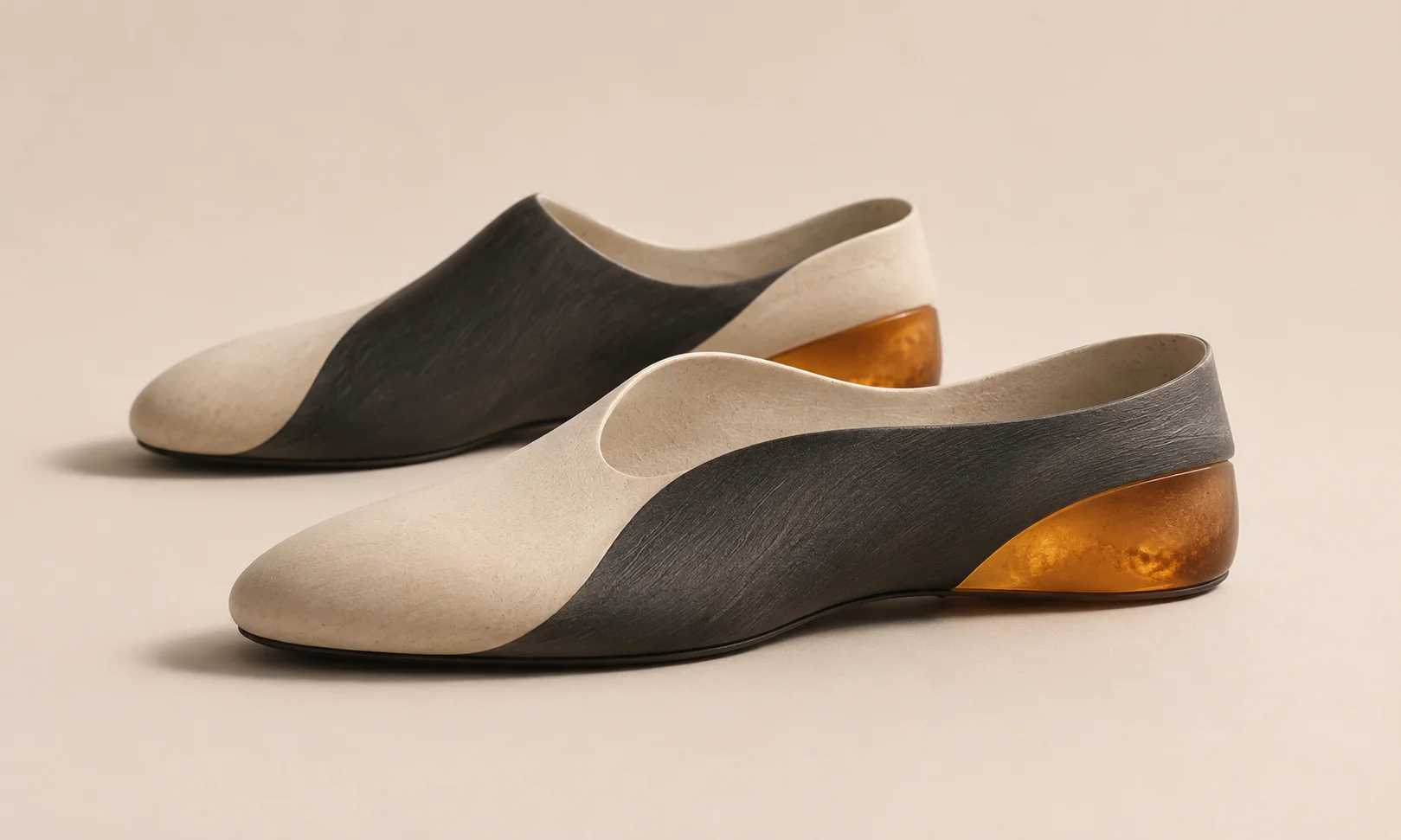
A colorway comparison becomes difficult if every concept also changes the shoe’s construction. This workflow uses a fictional trainer to compare color placement while keeping the silhouette fixed. The board is an early design proposal; material and production approval still require physical samples.
The quick workflow
Approved outline → named components → side-by-side colorways → one selected palette → physical sample request. Match view, scale and lighting so the reviewer can focus on the colors.
Start with a locked outline
Use one approved side view, ideally with a matching top or rear view for hidden parts. For the fictional North Pier trainer, name the mesh upper, heel overlay, midsole, outsole and laces. Place the outline and originals on a Ciyo canvas and duplicate the view for each proposal.
Change one design question at a time
Compare a neutral version with a stronger heel accent while keeping the upper material, outsole and lacing unchanged. Put the accent color on the same component in the alternate views. Use two versions if the meeting has one decision to make. Add a third only if it tests a distinct choice.
| Component | Dock | Signal |
|---|---|---|
| Mesh upper | Warm grey | Warm grey |
| Heel overlay | Slate | Amber |
| Midsole | Off-white | Off-white |
| Outsole and laces | Charcoal | Charcoal |
Check the generated concept against the outline
If you use an image model to visualize the palette, keep the original outline nearby and verify panel boundaries, seam positions and sole thickness. Reject a draft whose attractive color comes with a changed construction detail. Return to the reference and scope the edit to the intended component.
Add one approval question
Show both side views at equal scale. Ask which heel reads clearly without dominating the shoe in the shop thumbnail, then check the close-up for color bleed into the mesh. Capture the chosen variant and the reason next to the component matrix.
Hand off swatches for sampling
Attach the approved physical color reference, supplier material code and finish when those are available. Use the board to describe intent and placement. Ask the supplier for a physical sample before making a final judgment about the finish and how it reads in different light.
Distinguish a palette choice from a production approval
For Dock and Signal, the review question is whether a slate or amber heel accent works better on the same trainer. A choice between those screen concepts does not approve a material finish. Record the chosen component and color direction, then request a sample using the supplier’s material reference.
When another view shows the accent spilling onto the mesh, correct that view before handoff. Keep rejected concepts on the board with a short reason so the supplier does not mistake an earlier attractive version for the approved one.
Frequently asked questions
Can I use hex values to specify a shoe color?
Use screen values for early communication. A material reference and physical sample are more useful for production approval because lighting and texture change the appearance.
How many views does the board need?
Start with the view that explains the main change. Add a second if it reveals a component or edge the first view hides.
Put both palettes on one canvas
Bring in an approved outline and compare two versions with the same scale, view and component boundaries.