Practical design workflow
Weekly Shift Schedule Template That Makes Coverage Gaps Visible

The roster says Mira starts at nine and Dev comes in at one. Only after it is posted does someone notice nobody is down for the front desk from noon to one. Make every period that needs coverage a row, including any gap.
This example uses Monday at fictional Stonebank Print Studio. The editable CSV gives you a one-day slice of a weekly roster to extend once its coverage logic works.
Quick answer
Start with roles and required coverage windows. Give each window a shift ID, enter the assigned people, and mark an unfilled slot Open. Treat a named backup as an option that still needs confirmation when you activate it.
| Shift ID | Start | End | Coverage required | Assigned | Backup | Status |
|---|---|---|---|---|---|---|
| S-01 | 09:00 | 12:00 | 1 | Mira | — | Covered |
| S-02 | 12:00 | 13:00 | 1 | — | — | Open |
| S-03 | 13:00 | 17:00 | 1 | Dev | Mira | Covered |
Work from coverage windows instead of names
S-01 ends at 12:00 and S-03 begins at 13:00. Add S-02 as a separate row. It needs one person and has no assigned staff member. If you later stretch S-01 to cover it, recalculate the boundary and remove the duplicate window.
Keep date, role, start and end time together. A day of the week without a date becomes ambiguous when the roster is copied forward. Use a location or time-zone field when staff read assignments from different places.
Backups need a specific assignment. Write Mira beside S-03’s backup field when she has confirmed availability for that window, then update the primary assignment if she actually takes it.
Explore the layout in Ciyo
Create an isolated project, open Image Generator and use this fictional weekly shift schedule brief. Keep the CSV alongside the visual proof so you can check the exact fields after generation.
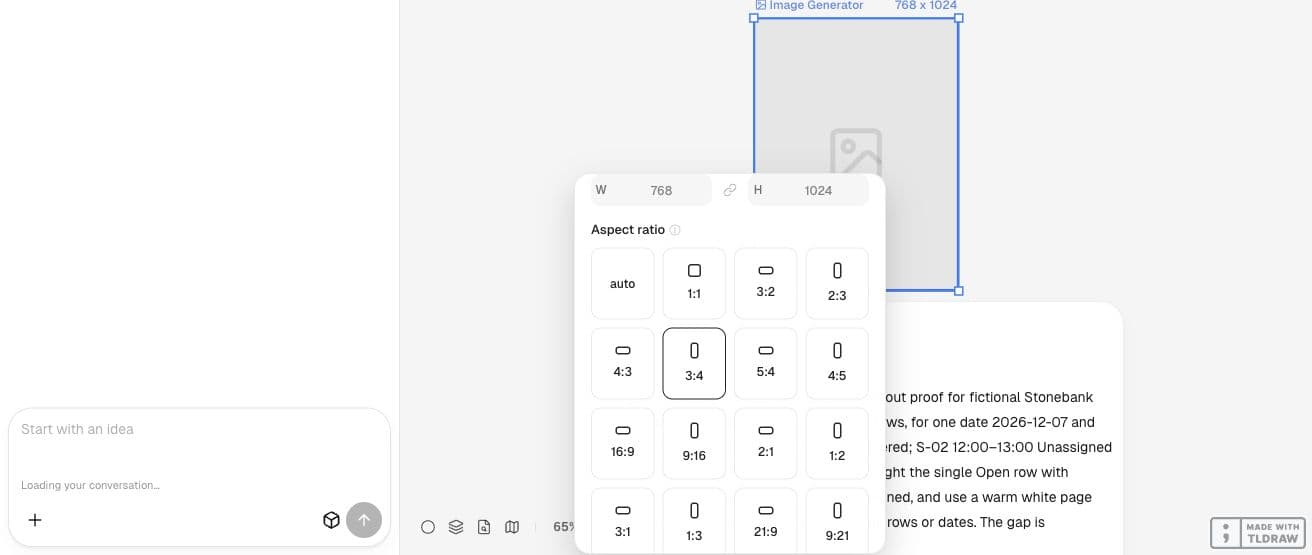
On November 28, 2026, we generated one image using GPT Image 2.5 Flare in Ciyo’s production canvas. The run used 3:4 at 1K and returned an 864 by 1152 image. The interface showed a quote of 2 credits for this configuration. Check your own quote before you submit.
Use the complete prompt below alongside the screenshot of the canvas composer.
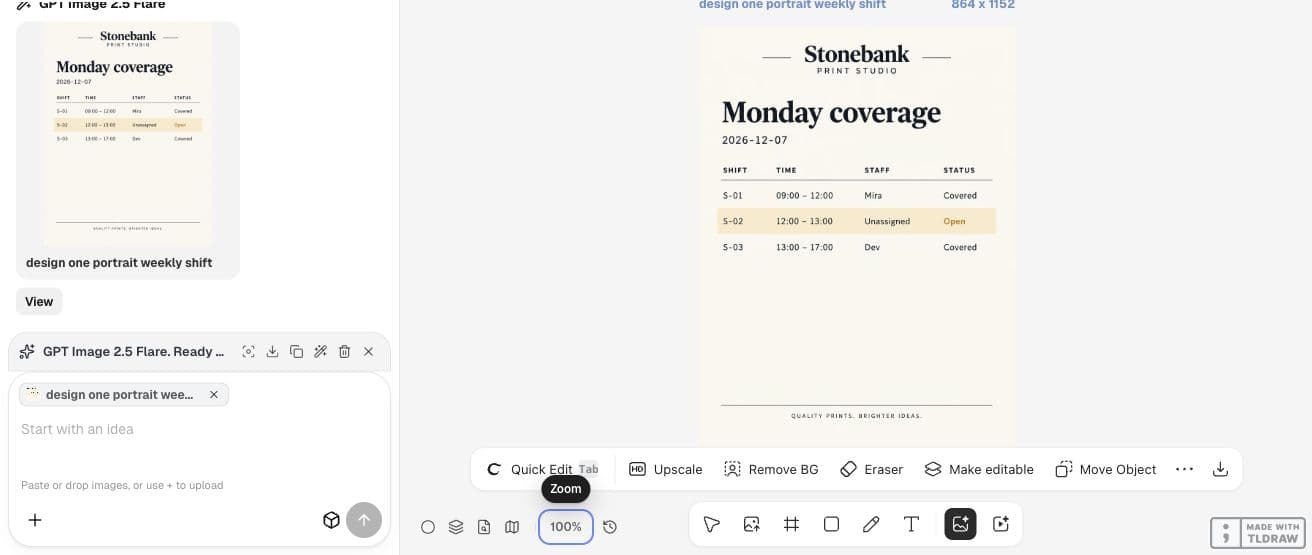
Design one portrait weekly shift schedule layout proof for fictional Stonebank Print Studio. Title: Monday coverage. Three rows, for one date 2026-12-07 and role Front desk: S-01 09:00–12:00 Mira Covered; S-02 12:00–13:00 Unassigned Open; S-03 13:00–17:00 Dev Covered. Highlight the single Open row with restrained amber, keep the time columns aligned, and use a warm white page with dark type. Do not invent additional staff, rows or dates. The gap is intentional.Read the proof alongside the source
The proof visibly marked S-02 unassigned and open from 12:00 to 13:00. It retained Mira and Dev on the surrounding rows. It omitted the Front desk role and added a fictional tagline.
The image helps you check readability and layout. Keep the CSV as your editable source for the fields and values.
Walk the schedule once before sharing it
Read the sheet in date and start-time order. Compare each role’s end time with its next start time and investigate overlaps or gaps. Then filter to Open. In the supplied CSV, only S-02 appears. Give someone the job of resolving it before you publish the staff roster.
For a small team, a dated printout can be enough for the week. If staff swap shifts often, use a shared roster with a single editor or approval process. Actual arrival and departure times belong in a separate timesheet.
Source and workflow context
Smartsheet supplies weekly and rotating schedule examples. This workflow adds an explicit coverage requirement and Open state for a window that nobody has accepted.
Weekly shift schedule questions
How should I show a gap?
Give it a normal shift row with its role and times. Leave the assignment blank and put Open in the status column so the gap survives a printout.
How do I handle a shift that ends after midnight?
Record the start date and end date where they differ. Put the day and time zone in the displayed roster if they might be ambiguous.
Can the CSV track hours already worked?
Use this file to assign future coverage. A timesheet should capture the actual start, end and applicable breaks separately.
Make a proof from checked fields
Sketch one day with an intentional coverage gap, then check if its time window stands out before you add the rest of the week.