GTA cover image generator
Your city. Your characters. Your cover. Create GTA VI-inspired artwork with vivid tropical colors, clean painted shading and a cinematic story in every panel.
Opens an editable draft in Ciyo. Sign in and send when you’re ready; this button does not start generation.
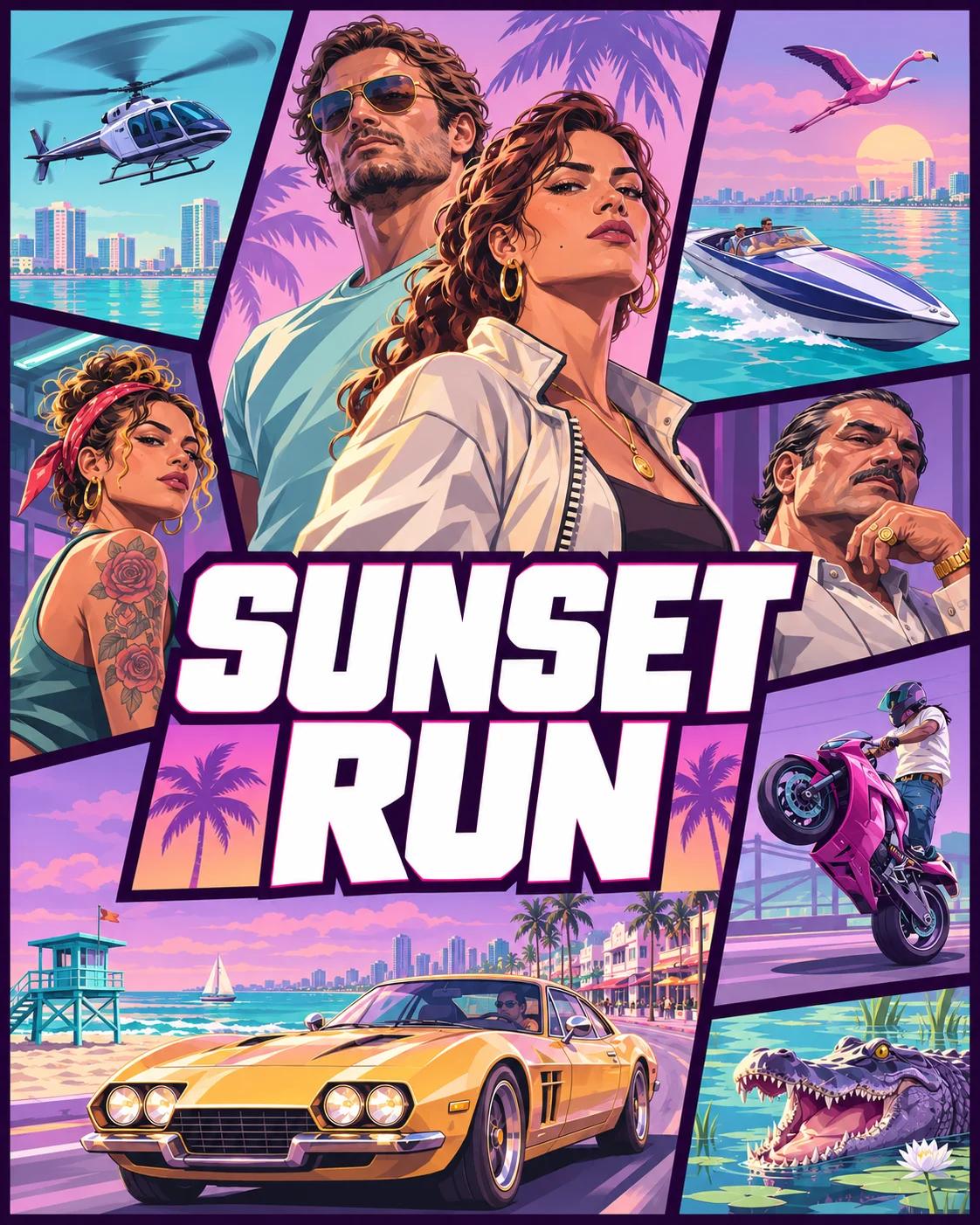
Build a cover that tells your story
Set the scene
Choose a starting brief, then add your characters, city, vehicle and cover title. Describe a mood rather than listing every detail.
Make it yours
Open the brief in the Design agent. Add a reference photo there if you want to include yourself, then send your request.
Refine the cover
Check faces, lettering and the crop. Ask for changes on the canvas, then download the image when it fits your project.
Before you make your cover
Can I put myself on the cover?
Yes. Open your brief in Ciyo and attach a photo in the Design agent before sending. Say which person should appear and what clothing, pose and background you want.
Does the button generate the image immediately?
No. It opens your brief as an unsent draft. You can edit it, add references and sign in before sending. An existing unfinished draft may be preserved instead of replaced.
Is it free to generate?
Preparing the brief does not start paid work. Image generation and the Design agent’s model work use Ciyo credits. The cost depends on the model and settings used.
Can I make a thumbnail or add my own title?
Yes. Choose portrait, square or landscape and include the exact title in your brief. Inspect the lettering and exported image before publishing; generated text may need revision.