Creative tools
Create a product shot, animate a still, or lay out a campaign. Pick a tool by the result you want.

Describe a scene and turn it into an image for your product or campaign.

Lift a subject out of its photo and keep a transparent background.

Generate a still image or turn a short description into a looping GIF.
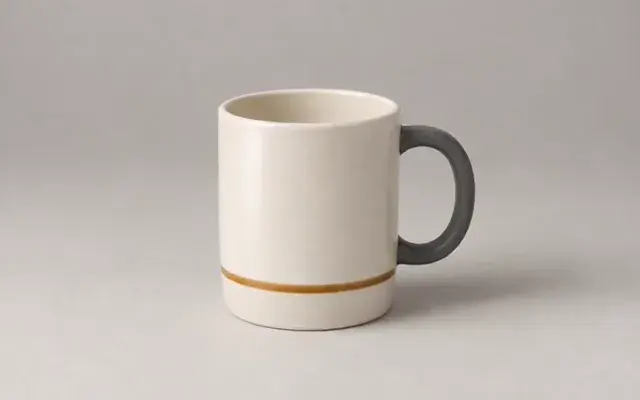
Start with a photo and describe the movement you want in the shot.
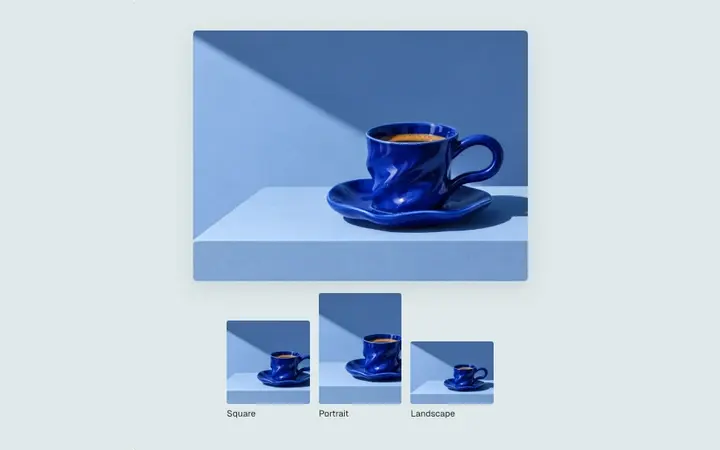
Frame your listing photo and see whether a handle or edge disappears in a thumbnail crop.
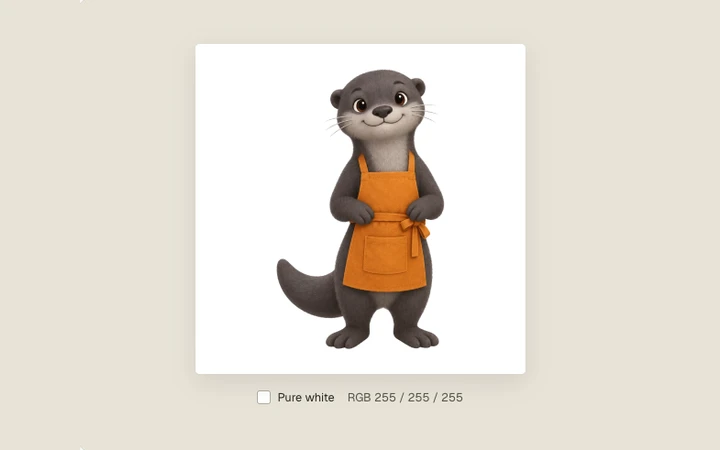
Place a cutout on pure white and set how much of the square your product fills.
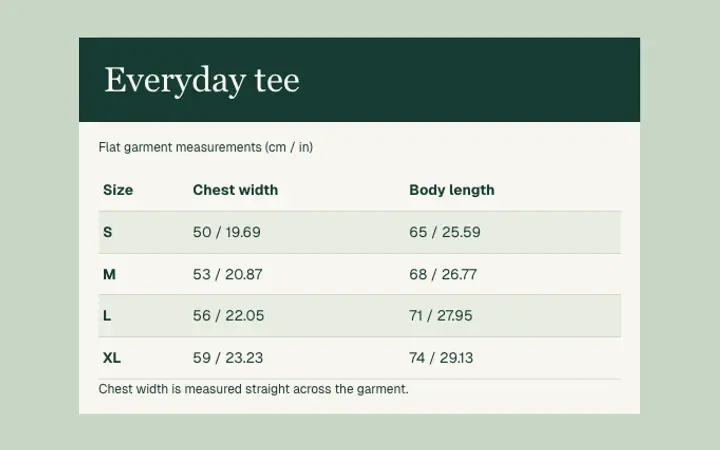
Turn a supplier’s flat garment measurements into a size chart for your product page.
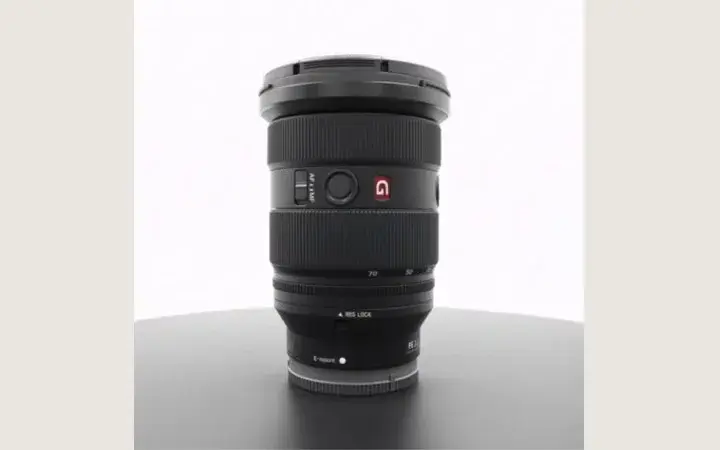
Turn your turntable photos into a square, looping product video.

Frame a photo, add a Diwali wish and download a square or story poster.
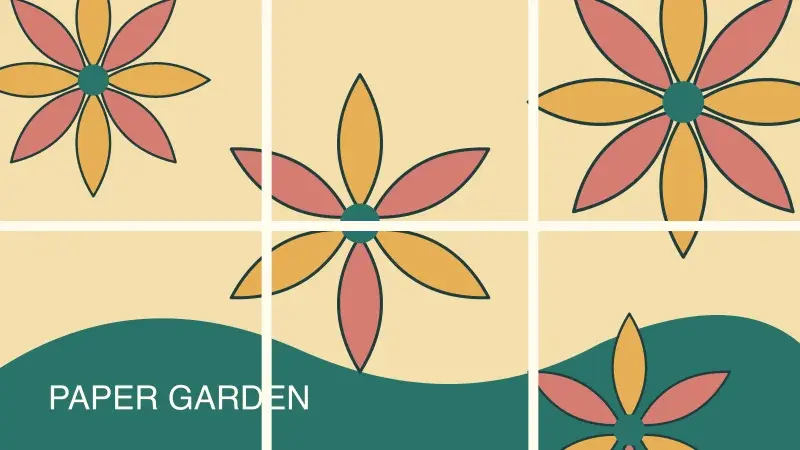
Split one image across A4 or US Letter sheets. Set the finished width in sheets, preview the layout and download a tiled PDF with overlap for assembly.

Design a radial rangoli with adjustable petals, rings and colours. Preview the repeat and download a vector pattern or a clean outline for tracing.
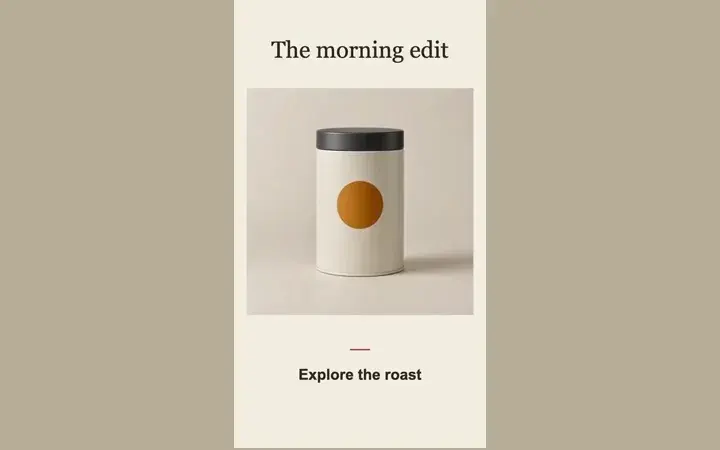
Make an eight-second ad with a product photo, headline and end card.
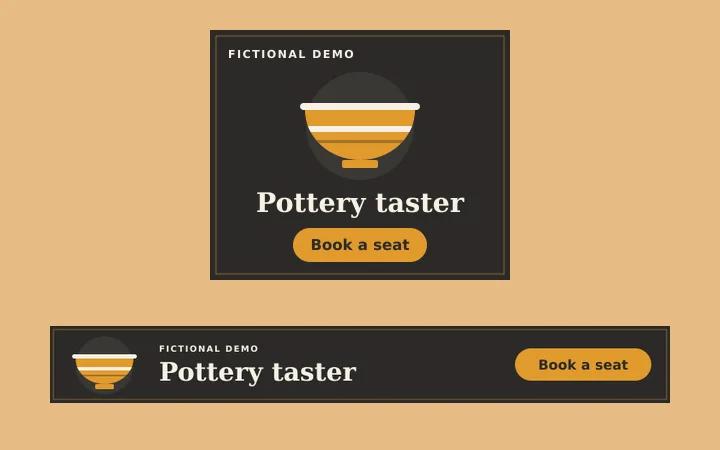
Fit one campaign message to a wide banner and a compact ad.
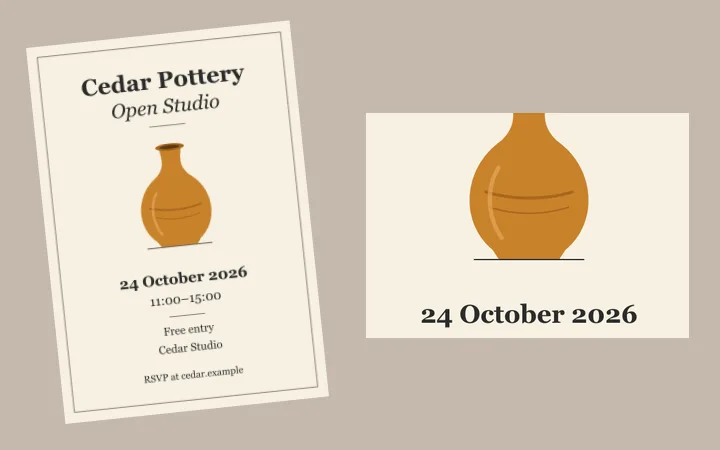
Lay out an event flyer and revise the details before sharing.
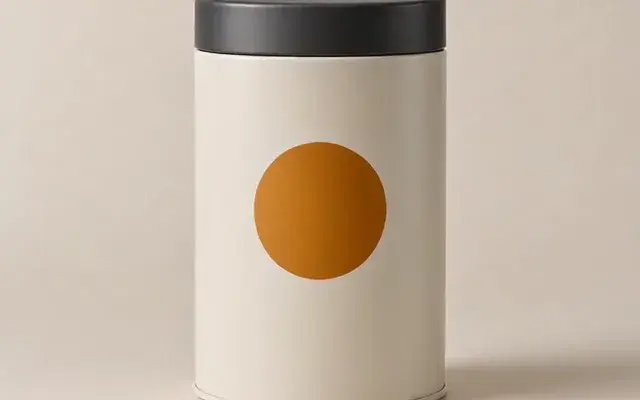
Give your shot a subject, a camera move and a duration to generate a clip.
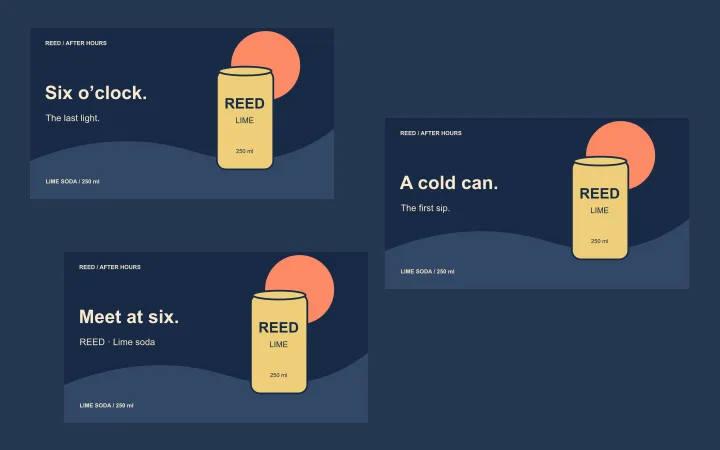
Turn each line of a commercial brief into a shot. Attach reference images, set the duration, and export a numbered storyboard.
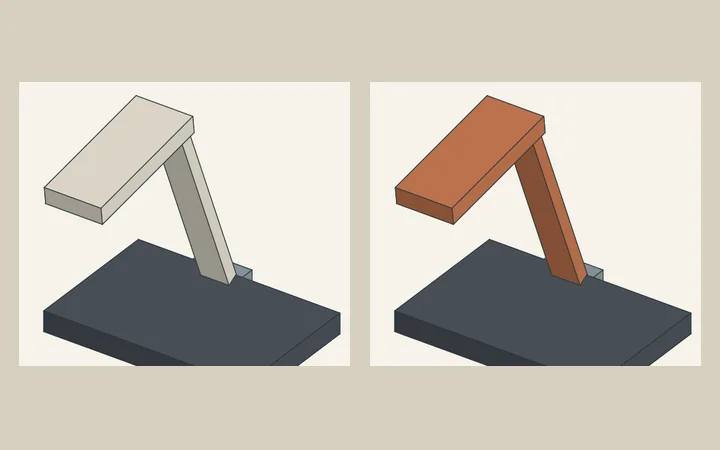
Compare supplied renders from the same viewpoint and label each finish with its part or color ID.
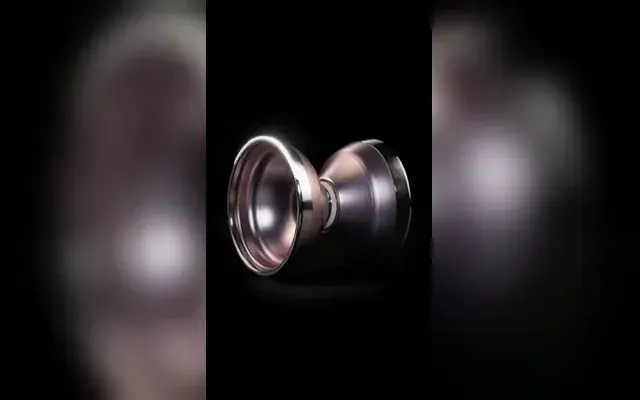
Guide a moving shot with image, video or audio references.
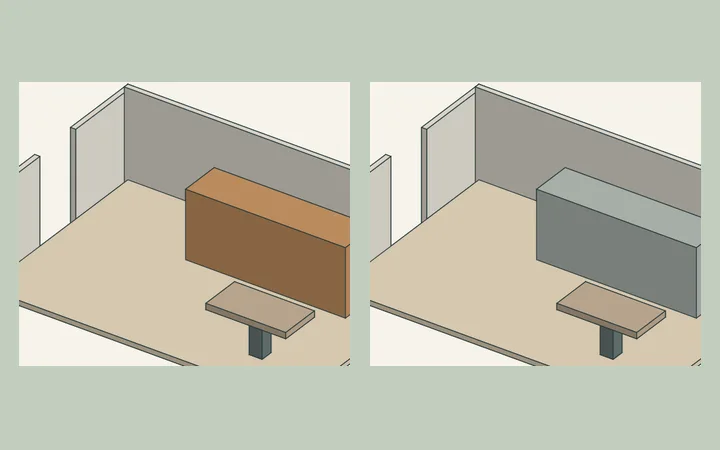
Arrange your own sample photos with room and finish codes on a client-ready comparison board.
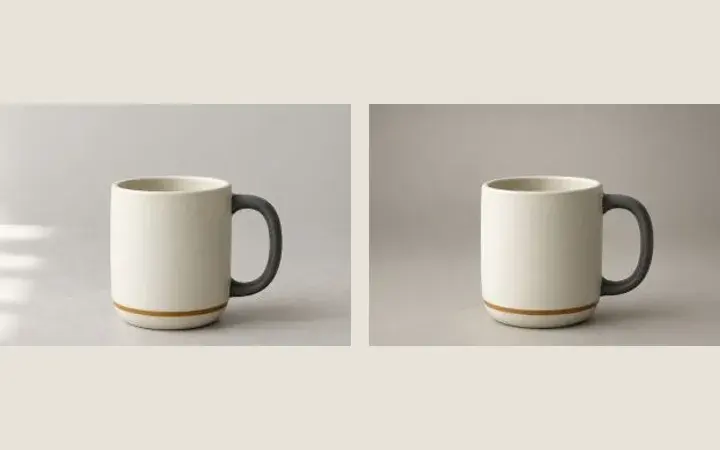
Edit a reference image and compare the new lighting or background with the original.

Time your storyboard panels, preview the sequence, and record a silent animatic from the supplied images.
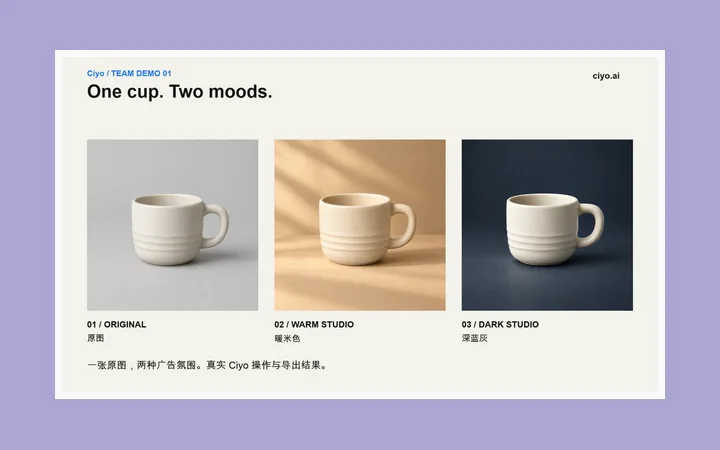
Frame a real product screenshot and export a launch graphic with a separately supplied headline.