Practical design workflows
AI Letterhead Generator: Design the Header, Keep the Letter Editable
A letterhead can look convincing while making the letter itself impossible to revise. When the entire page is generated as an image, even a one-word correction becomes an image-editing task.
We explored a navy-and-ivory Alder Studio header and blank stationery in Ciyo. The worked workflow separates that visual step from a real editable HTML letter supplied with this guide; it does not assume a native Word editor or DOCX export.
Quick answer: use two layers with different jobs
Create or approve the visual header in Ciyo, then place it in a document whose body remains live text. Set the paper size and margins in that document, revise a sentence without regenerating the artwork, and inspect its print preview.
A full-page stationery image is useful for visual approval. A reusable letter needs a separate body-text area and a source file you can reopen.
1. Collect approved identity and contact details
For our fictional example, the approved details are Alder Studio, hello@example.com and example.com. The navy is #26394B. Those example.com contacts are demonstration placeholders and must be replaced before business use.
Use your actual approved logo and verified contact information. Decide which details belong on every letter. Adding a social handle, slogan, address and several phone numbers simply because there is room can make routine correspondence harder to read.
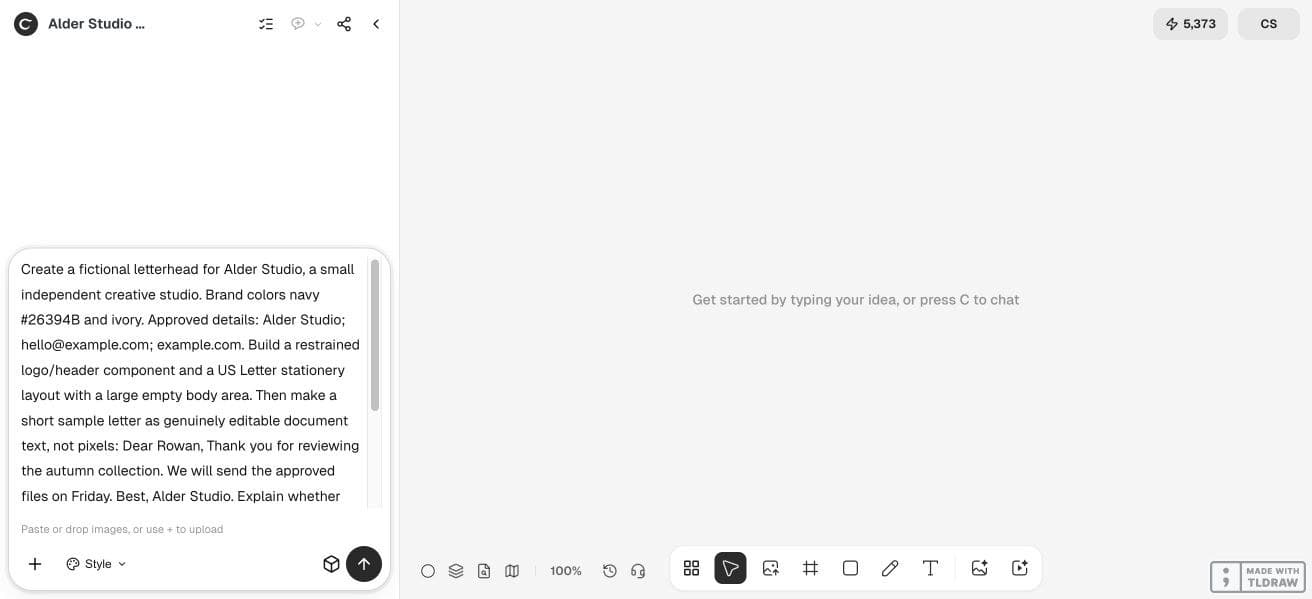
2. Generate a restrained header and reserve the body
Start an isolated Ciyo project and describe the page’s purpose. Ask for a header component separately from a full-page stationery preview. Leave a generous body area and keep decorative elements away from where the letter will run.
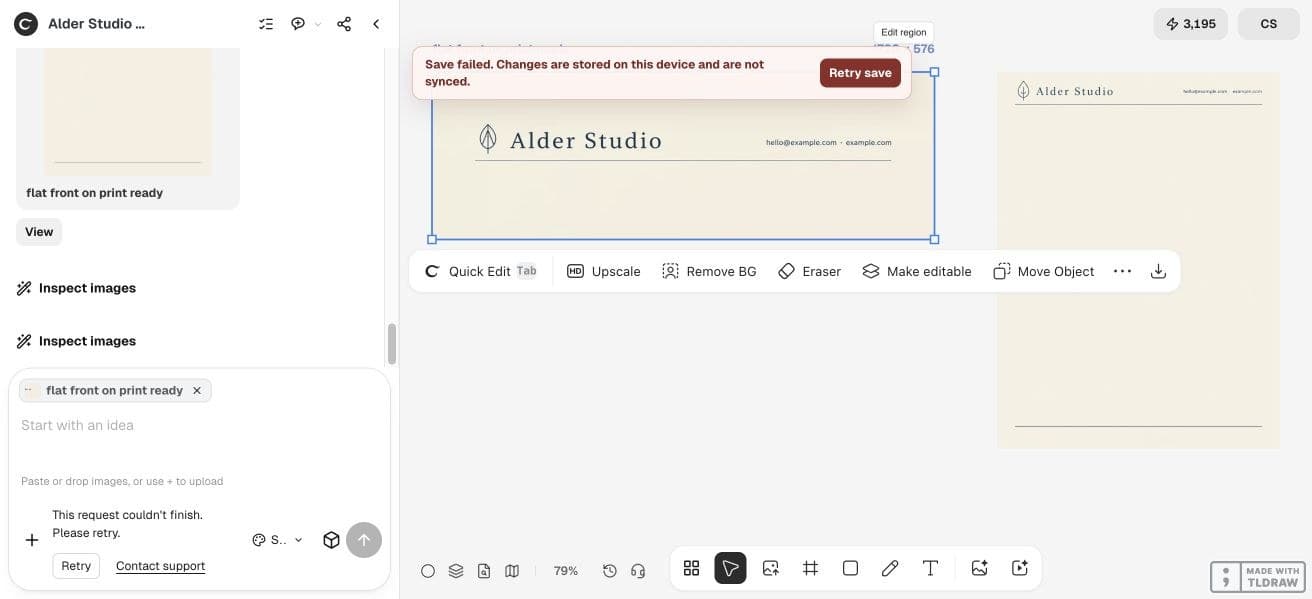
Our live run produced header and blank-page visual concepts. The agent also stated that it could not supply the requested editable document through that workflow. We therefore keep the document step external rather than treating the generated stationery as a typeable letter.
Create a restrained letterhead concept for [business], using the attached approved logo and [colors]. Include only these verified details: [contacts]. Make a separate header component and a [US Letter/A4] page preview with a large empty body. Do not render the letter body as pixels. Explain which files are images and which, if any, preserve editable text.3. Build the actual letter in an external document
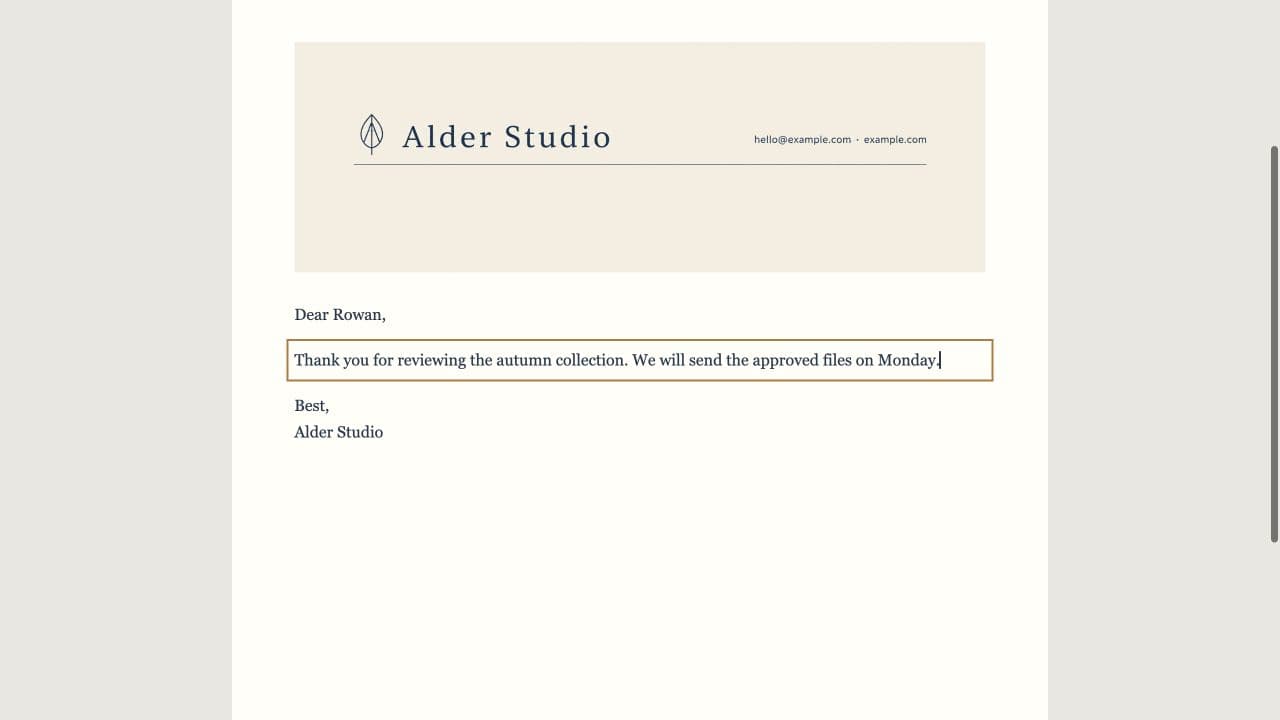
Open the supplied HTML example in a browser for a printable preview, or edit its text in a plain-text editor. It is a separate editorial template, not a Ciyo-exported document. The header and body are distinct elements; the body stays selectable and editable in the source.
If you prefer a word processor, start a blank document, set US Letter or A4 as appropriate, place the approved header in the document header and enter the letter as normal paragraphs. Preserve the original header’s proportions and keep it from colliding with body text.
4. Prove that a body correction does not regenerate the design
Our first sample says, “We will send the approved files on Friday.” Change Friday to Monday in the document body. The logo, contact line and header layout should remain unchanged. Save a second version and reopen it before relying on the template.
This small revision test matters more than an editable label in a filename. If selecting a sentence selects the whole image, the body is flattened. Return to the document source rather than repainting the sentence over the artwork.
| Part | Useful source | Review test |
|---|---|---|
| Logo/header | Approved artwork component | Same proportions and verified contact details |
| Letter body | Live document text | Change a word without regenerating the header |
| Print copy | Previewed PDF or printer-approved output | Correct paper size, margins and page breaks |
5. Check page size, breaks and the final print preview
Preview at the intended paper size. Look for contact text near the edge, an orphaned signature and a second page that starts beneath decorative artwork. If the recipient needs a PDF, create it from the document’s print or export workflow and inspect the resulting file.
A generated caption saying print ready is not a printer’s specification. A professional stationery job may need a different color setup, bleed or file type. Ask the supplier before converting the artwork or ordering a quantity.
Choose a reusable template over repeated full-page generation
A solo consultant can keep one restrained header and a simple document template. A team should assign an owner to contact details and distribute a locked reference copy alongside an editable working version.
Use Ciyo to explore the identity and visual spacing. Use the document editor for dates, recipients and correspondence. This division makes frequent letters easier to revise and inspect.
Frequently asked questions
Can generated letter text be edited like Word text?
Text baked into an image is pixels. Use a document source with live text for routine correspondence and changes.
Does this workflow provide a native Ciyo DOCX export?
No. The supplied editable example is external HTML; a word processor is another finishing option.
Should I use US Letter or A4?
Use the format your recipient or print process expects. Set it in the actual document and inspect pagination; a visual aspect ratio alone does not establish paper size.
Can I reuse the example’s contacts?
They are fictional placeholders. Replace them with verified details and review the header before sending a real letter.
Design a header you can reuse
Bring your approved logo and contact line. Explore a restrained header, then keep each real letter in an editable document.