Buying creative tools
Paid AI Logo Generator: Check the Files Before You Buy
A logo preview can look convincing while the download fails at the first practical job. A café owner needs a mark for a website, a small social avatar and a printer—not just a large picture on a pale background.
We made a fictional Cedar Studio mark in Ciyo using code, then requested a deliverable package. The exercise shows what to ask for and inspect before paying for a logo workflow. It does not clear a name or mark for legal use.
Turn the purchase into a file checklist
List where the mark must work before choosing a tool. For this demo the list is a website header, a 32-pixel icon, a dark-background graphic and a transparent 1024×1024 PNG.
Separate the symbol, a wordmark if needed, and any layout variants. Our demo contains a symbol only; it does not demonstrate a complete brand identity or typography license.
| Deliverable | What to inspect | Why it matters |
|---|---|---|
| SVG source | Paths; no embedded raster | A usable geometric source |
| Transparent PNG | Alpha around the mark | Placement on different backgrounds |
| Light and dark variants | Same geometry; approved fills | Consistent identity |
| 32- and 128-pixel proofs | Gaps and edges at actual scale | Small placements |
| Handoff list | Names, dimensions and revision | Avoid missing files |
Ask for actual vector geometry
MDN describes SVG as a text-based vector format. For a simple geometric mark, inspect whether the source contains paths and shapes or merely a raster image inside an SVG wrapper.
The fictional brief asks for the same path geometry in dark and ivory variants, without external resources or embedded raster content. That makes a specific delivery promise you can check, instead of relying on the filename alone.
Create a small demonstrable package in Ciyo
Ask the design agent for the source, two transparent PNG variants and a proof at the actual target sizes. Keep the proof separate from the clean files so its example labels cannot accidentally become part of the logo.
This is a code-created geometric example on the live canvas. It tests the deliverable workflow; it is not evidence that every generated logo will have clean geometry or correct typography.
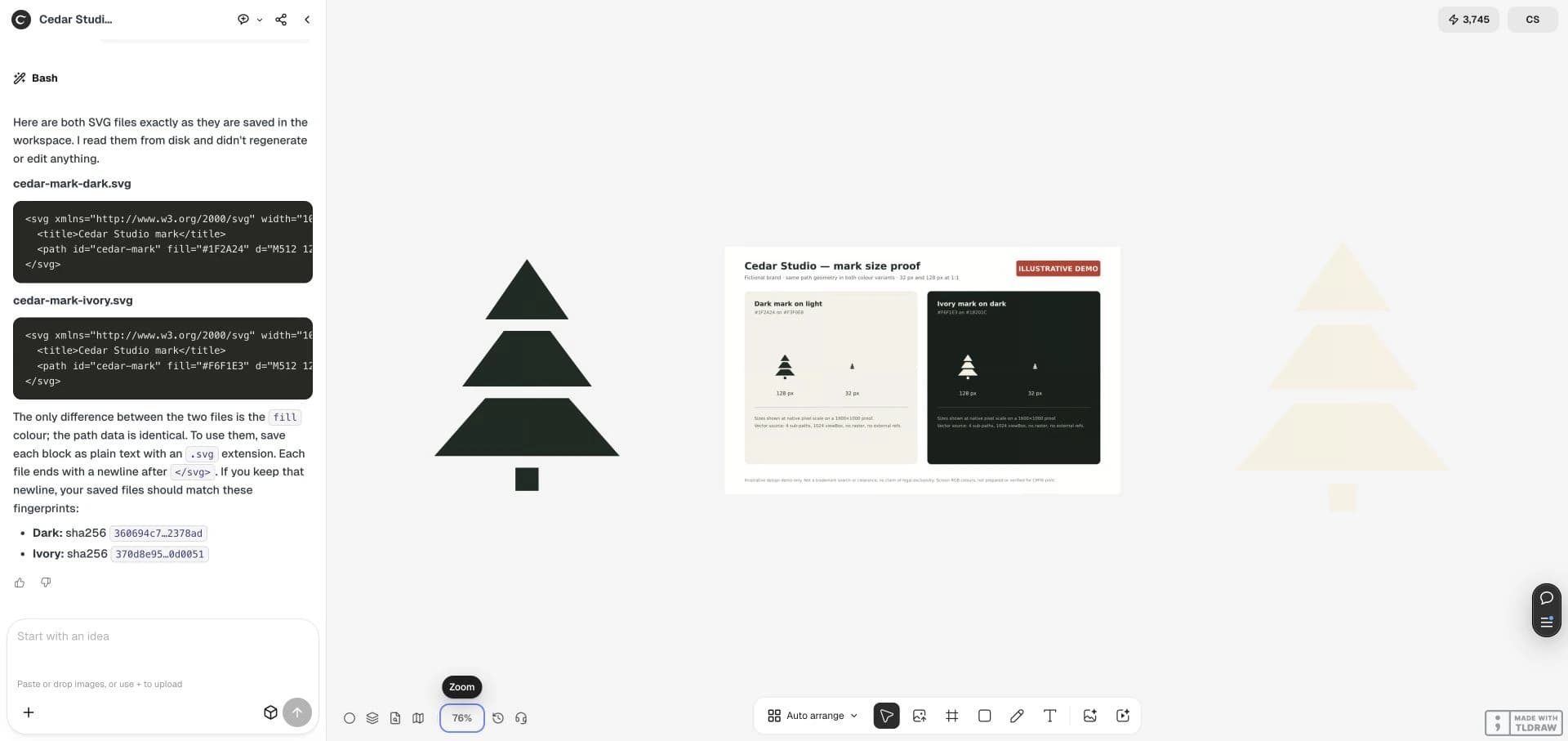
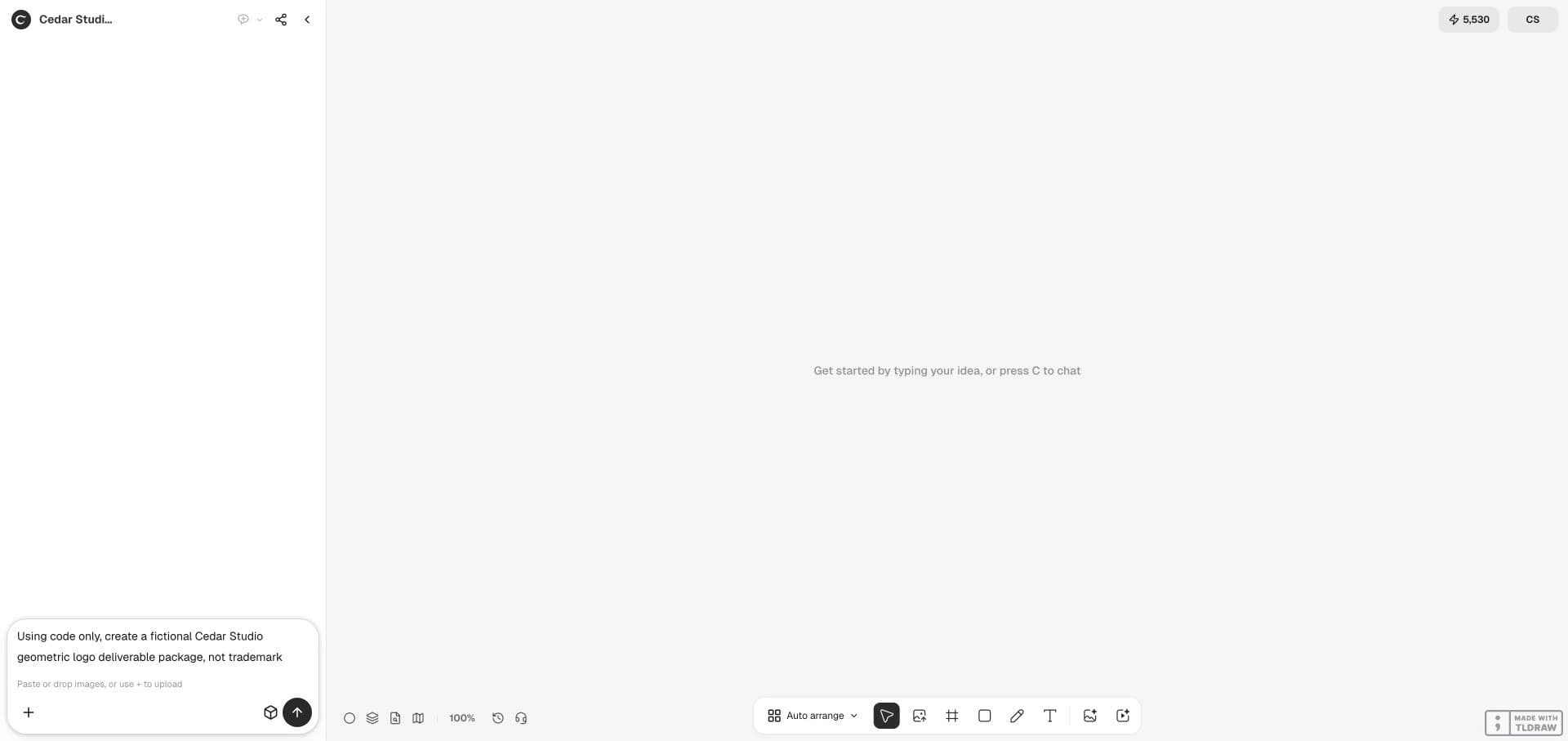
Use code only for a fictional Cedar Studio geometric cedar mark: SVG paths without embedded raster or external resources. Keep identical geometry in dark and ivory SVGs; create transparent 1024×1024 PNGs. Make a 1600×1000 proof at 32 and 128 pixels on light and dark backgrounds; label only the proof ILLUSTRATIVE DEMO. Verify alpha and identical paths, inspect actual scale, put PNGs on canvas, and print both full SVG sources if downloads are unavailable. No paid generator, trademark clearance, exclusivity or CMYK claim.

Inspect transparency and small-size legibility
Put each transparent PNG over both light and dark backgrounds. A white rectangle around the mark is a delivery failure when transparency was required. Then view the small-size proof at its intended scale, not enlarged.
Check thin gaps and narrow points for merging at 32 pixels. If a simplified small-size version is needed, approve it as a separate variant and label it accordingly rather than quietly changing the main mark.

Define what a paid handoff includes
Agree on the approved mark, the source files, export sizes, color variants and revision scope. Ask which files can actually be downloaded. If the canvas offers only a raster export for that source, retain the SVG text separately and test it before treating the package as complete.
A downloadable SVG, a transparency check and a small-size proof establish file properties. They do not establish exclusive ownership, trademark availability, print color accuracy or freedom from third-party rights. Resolve those separately for a real commission.
Use one real placement as the buying test
Before committing to a larger package, place the exported file into the actual website or production workflow. Check the edges, contrast and alignment there. A tool that makes the right preview but omits your required export is a poor fit for that job.
Keep one approved source as the reference for later derivatives. For a new client, agree on who owns the approved copy and who signs off each deliverable, then review the full package before handoff.
Practical questions
Does an SVG extension guarantee a vector logo?
No. Inspect the file contents; a wrapper can contain a bitmap.
Does this demo prove trademark availability?
No. It demonstrates source and export checks for a fictional symbol.
Why keep a separate proof?
A proof can show labels and backgrounds for review while clean logo files stay ready for placement.
Test one logo deliverable package
Start with a fictional symbol or your approved source. Request the exports your real placement needs and inspect each file.