GPT-6 Astra · Logo design
GPT-6 Astra Logo Design: Put the Size Tests in the Brief
A logo mark spends most of its life small: a browser tab, a social avatar, a stamp in the corner of a post. A mark that looks balanced on a large canvas can close up or look generic at those sizes. Deciding the tests before you draw makes that failure easy to catch.
In this walkthrough GPT-6 Astra writes the brief and the size tests for a fictional stationery shop, Fold, and GPT Image 2.5 Flare generates the first mark in Ciyo. Everything shown was run on September 18, 2026. The first result passed the size check but failed an important creative check, which is exactly what the process is for.
Ask for the brief and the tests together
Ask GPT-6 Astra for one idea the mark must express, a few shape rules, the colours and a pass or fail check at each size you will use. Ask for a generation prompt at the end, and say that nothing should be generated yet.
Putting the size tests in the brief changes the design. A rule such as "the fold notch must stay open at small sizes" pushes the shape toward bold, simple forms from the start.
For the fictional Fold stationery shop, write a compact logo brief for a symbol-only mark (no letters). Include: the one idea it must show, three shape rules, colours (charcoal on white, plus a one-colour version), and a small-size test at 16 px, 32 px and a 110 px social avatar with pass/fail checks for each. Then give one image prompt I can use to generate the first mark. Under 170 words. Do not generate an image.Read the brief as a checklist
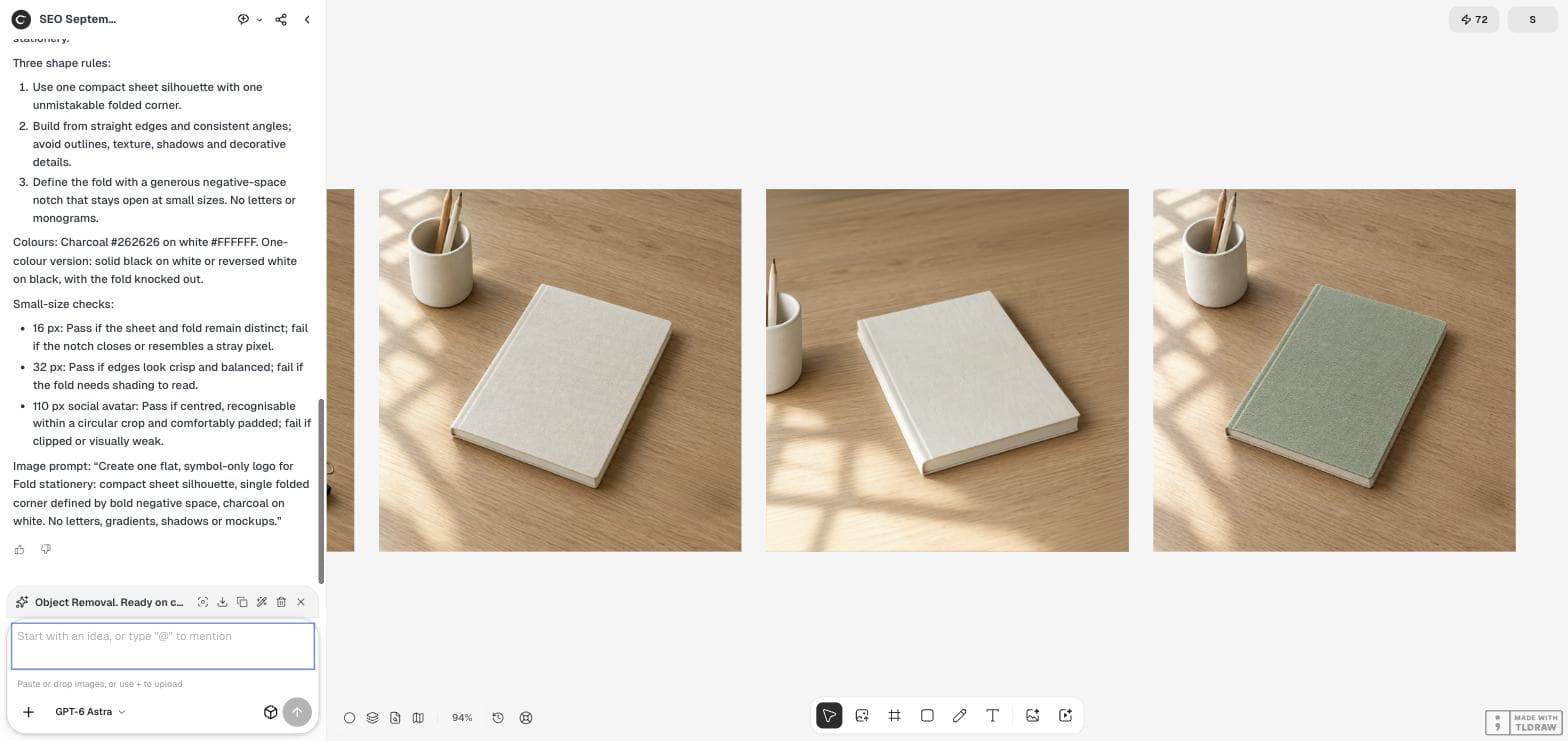
Astra's idea was a single sheet made useful by one deliberate fold. Its shape rules asked for one compact sheet silhouette, straight edges without texture or shadows, and a generous negative-space notch that stays open at small sizes. It specified charcoal #262626 on white, with a one-colour version.
The size checks were concrete: at 16 px the sheet and fold must stay distinct, at 32 px the edges must look crisp without shading, and at 110 px the mark must be recognizable inside a circular avatar crop.
| Size | Pass if | Fail if |
|---|---|---|
| 16 px | Sheet and fold remain distinct | The notch closes or looks like a stray pixel |
| 32 px | Edges look crisp and balanced | The fold needs shading to read |
| 110 px avatar | Centred and recognizable in a circular crop | Clipped or visually weak |
Generate one mark from the brief's prompt
Open the Image Generator, keep GPT Image 2.5 Flare at 1:1 and paste the prompt from the brief without adding ideas. Using the brief's own prompt keeps the first result a fair test of the brief.
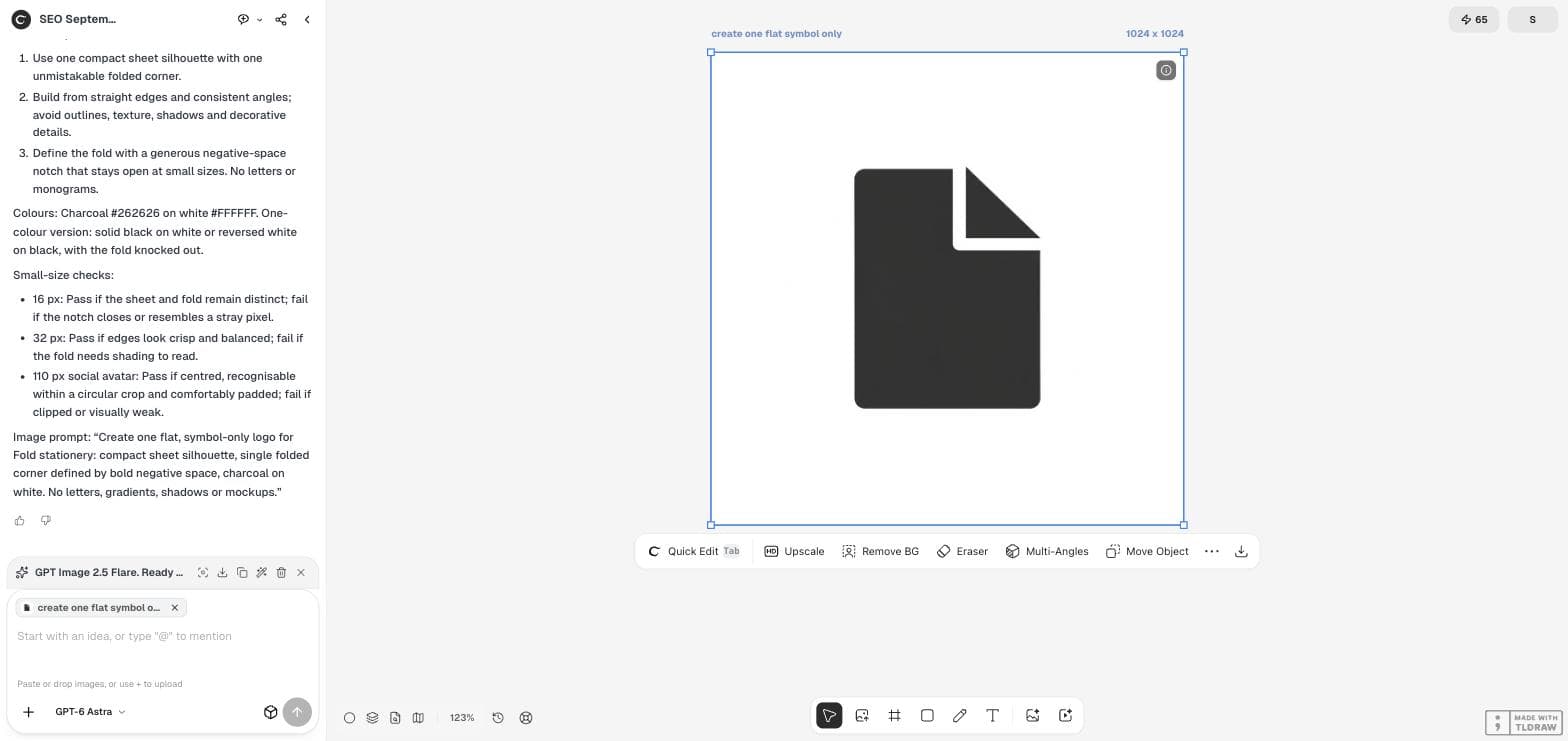
Our first mark was a dark sheet with one folded corner, cut away by a clean white notch. It followed every shape rule.
Look at the mark at real sizes
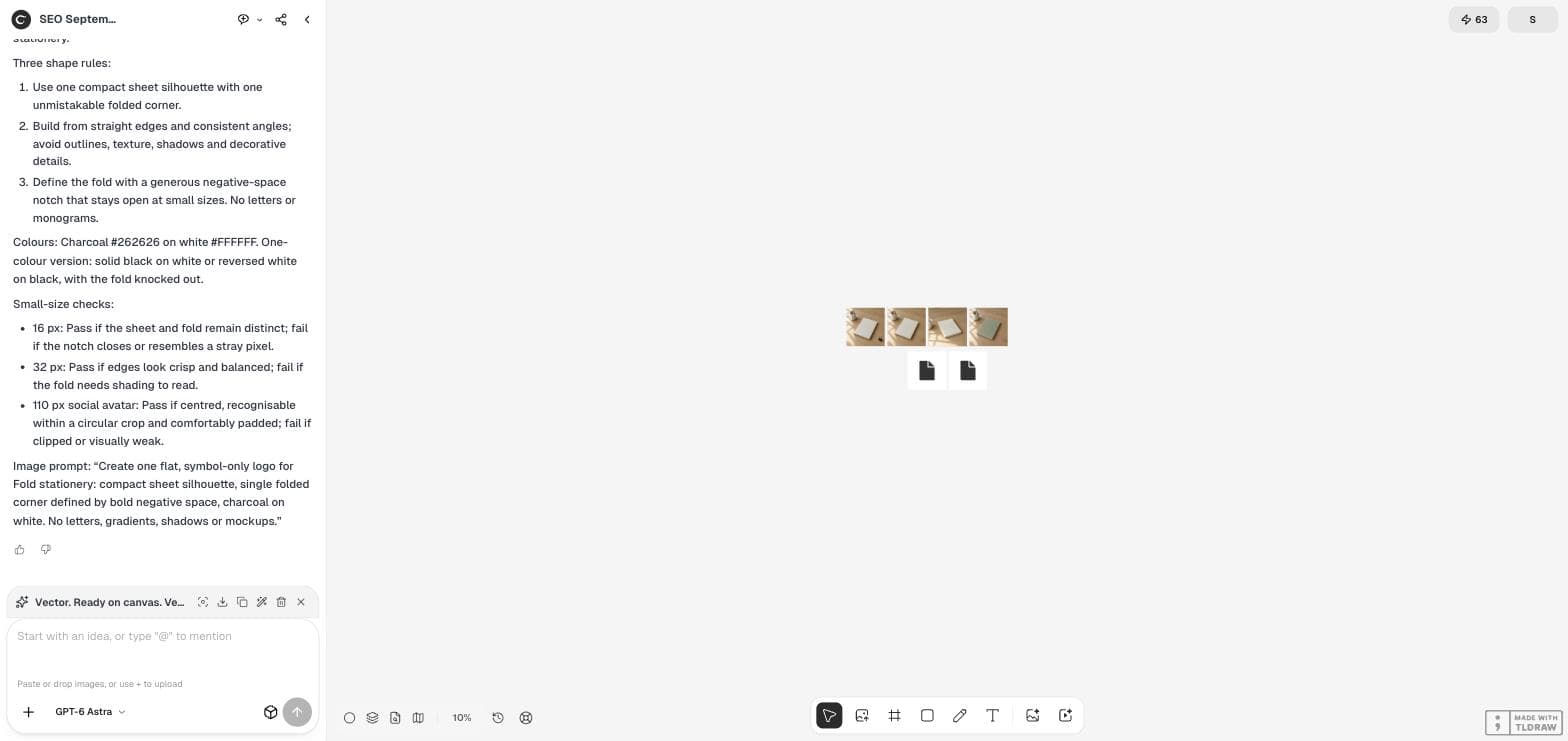
Zoom the canvas out until the mark is roughly the size of a favicon or avatar. At 10% zoom our square image displayed at about 40 screen pixels, and the symbol inside it was roughly 20 pixels tall. The white notch stayed open and the silhouette stayed readable, so the mark passed the size checks.
For an exact 16-pixel test, export the file and view it at that size in a browser tab or your design tool. Canvas zoom is a quick first look, not a pixel-exact preview.
Check that the mark is yours
Size is not the only test. Ask a colleague what the mark looks like without telling them the brand. Ours would probably be read as a generic file icon, because a sheet with a folded corner is the standard symbol for a document. The mark passed the brief and still failed the brand.
Add a distinctiveness rule and generate again. For Fold, that might mean a fold that creates a second shape, or a sheet proportion no software icon uses. Keep the size checks unchanged, so each new version meets the same tests.
Ownership worries are common among new shops. On September 15, 2026, a founder in r/smallbusiness asked how to get a logo and website that are truly theirs, so they would not face copyright problems years later. A distinctive mark helps, but it does not replace a proper clearance check.
A small-business owner's question about owning a logo. It is a question, not legal advice, and this article does not provide legal clearance.
Vectorize only the approved mark
Convert the mark to SVG after it passes both the size and distinctiveness checks. Converting early makes every rejected idea look more finished than it is.
When you convert, compare the vector with the source and test the one-colour version on dark and light backgrounds. Clearance and trademark checks are separate professional steps that no generator performs for you.
Logo testing questions
Can GPT-6 Astra draw the logo itself?
In this workflow Astra wrote the brief and prompt, and GPT Image 2.5 Flare generated the mark. Astra can also write SVG code as text; see our SVG workflow guide.
Why did a mark that passed the brief still fail?
The brief did not ask for distinctiveness. A folded-corner sheet reads as a standard document icon, so we would add that rule before the next round.
Is the generated mark safe to register as a trademark?
We did not check. Similarity searches and legal clearance are separate steps.
Test the mark before you polish it
Write the brief with GPT-6 Astra, generate a first mark in Ciyo and check it at the sizes people will see.