Buyer workflow
AI Mockup Generator: Buy a Concept or a Print File?
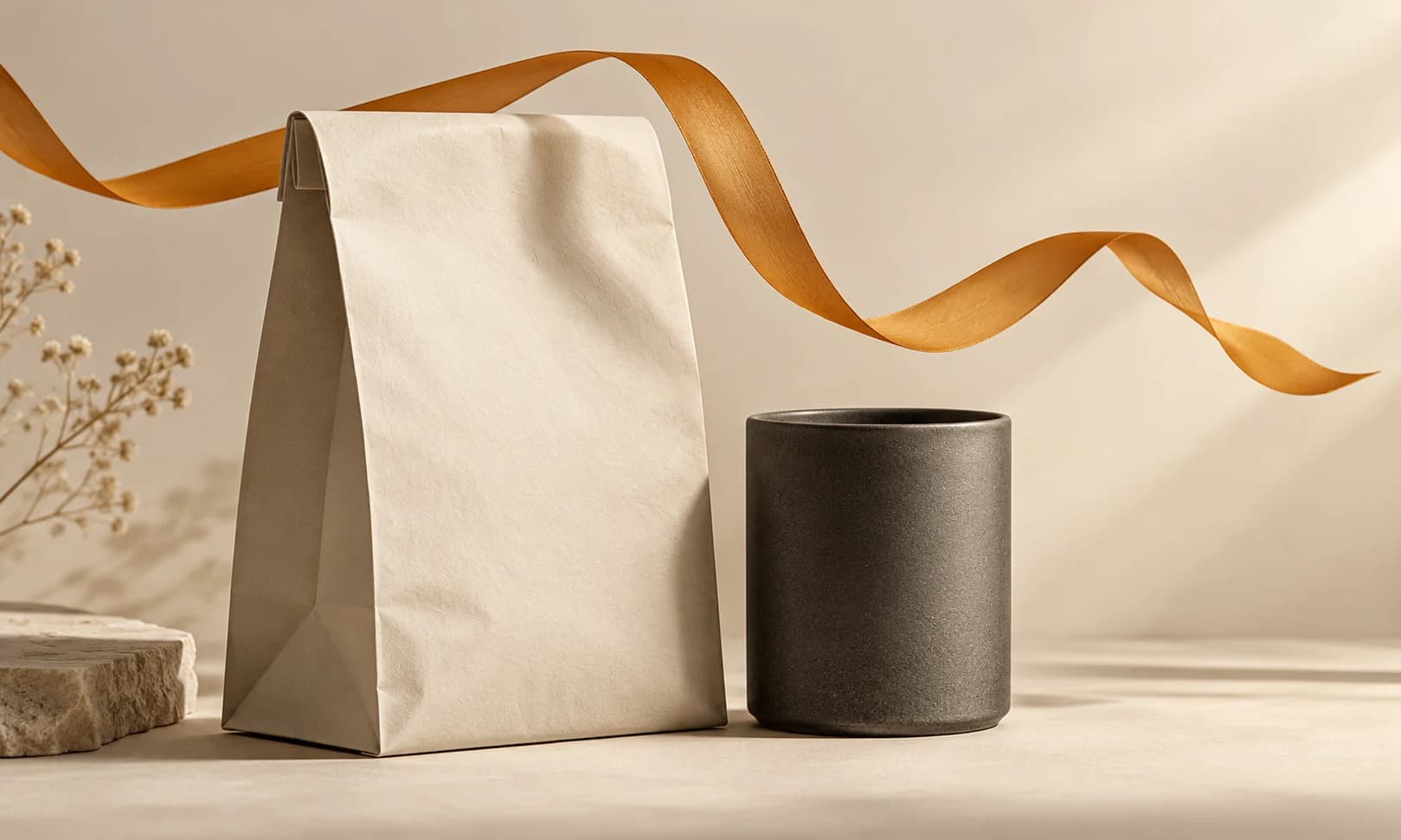
A coffee shop wants to approve a mark on a bag and a takeaway cup before commissioning packaging. An AI mockup can help choose a look, but a photograph of a package does not contain a printer's production artwork.
Our live Ciyo pilot uses fictional packaging and a simple circle. The purchasing decision is whether you need a concept image, editable artwork or both.
1. Name the deliverable before comparing tools
For an approval meeting, a concept image may be enough. For manufacturing, ask the printer for its required dieline, artwork format, dimensions and color specifications before ordering the design.
Adobe's Illustrator documentation describes placing vector artwork onto a raster mockup. That illustrates a useful separation: source artwork and its presentation remain different deliverables.
2. Start with a small packaging family
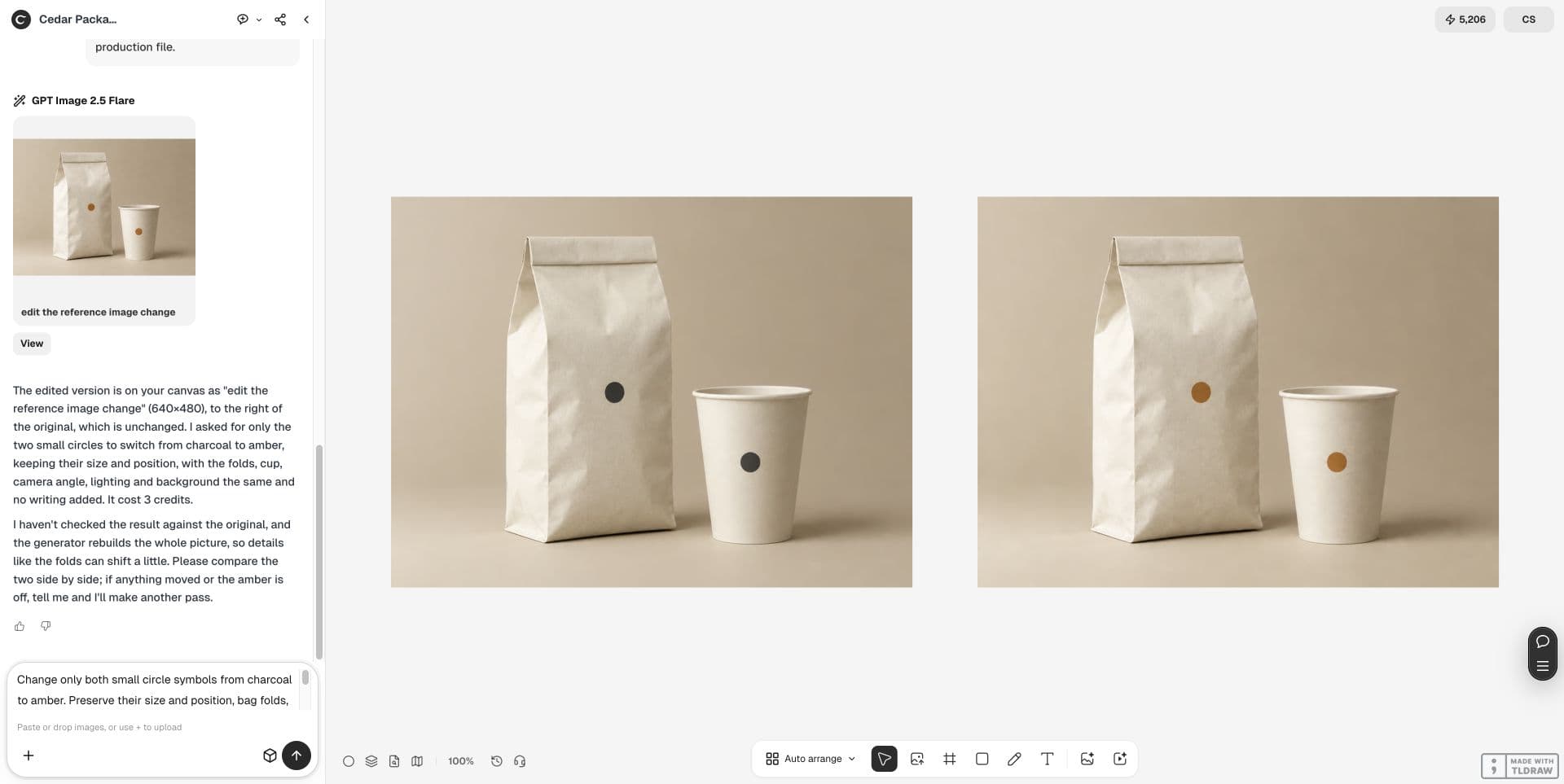
We generated one ivory coffee bag and one ivory cup with matching charcoal circles, keeping the source on Ciyo's canvas. No real brand or manufactured package appears in this pilot.
For a real job, supply an approved mark and a permitted package reference. Identify which surfaces the mark must occupy, rather than asking for a generally attractive branded scene.
3. Test a controlled color revision
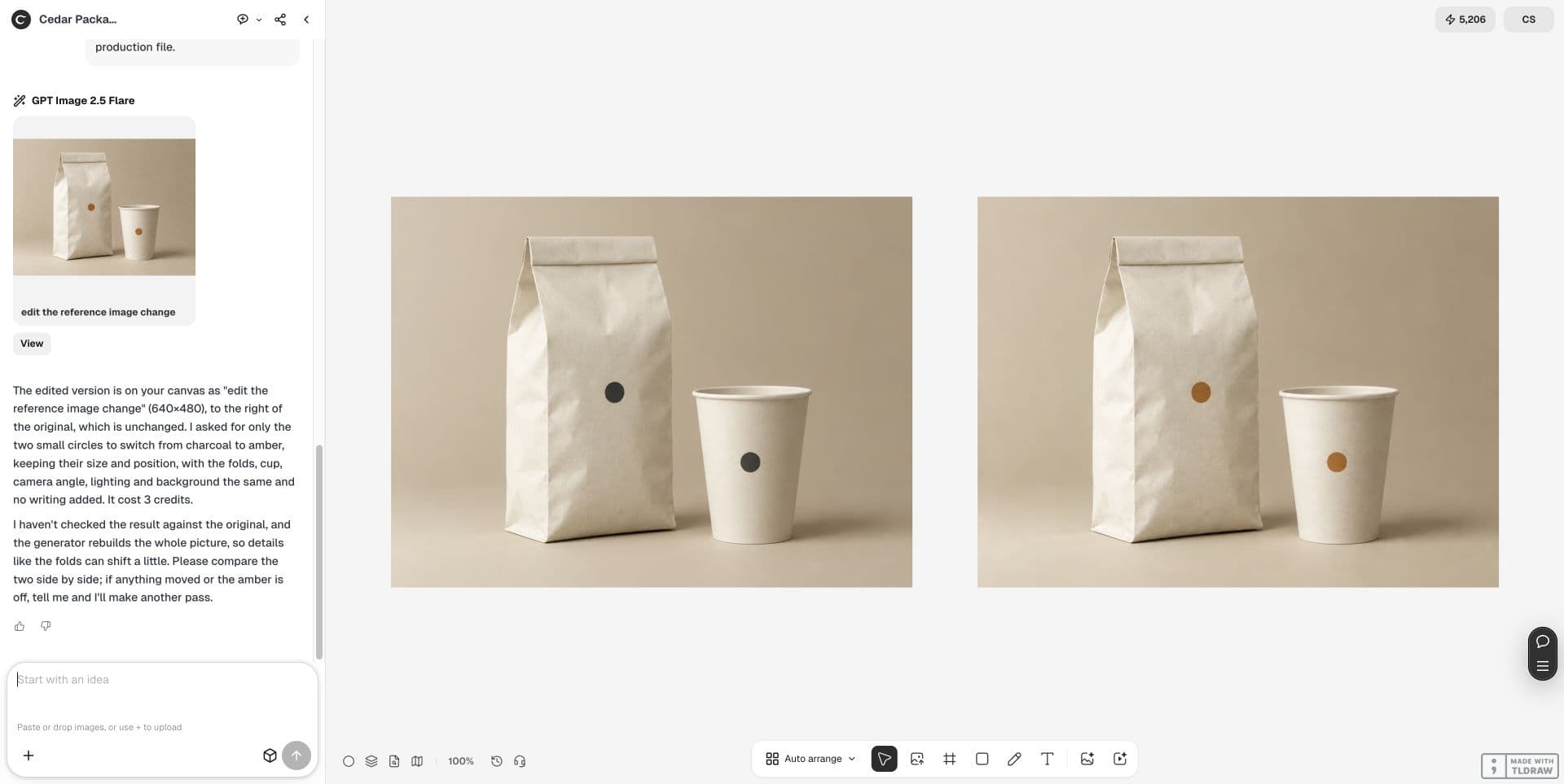
The live request changed both circles to amber while preserving their size, position, folds, cup and lighting. Use one variable to learn whether the workflow can support your approval process.
Keep the original. If your exact logo lettering matters, inspect it directly; this text-free circle pilot cannot establish logo-text fidelity.
Change only both small circle symbols from charcoal to amber. Preserve their size and position, bag folds, cup shape, camera, lighting and background. Keep original and place one edit beside it. Concept mockup, not a print file.4. Compare the concept closely
The result shows amber circles on both objects and a similar overall scene. Some paper folds and reflections differ. Do not describe the scene as pixel-identical or use it to infer manufactured dimensions.
Review the downloaded result at full size. Also show it at the size used in the approval deck, where small placement errors can be overlooked.
| Check | Accept only when |
|---|---|
| Mark placement | Both surfaces show the intended position and readable artwork |
| Package appearance | The concept is usable despite any visible fold or reflection changes |
| Printer handoff | Required source artwork and dieline are delivered separately |
5. Request production assets separately
Ask for the mark's editable source, the printer's dieline and the final artwork placed on that dieline. Confirm fonts, linked assets and the printer's proof process with whoever prepares the production file.
A PNG or JPEG mockup can be a useful reference in that handoff. It does not replace measured artwork or prove that a printed color will match the screen.
6. Pay for the stage you need next
If the team is choosing a visual direction, approve one concept and one constrained revision. If the next step is printing, scope the production artwork explicitly and obtain the printer's acceptance.
Use the linked logo-deliverables guide for the source-file handoff, and keep this mockup beside those files as a visual reference.
Frequently asked questions
Can I send the generated image directly to a printer?
Use it as a concept reference. Ask the printer for the actual production-file requirements and supply artwork prepared to those requirements.
Does this pilot validate an exact logo?
No. It tests simple circles without lettering. Test your approved logo separately before accepting a branded deliverable.
Run one small pilot
Create one packaging concept, keep its source and test one color revision before commissioning the production artwork.