Studio operations
Cleaning Checklist Template: Separate Areas, Frequency and Completion

A cleaning checklist template is difficult to act on when every row says tidy up. A useful studio reset sheet identifies the area, the action and when it happens, then leaves an unambiguous place to mark completion.
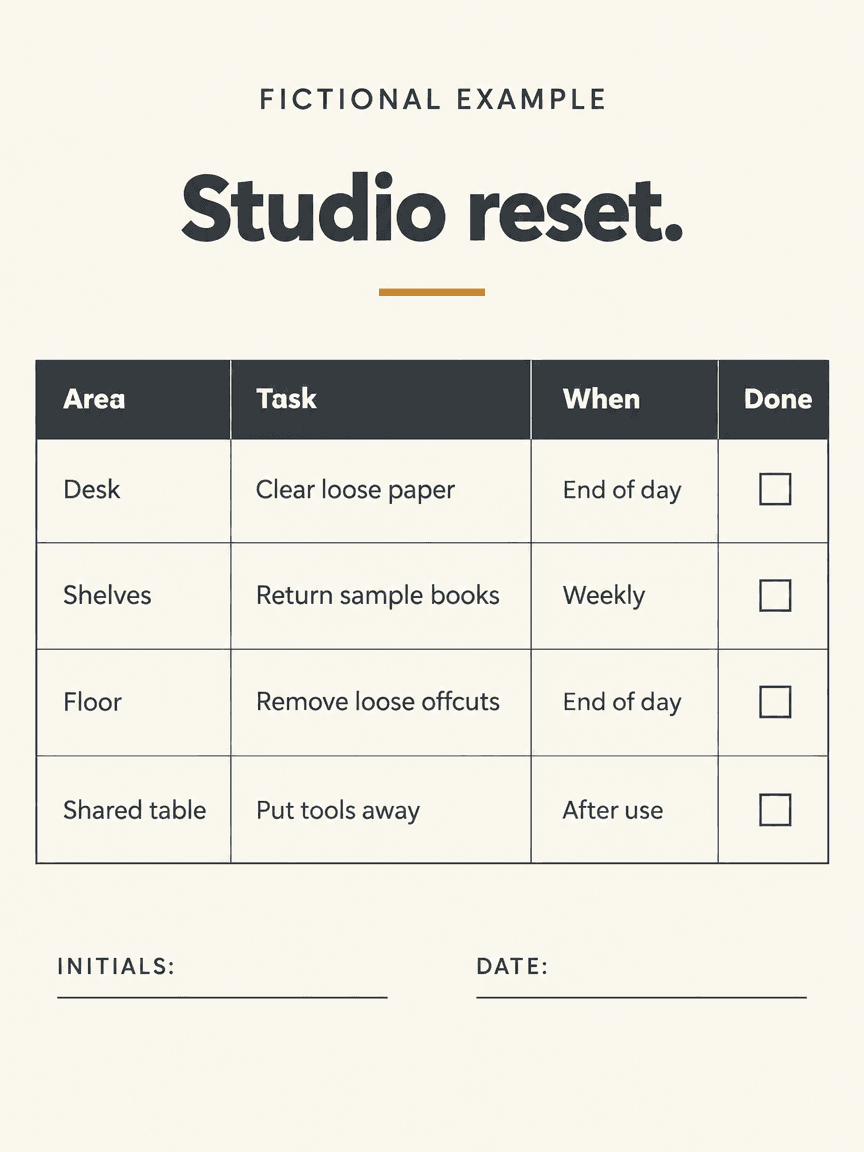
We ran a fictional four-task studio checklist through Ciyo's Image Generator on November 23, 2026. The PNG preserves the tasks, frequency labels and empty checkboxes. This article covers ordinary tidying, with separately authored English working files; it does not establish cleaning, disinfection or equipment-care procedures.
Quick answer: keep the source and inspect the proof
Separate Area, Task, When and Done. Use a specific observable action in each row, keep different frequencies visible, and leave completion boxes empty. Inspect a generated proof, then use editable text to maintain the operational list.
Follow five steps: define the task, prepare a checkable source, generate a visual proof, inspect the actual output and use the separately authored working files.
1. Define a small reset scope
The fictional scope is a desk, sample-book shelves, a floor with loose offcuts and a shared tools table. Each task has a visible end state: clear loose paper, return sample books, remove loose offcuts or put tools away. That is more checkable than a general promise to make the studio clean.
Canva's cleaning-checklist collection is a layout reference. Choose your actual tasks from the site's own instructions and equipment requirements. Do not turn a decorative template into authority for using chemicals, servicing equipment or certifying hygiene.
2. Make timing a separate field
Our desk and floor tasks say End of day, shelves say Weekly, and the shared table says After use. Keeping that information in its own column makes the difference visible without hiding it in a long task description.
For a real shared space, decide who reviews the list and how the date and initials are used. The sample leaves those fields blank. A mark records someone's statement of completion; it does not independently verify the work or replace an inspection where one is required.
| Area | Task | When |
|---|---|---|
| Desk | Clear loose paper | End of day |
| Shelves | Return sample books | Weekly |
| Floor | Remove loose offcuts | End of day |
| Shared table | Put tools away | After use |
3. Generate one flat visual proof in Ciyo
Create an isolated Ciyo project and open Image Generator. Our authenticated development run on November 23, 2026 used GPT Image 2.5 Flare, Medium quality, portrait 3:4, 1K and one image. Select the controls before entering the complete prompt, then review the displayed credit quote. Our run showed 2 credits; check your own current quote.
The copyable prompt is the actual English request. Replace the fictional details consistently and retain the stated constraints. The result is a raster image proof; the editable downloads below were assembled independently and are not Ciyo exports.
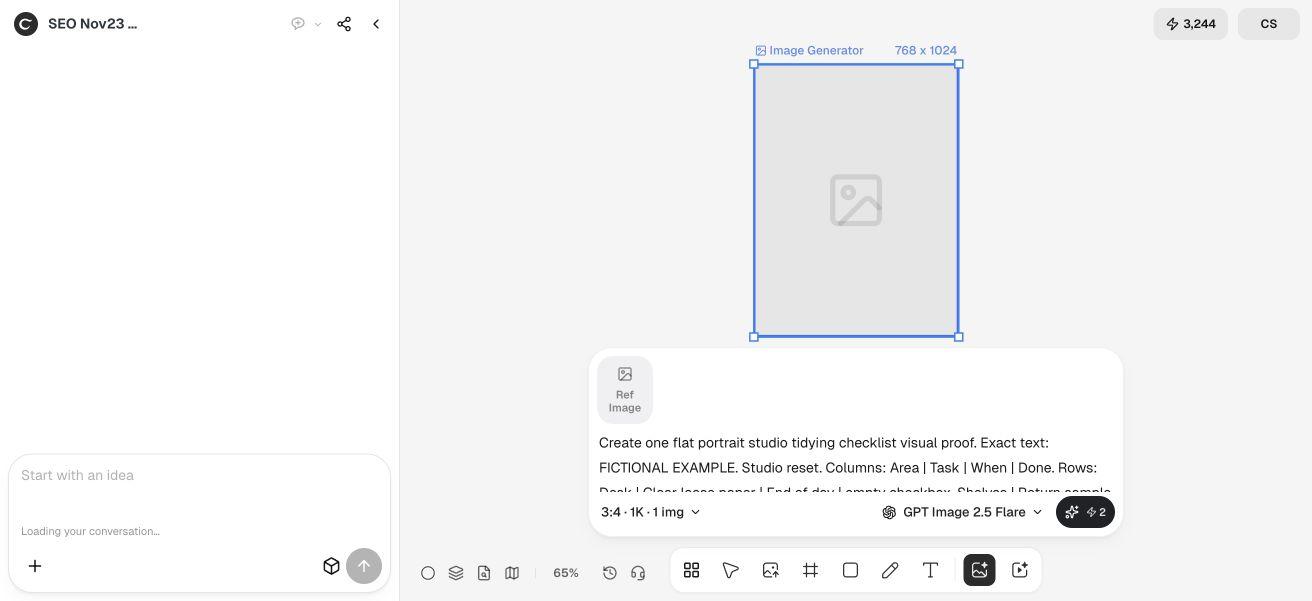
Create one flat portrait studio tidying checklist visual proof. Exact text: FICTIONAL EXAMPLE. Studio reset. Columns: Area | Task | When | Done. Rows: Desk | Clear loose paper | End of day | empty checkbox. Shelves | Return sample books | Weekly | empty checkbox. Floor | Remove loose offcuts | End of day | empty checkbox. Shared table | Put tools away | After use | empty checkbox. Leave initials and date blanks. Ivory, charcoal, small amber divider. No chemicals, hygiene certification or extra cleaning instructions.4. Compare the actual output with the source
The downloaded image includes all four task rows, the supplied timing labels and four empty checkboxes. The initials and date lines are present. The title gains a period, which is a stylistic addition rather than evidence that the checklist has been completed.
Read each row horizontally to ensure a timing label has not shifted to another task. Check that none of the completion boxes is premarked. The proof does not assign an operator or establish that the room was reset.
Ciyo media preview: inspect the model and original request
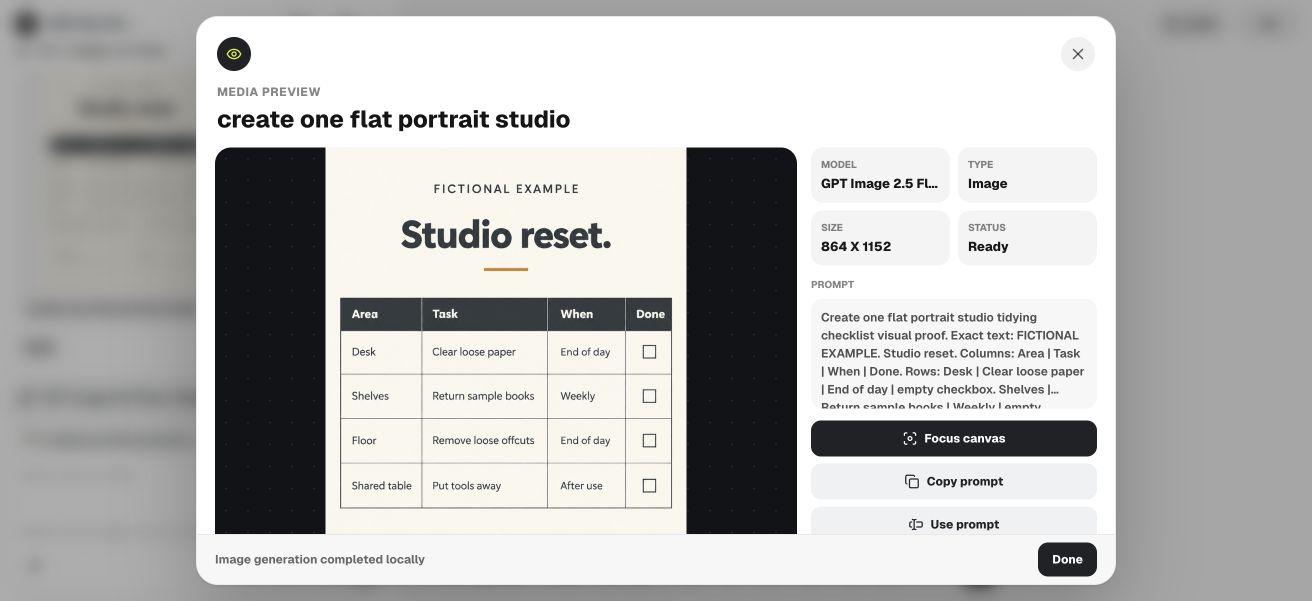
Open the generated asset in Ciyo’s media preview to compare the result with the model details and original English prompt. This whole-product capture shows that review step; the readable prompt and output inspection above remain the reference for small text.
5. Maintain the checklist in a text-based source
The English HTML is a printable four-row sample with initials and date fields. The CSV preserves the task columns and leaves Done cells blank for your chosen recording convention. These files were written separately from the Ciyo raster output.
Before use, replace the fictional tasks, clarify responsibility and print a trial page. If you split daily and weekly sheets, preserve the relevant timing label on each. A short list that fits the real workflow is preferable to adding unrelated tasks merely to fill space.
Choose the source you will maintain
Choose a spreadsheet or document editor for a changing operational list. Use a Ciyo proof to assess readability and hierarchy. Follow the site's actual procedures for cleaning products and equipment; the demonstrated reset sheet is limited to ordinary tidying.
Frequently asked questions
Is this a disinfection checklist?
No. It is a fictional ordinary-tidying example and contains no chemical, hygiene-certification or equipment-care instructions.
Does an empty Done column mean a task is overdue?
No. The blank sample records no actual work. Define your completion and review convention before using it.
Can daily and weekly tasks share one sheet?
They can if the frequency remains clear for every row. Separate sheets may be easier when different people perform or review the tasks.
Make a readable studio-reset proof
Start with your approved source, generate one visual proof and inspect the actual result before preparing the final working file.