Application correspondence
Cover Letter Template: Keep the Letter in Editable Paragraphs

A decorative cover-letter template is only useful if the letter still reads like a letter. The recipient, reason for applying, supporting evidence and closing need a clear order, and the body should remain easy to revise for the next application.
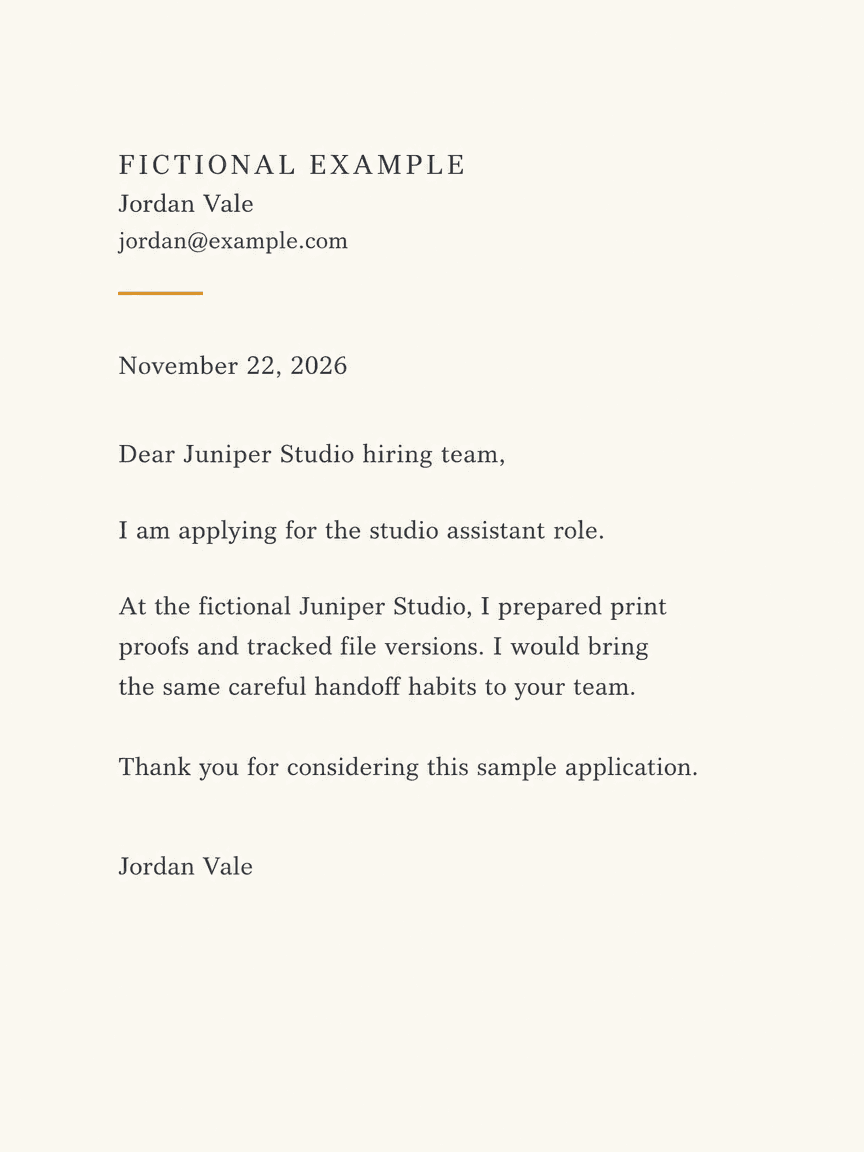
We generated a fictional studio-assistant cover-letter proof in Ciyo on November 22, 2026. The PNG preserves the requested addressee and separates the application, experience and thank-you paragraphs. It is a visual result, with baked-in text. The linked English HTML and PDF are separate editorial companions, not Ciyo document exports or evidence of a successful application.
Quick answer: a source you can check, then a visual proof
Approve the letter's actual words first. Keep a recipient, a short application paragraph, one relevant evidence paragraph and a closing. Use an image proof to judge spacing; keep the changing letter in editable text and inspect the final export before sending.
Follow five steps: define the task, prepare the source, request a visual proof, inspect the actual output and prepare a separately reviewed working file.
1. Write to a specific role and recipient
The fictional example addresses Juniper Studio's hiring team and names the studio-assistant role. Your own letter should use the correct recipient and position from the actual application. If a name is unavailable, use an appropriate team salutation instead of inventing a person.
Harvard's resume and cover-letter resource emphasizes relevant, specific material and careful presentation. Our design process applies that principle to a small example; it does not supply career advice tailored to an individual or predict an employer's decision. Keep this task separate from designing general business letterhead.
2. Approve one evidence paragraph
Our example says Jordan prepared print proofs and tracked file versions at the fictional Juniper Studio. The paragraph then connects that work to careful handoffs. It contains no quantified achievement, award or qualification that the generator would need to invent.
For your own source, keep each factual statement traceable to your experience. Replace both the example employer and the description of the work. If a claim needs an explanation to be accurate, edit it before design rather than shrinking the type to make it fit. A shorter, supported paragraph is easier to review than an impressive but unverified one.
| Unit | Purpose | Review question |
|---|---|---|
| Recipient | Identify whom you are addressing | Is this the current organization and role? |
| Application paragraph | State why you are writing | Can the role be identified immediately? |
| Evidence paragraph | Connect relevant experience | Is every factual claim yours and supported? |
| Closing | End clearly with a name | Is there a clear paragraph break before it? |
3. Generate a spacing proof in Ciyo
Use a separate project with Image Generator. We selected GPT Image 2.5 Flare, portrait 3:4, 1K and one image. The request supplies the complete fictional copy and asks for three distinct paragraphs, generous margins and a small amber rule. This constrains the page without asking the model to invent a persuasive biography.
Use the exact demonstrated prompt below as a layout example. Replace its applicant, contact, date, recipient and experience together. The email address uses example.com and is not an application destination. The result is an image proof, not a sent letter or an editable PDF.
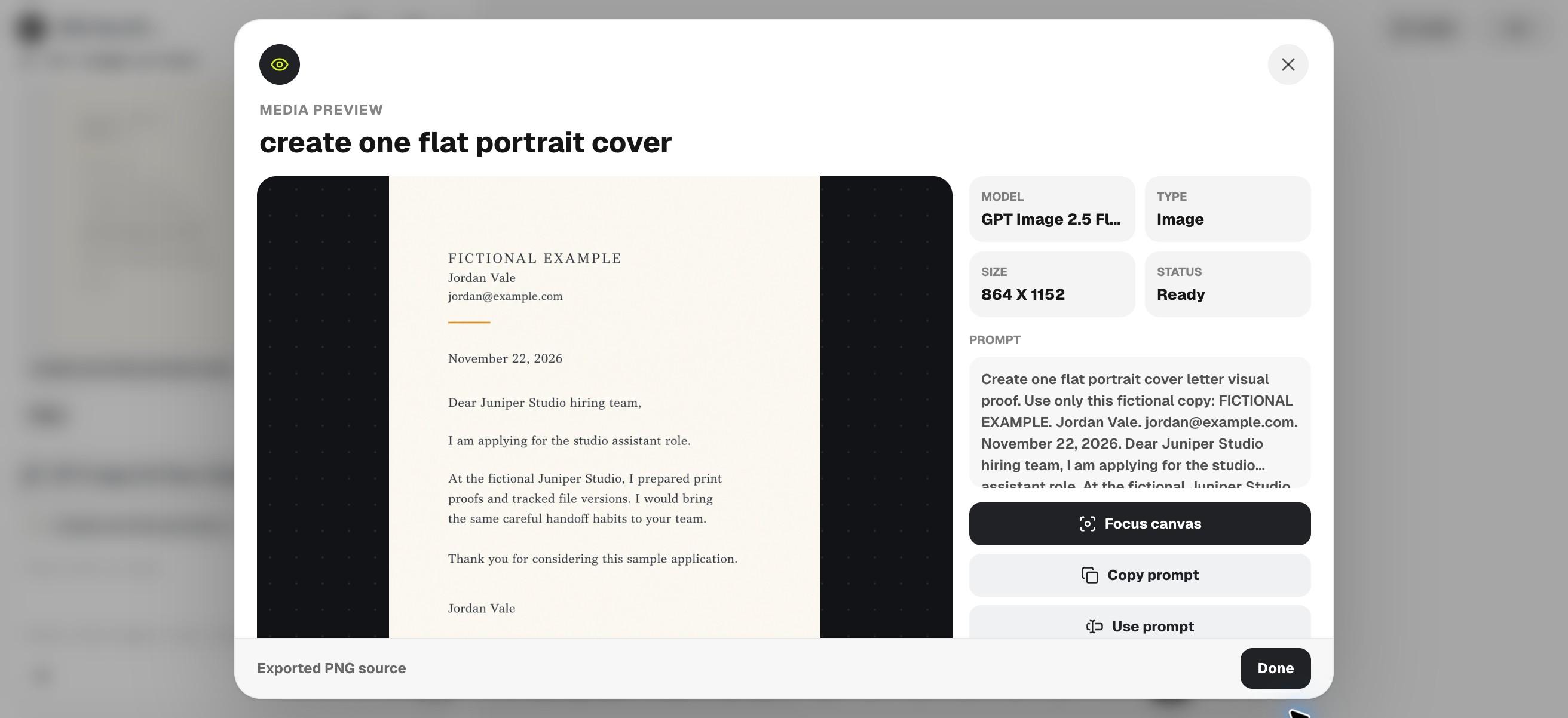
Create one flat portrait cover letter visual proof. Use only this fictional copy: FICTIONAL EXAMPLE. Jordan Vale. jordan@example.com. November 22, 2026. Dear Juniper Studio hiring team, I am applying for the studio assistant role. At the fictional Juniper Studio, I prepared print proofs and tracked file versions. I would bring the same careful handoff habits to your team. Thank you for considering this sample application. Jordan Vale. Use three distinct short paragraphs and a clear closing with generous margins, ivory background, charcoal type and one small amber rule. No invented qualifications, awards or hiring promises. Image proof only; do not claim editable text or a PDF.4. Compare paragraphs rather than just page style
The downloaded PNG has a visible fictional-example label, Jordan Vale's contact line, November 22, 2026, the supplied hiring-team salutation and the requested closing. Its experience paragraph remains separate from the brief application and thank-you paragraphs. We checked the actual image rather than assuming the prompt had been followed.
Inspect your own result for missing words, merged paragraphs, invented claims and an orphaned signature. Read the body aloud once to catch awkward transitions. Keep design corrections separate from factual corrections so a spacing revision does not silently change an approved claim.
5. Keep the final letter editable and recipient-specific
Open the English HTML source in a text editor and replace the fictional copy. It keeps the letter in paragraphs that can be selected and revised. The accompanying PDF was assembled separately and checked for selectable text. Neither file was generated by exporting the Ciyo image.
Before submitting, inspect the final date, addressee, role, contact and page breaks. A useful review checks the delivered attachment rather than only the editing window. If you are helping several applicants, retain an individually approved source for each person. For frequent application changes, do the copy work in a document editor and use Ciyo only when a visual proof would help.
Choose the workflow and review the final file
Keep a general layout and a separate version of the approved letter for each recipient. Do not reuse another applicant's experience to fill space. There is no universal generation or review time: a clear brief may need one proof, while factual or layout corrections can require another pass.
Download the English working files
These English companions are separately assembled editorial files. They preserve the source information or blank fields described above; they are not exports from Ciyo's image-generation step. Review and adapt them before use.
Practical questions
Does Ciyo send the application?
No. This demonstration generated and downloaded an image. No application, email or form was submitted.
Can I edit the PNG's paragraphs as text?
The PNG contains raster text. Use the separate HTML source or your document editor for paragraph editing.
How much experience should the template invent?
None. Replace the fictional example with your own verified information and omit unsupported claims.
Give the letter a clear reading order
Approve the recipient and evidence paragraph, then use one Ciyo proof to judge spacing before preparing the final text-based attachment.