Festival identity · Production guide
Motion identity handoff for event AV: cues, loops and fallback stills
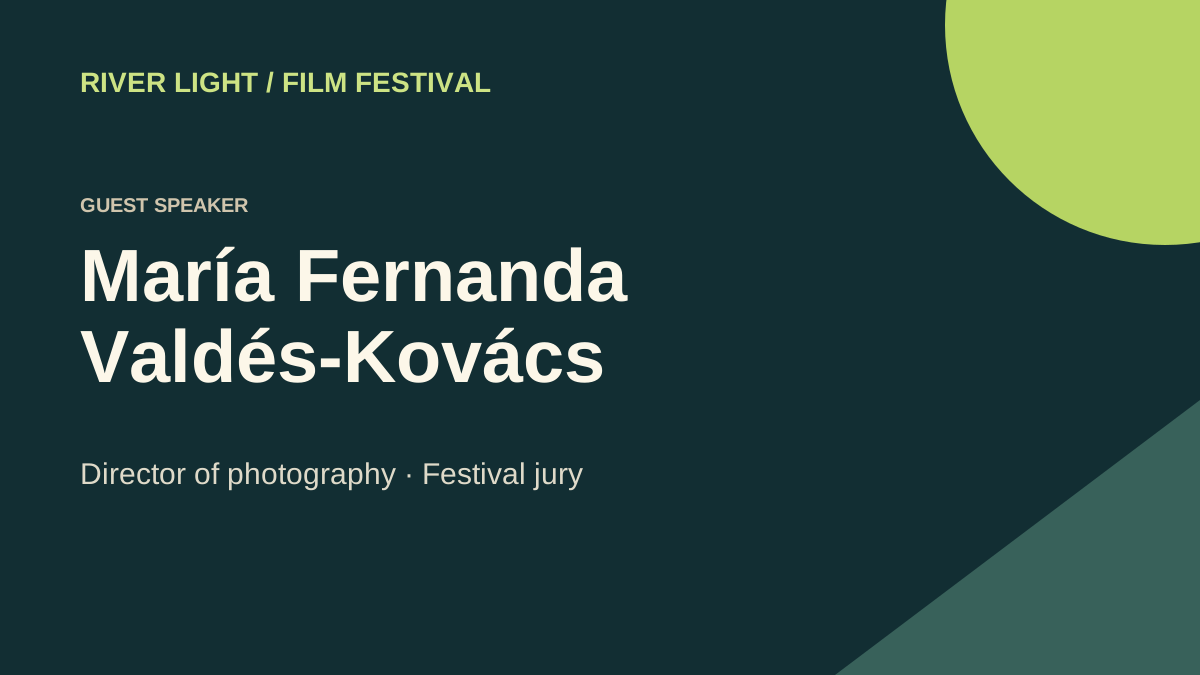
Give the operator three cues: walk-in, speaker introduction and a holding loop. Include a still fallback and a last frame for each approved cue.
Input and decision
Set start and end states for walk-in, speaker and hold. Note which cues may loop, which require an operator trigger, and which must stop on a readable still.
Set up the comparison
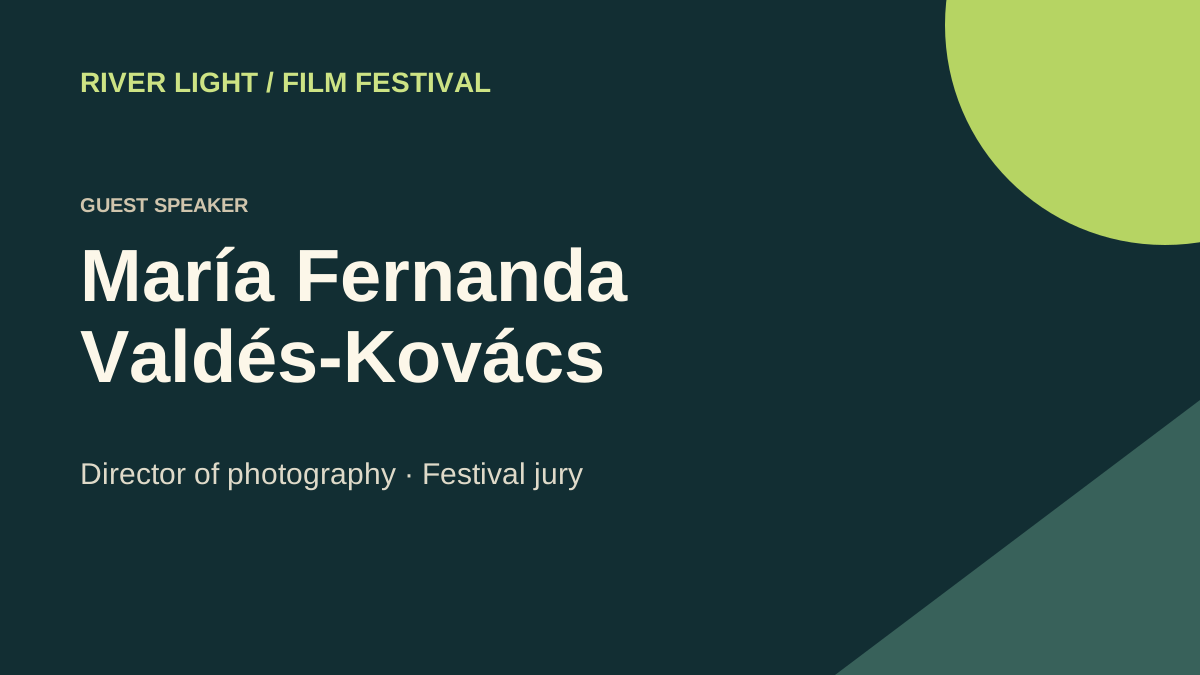
Test the longest speaker name during the entrance animation. Allow enough time at full opacity and compare against the supplied static card.
Make the comparison
At rehearsal, ask the operator to delay the next GO by one full loop. Watch the join, then switch directly to the fallback still.
Worked record
The downloadable worksheet includes the records below and a blank row for your own project.
| Cue ID | Trigger | Duration | Final frame | Fallback still |
|---|---|---|---|---|
| Walk-in | Manual GO | 8 s example | Guest card | Approved stage SVG |
| Holding loop | Until next cue | Loop | First equals last | Static festival card |
| Introduction | On presenter cue | Confirm with AV | Readable name | Guest still |
Check the result
Test the cue transition with the actual player and screens. Confirm whether the venue expects an alpha channel, a keyed background or an opaque full-frame file.
Hand off the revision
Give AV a cue sheet identifying the trigger and the still they can put on screen if playback stops.
Review question
What should loop and what should play once during walk-in?
Play the walk-in once on the operator's cue. Run the holding loop until the next GO and prepare a fallback still for each.
Use the task on your own brief
Use a copy of the worksheet to keep the project’s source files, reviewed options and decisions together.