AI flyer generator
Turn an event or offer into a flyer. Keep the details, references and next revision together in Ciyo.
A short editable draft. Sign in and send when you are ready.
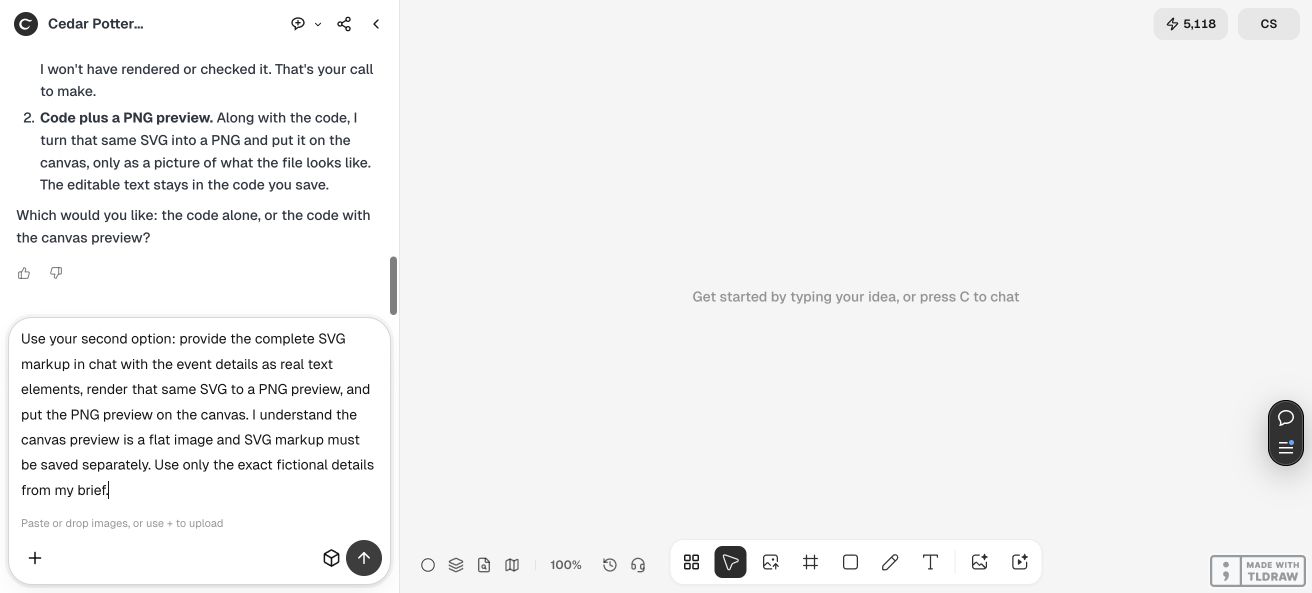
Start with what matters
Tell Ciyo what the flyer should announce and who should read it. A short description is enough to begin a conversation. Add the exact approved headline and practical details as they become clear.
You can bring a photo or brand reference without assembling a full design brief first. The agent helps work through the layout and the next version on your canvas. Keep unconfirmed prices, dates and claims out of the artwork.
One detail, a new version
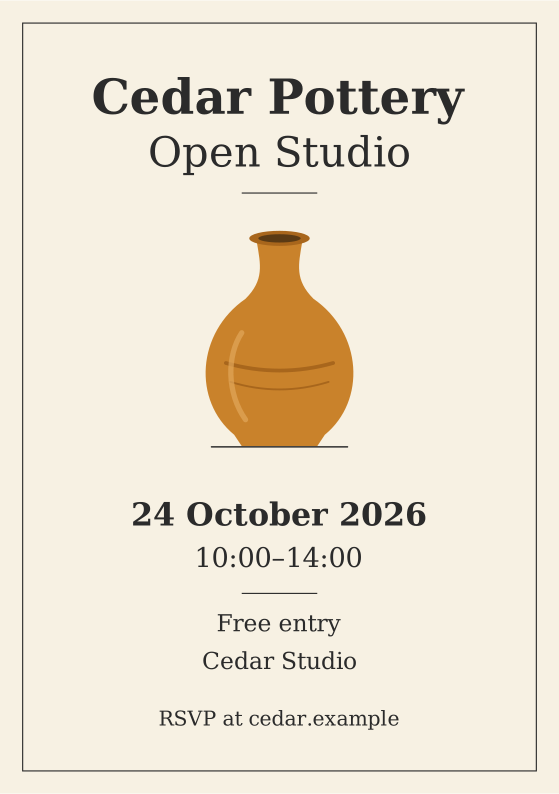
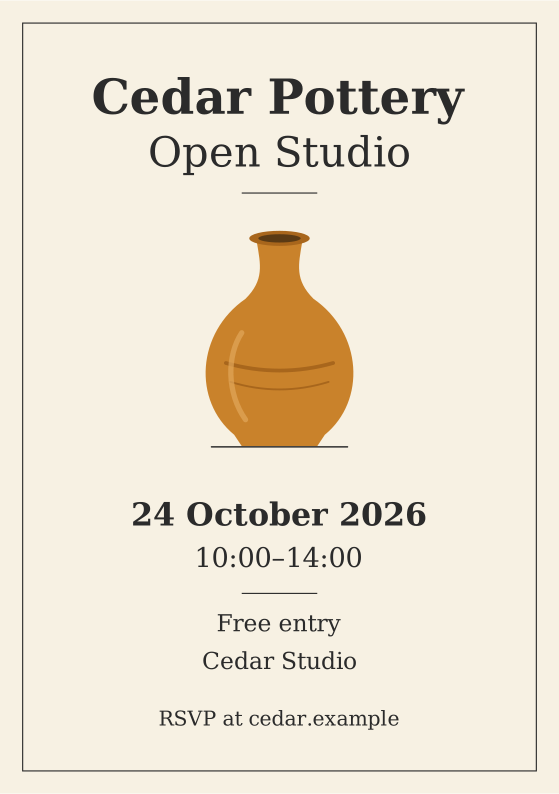
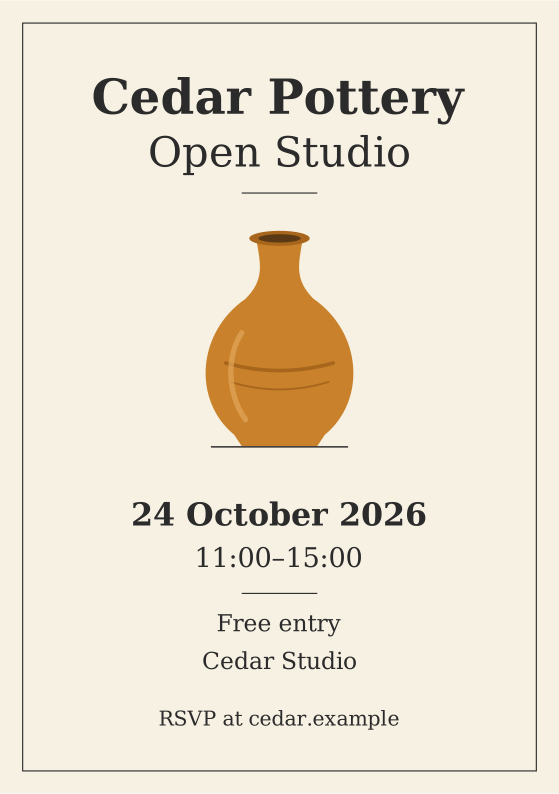
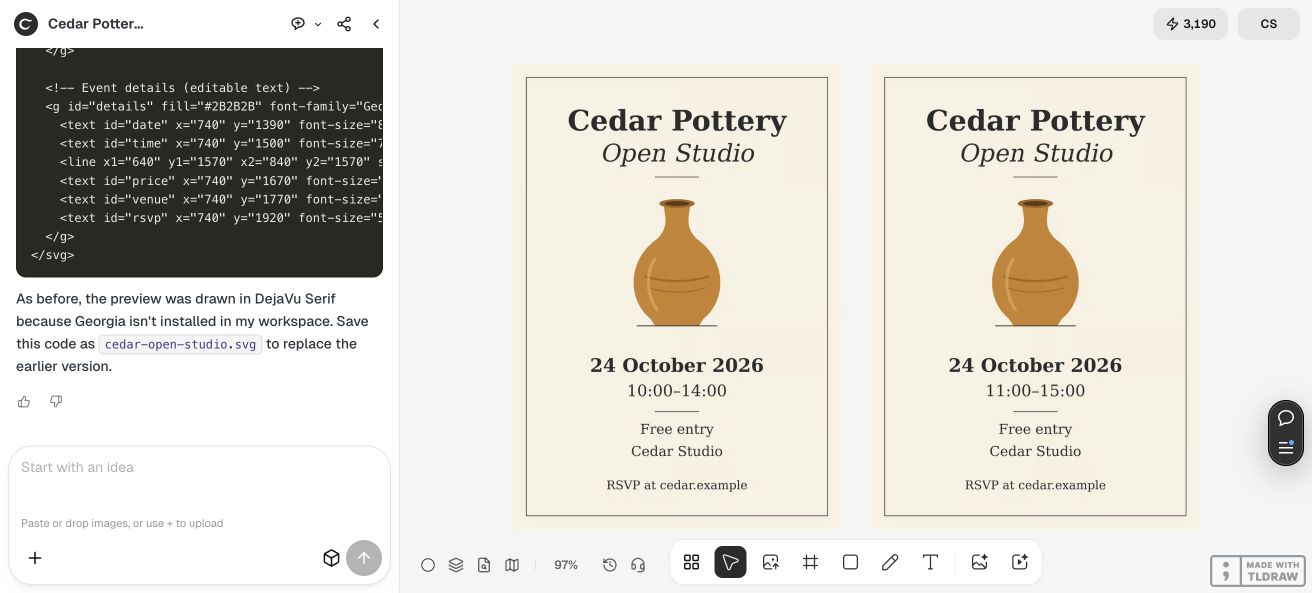
Cedar Pottery is a fictional example tested in Ciyo on October 12, 2026. The opening time changed while the offer stayed the same. The full case shows the file handoff and the actual preview, with its limitations.
Make the first flyer
Bring the real details
Open a short draft, then add the event or offer, approved words and audience. Include the date, time and place only when they are confirmed.
Set the direction
Add a logo, photo or style reference in Ciyo if useful. Explain where the flyer will appear and which file you need, then agree a small first version.
Revise and check
Request the specific change and inspect the resulting file. Recheck names, dates, times, crop and delivery dimensions before posting or printing.
Start with credits
- One-time credits
- A $10 purchase adds 1,000 credits. No subscription.
- A clear unit
- One credit equals one US cent. Unused credits never expire.
- Media quotes
- Review the quote for the chosen model and settings before a media operation.
- Planning uses credits
- Conversation and creative reasoning can use credits separately from media generation.
A revision you can inspect
In the Cedar Pottery case, the opening time changed from 10:00–14:00 to 11:00–15:00. The case retained SVG markup separately and displayed PNG previews in Ciyo. The selector above opens those actual example files; it is not a fresh generation.
A retained SVG file can be inspected outside the canvas. That does not turn all image text in Ciyo into native editable type. Ask for the handoff you need and check the actual file, including the dimensions and any print requirements, before committing to a larger order.
Before your first flyer
What should I bring?
Start with the event or offer and the intended audience. Add approved words, date, time, location and an optional logo or photo in Ciyo. You can resolve open choices in the conversation rather than filling out another form.
Can I revise the time?
Yes, ask for the specific change and review the revised output. The linked example retained separate SVG markup and PNG previews. How an edit is performed and billed depends on the actual file and workflow, not the name of the tool page.
Is it ready for printing?
Check the file against your printer's requirements, including dimensions, resolution, margins, bleed and file type. A preview alone does not prove print readiness, and Ciyo does not promise every required production format through this page.
Is generation free?
Ciyo uses pay-as-you-go credits, with no free generations or subscription. A $10 purchase adds 1,000 credits. Planning and creative reasoning can consume credits, and media generation has its own quote.
Bring your next event
Start with the announcement. Work through the design and the next change in Ciyo.
Create my flyerYour current unfinished draft is kept. Planning and generation can use credits.