Festival identity · Production guide
How to arrange sponsor logos on a film festival poster
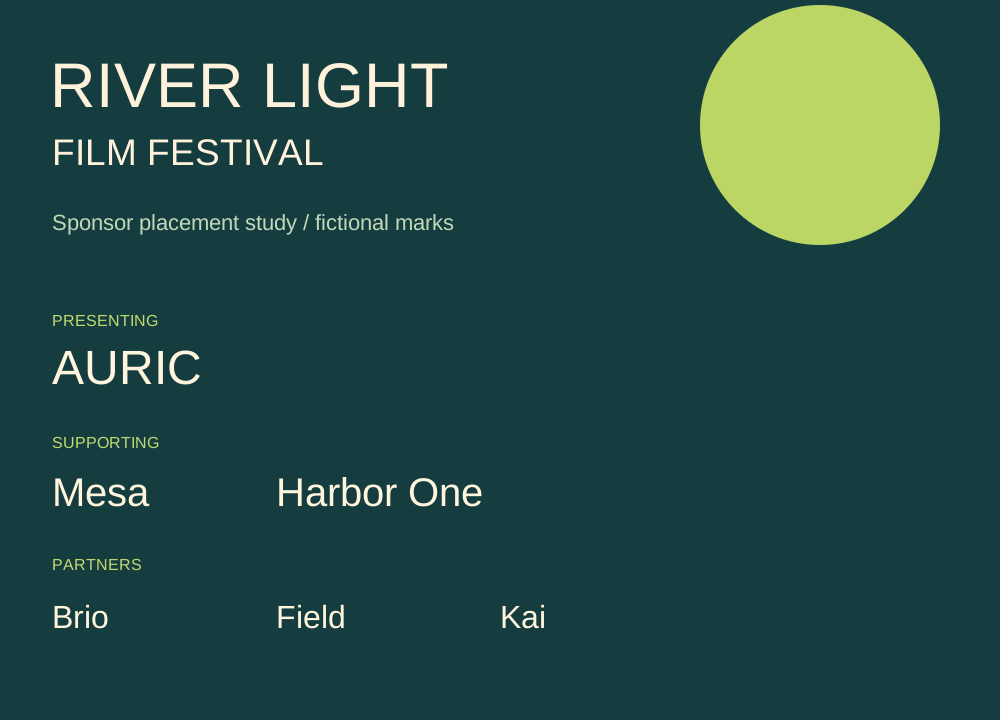
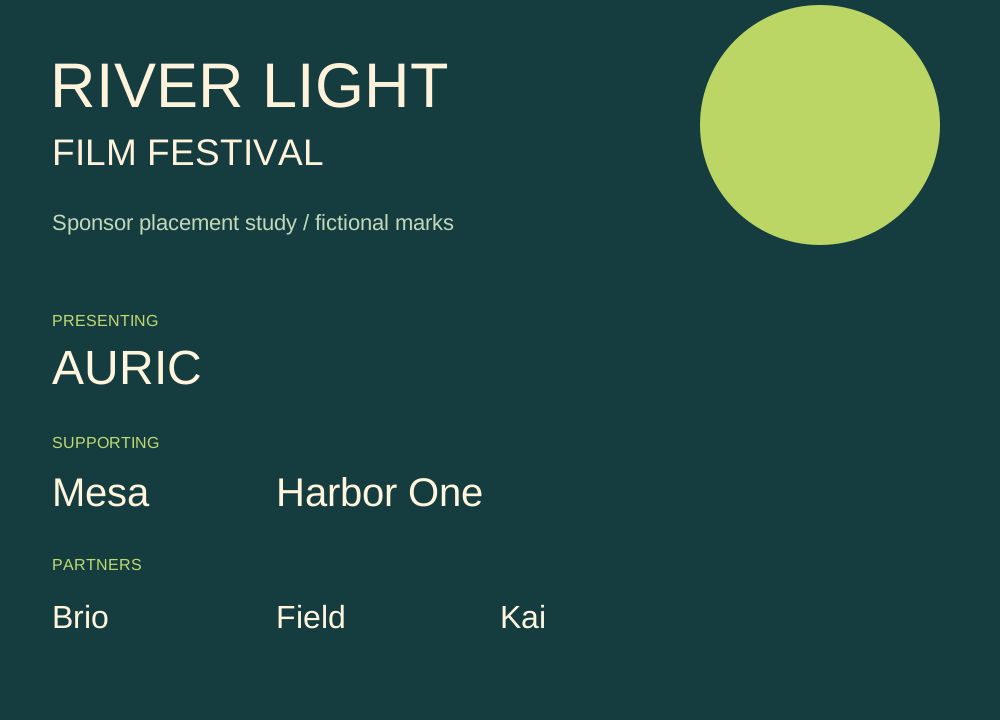
Reserve the primary title area before arranging the supplied sponsor marks. Group the six sample slots into presenting, supporting and partner tiers, then size optically within each tier.
Input and decision
Ask for the sponsor agreement or approved tier list before allocating space. Sketch the six slots as placeholders first and add only authorized marks.
Set up the comparison
Test a wide wordmark and a tall symbol in adjacent slots. Equal box width can make one sponsor appear far larger; set an optical size after reviewing the agreement.
Make the comparison
Print the sponsor row at the smallest planned size. Under each slot write the approved tier and whether the mark still reads from the proof.
Worked record
The downloadable worksheet includes the records below and a blank row for your own project.
| Sponsor ID | Tier | Original mark | Permitted variant | Size check |
|---|---|---|---|---|
| S01 | Presenting | Vector master | Full color | Per contract |
| S02 | Supporting | Wide wordmark | Reversed with approval | Read at proof size |
| S06 | Partner | Tall symbol | Original only | Check optical balance |
Check the result
Check the smallest authorized sponsor wordmark on a printed proof and on the venue screen. Request an approved reversed logo where contrast is low.
Hand off the revision
Send the slot proof with the original authorized marks. Flag any missing size limit for the sponsor contact.
Review question
Who sets the minimum size of a sponsor logo?
Use the tiers assigned to S01, S02 and S06. Ask the sponsor contact for the minimum size if the agreement leaves it open, then check the actual proof at that size.
Use the task on your own brief
Use a copy of the worksheet to keep the project’s source files, reviewed options and decisions together.