Practical creative workflows
Fix Duplicate SVG IDs When a Badge Appears Twice
An SVG badge can work by itself and change color or clipping when you paste it beside another copy. Repeated gradient or clip-path IDs give the page ambiguous references.
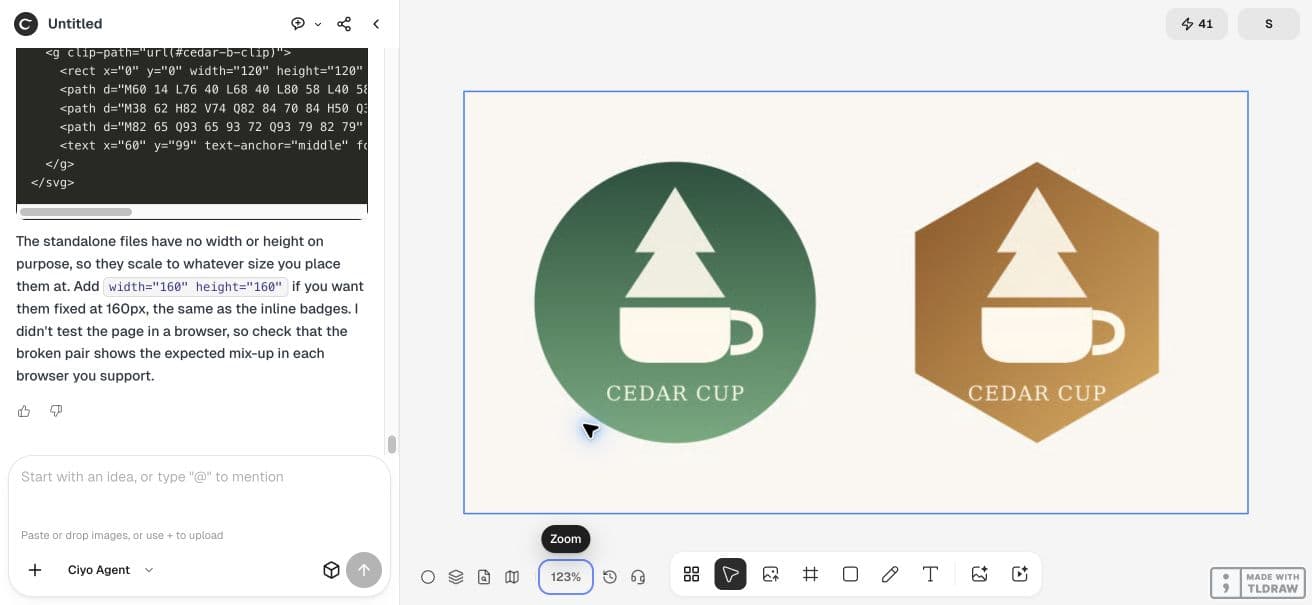
We asked Ciyo to prepare two fictional Cedar Cup badges, a deliberately broken pair and a corrected pair. The repaired versions keep their geometry while using separate ID prefixes. The editable example lets you inspect both cases in a browser.
Inspect IDs and references as one system
An ID identifies an element within the document. SVG’s ID requirement is uniqueness. Two inline SVG roots on one HTML page do not provide a general exemption from that rule.
Inventory gradients, clip paths, masks, filters and other named definitions. Then collect every reference, including url(#...), href fragments and accessibility references. Renaming a definition without updating its uses can replace a collision with a missing resource.
Give each instance an explicit prefix
Our first badge uses cedar-a-gradient and cedar-a-clip; the second uses cedar-b-gradient and cedar-b-clip. Each badge references its own definitions. A real reusable component should create a stable unique prefix per instance rather than hard-code the same prefix for every render.
Keep the drawing unchanged while repairing names. It makes the result easier to compare and limits the chance that a visual redesign hides the actual reference problem.
| Instance | Gradient | Clip |
|---|---|---|
| A | cedar-a-gradient | cedar-a-clip |
| B | cedar-b-gradient | cedar-b-clip |
Ask Ciyo for a comparison and the source
Start an isolated project and request both the broken and corrected inline pairs. Make the broken section visibly labelled so it cannot be mistaken for the final component. Ask for the final HTML and standalone SVG code as well as a PNG preview.
In this live session the board accepted the PNG preview but did not offer HTML or SVG file downloads. We asked the agent to paste the complete source into the response, then saved that source as the example linked below. Use the same handoff when your session has that limit.
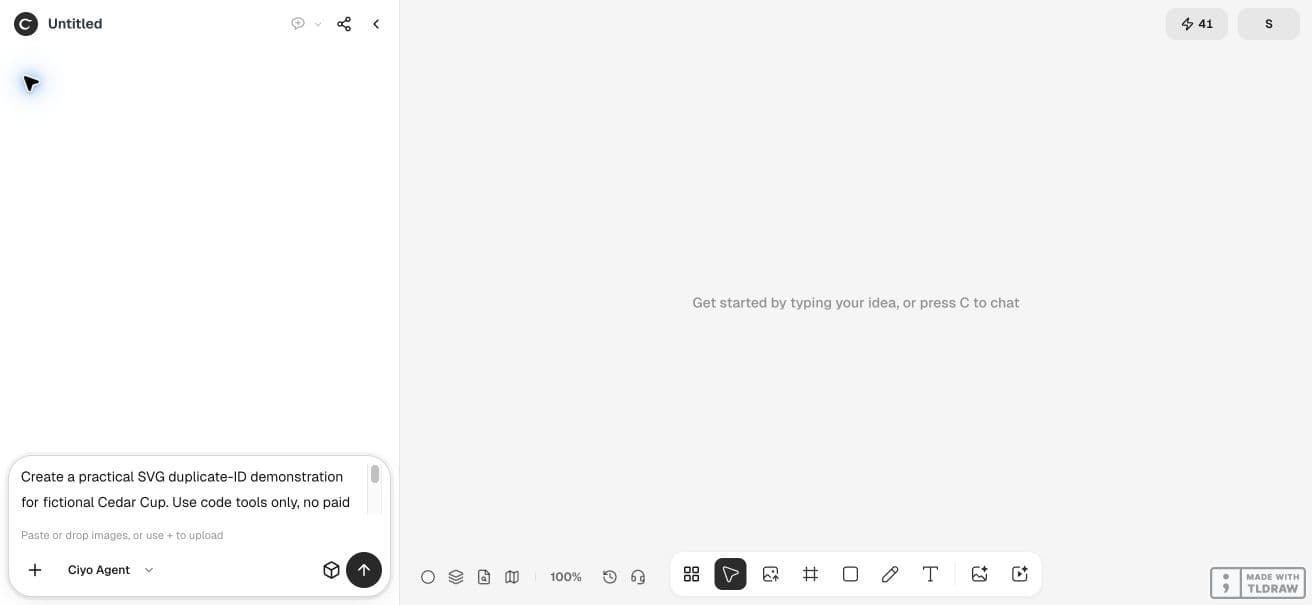
Create a practical SVG duplicate-ID demonstration for fictional Cedar Cup. Use code tools only, no paid image or video generation. Deliver a downloadable HTML file containing two inline SVG badges side by side, each using a different gradient and clip path, with globally unique IDs cedar-a-gradient, cedar-a-clip, cedar-b-gradient, cedar-b-clip. Both SVGs should have viewBox="0 0 120 120" and render at 160px. Include a clearly labelled broken comparison that reuses IDs, then the corrected pair, and a text checklist. Also deliver the two corrected standalone SVG files. Add a PNG preview of the corrected pair to the canvas. Preserve actual SVG geometry across the broken and corrected pairs. Check ID uniqueness and all url(#...) references programmatically. Tell me exactly what you validated and provide download links. This is a fictional website-component demo, not a performance benchmark.Review the final pair and retain source
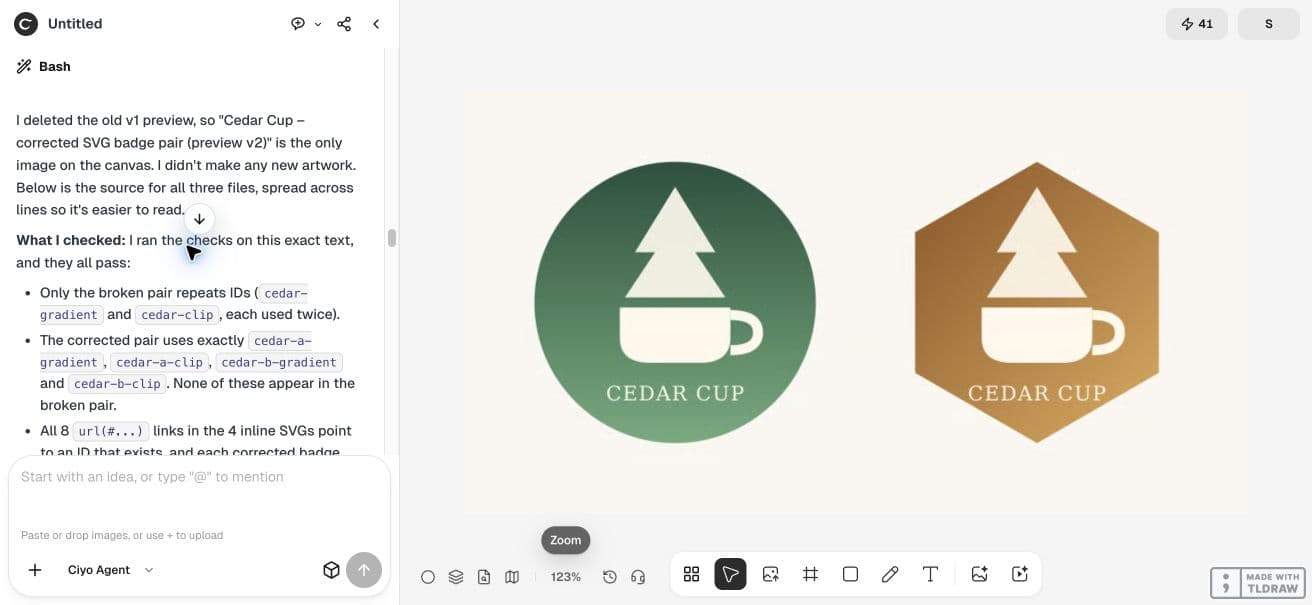
The final canvas shows one corrected preview: a green circular badge and an amber hexagonal badge. The first preview clipped the wordmark; the agent raised the artwork, checked the final geometry and removed the obsolete preview. Both paired cases use that final geometry.
Prefix resources per component instance
We retained the pasted source and checked the corrected section separately from the intentionally broken section. The corrected pair has four unique definition IDs and four resource references, each resolved within its own SVG. Do not scan explanatory prose as though it were markup.
Test the page with both copies present
Open the HTML example in a browser and compare the labelled pairs. A standalone render cannot establish what happens when both inline SVGs share a document. Keep the deliberately duplicated IDs confined to the educational broken section.
We separately reviewed the retained page in Chromium. For a production component, repeat the check in each supported browser and after any optimizer rewrites IDs. Add a third instance, change order and confirm the references still resolve correctly.


Practical questions
Will different SVG root elements make duplicate IDs safe?
Do not rely on that for inline SVGs in one document. Give each instance unique definition IDs and update its references.
Can I just rename the gradient?
Update every reference to that gradient too, and inspect other named definitions such as clip paths and masks.
Why is the downloadable page intentionally invalid in one section?
Its clearly labelled broken pair demonstrates the problem. Only the corrected pair is a reuse example.
Check repeated SVG components together
Start with one checked example in Ciyo. Keep the source and inspect the exported result before using it in your own project.