GPT-6 Astra · Creator workshop
GPT-6 Astra Seamless Textures: Test the Tile, Not the Preview
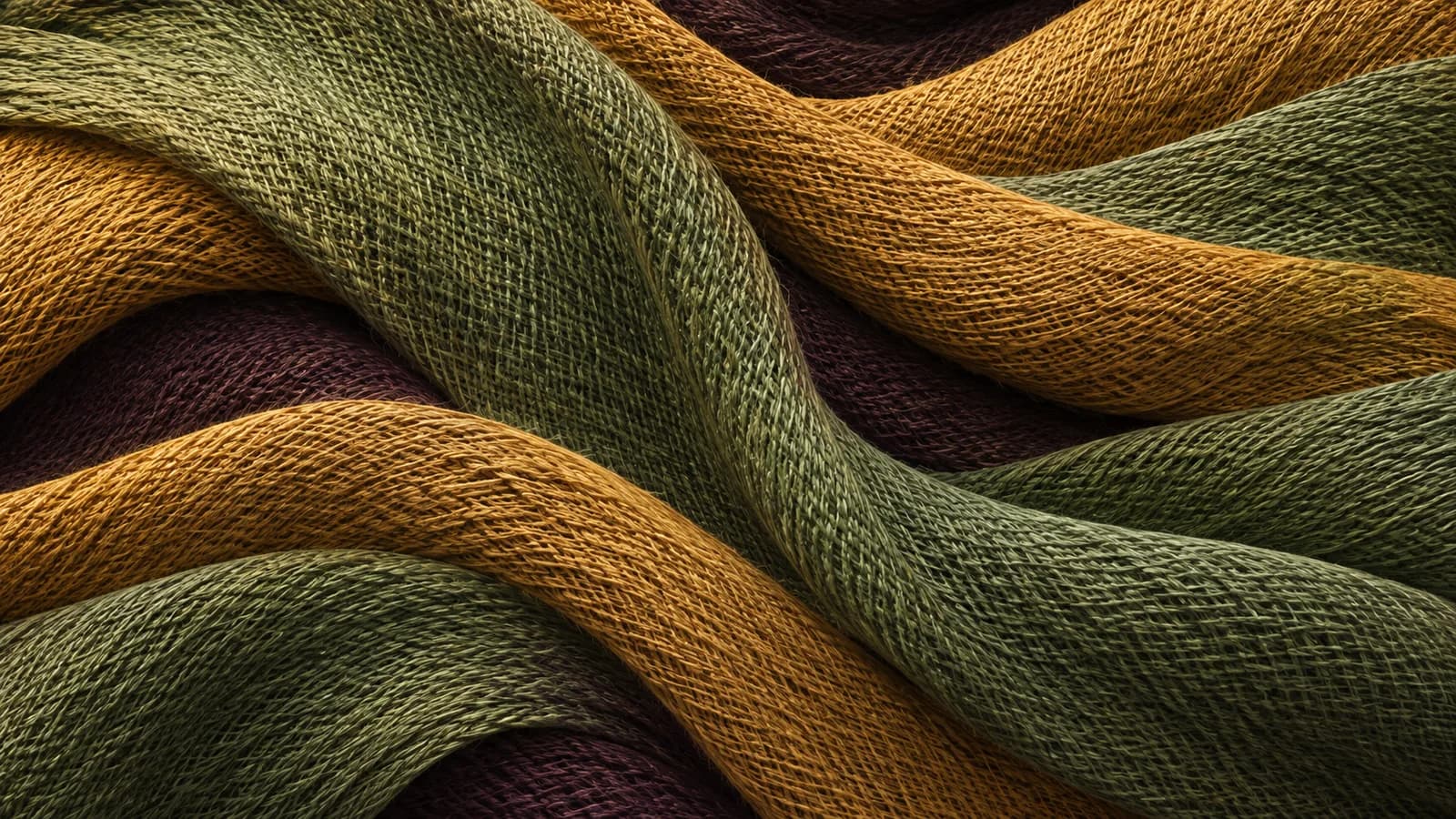
A texture that looks convincing by itself can reveal a hard border when repeated. A bright corner becomes a grid of bright corners; one distinctive scratch appears in every tile. Those defects belong to the repeat, so a single-image preview cannot expose all of them.
This guide is for designers creating background patterns and game artists preparing surface concepts. The included repeat viewer makes the difference between an individual tile and a tiled field visible.
Decide whether you need a pattern or a material
A flat decorative pattern is a color image designed to repeat. A physically based material may also need normal, roughness, displacement or other maps. A generated color texture does not supply those maps simply because it looks three-dimensional.
Astra can help specify the required files and build a checking tool. Ciyo can generate the visual concept. Keep the expected output explicit so an illustration is not mistaken for a complete material package.
Describe a surface without a focal point
A useful tile usually avoids perspective, strong directional shadows and a single central object. Ask for even illumination and a consistent scale of detail. Those instructions reduce common problems, but they do not guarantee matching edges.
| Decision | Example | Failure to inspect |
|---|---|---|
| View | Flat, straight-on | Perspective lines |
| Light | Even diffuse illumination | A repeated bright corner |
| Detail | Small scattered paper fibers | One obvious repeated motif |
| Edges | Continuous repeat | A visible horizontal or vertical seam |
Write a repeat-aware image brief
For a paper background, define the material and scale before adding style language. Avoid a photographed sheet with visible outer edges if the result will repeat across a page.
Create a square, flat ivory paper texture intended for a repeating background. Use subtle, evenly distributed fibers and even diffuse light. No perspective, cast shadows, borders, lettering or central object. Avoid distinctive large marks. Treat edge continuity as a requirement to inspect after generation, not as a guaranteed result.Generate the concept and test a repeated field
Create the surface concept in Ciyo, export it, and inspect it as a repeated background in your destination application. View at least several tiles in each direction. Check both the boundaries and the larger rhythm formed by repeated details.
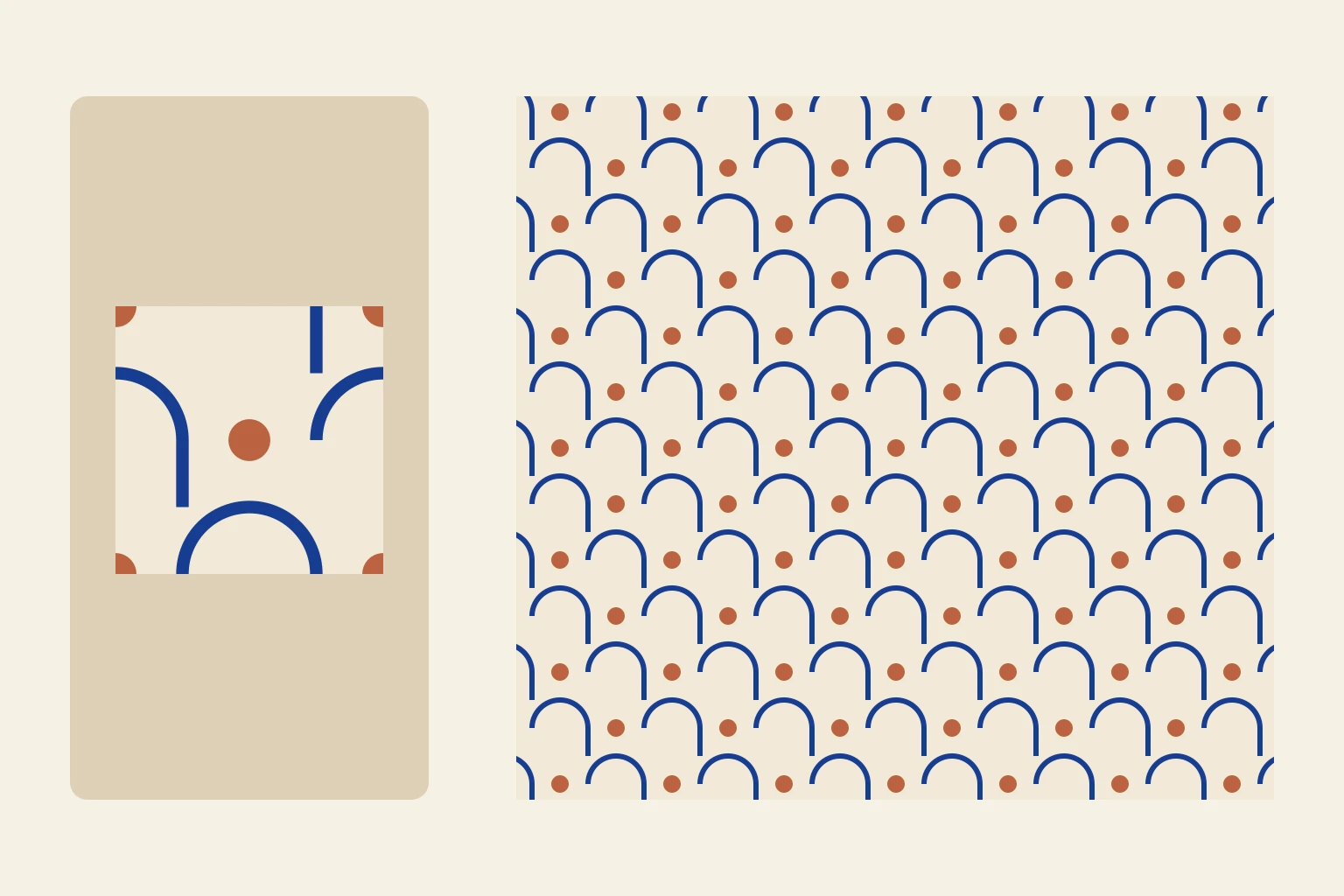
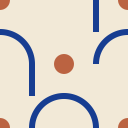
The included viewer uses an original geometric SVG tile with matching edges. Change its displayed size to see how density changes. It demonstrates the repeat test without presenting an untested generated texture as seamless.
Repair the seam in a suitable editor
If the edges fail, use an image editor’s wrap or offset workflow to bring the boundary into view and repair it. Then test the repeat again. Merely blurring the whole image can hide the seam while destroying the texture.
For a procedural pattern, adjust the geometry so elements crossing one edge continue on the opposite edge. For a painted texture, cleanup may require hand work. Keep those operations separate from the initial generation step.
Inspect scale, repetition and delivery files
Try the texture at the scale it will actually occupy. Fibers that look natural in a close-up may become visual noise behind text. In a game scene, inspect the surface under the intended lighting and camera distance.
Deliver the tile, its repeat dimensions and a repeated-field preview. Label any additional material maps clearly and do not imply they exist when you only created a color image. A successful handoff states exactly what the file can be used for.
Create surface concepts in Ciyo
Create a surface concept in Ciyo, export the image, and test several repeats before using it as a background.