Practical creative workflows
Holiday Opening Hours Sign: Check Dates Before Design

A café customer needs to know whether the door will be open, not decode a seasonal illustration. Start a holiday-hours sign with a verified schedule and give the dates, opening times and closed day enough visual space.
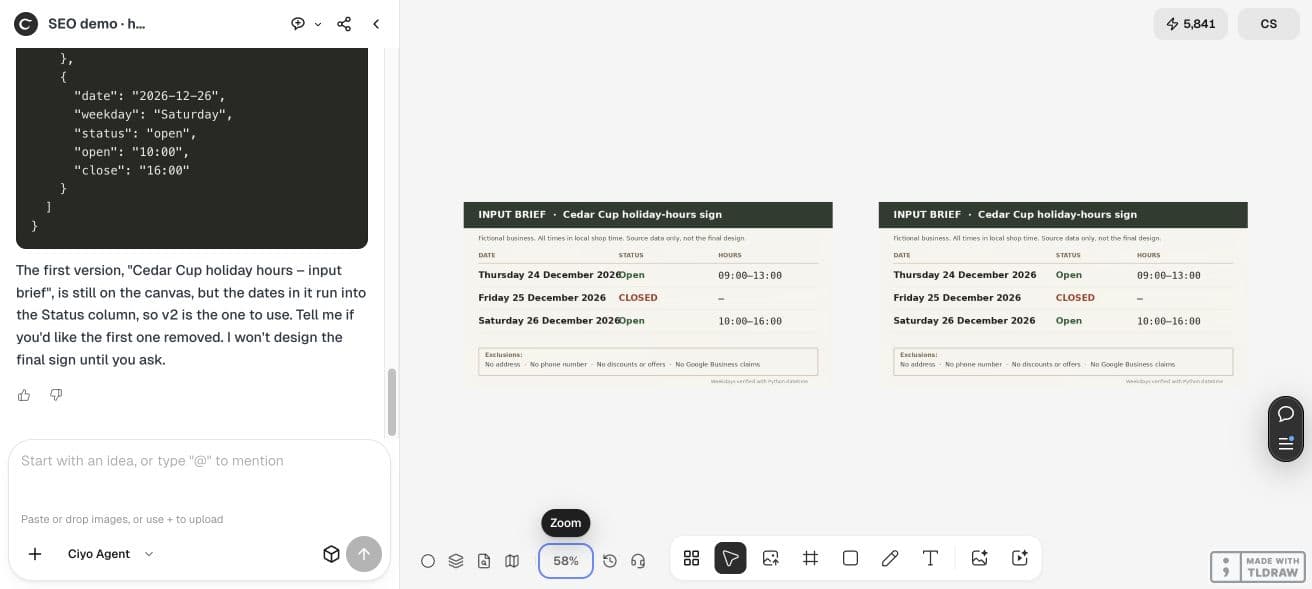
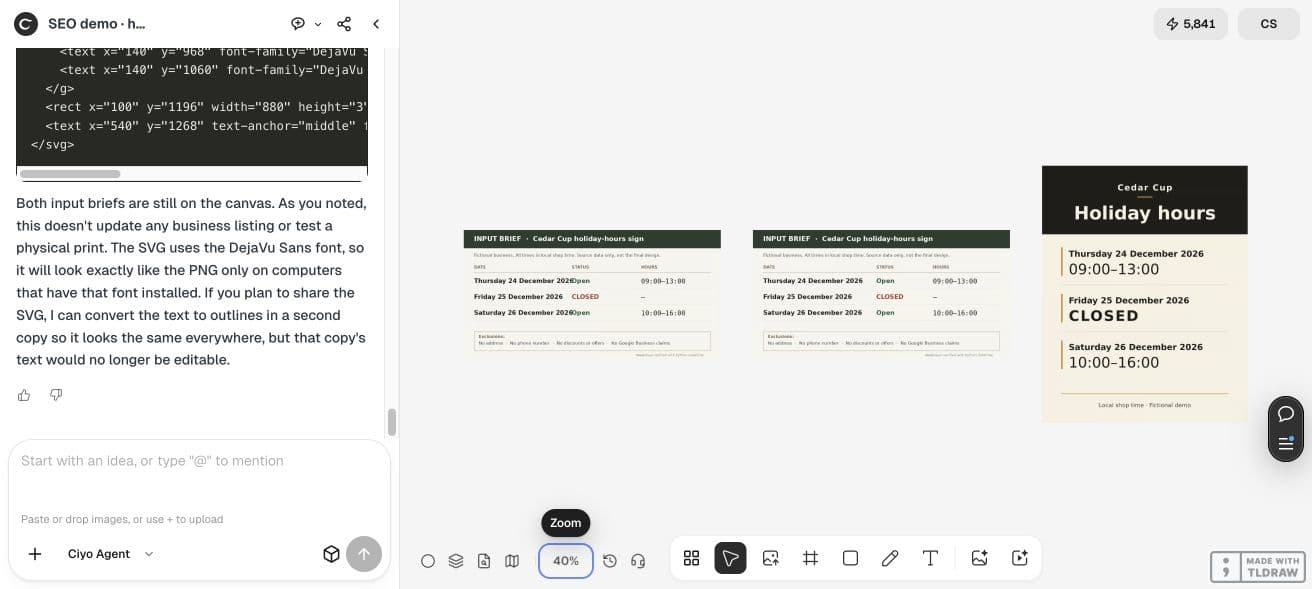
Our fictional Cedar Cup example covers three December dates in local shop time. Ciyo checked their weekdays, prepared an input table and made a portrait sign from that data. The retained file is a demonstration; no real business listing or customer announcement was updated.
Confirm the schedule with the operator
Ask the person responsible for opening the shop to approve the dates and local times. Specify whether an exception is open, closed or reduced hours. A design tool cannot decide the business’s schedule for you.
For this fictional example, Thursday 24 December 2026 is open 09:00–13:00, Friday 25 December 2026 is closed, and Saturday 26 December 2026 is open 10:00–16:00. Ciyo verified the weekdays with a date library.
| Date | Weekday | Hours |
|---|---|---|
| 24 December 2026 | Thursday | 09:00–13:00 |
| 25 December 2026 | Friday | Closed |
| 26 December 2026 | Saturday | 10:00–16:00 |
Separate the facts from the layout
Keep the approved records in a small table or JSON file. Design from those records so a layout revision does not accidentally invent a normal-hours row or change a closing time.
Ciyo corrected a collision in its first input table before designing the sign. That review happened at the data-preparation stage, where it was easy to distinguish an incorrect layout from an incorrect schedule.
Make the closed day unmistakable
Use one row per date and give CLOSED the same clear hierarchy as an opening range. Do not replace it with a small decorative symbol whose meaning a passer-by must infer.
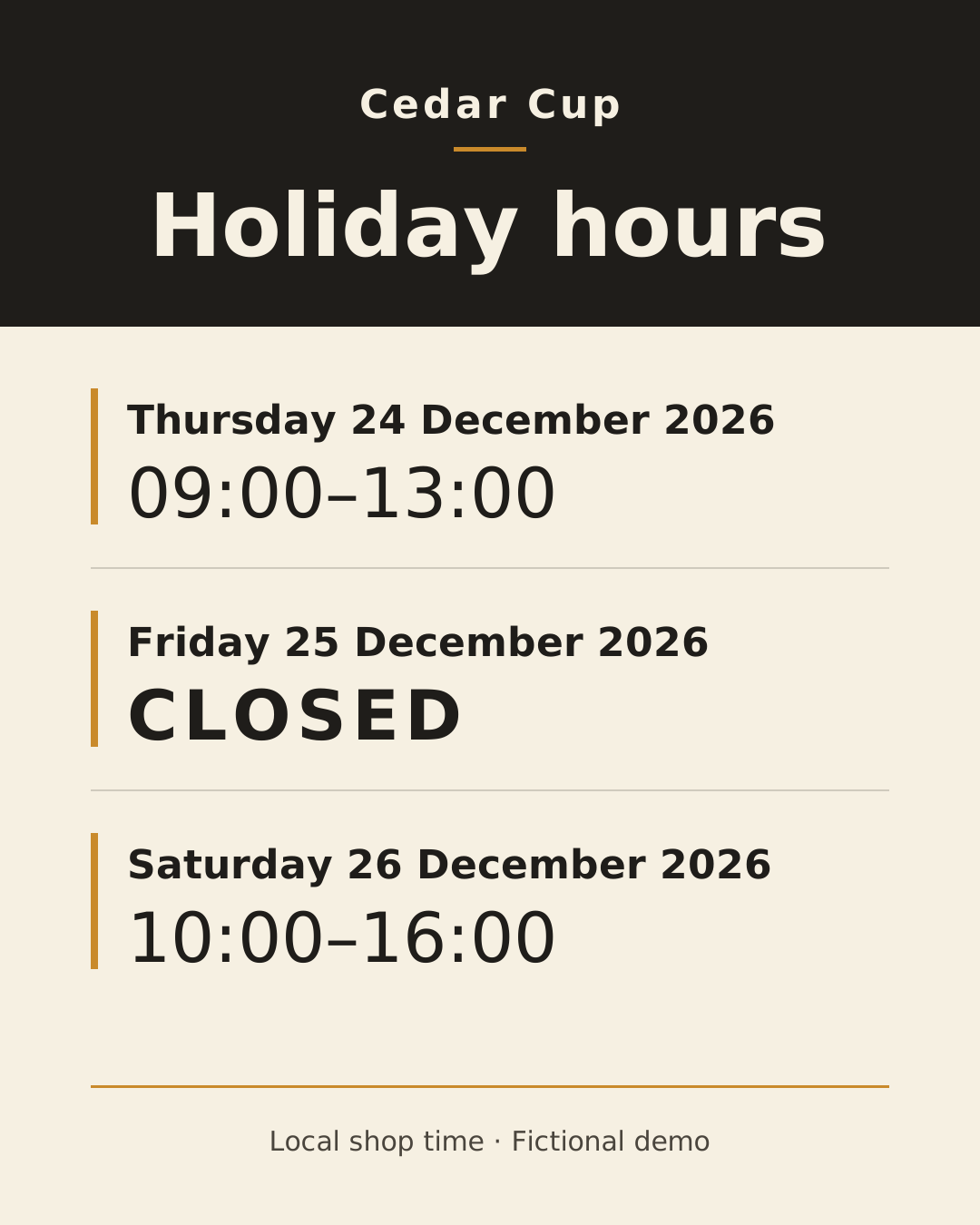
Our sign uses a dark header, a pale body and restrained amber row accents. The readable date and hours are the message. Seasonal decoration is optional and should not compete with them.
Use the approved holiday-hours records only. Make an editable 1080×1350 SVG and its PNG render, with one clear row per date, an explicit CLOSED day and a local-time note. Keep dates and times unchanged as real text. Parse the SVG text back against the records, inspect the whole render for clipping, and return both files.Check the final text and full render
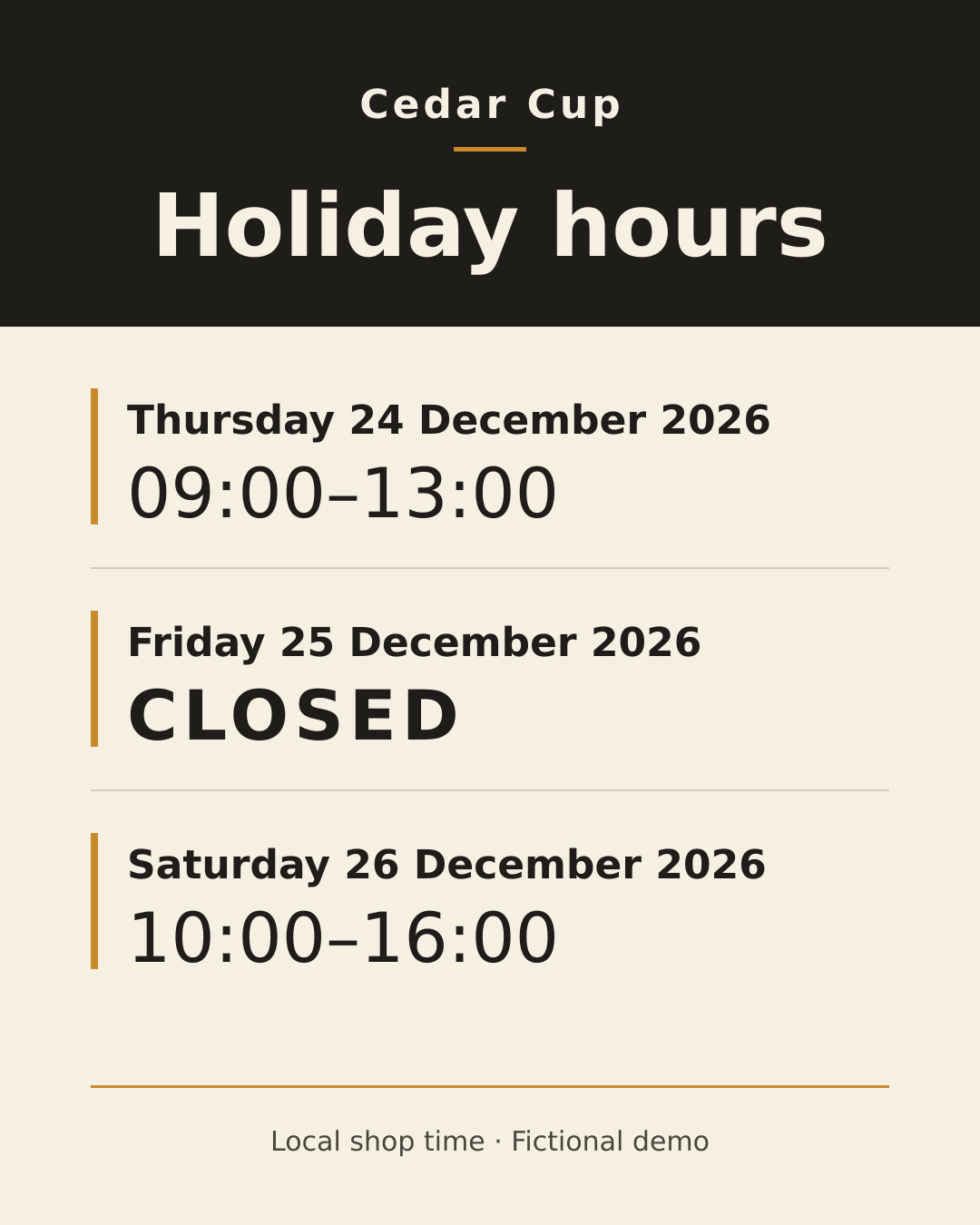
The final SVG contains 9 text elements. We independently parsed the retained file and confirmed the three dates, two opening ranges, closed label and fictional local-time footer. Its PNG is 1080×1350.
Ciyo inspected the complete portrait render and measured line widths for the selected font. That review supports this saved layout. A different font or an edited date can change fit, so check again after opening it in another editor.
Review the channel where customers will see it
Place a digital version where your customers already check hours, and review the entire image at that channel’s display size. If you print it, make a physical proof and judge readability at the distance people will encounter it.
A graphic does not synchronize a website, map listing or booking system. Update the relevant channels through their normal workflow using the same approved schedule, and check that they agree. This demonstration did not perform those updates.
Keep an editable source for corrections
Save the approved schedule and editable sign together. When the operator changes one day, update the record first, regenerate or revise that row, and compare the final text again before replacing the published graphic.
Do not treat a December example as a universal holiday template. Local calendars, opening decisions and time conventions vary. Replace the fictional facts with your own confirmed schedule and keep the same checking process.
Practical questions
Does this update Google Business hours?
No. It creates a graphic. Review and update your business listings separately.
Should I hide a closed day to save space?
An explicit closed row is clearer when customers may expect the shop to open.
Was the sign printed?
No. The saved PNG and SVG were checked digitally; assess a physical proof before printing a batch.
Turn a confirmed schedule into a clear sign
Bring the operator-approved dates into Ciyo and review every displayed value before sharing the final graphic.