Workflow evaluation · Ciyo editorial
Lovart Scheduled Design Tasks: Build a Brief You Can Review

A weekly design request sounds easy to schedule until the stock, date or offer changes. Repetition helps only when the agent receives facts that are still approved and someone owns the review.
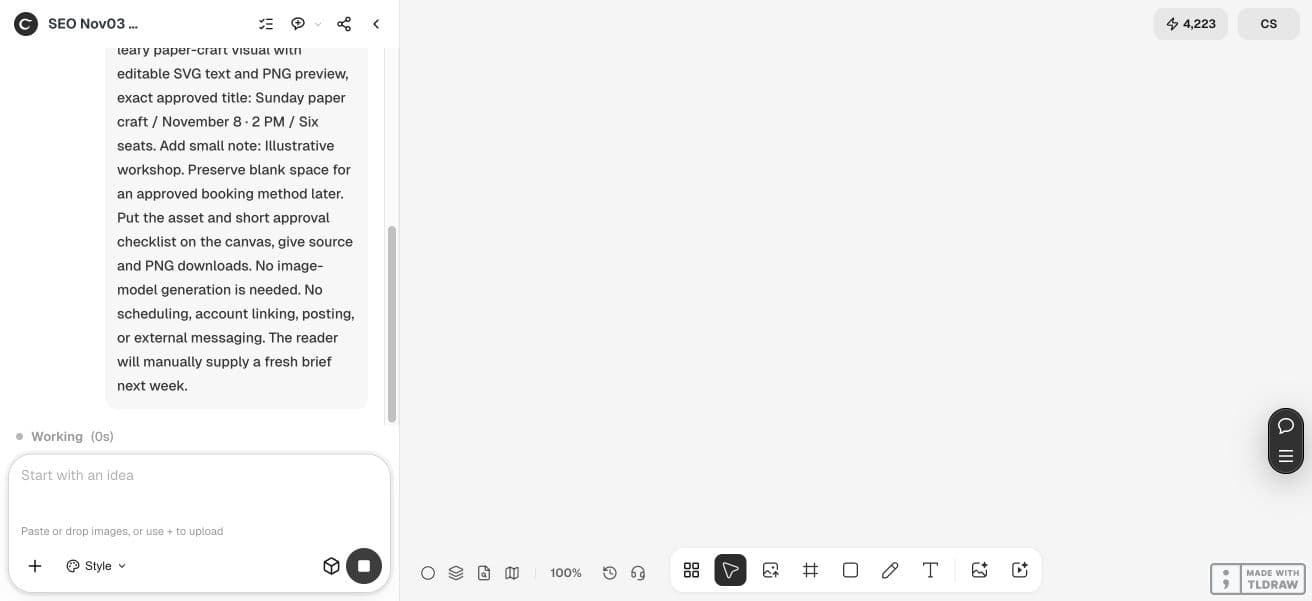
Ciyo saved one PNG, then the request failed before a recoverable editable-source handoff. The screenshot preserves that result and error. The downloadable weekly-brief SVG is a new editorial example created outside Ciyo, not the original source. It is a manual template, with no scheduling, posting or booking integration.
Quick answer: schedule stable inputs, review volatile facts
A recurring task fits a bounded brief with a reliable input source, explicit exclusions, a per-run budget and a named reviewer. If the key offer changes unpredictably, start the work after a human approves the updated facts.
A useful loop is: approved inputs → bounded preparation → result in a project → human review → separately authorized distribution. Stop the loop when an essential fact is missing. Asset creation and publication are separate decisions.
What Lovart currently documents
The official Arti announcement describes daily, weekly and monthly schedules, a per-run credit limit, a test run before the schedule, and delivery to a new page inside the linked project. It also describes pausing tasks and reviewing history and usage.
These are vendor-documented controls. We have not verified which account or plan exposes them, observed a scheduled run, or measured its cost and reliability. Check those details in the current product before committing a recurring workload.
1. Decide whether the task is stable enough
A weekly set of concepts based on a maintained brand brief can be a reasonable candidate. A promotion using unconfirmed stock, a new price or an event time needs a fresh approval step. A schedule should not convert last week’s assumptions into this week’s facts.
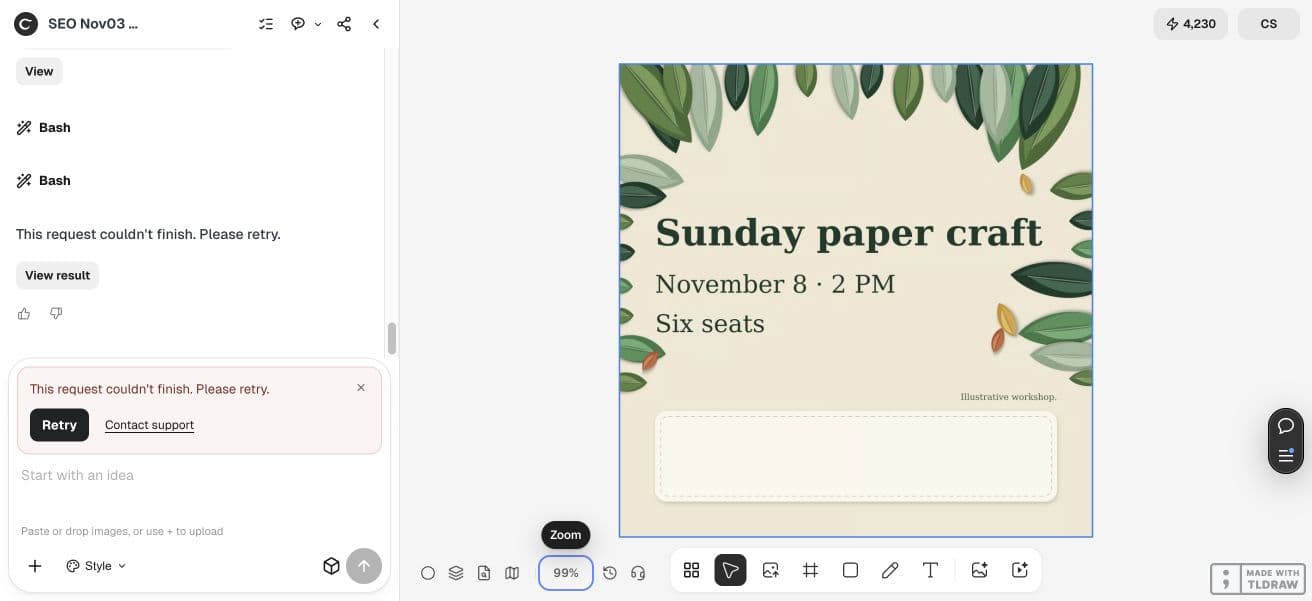
For fictional Moss Workshop, the approved input is a Sunday paper-craft session on November 8, 2026 at 2 PM with six seats. No price or booking URL is approved. The brief excludes both rather than allowing the agent to complete them imaginatively.
| Situation | Suitable starting point | Review needed |
|---|---|---|
| Stable research or concept brief | Consider a bounded recurring task | Check source freshness and relevance |
| Offer, price or inventory changes | Approve inputs before starting | Confirm facts and available stock |
| Public posting required | Separate distribution authorization | Review destination and final creative |
2. Write inputs, exclusions and a stop condition
Name the source of the facts, what the agent may produce and what it must not infer. Include the review owner and where the result belongs. For an actual scheduled setup, add the schedule, time zone and per-run limit in the product controls after checking access.
The stop condition is useful even for a manual task: if the approved date or offer is absent, return questions or a draft with the gap clearly marked. Do not quietly reuse the previous run’s answer.
Owner: [reviewer]. Input source/date: [approved brief]. Task: prepare [one defined asset or plan]. Approved facts: [current facts]. Exclusions: no invented price, availability, booking URL or publication. If a required fact is missing, stop and ask. Output: [project and file types]. Review: owner checks facts, rights, readability and destination. For a scheduled setup only: [schedule, time zone, per-run cap] and test one run first. This brief does not authorize posting.3. Use the manually started Ciyo path
In the Ciyo example, we supplied the current Moss Workshop facts in a new project and requested one square visual plus an approval checklist. The output request uses code-drawn paper-craft art and editable SVG text with a PNG preview. No image-model generation is required for that layout.
The manual trigger matters: next week a person must supply a new approved brief and start the work again. A reusable prompt is not a scheduler, an automatic Lovart import, or permission to post. Keep the missing booking method out until its owner approves it.
To repeat the import, download the English PNG previews below, open your own Ciyo project, choose Upload in the canvas toolbar, then Upload Image and select the files. Arrange the imported images for review. Edit wording in the separate SVG source outside Ciyo and render a new PNG before replacing an image; importing a PNG does not create native text layers.


4. Test, review, then decide whether to repeat
For Lovart, use the documented trial-run route and inspect actual account controls, output location and usage before enabling repetition. A per-run limit helps bound one run; you still need to consider how many runs are scheduled and who monitors them.
For either route, review names, dates, stock, source permissions, visual quality and the intended next action. Pause or decline the next run when the input owner cannot confirm the facts. A small team benefits from one accountable reviewer more than from several people assuming someone else checked.
Practical questions
Does Ciyo provide the same recurring scheduler?
This article demonstrates a manually started Ciyo workflow only. It does not establish equivalent scheduling or automatic import.
Did you test Lovart scheduled execution?
No. Lovart details come from its official October 19 announcement and current public product material, read November 3, 2026.
Does a scheduled task publish the result?
Do not assume that. The documented project output and a public distribution action are different stages; verify any publishing feature and authorize it separately.
Which route should a small shop start with?
Use a manual approved brief when offers and stock change unpredictably. Consider recurring preparation only when inputs, limits and review ownership are dependable.
Try one bounded brief first
Supply current facts, request one useful output and review it before deciding how much of the process should repeat.