Practical creative workflows
Loyalty Stamp Card Design: Fit Six Usable Stamp Spaces
A stamp card can look tidy on screen and still fail at the counter if the circles are smaller than the stamp or the reward rule is buried in decoration. Start with the physical mark and the approved offer.
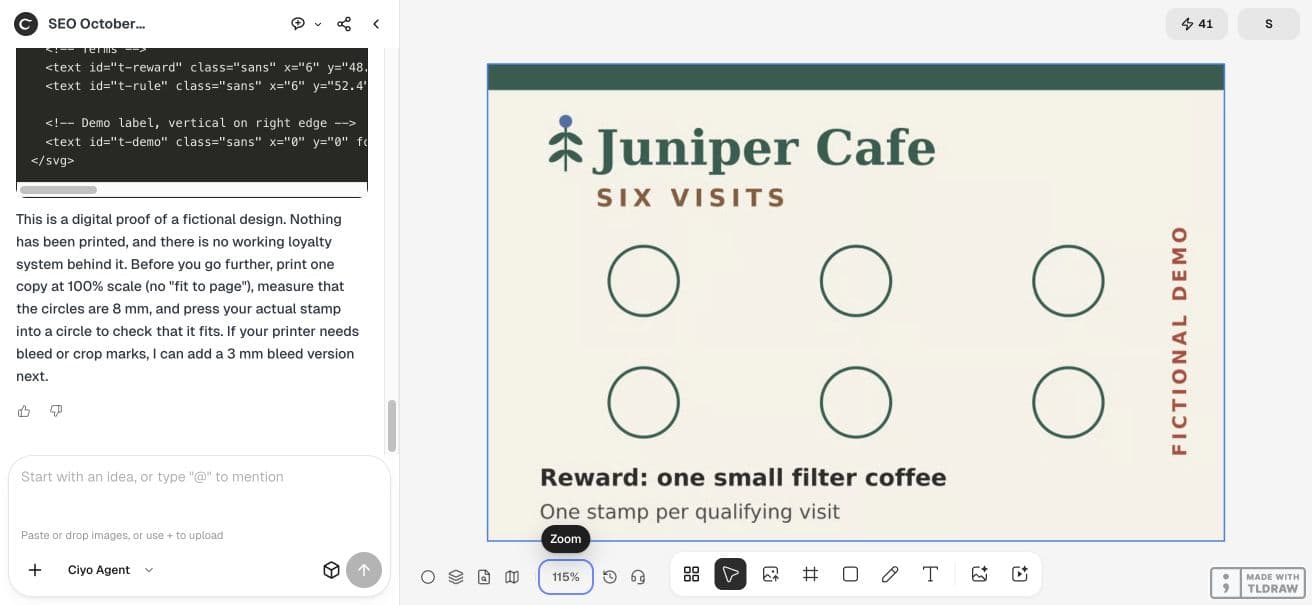
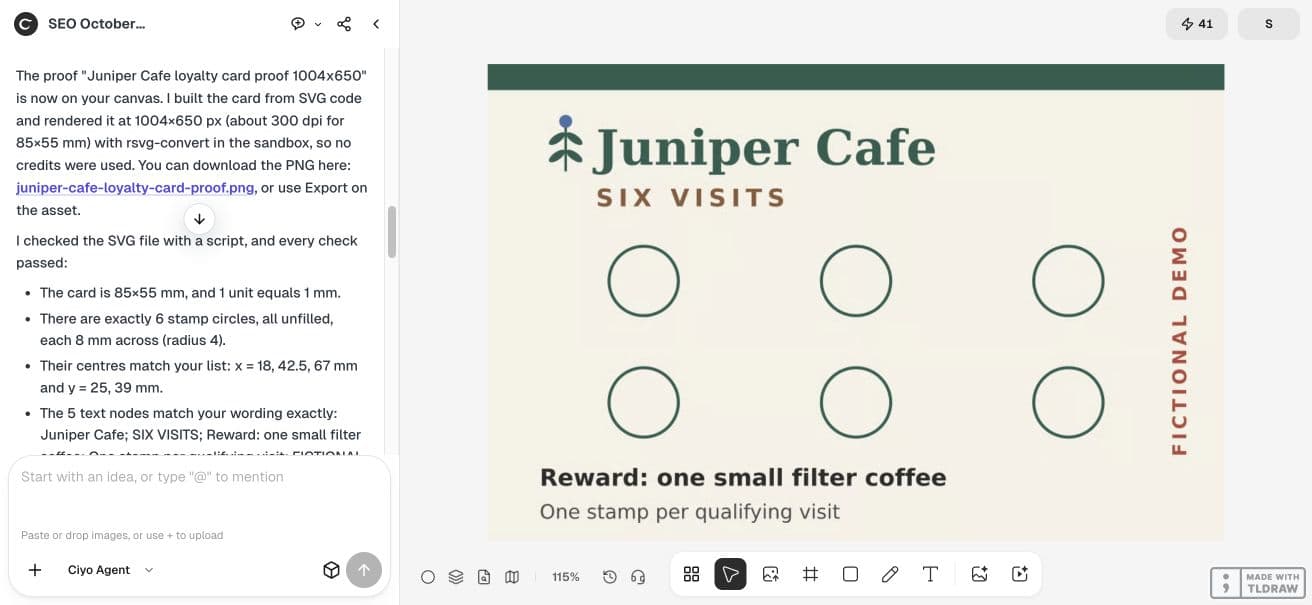
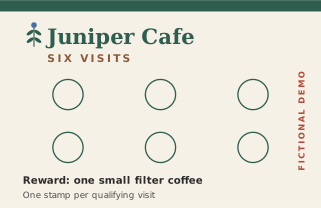
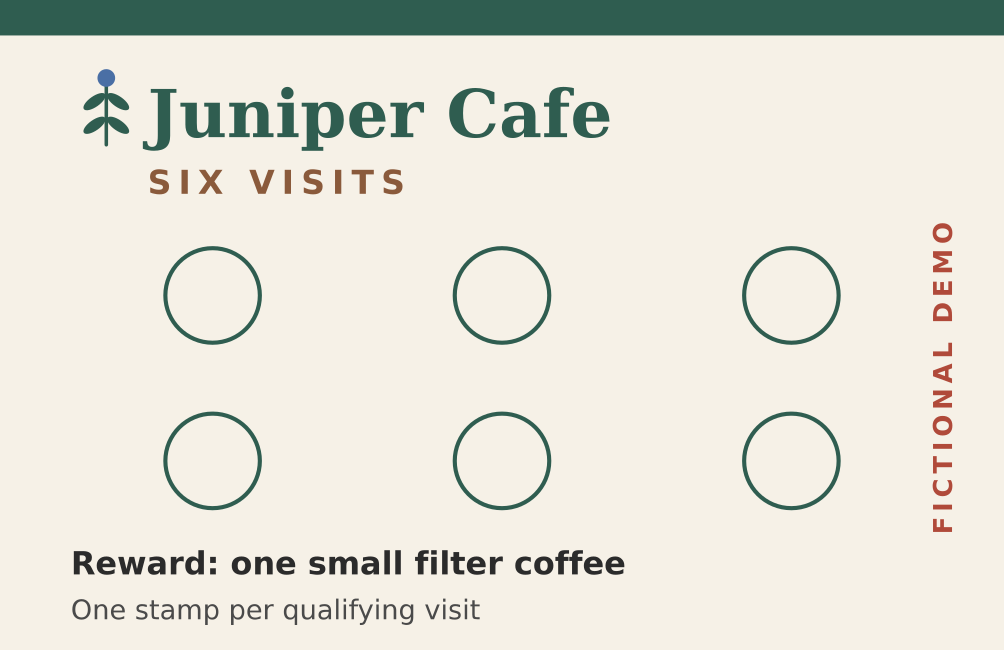
We made a fictional Juniper Cafe card with six 8 mm stamp positions on an 85×55 mm SVG. The reward copy is supplied explicitly. The example is a graphic layout, not a loyalty account or a measured retention experiment.
Choose stamp geometry before choosing ornaments
Measure the stamp you intend to use and allow room for an imperfect hand placement. Our tutorial uses an illustrative 8 mm diameter circle, not a claim that every café stamp fits. The six centers form two rows of three.
The SVG uses millimetres directly: viewBox 0 0 85 55, with radius 4 circles at x=18, 42.5 and 67, and y=25 and 39. That gives 24.5 mm horizontal center spacing and 14 mm vertical center spacing. The physical source size is 85×55 mm.
| Property | Example value | Check before use |
|---|---|---|
| Card | 85×55 mm | Stock and trim requirements |
| Stamp space | 8 mm diameter | Actual stamp impression |
| Columns | 18 / 42.5 / 67 mm | Even horizontal spacing |
| Rows | 25 / 39 mm | No overlap with reward text |
| Proof | 1004×650 pixels | Composition only; source owns physical size |
Supply the offer as exact copy
Write the qualifying action and reward together. Our fictional source says SIX VISITS, Reward: one small filter coffee, and One stamp per qualifying visit. Those are scenario inputs, not advice about what your business should offer.
Put any approved limits in the source list before layout. Do not ask the agent to add exclusions or expiry rules for you. This example deliberately has no invented expiry.
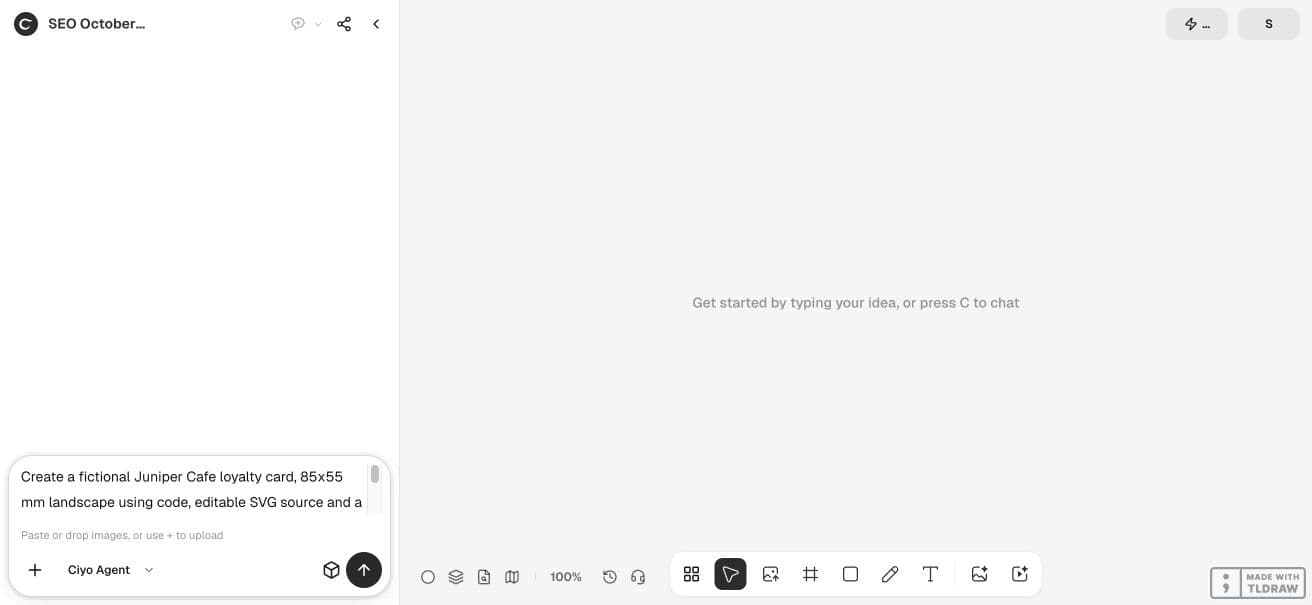
Create a fictional Juniper Cafe loyalty card, 85x55 mm landscape using code, editable SVG source and a sharp 1004x650 PNG proof. Exactly six unfilled stamp circles, each 8 mm diameter, arranged 3 columns by 2 rows with centre positions x=[18,42.5,67] mm and y=[25,39] mm. Exact supplied text: Juniper Cafe; SIX VISITS; Reward: one small filter coffee; One stamp per qualifying visit; FICTIONAL DEMO. Keep these fictional terms verbatim, do not invent eligibility details or expiry. Check circle count, diameter and positions against the supplied list and text against SVG nodes. Put proof on canvas and give PNG download; show full SVG code in response if source downloads unavailable. Tell reader to test with their actual stamp and print one proof; do not claim a physical print or working loyalty system. No paid generator.Inspect both the count and the rule
The live output has six distinct stamp circles and the supplied offer text. We inspected the retained SVG for the physical dimensions, circle count, radius and center positions. Each circle has radius 4 in the millimetre coordinate system.
Read the rendered proof as a staff member would: locate the next empty position, then locate the reward rule. Check that a real stamp will not obscure a condition someone needs to read. Source geometry and visible usability answer different questions.
Treat the card as artwork, not a loyalty ledger
This file has no member identity, visit history, redemption state or fraud prevention. The six spaces are drawing elements. If the program needs tracking, decide that process with staff and use the approved system alongside the card.
Review headline and reward rule together
When changing the offer, review the headline and full rule together. A headline promising six visits can conflict with small print requiring seven stamps. Keep one approved source list and generate a fresh proof from it.
Try the actual stamp on one printed card
Make one physical proof with the intended stock and stamp. Check ink spread, drying, alignment, trim and the legibility of the rules after several spaces are filled. Follow your printer’s bleed and export requirements rather than treating a screen preview as print certification.
We checked the digital layout only. No customer used this card, and we measured no effect on repeat visits. The useful result is a source you can inspect before testing the real counter workflow.
Practical questions
Do six circles prove the stamp will fit?
No. The geometry is 8 mm diameter; test your real stamp and hand placement on printed stock.
Does Ciyo track the visits in this example?
No. It creates a graphic. Tracking and redemption require a separate approved process.
Can I change the reward after making the card?
Yes, but check every headline and rule against the revised approved copy and replace old proofs.
Plan a card staff can stamp and read
Start with one checked example in Ciyo. Keep the source and inspect the exported result before using it in your own project.