Meeting preparation
Meeting Agenda Template: Give Each Discussion a Decision and Timebox

A meeting agenda template can list topics without explaining what the discussion should produce. Put a decision beside each timebox so participants can prepare for an outcome, then leave a separate place to record what actually happened.
Our fictional Studio review runs from 10:00 to 10:30 on Monday 30 November 2026. We generated its visual proof in Ciyo on November 23 and checked the three time ranges. No meeting took place: the English HTML and CSV add separately authored fields for recording decisions, actions, owners and due dates later.
Quick answer: keep the source and inspect the proof
State one meeting goal, give each discussion a time range and expected decision, and check that the ranges fit the available time. Generate a visual proof, then keep the final agenda and follow-up fields in editable text.
Follow five steps: define the task, prepare a checkable source, generate a visual proof, inspect the actual output and use the separately authored working files.
1. Start with one decision the meeting can make
The fictional goal is choose one cover direction. That leads to three sections: confirm criteria, compare two directions and agree next steps. It is more concrete than a topic called cover discussion because participants know what they should be ready to decide.
Canva's meeting-agenda guidance distinguishes preparation from meeting notes. An agenda tells people what to discuss before the meeting; minutes record what happened. Our Expected decision column does not claim a decision has already been made.
2. Fit the timeboxes into the actual duration
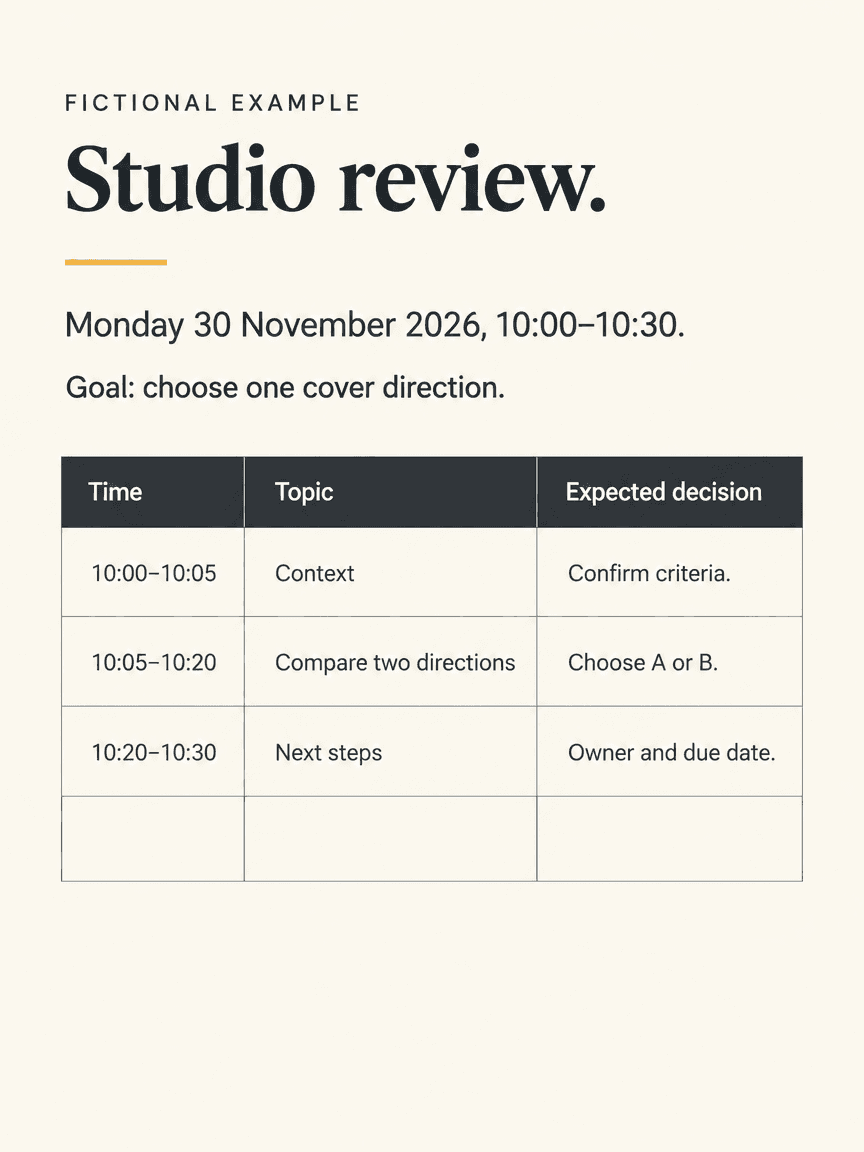
The sample allocates 10:00–10:05 for context, 10:05–10:20 for comparing two directions and 10:20–10:30 for next steps. Those are 5, 15 and 10 minutes, totaling the stated 30-minute slot with no overlap.
If the comparison needs more time, change the agenda or the meeting duration before sharing it. Do not silently push the last decision past the end. Add preparation links in your own working copy only after the source materials are ready for participants.
| Time | Topic | Expected decision |
|---|---|---|
| 10:00–10:05 | Context | Confirm criteria |
| 10:05–10:20 | Compare two directions | Choose A or B |
| 10:20–10:30 | Next steps | Owner and due date |
3. Generate one flat visual proof in Ciyo
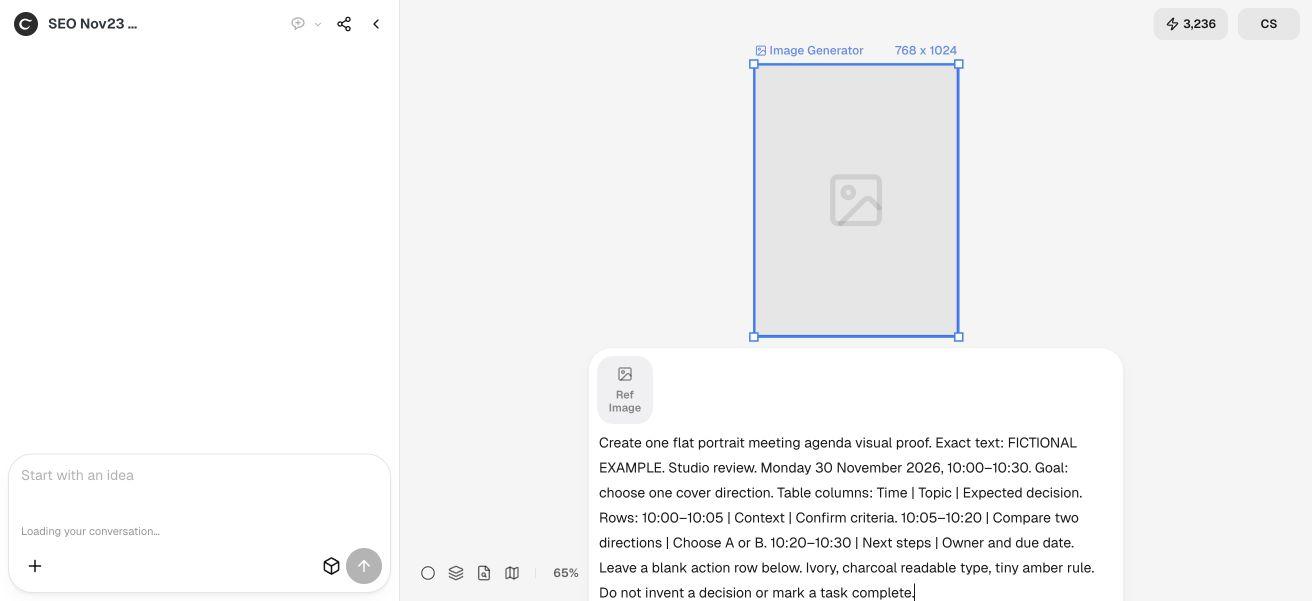
Create an isolated Ciyo project and open Image Generator. Our authenticated development run on November 23, 2026 used GPT Image 2.5 Flare, Medium quality, portrait 3:4, 1K and one image. Select the controls before entering the complete prompt, then review the displayed credit quote. Our run showed 2 credits; check your own current quote.
The copyable prompt is the actual English request. Replace the fictional details consistently and retain the stated constraints. The result is a raster image proof; the editable downloads below were assembled independently and are not Ciyo exports.
Create one flat portrait meeting agenda visual proof. Exact text: FICTIONAL EXAMPLE. Studio review. Monday 30 November 2026, 10:00–10:30. Goal: choose one cover direction. Table columns: Time | Topic | Expected decision. Rows: 10:00–10:05 | Context | Confirm criteria. 10:05–10:20 | Compare two directions | Choose A or B. 10:20–10:30 | Next steps | Owner and due date. Leave a blank action row below. Ivory, charcoal readable type, tiny amber rule. Do not invent a decision or mark a task complete.4. Compare the actual output with the source
The actual PNG preserves all three time ranges, topics and expected decisions. It includes a generic additional blank row. The timeboxes still total 30 minutes; the empty row does not represent another scheduled activity.
The image does not record an actual choice, owner or due date. Review the column association carefully, especially a wrapped expected decision. The companion CSV adds dedicated fields for recording the real result after discussion; those fields are independently authored.
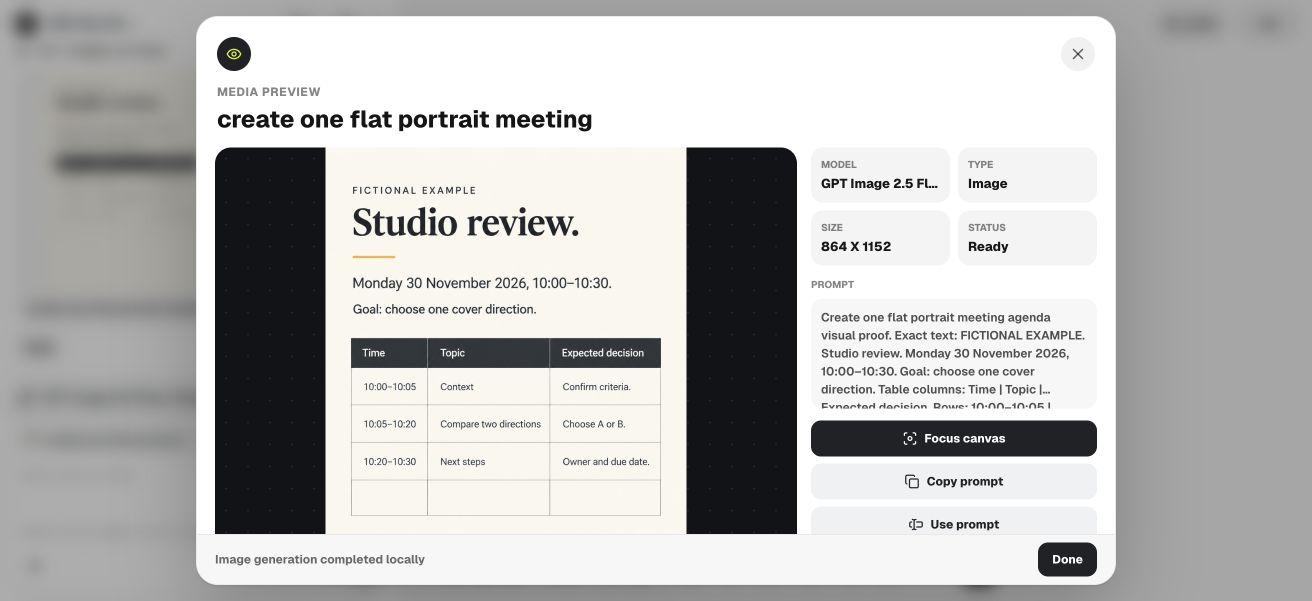
Ciyo media preview: inspect the model and original request
Open the generated asset in Ciyo’s media preview to compare the result with the model details and original English prompt. This whole-product capture shows that review step; the readable prompt and output inspection above remain the reference for small text.
5. Keep preparation and follow-up records distinct
The English HTML includes the agenda and a separate Action, Owner and Due date table. The CSV has Expected decision, Actual decision, Action, Owner and Due date columns so the plan can remain visible beside the later outcome.
For one informal review, the printable may be enough. For recurring meetings, maintain an editable source and carry unresolved actions into the next agenda deliberately. The files do not create calendar events, send invitations or track completion.
Choose the source you will maintain
Choose an editable document for frequent agenda revisions, and a spreadsheet when you need to sort follow-up actions. Use a Ciyo proof to judge visual hierarchy. Keep an expected decision visibly separate from the record of what attendees actually agreed.
Frequently asked questions
Does this create a meeting invitation?
No. The demonstration creates a visual proof and the companion files are standalone downloads. No calendar event or invitation was sent.
Do the sample times total 30 minutes?
Yes: 5 minutes for context, 15 for comparison and 10 for next steps, from 10:00 to 10:30.
Where should actual decisions go?
Use the separately labeled fields in the companion CSV or your meeting notes. Do not overwrite the expected decision without preserving the outcome record you need.
Design a decision-focused agenda proof
Start with your approved source, generate one visual proof and inspect the actual result before preparing the final working file.