Practical creative workflows
Workshop Timetable Graphic: Check Gaps and Durations

A workshop poster tells people when to arrive; a timetable tells participants and helpers what happens next. Before choosing colours, confirm that the session boundaries and stated durations agree.
Our fictional Cedar Cup studio program runs for 90 minutes. Ciyo checked the schedule in its file workspace and made a portrait graphic from those records. The retained source and output let you inspect the timing and typography; they do not represent a real event registration.
Write down starts, ends and responsibilities
Make one record per session with an explicit start, end and title. Agree these with the workshop lead. A design tool cannot decide whether the practical activity really fits into the time allocated.
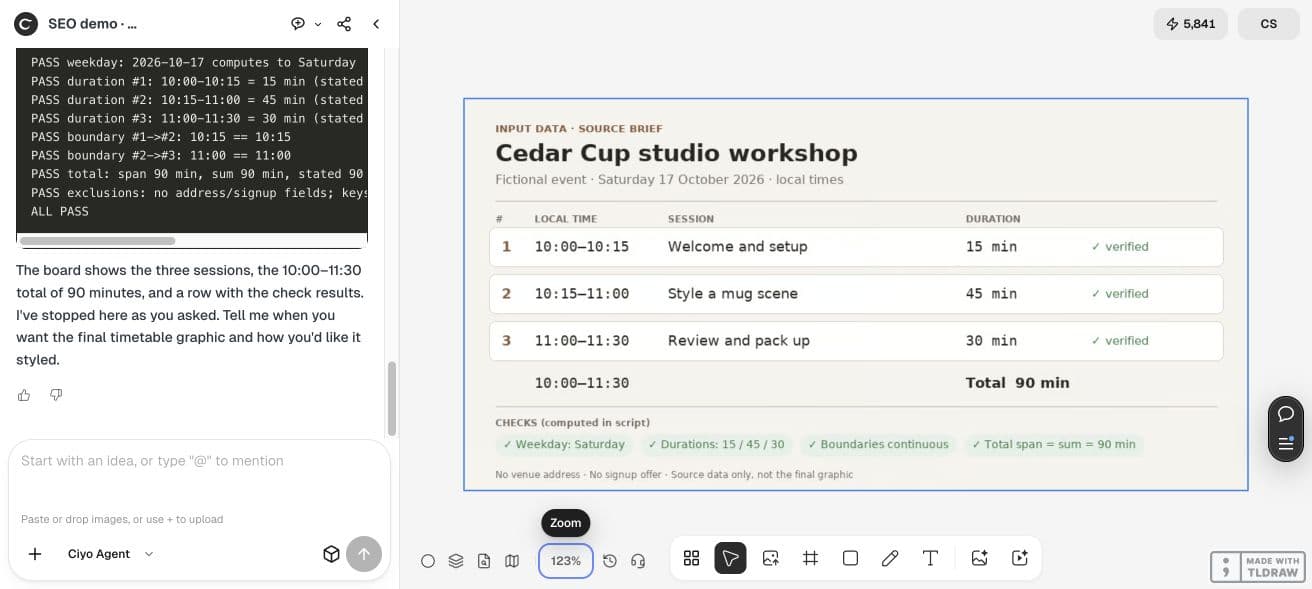
The example date is Saturday 17 October 2026, in local time. The three records are Welcome and setup from 10:00–10:15, Style a mug scene from 10:15–11:00, and Review and pack up from 11:00–11:30.
| Time | Session | Minutes |
|---|---|---|
| 10:00–10:15 | Welcome and setup | 15 |
| 10:15–11:00 | Style a mug scene | 45 |
| 11:00–11:30 | Review and pack up | 30 |
Check both the sum and the full span
Subtract start from end for each session, then compare adjacent boundaries. A correct sum alone can hide an overlap followed by a gap. Decide whether a planned break belongs in the schedule as its own record.
In this example, 15 + 45 + 30 equals 90 minutes, and the full 10:00–11:30 span is also 90 minutes. Both adjacent boundaries meet exactly. Ciyo also verified the Saturday weekday for the supplied date.
Use a layout that does not imply another timing
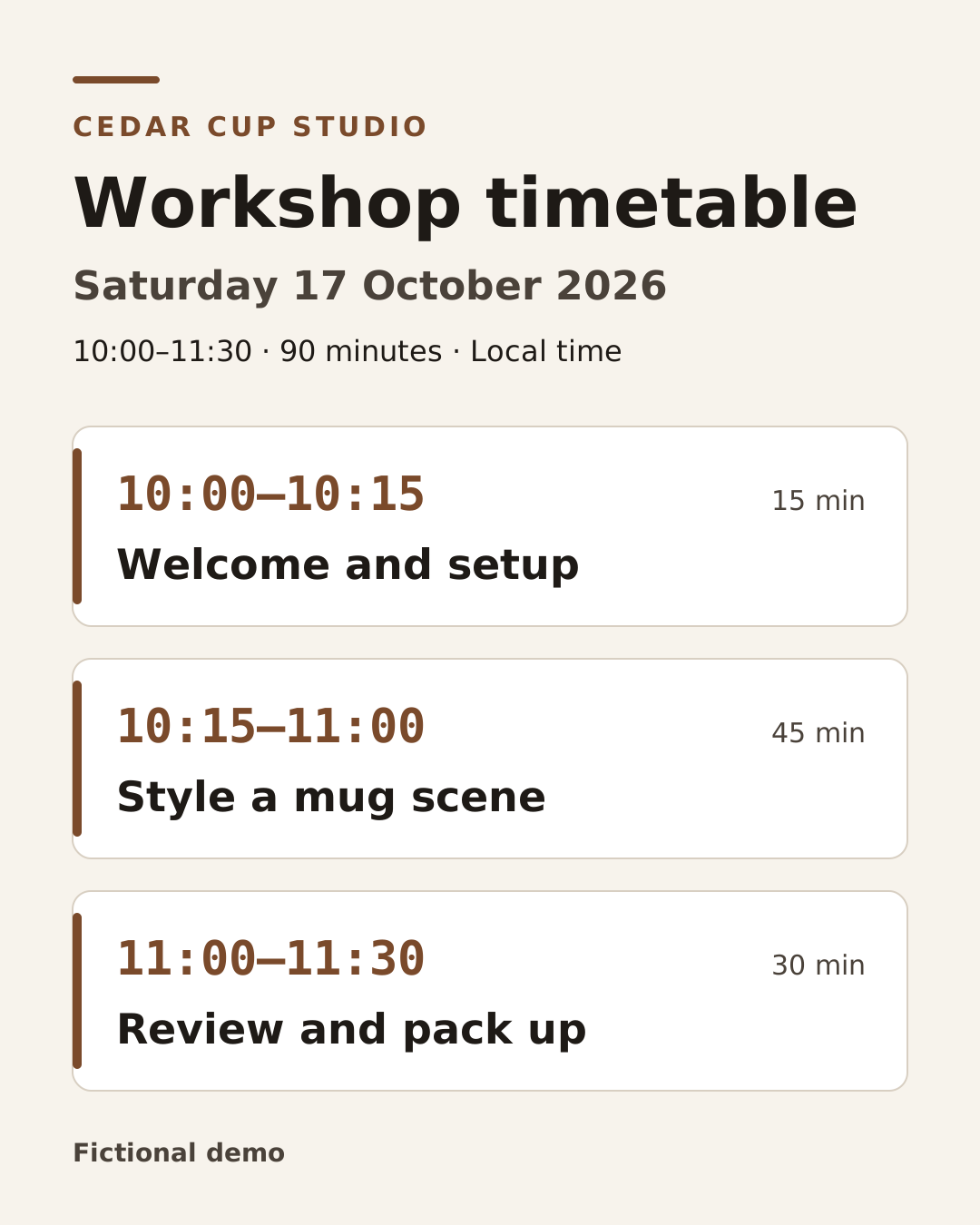
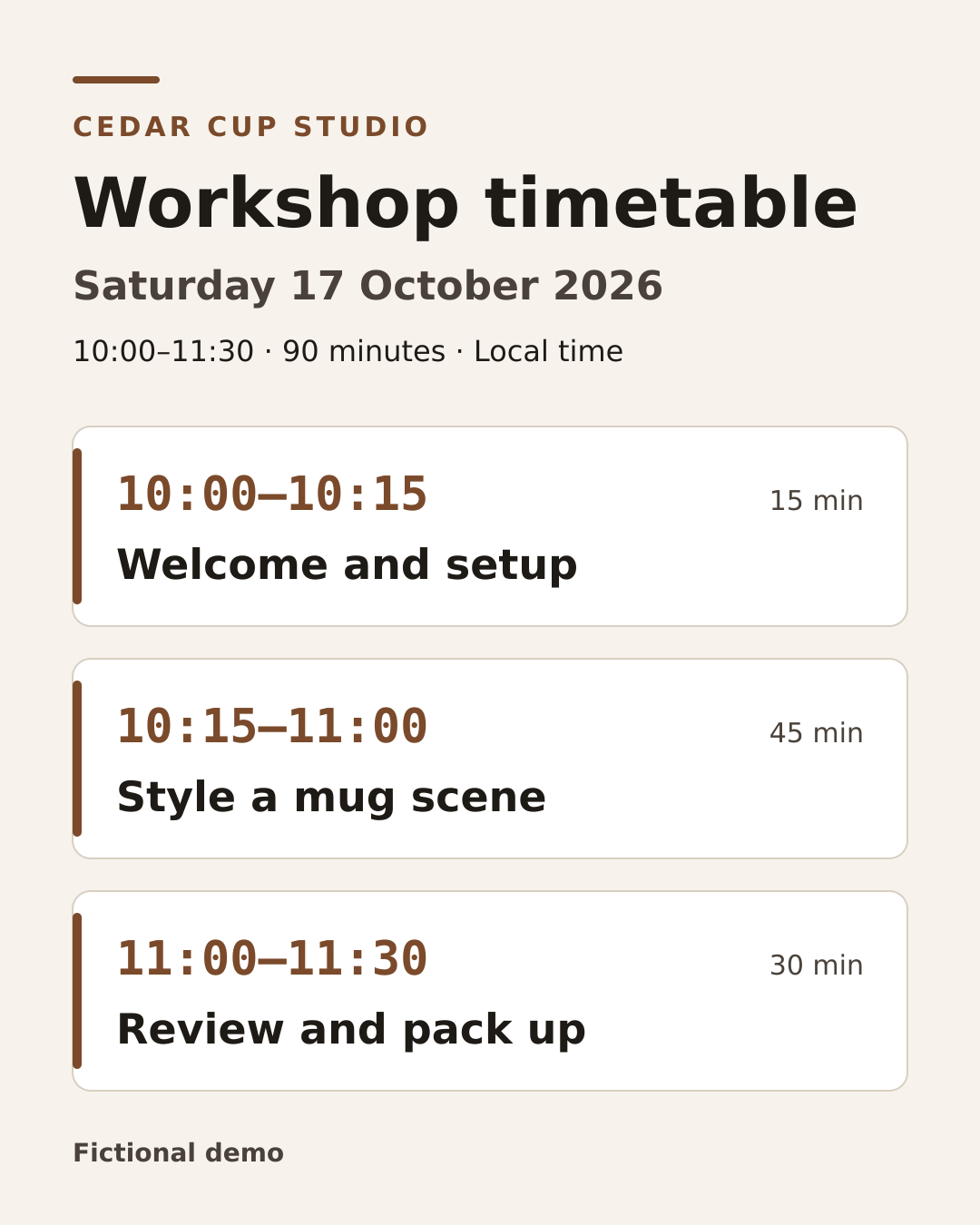
We chose equal-height session cards with explicit time ranges and duration labels. Their size organizes the content; it does not encode duration. A proportional timeline would require bars computed from the actual minutes.
Ciyo built an editable 1080×1350 SVG with real text and a PNG rendered from it. The brand label appears in capitals as CEDAR CUP STUDIO, while the schedule values remain those from the approved records.
Use the approved workshop records to make an editable 1080×1350 SVG timetable and PNG render. Preserve every date, start, end and session title as real text. Show local time and total duration. Use equal-height cards rather than implied proportional bars. Parse the displayed text back against the records, check gaps and overlaps, and inspect the whole render.Review the whole graphic, including decorative details
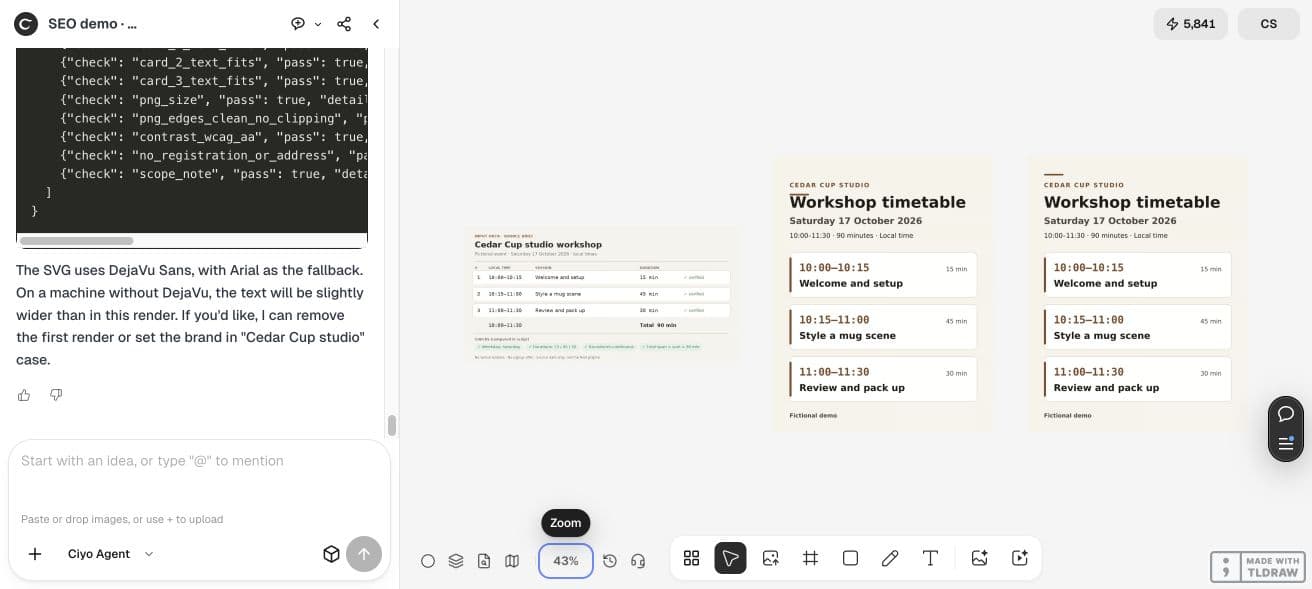
The first render had an accent line touching the title. Ciyo moved that line and retained a corrected v2 PNG. That small defect is a useful reminder to review the whole output even when the input facts pass their checks.
We independently parsed the retained SVG and confirmed the three ranges and titles. The corrected render stays 1080×1350. The older flawed render remains on the demo board for comparison; use the v2 output for this example.
Give participants a readable text version too
Keep the schedule in text alongside the image so helpers can copy a time or read it without deciphering a small poster. Review the actual display size and relevant accessibility requirements of the channel where you share it.
If another editor substitutes fonts, inspect title fit and session labels again. The PNG preserves the checked render; the SVG keeps the text editable for a future change.
Revise the records before revising the artwork
When a session grows, change its end time and check every following boundary. Update the total and date context, then compare the graphic’s visible text with the new records. A manually changed caption can leave the source and delivery file disagreeing.
Confirm the actual venue time zone, facilitator availability and any break with the organizer. This graphic demonstrates schedule checking; it cannot establish that a real program is feasible or that people have registered.
Practical questions
Do session-card heights show duration?
No. These cards have equal height, with explicit time and minute labels. A proportional timeline needs separately calculated geometry.
Can the durations add up while the schedule has a gap?
Yes. Check each adjacent start and end as well as the sum and full span.
Was a real workshop created?
No. This is a fictional editorial schedule and digital graphic, without registration or a print test.
Design from one agreed schedule
Bring organizer-approved session records into Ciyo, check the timing, and compare the final graphic before sharing it.