Ciyo · Practical design
Calendar Maker: Build a 2027 Photo Calendar with Checked Dates
A beautiful calendar becomes frustrating when its dates are wrong. A generated picture can suggest a convincing grid while repeating a number, dropping a day or starting the week in the wrong column. The artwork and the calendar data deserve different checks.
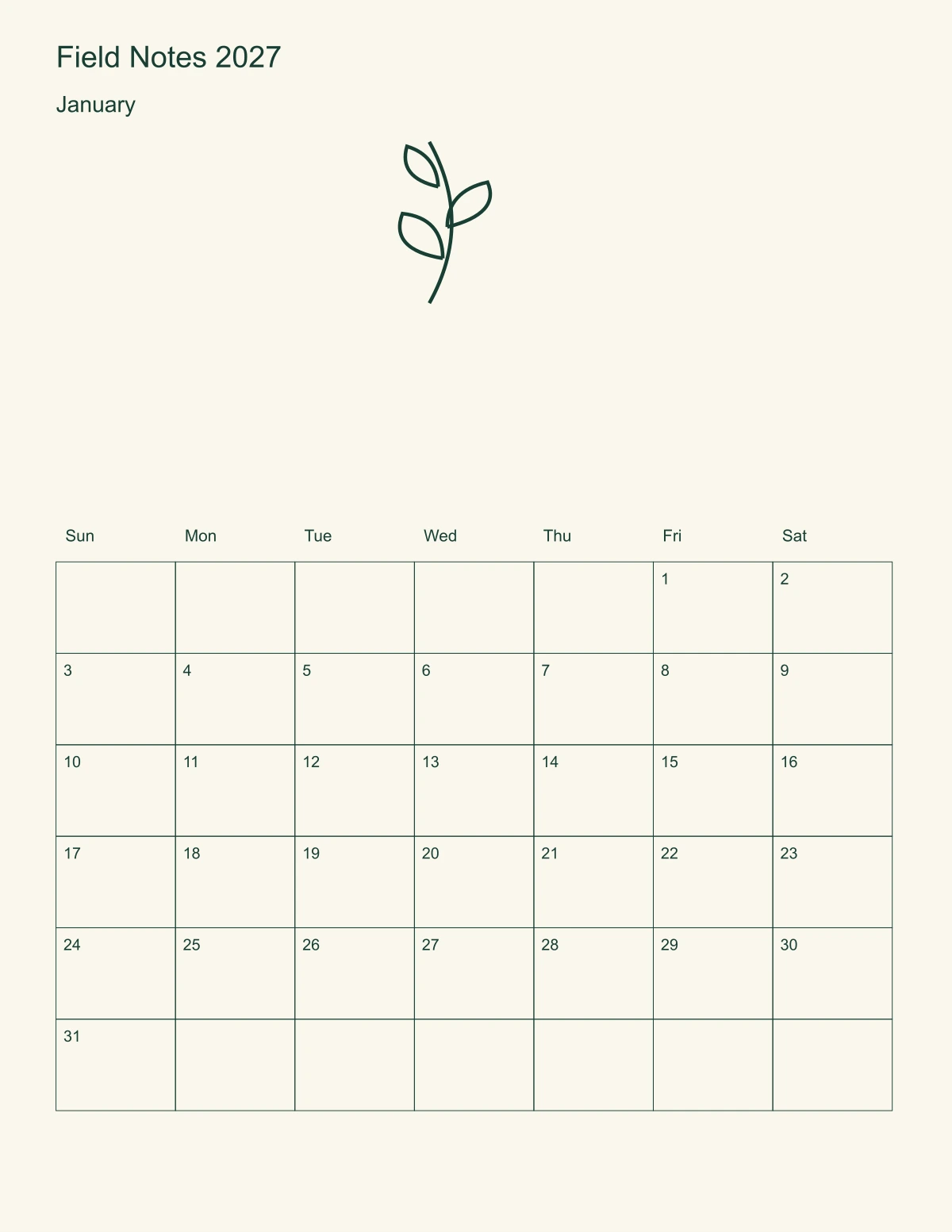
We ran a bounded request in Ciyo’s development workspace on November 5, 2026: a fictional Field Notes calendar, twelve months of date data and a January page. This guide explains the handoff and the checks; it does not claim a physical print or binding test.
Quick answer: build the dates separately
Choose the year, language and first weekday before designing. Generate the grid with calendar logic, place an approved picture above it, and compare the saved page with the date table. Do not ask an image model to paint the dates as part of the illustration.
For a small first run, finish one month and verify the full year’s data before laying out twelve pages. A useful January proof is better than a complete set that needs the same correction everywhere. Choose a template editor when an exact printer format matters more than original artwork.
1. Define the calendar and the output
Our example uses 2027, English, Sunday-first weeks and no holidays. The proposed page is US Letter portrait, 8.5 × 11 inches. These are example choices, not a standard required by Ciyo or a printer. Decide whether the finished calendar will be loose sheets, bound or displayed digitally.
Keep birthdays, closures and promotional dates in a separate approved list. A date can be mechanically valid and still be the wrong date for your event. Do not import a holiday calendar without checking the relevant country, region and source.
| Decision | Example | Check |
|---|---|---|
| Year | 2027 | January 1 is Friday |
| Week starts | Sunday | Headers match date columns |
| February | 28 days | No February 29 |
| Page | 8.5 × 11 inches | Actual-size output, no stretching |
2. Give Ciyo a bounded request
Start an isolated project and supply the year and week convention in the first message. Request the date data and artwork as separate deliverables. Explain whether you need a raster preview, editable layout source or both. A PNG is useful for review but its letters are not native editable canvas Text.
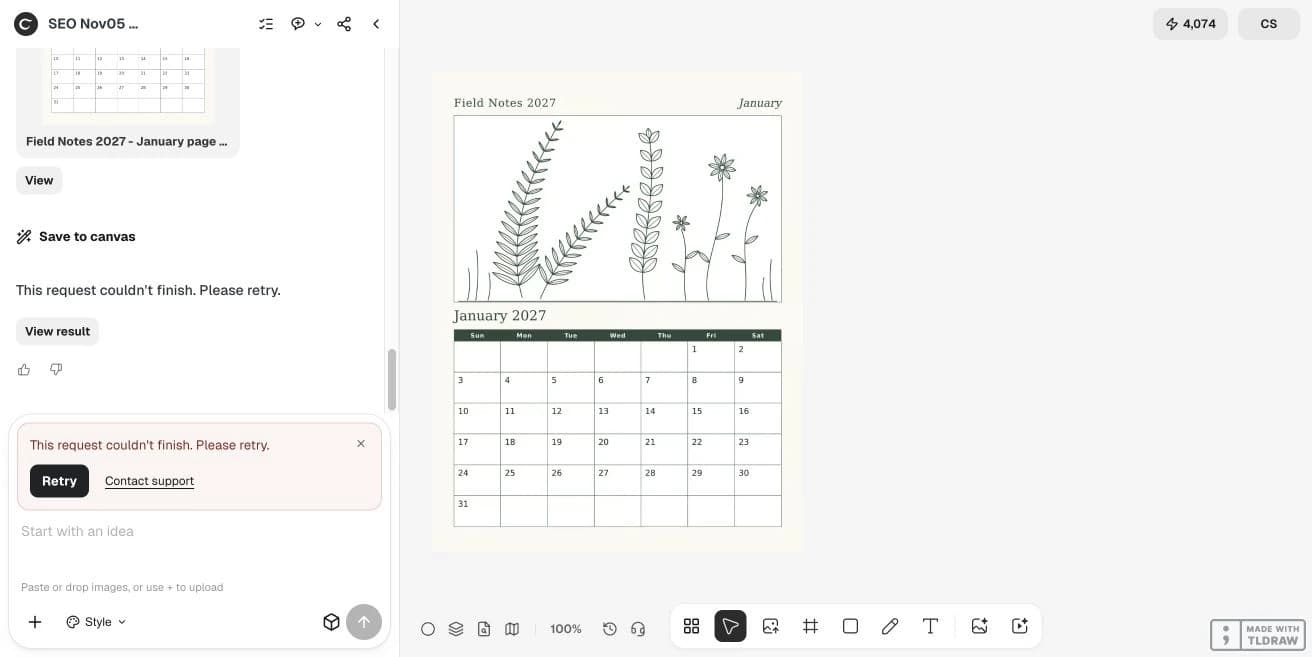
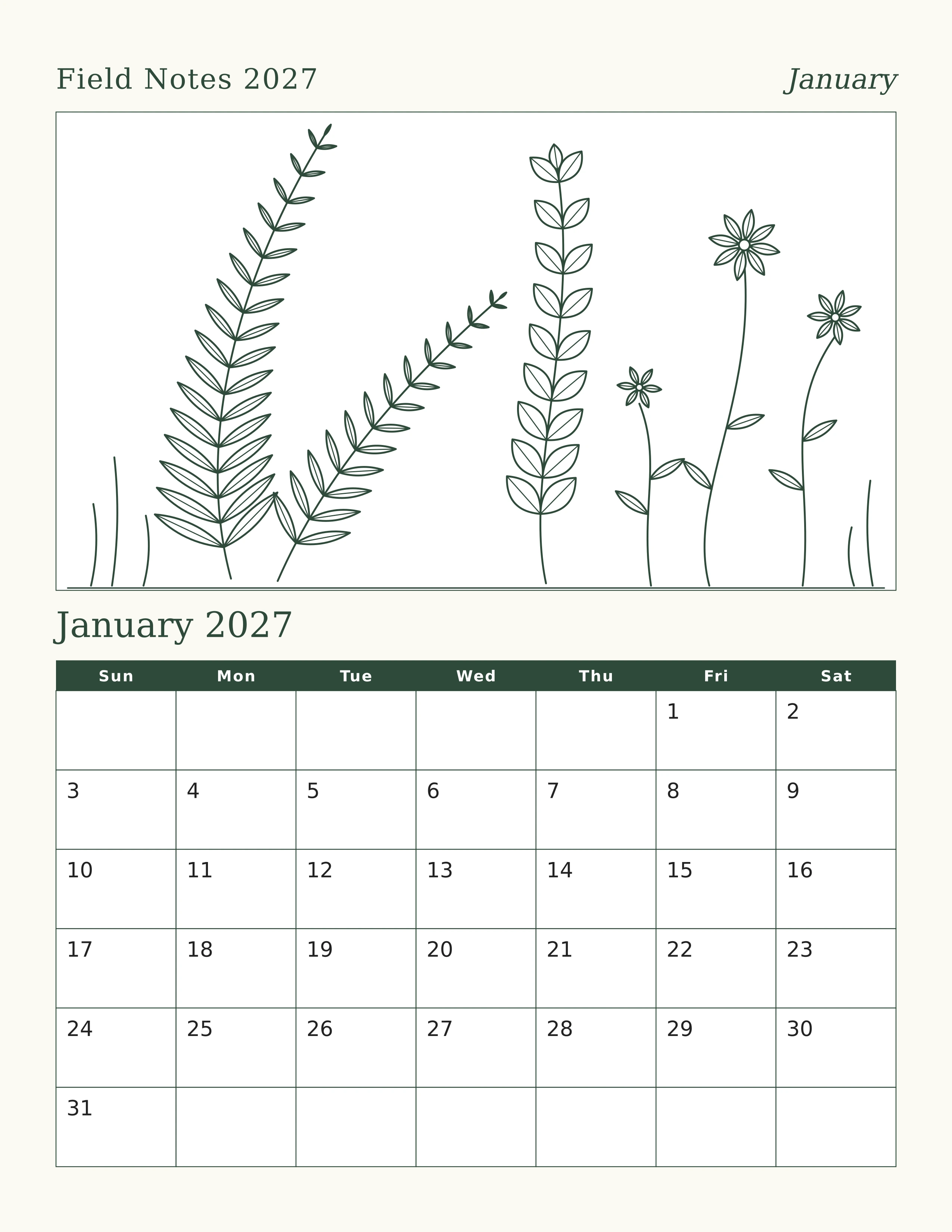
The live request asked for a CSV, source SVG and PNG. Ciyo saved a 2550 × 3300 January PNG, then the agent returned a generic failure. We did not receive the requested CSV or SVG downloads. A workspace file claim is different from a usable handoff; the separately linked editorial files below were made outside Ciyo.
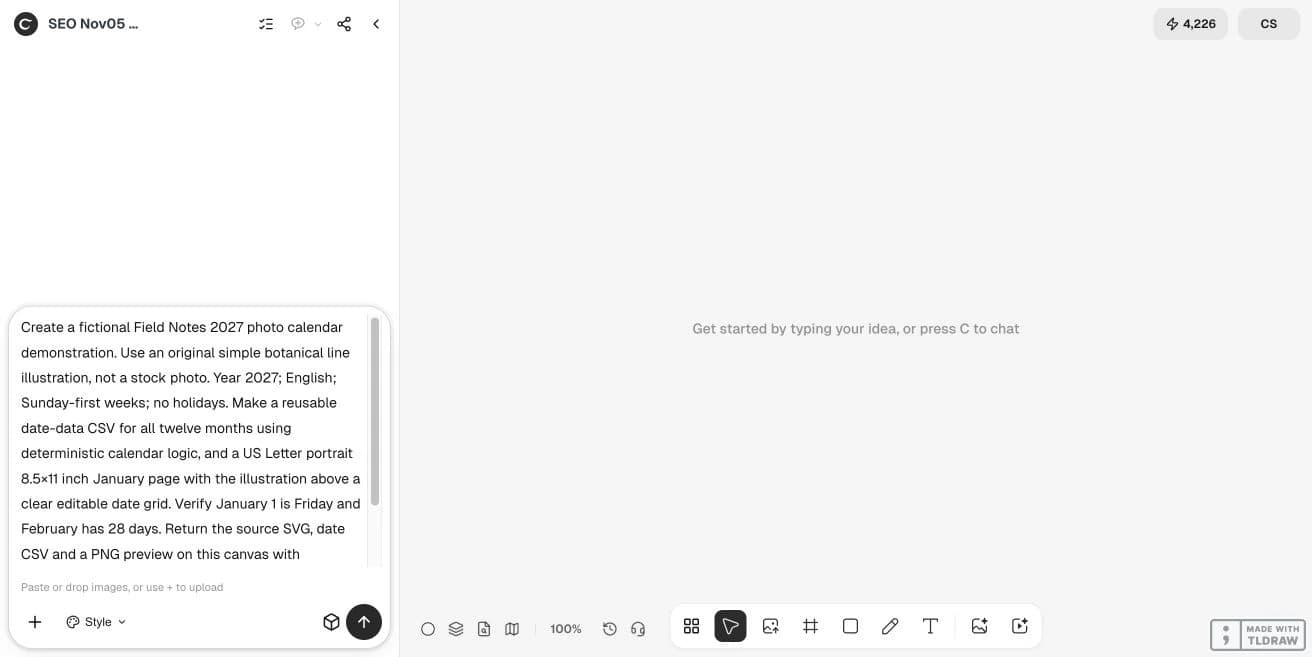
Create a fictional Field Notes 2027 photo calendar demonstration. Use an original simple botanical line illustration, not a stock photo. Year 2027; English; Sunday-first weeks; no holidays. Make a reusable date-data CSV for all twelve months using deterministic calendar logic, and a US Letter portrait 8.5×11 inch January page with the illustration above a clear editable date grid. Verify January 1 is Friday and February has 28 days. Return the source SVG, date CSV and a PNG preview on this canvas with downloadable links. Keep the artwork separate from dates; do not generate date text inside an image. Do not publish anything. Do only this bounded task.3. Verify the grid before decorating every month
In 2027, January 1 falls on Friday and February has 28 days. Check every month’s first weekday, last date and number of rows. Include a six-row month in the proof set: layouts that look balanced in February can clip a final row elsewhere.
Compare the saved SVG or PDF text with the source dates, then inspect the rendered page. A correct CSV does not prove that the layout placed every date correctly. Keep the first and last days visible, and check that adjacent-month filler dates cannot be mistaken for the current month.
4. Fit photographs around the useful calendar
Keep a generous writing area if this is a working calendar. Crop a picture around its subject rather than stretching it to fill an arbitrary box. For an author or shop gift, a restrained illustration can create a consistent series without crowding the date grid.
If different photos have different aspect ratios, test the widest and tallest early. A designer preparing a bound run also needs the printer’s binding allowance; an individual printing one sheet mainly needs readable type, sensible margins and the correct paper size.
5. Inspect the actual file and make a paper proof
Open the delivered file outside the canvas and check its page size, embedded images and date text. A 2550 × 3300 preview has enough pixels to represent an 8.5 × 11 inch page at 300 pixels per inch, but that arithmetic does not establish color quality, correct fonts or a printer-ready PDF.
Print one page at actual size with scaling disabled, measure it and review the writing space. A digital proof cannot establish binding clearance, paper feel or duplex alignment. Keep the year and source date file with the artwork so next year’s revision cannot reuse the old grid by accident.
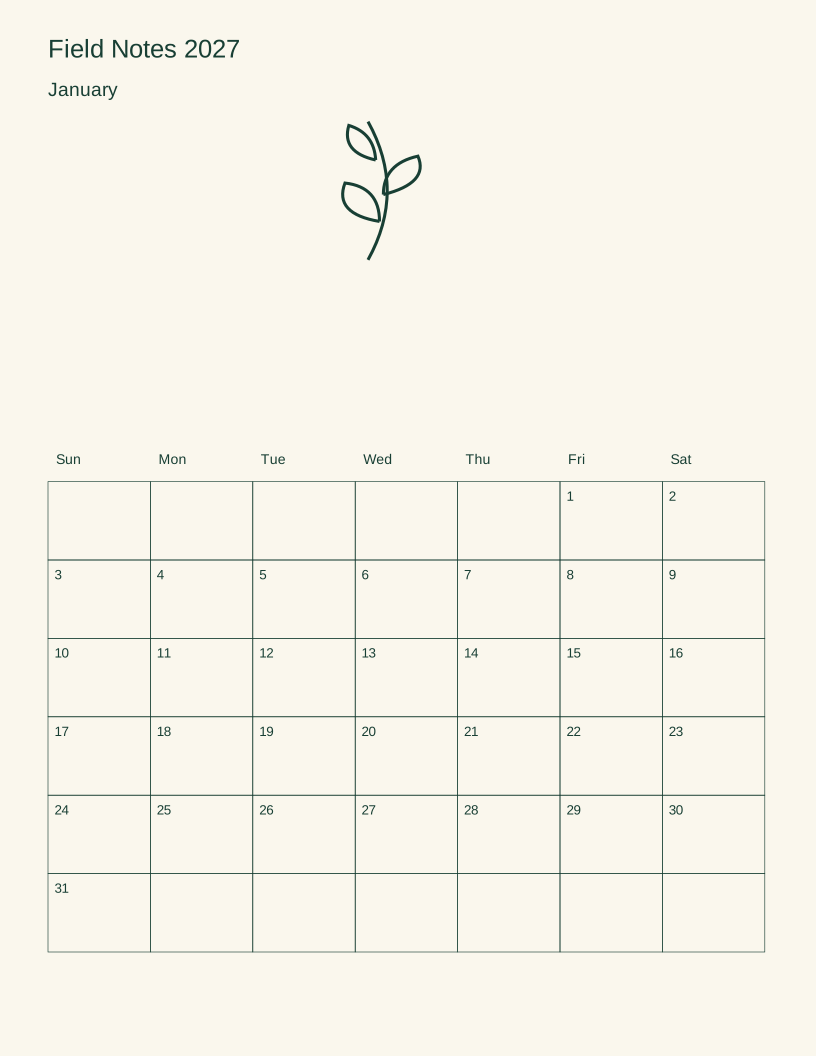
The linked calendar worksheet files are original editorial examples authored outside Ciyo, not product exports. Their sample copy is English. Open the SVG in a compatible editor to revise the text; fonts may substitute. These are digital reading proofs without a physical print test or printer approval.
Questions before you start
Can I generate the entire calendar as one AI image?
You can request a visual concept, but a date grid needs explicit verification. Keep the dates as text or structured layout data so errors can be corrected without regenerating the artwork.
Does a correct CSV prove that the printed page is correct?
No. Compare the source dates with the actual saved layout and its rendering. A misplaced column or clipped final row can appear during layout.
Should I add holidays automatically?
Only after choosing the jurisdiction and checking the source. This example deliberately contains no holidays.
Is the digital example ready for a bound print run?
It is a design and date-checking example. A commercial run still needs the selected printer’s template, binding allowance, file checks and physical proof.
Start with one clear brief
Bring your approved facts and references to Ciyo. Inspect the saved result before using it in print or a campaign.