Studio print publications
Print Newsletter Template: Keep Stories in a Clear Reading Order

A newsletter's columns can make a page look organized while leaving the reader unsure which story continues where. Approve the story sequence first, then choose a layout that makes that sequence visible in print and understandable in the source.
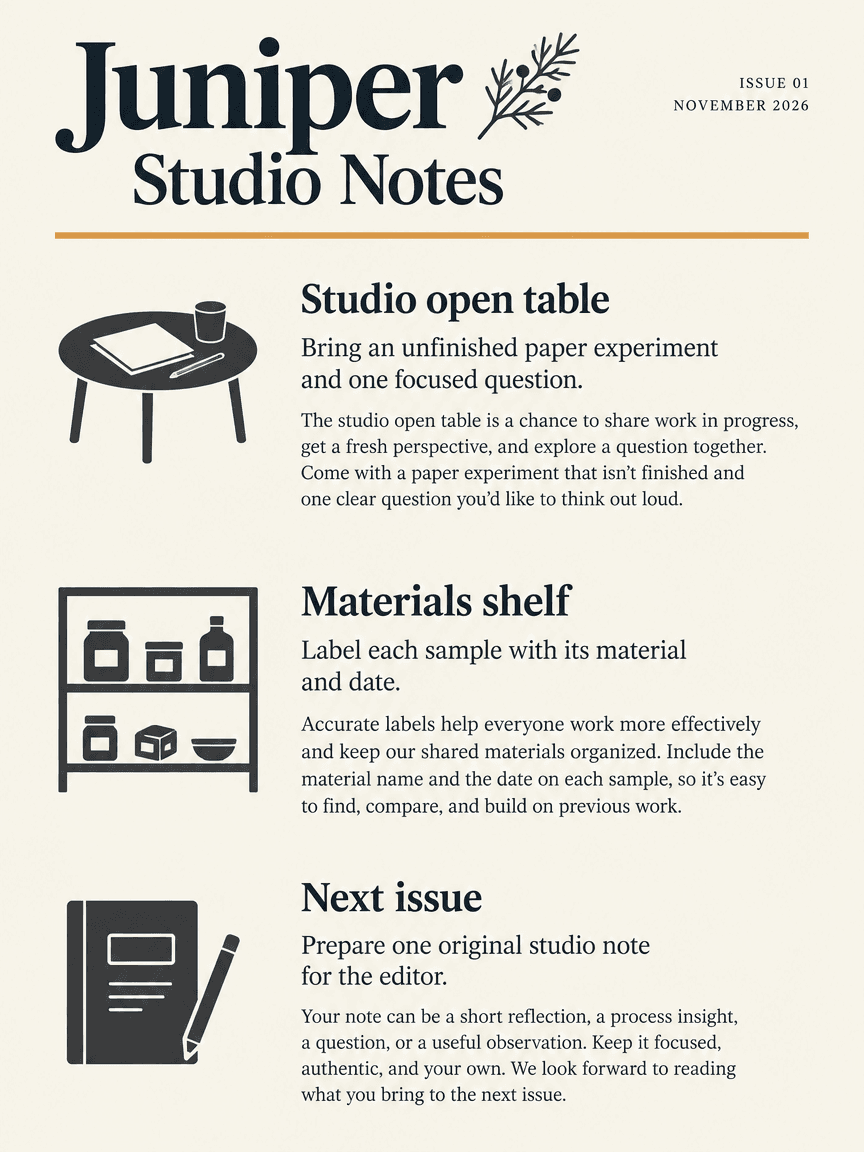
We generated a fictional Juniper Studio Notes newsletter proof in Ciyo on November 22, 2026. The PNG keeps the issue number, month and three story headings in a clear vertical sequence, but adds body copy and omits the requested fictional-example label. The linked English HTML and PDF are separately assembled, approved-source examples. Email-client compatibility and campaign delivery were not tested.
Quick answer: a source you can check, then a visual proof
Use a clear issue title, issue number and date, followed by distinct story headings and complete paragraphs. Generate a flat visual proof to explore hierarchy, then keep the final stories in editable text and check the reading order in the delivered file.
Follow five steps: define the task, prepare the source, request a visual proof, inspect the actual output and prepare a separately reviewed working file.
1. Decide the issue's reader and purpose
Juniper Studio Notes is a fictional studio handout for readers interested in paper experiments and work in progress. The first story introduces an open table, the second discusses labeling materials and the third explains the next issue. Each has a different job in the same small publication.
Canva's newsletter page provides examples of newsletter layouts. Those examples do not establish that a particular multi-column image will read well or that the page works as an email. Keep the print task distinct from an email campaign, a subscriber report or a creator media kit.
2. Put the stories in a source order
Write the title, issue number, month and three stories in plain text. Give each story a heading that describes its subject. Keep a paragraph with its heading, and avoid a short column ending that leaves the continuation ambiguous. A linear source gives you a reference when judging a more decorative composition.
The supplied HTML reads Studio open table, Materials shelf and Next issue in that order. All event details are fictional; there is no real session or contact service in the sample. Replace those details before circulation instead of letting a generator invent a venue, schedule or submission address.
| Order | Story | Purpose |
|---|---|---|
| 1 | Studio open table | Introduce the work-in-progress activity |
| 2 | Materials shelf | Explain a materials-labeling habit |
| 3 | Next issue | Explain what a future contribution might contain |
3. Generate a visual hierarchy in Ciyo
Use a separate project and request a flat newsletter page with the exact issue details and story headings. Ask for obvious story boundaries and generous spacing. If columns are used, make the order unambiguous and keep each short story together rather than relying on a reader to discover a continuation. For the run shown, we used Image Generator with GPT Image 2.5 Flare, portrait 3:4, 1K and one image. Check the displayed credit quote before starting your own run.
The demonstrated prompt below concerns a raster layout proof. It does not promise editable columns, an email template or a text-based PDF from Ciyo. Keep the approved story text separately so you can compare headings, omitted lines and unintended additions in the downloaded result.
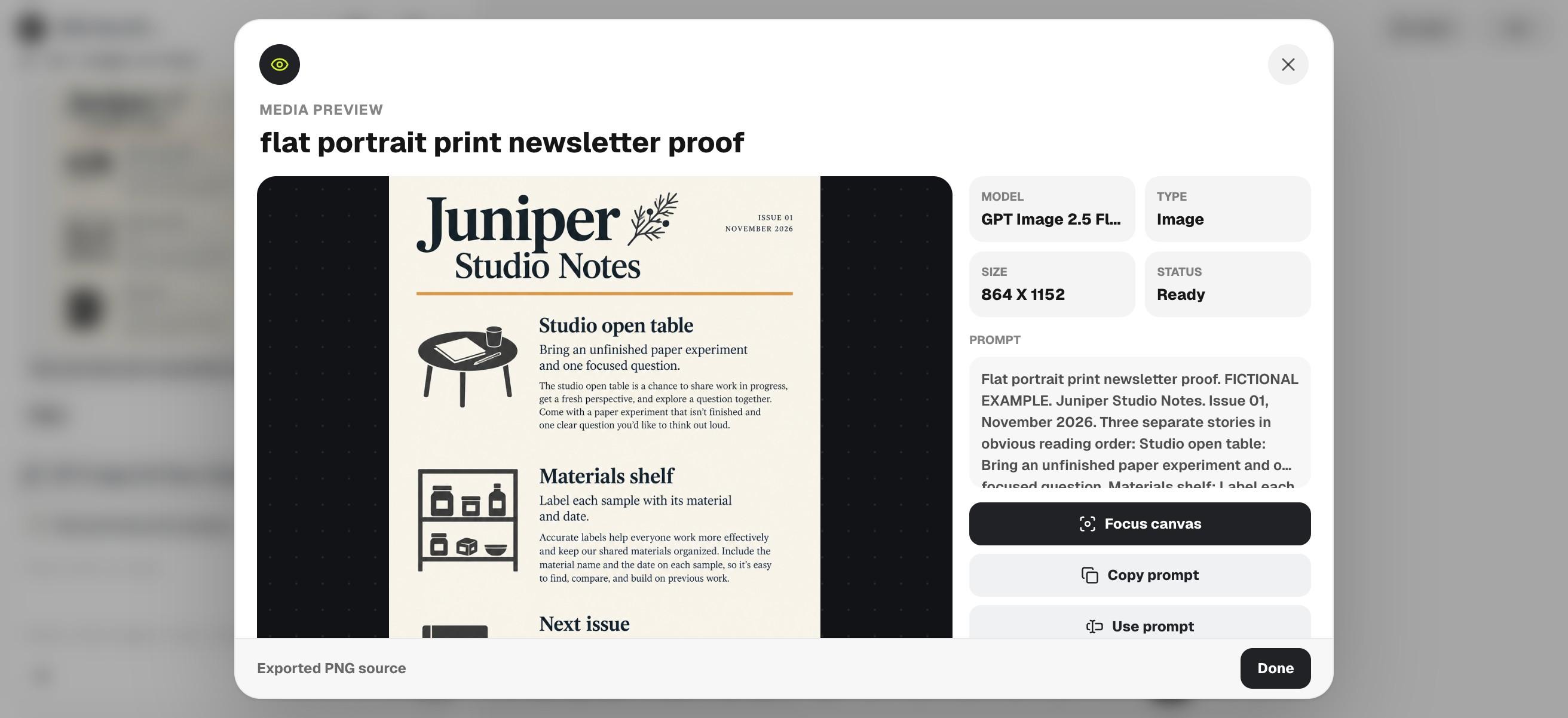
Flat portrait print newsletter proof. FICTIONAL EXAMPLE. Juniper Studio Notes. Issue 01, November 2026. Three separate stories in obvious reading order: Studio open table: Bring an unfinished paper experiment and one focused question. Materials shelf: Label each sample with its material and date. Next issue: Prepare one original studio note for the editor. Clear headings, intact short paragraphs, ivory and charcoal with one amber rule. No invented events, venues, contacts, statistics or email-client claims.4. Trace the reader's route through the proof
Start at the issue title and trace the intended path through every heading and paragraph. Look for a story that appears to continue into the wrong column, a clipped final line or a headline repeated as body text. Check the issue number and month as carefully as the larger title.
The downloaded PNG preserves issue 01, November 2026 and the requested three-heading order. It also expands the supplied short stories into extra paragraphs and omits FICTIONAL EXAMPLE. We therefore use it as a hierarchy proof, not approved publication copy. The separate companions retain original editorial text and the fictional disclosure; do not copy unreviewed additions from the image into a real issue.
5. Prepare the editable issue and review the final export
The English HTML companion uses normal headings and paragraphs in a linear sequence. Its PDF is an independently assembled print example with selectable text. Use them as sources for your own revised issue; they are not Ciyo exports and contain no email-sending functionality.
After replacing the fictional stories, inspect the exported page and read it from beginning to end. Print a sample if paper distribution is intended. A solo editor can use one reviewed source, while a team should identify the approved issue version so a late story change does not bypass the reading-order review.
Choose the workflow and review the final file
Choose a publication or document editor for exact pagination and repeated issue production. Use an image proof to explore a visual direction before typesetting the real copy. If you later need email distribution, rebuild and test the email format against that channel's requirements rather than sending an image of the print page.
Download the English working files
These English companions are separately assembled editorial files. They preserve the source information or blank fields described above; they are not exports from Ciyo's image-generation step. Review and adapt them before use.
Practical questions
Is this an email newsletter template?
No. The example is a print-publication source and PDF. No email-client compatibility or campaign delivery was tested.
Are the stories and events real?
No. Juniper Studio Notes and its stories are fictional editorial examples that must be replaced before circulation.
Can I use columns?
Yes, but check the visual sequence and source reading order. The supplied editable source is deliberately linear.
Give every story a clear place
Approve the issue details and story sequence, then explore one newsletter proof in Ciyo before preparing the final editable publication.