Practical creative workflows
Product Care Card Design: Lay Out Approved Instructions
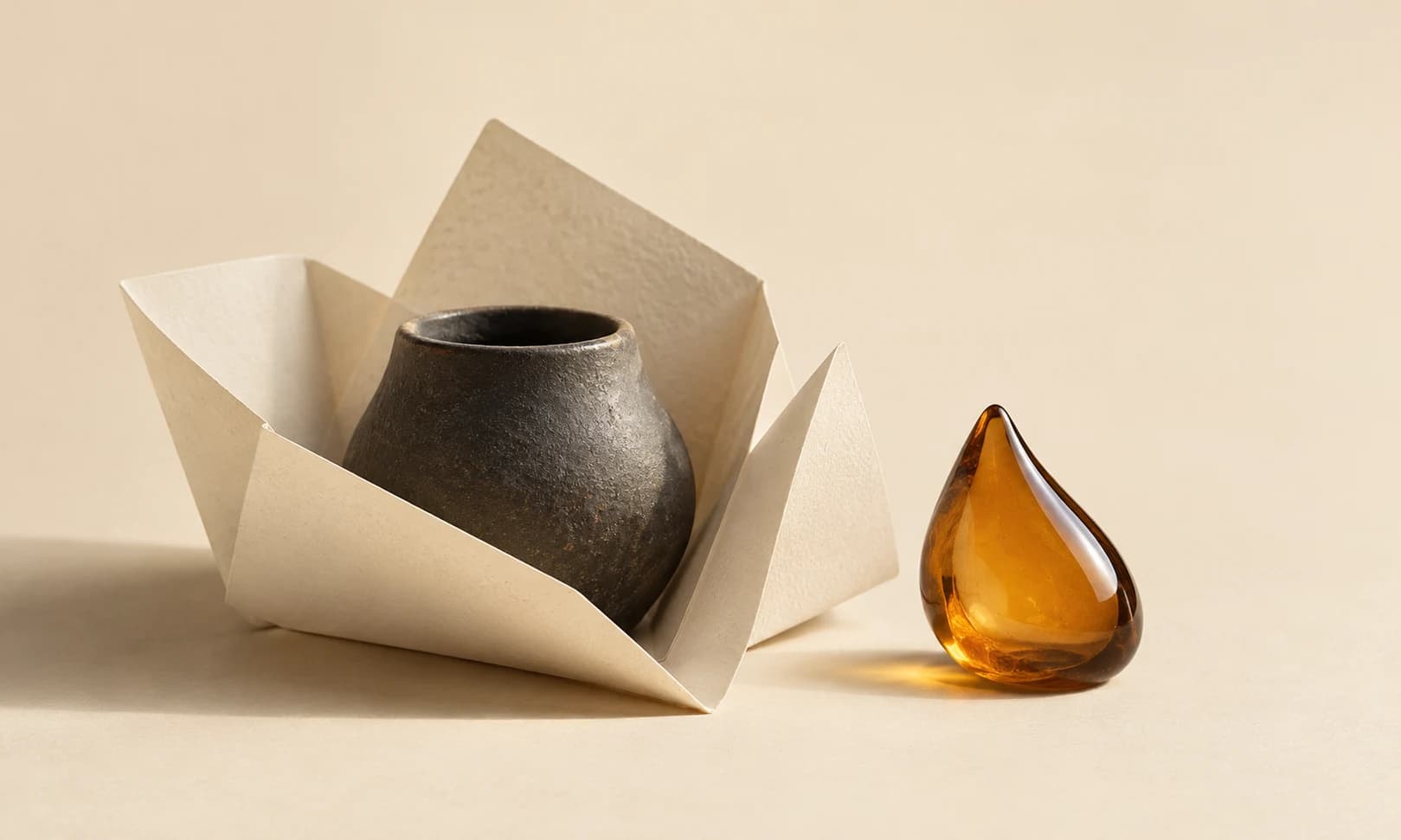
A maker’s care card should carry the instructions the product owner approved. Decorative copy can become a problem when it quietly adds dishwasher, food-contact or heat-resistance claims that nobody supplied.
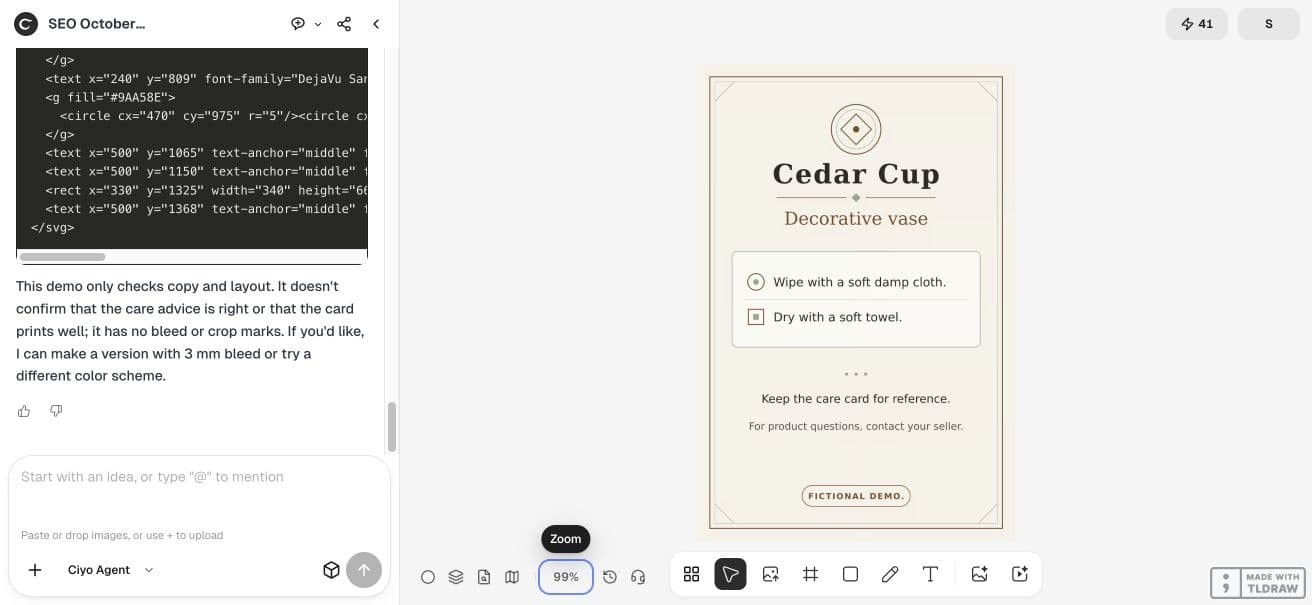
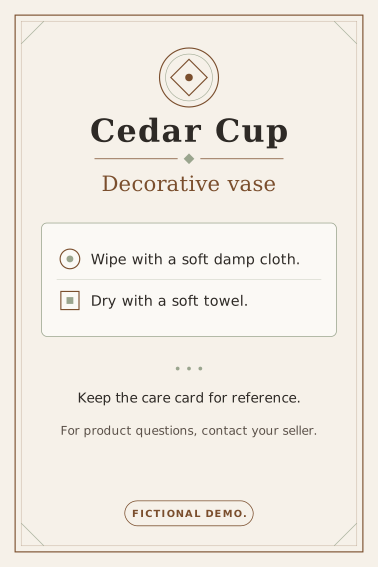
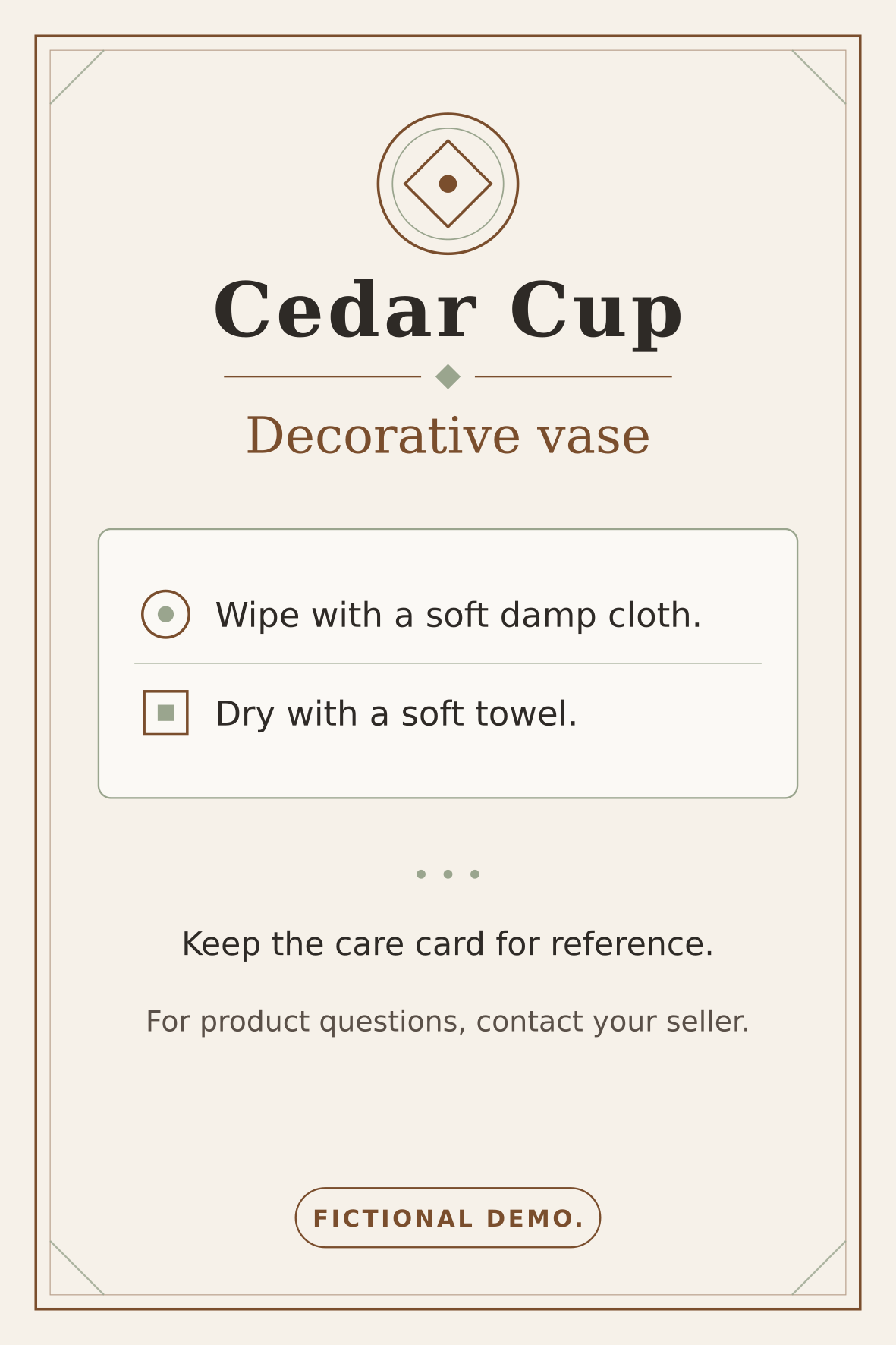
Our example is a fictional decorative-vase card with six exact phrases. We used code in Ciyo to make a 100×150 mm SVG and a separate digital proof. The example demonstrates copy control and hierarchy; it does not establish how any real vase should be cleaned.
Get the approved wording before requesting the design
Treat the source text as the constraint. For a real product, obtain instructions from the responsible maker or product team and resolve uncertainty before printing. Do not ask the design agent to infer safe use from a photograph.
Our fictional list is Decorative vase; Wipe with a soft damp cloth.; Dry with a soft towel.; Keep the care card for reference.; For product questions, contact your seller.; and FICTIONAL DEMO. These sentences are scenario inputs only.
| Role | Supplied wording | Review criterion |
|---|---|---|
| Product | Decorative vase | No change to product use |
| Cleaning | Wipe with a soft damp cloth. | Exact sentence |
| Drying | Dry with a soft towel. | Exact sentence |
| Reference | Keep the care card for reference. | Readable supporting line |
| Questions | For product questions, contact your seller. | No invented contact details |
| Status | FICTIONAL DEMO | Visible example label |
Request hierarchy without requesting new advice
Describe the layout: a clear product heading, two main care lines and quieter reference/contact lines. Ask for a source with editable text and a separate proof. Limit decorative marks so they do not compete with the instructions.
We requested a 100×150 mm portrait SVG with viewBox 0 0 1000 1500 and a 1181×1772 PNG proof. The prompt explicitly excluded dishwasher, microwave, food-safety and material-performance claims.
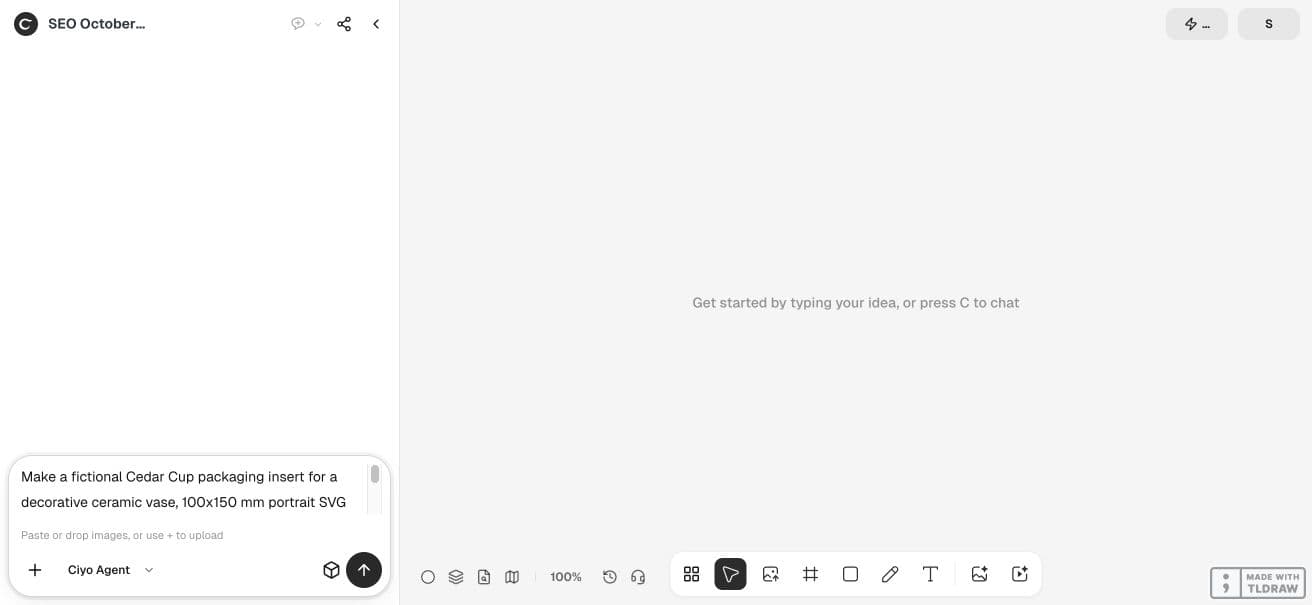
Make a fictional Cedar Cup packaging insert for a decorative ceramic vase, 100x150 mm portrait SVG and 1181x1772 PNG proof, using code only. Use only approved supplied instructions, verbatim: Decorative vase; Wipe with a soft damp cloth.; Dry with a soft towel.; Keep the care card for reference.; For product questions, contact your seller.; FICTIONAL DEMO. Do not add dishwasher, food safety, microwave, temperature or durability claims. Create readable hierarchy with short text blocks and subtle geometric decorative icons that do not imply extra instructions. Check each phrase exactly in SVG text nodes, no extra care statements, and declared dimensions. Put proof on canvas; offer PNG download and print complete SVG source in response if no SVG download. This demo validates copy/layout only, not real care advice or physical printing. No paid generator.Check the source text and the rendered hierarchy
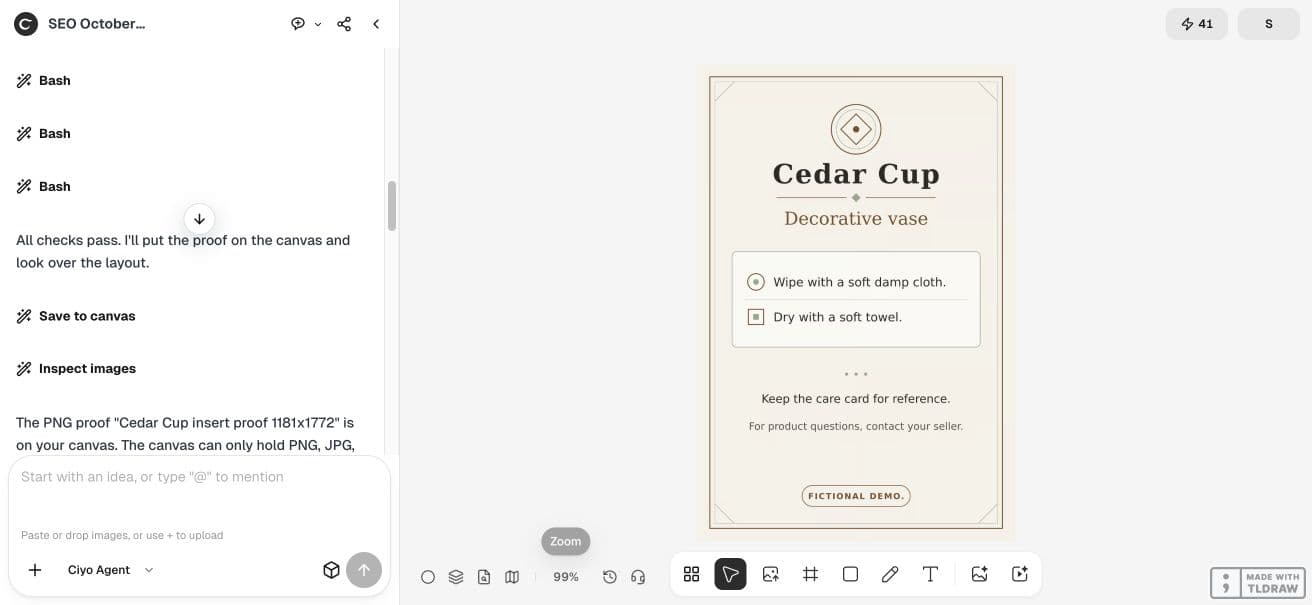
The retained SVG contains all six supplied phrases and the requested dimensions. We checked the text elements directly and compared the proof with the source list. A source text check can find a missing sentence; a visual check can find a sentence that is too small or crowded.
In the live result, the product heading is distinct from the two main care lines, with reference and question wording lower in the composition. No real material was tested. Use this as a layout pattern only after your own product instructions are approved.
Handle an uncertain instruction outside the artwork
If someone asks whether a real product can go in a dishwasher, do not turn that unresolved question into a confident line on the card. Get an answer from the responsible product source, then add the approved sentence and regenerate the proof.
Version the approved care text
Keep a versioned source list with the graphic so a future layout revision cannot accidentally restore an obsolete instruction. Review all text after each revision, even if the request was only to change spacing or color.
Read one physical sample at the packing table
Print one sample using the intended stock and size. Check that the principal instructions are readable where staff pack the product, and that trim or folding does not remove a sentence. Follow the printer’s requested bleed and export setup.
We checked a digital source and proof. There was no physical print test, product-safety evaluation or customer trial. Those are separate checks for the real product and delivery process.
Practical questions
Can the agent write care instructions from the product image?
Use approved product instructions instead. Appearance alone does not establish safe cleaning or use.
Does this example say a vase is food-safe?
No. No food-contact, dishwasher, microwave or material-performance claim was supplied or added.
What should I check after a spacing revision?
Compare every text element with the approved source and inspect the newly rendered proof.
Build a care card from approved copy
Start with one checked example in Ciyo. Keep the source and inspect the exported result before using it in your own project.