Practical creative workflows
Add Product-Photo Callouts Without Inventing Features
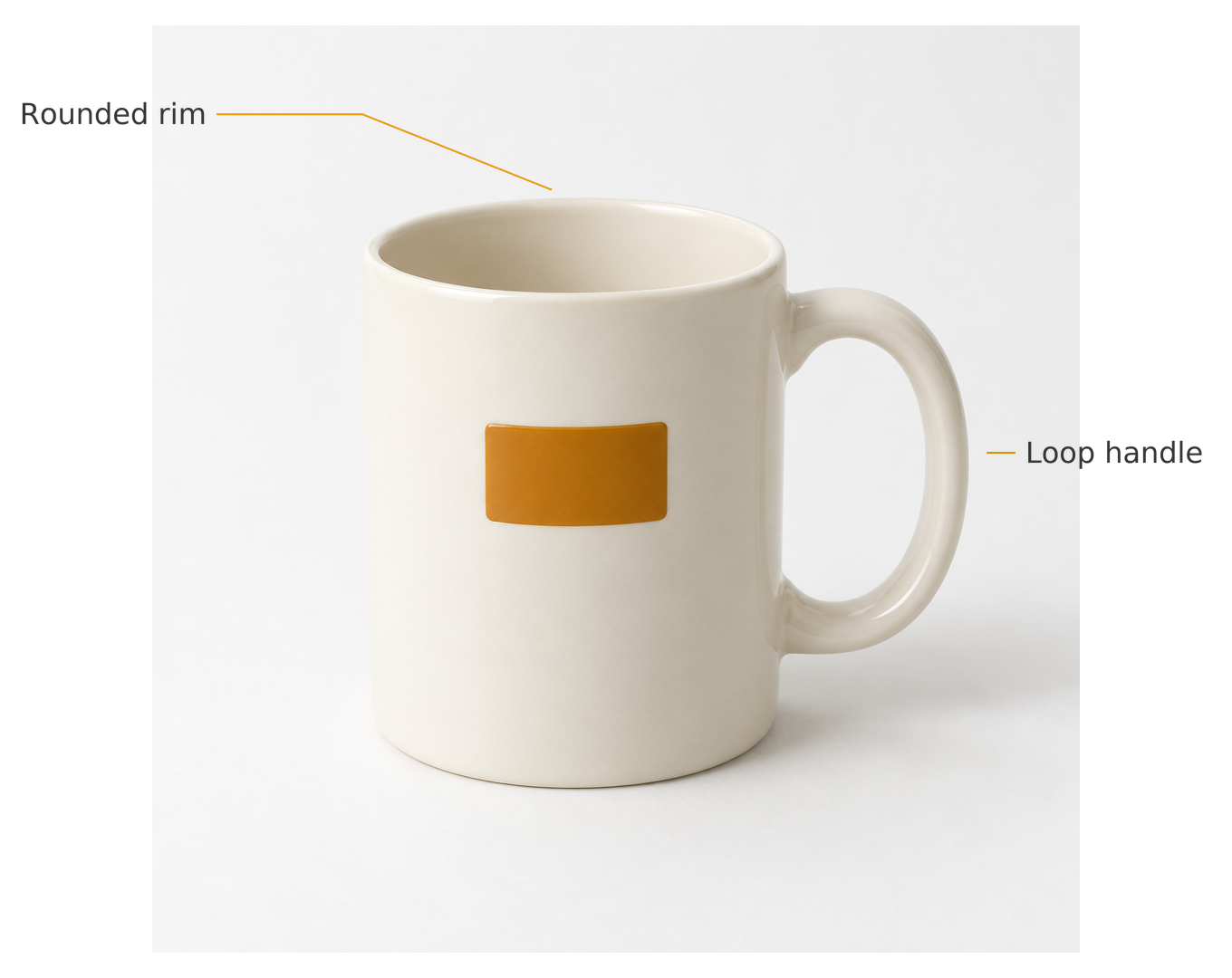
A product-detail image can point out a shape without claiming a specification. “Loop handle” is visible in this mug photo; capacity or dishwasher safety cannot be established from the picture.
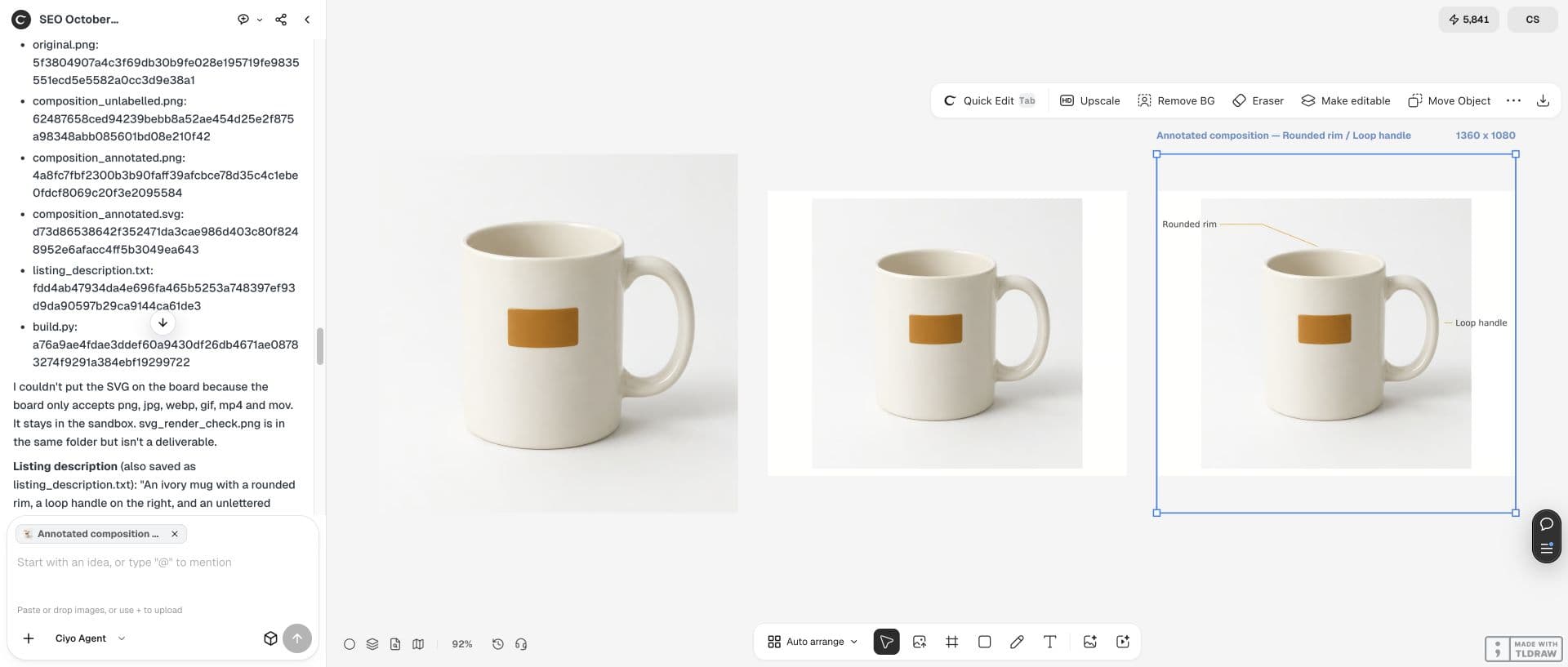
This example adds two callouts to an existing fictional editorial mug photo. Ciyo keeps the original pixels, makes an unlabelled layout and adds thin leaders in the surrounding background.
Choose features the photo actually shows
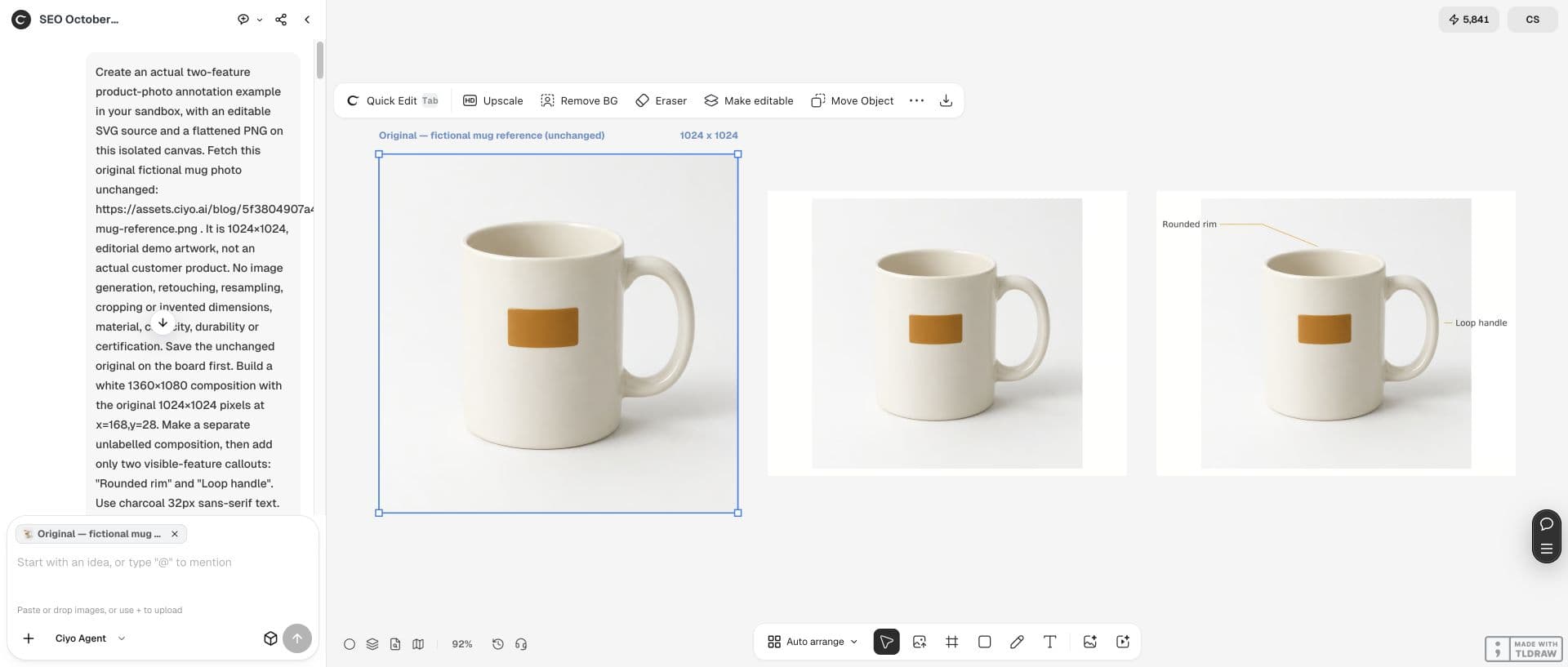
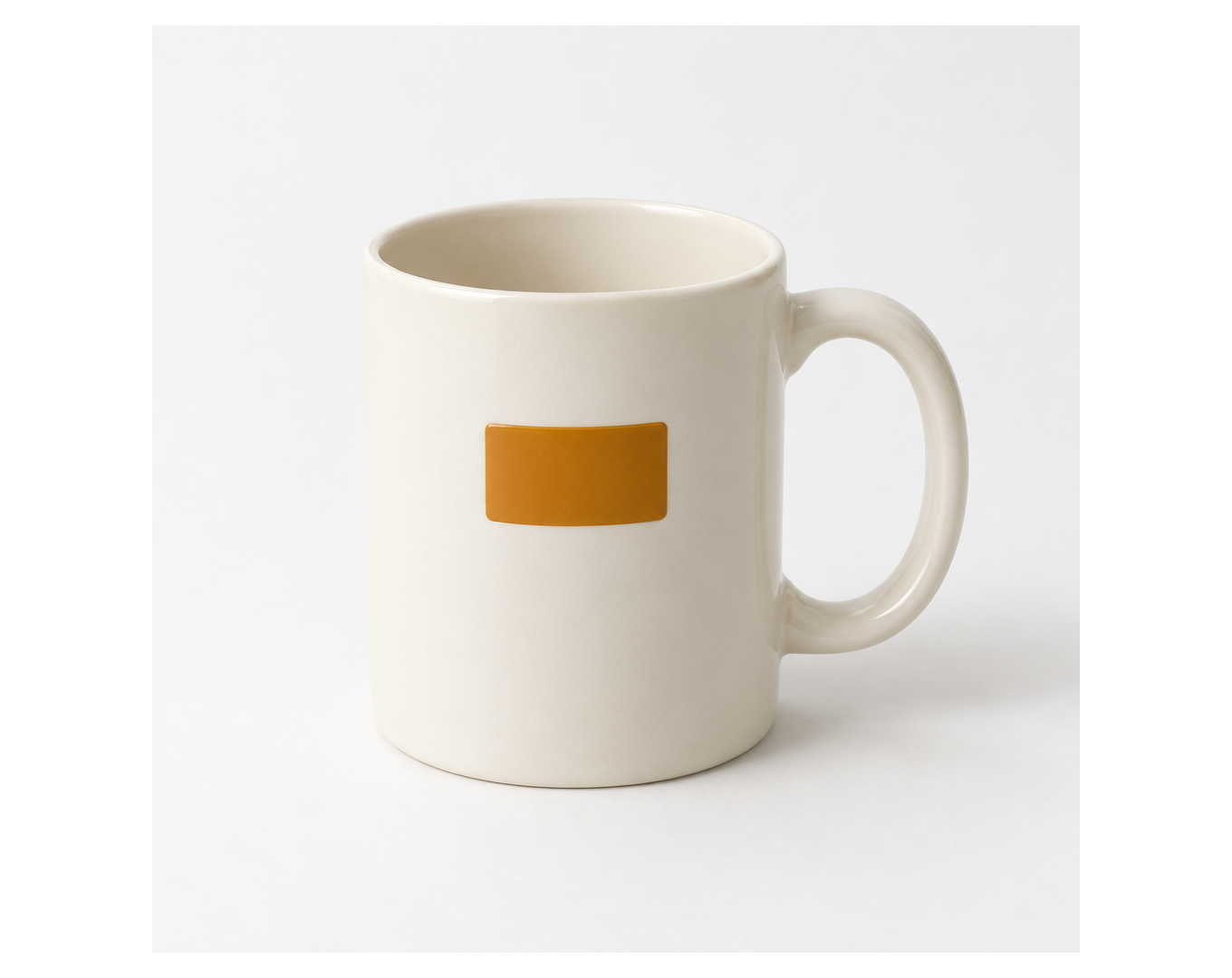
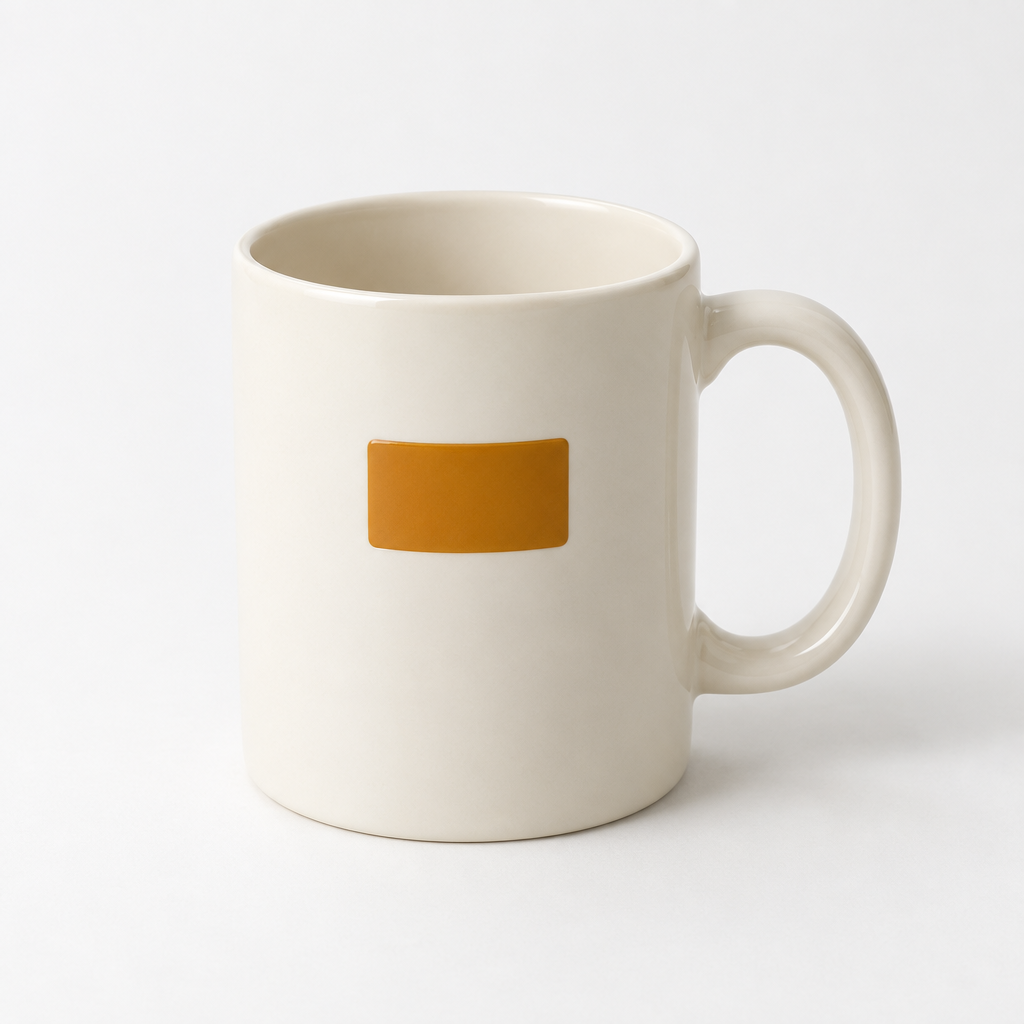
Our source is a 1024×1024 ivory mug with a rounded rim, a loop handle on the right and a blank amber rectangle on the front. It is fictional artwork for a walkthrough, not evidence of a real product’s specifications.
Use short labels that describe visible shape. We choose Rounded rim and Loop handle. Keep measured dimensions, materials and performance claims out of the graphic unless you have a separate verified source.
Make an unlabelled layout first
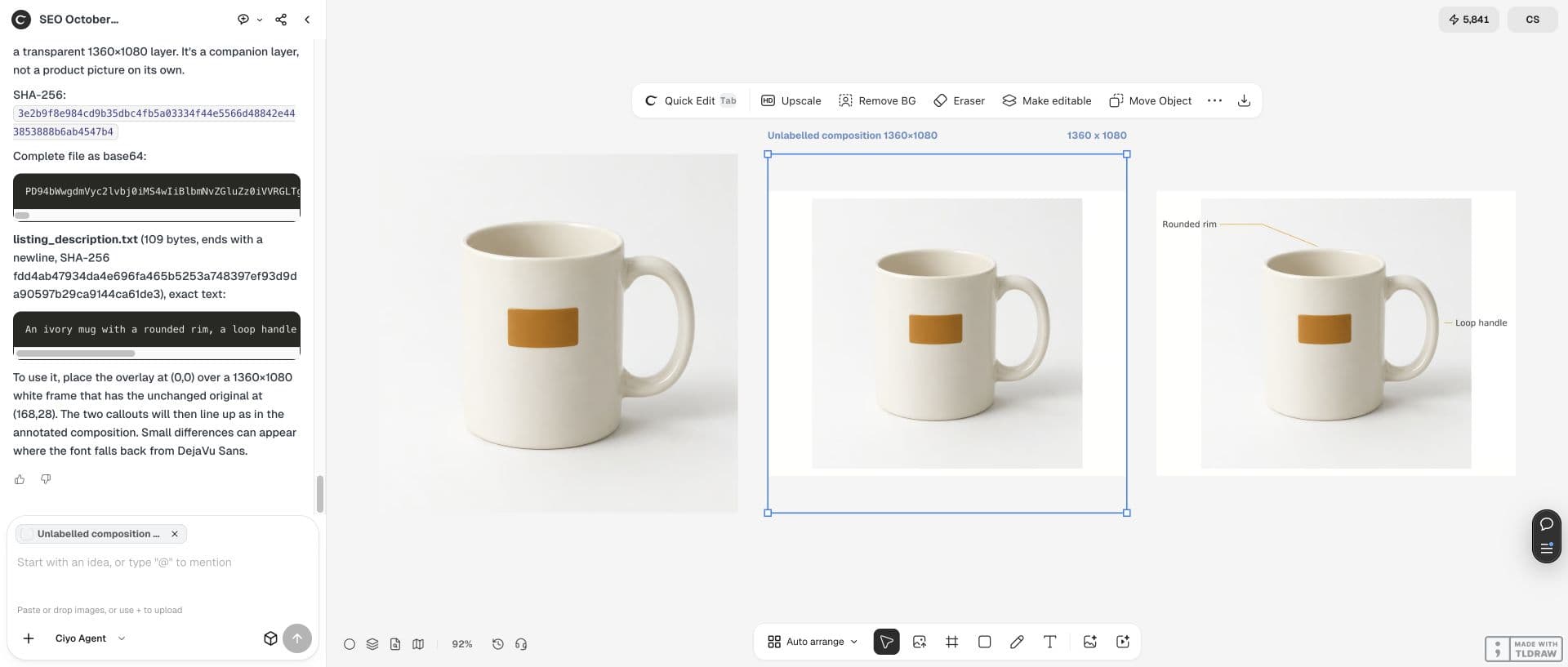
Ciyo places the unchanged 1024×1024 photo at (168,28) on a white 1360×1080 composition. There is no resampling, crop, new image generation or retouching. The unlabelled version gives us a clean comparison.
Reserve space for labels before adding leaders. On this board the compositions appear in square preview boxes with object-fit contain: the artwork’s real size remains 1360×1080 and its aspect ratio is preserved.
Keep leaders just outside the feature
The rim leader runs from (240,126), through (400,126), to (608,209), about 9px above the nearby rim. The handle leader goes from (1120,500) to (1090,500), about 21px outside the outer handle.
The example uses 32px charcoal text and 2px amber lines, with no arrowheads or circles on the item. Download the final PNG to check the labels at your intended presentation size; the coordinates are specific to this source.
Use the supplied 1024×1024 photo unchanged. Place it at (168,28) in a white 1360×1080 layout and save an unlabelled copy. Add only "Rounded rim" and "Loop handle" with 32px charcoal text and 2px amber leaders. End the rim leader at (608,209) and the handle leader at (1090,500), outside the product. Do not invent dimensions, material, capacity or performance. Save original, unlabelled and annotated PNGs on the canvas. Keep editable SVG callout groups and verify the protected product rectangle stays pixel-identical. Supply a plain-text product description.Separate observation from unsupported claims
The two selected labels describe shapes you can see. “350ml”, “ceramic” and “dishwasher-safe” would require information beyond this fictional photo. A polished annotation does not supply missing facts.
Keep the original and unlabelled layout beside the annotated version. They help reveal accidental changes to the handle, front rectangle or silhouette.
| Proposed label | Use here? | Reason |
|---|---|---|
| Rounded rim | Yes | Visible shape |
| Loop handle | Yes | Visible shape |
| 350ml capacity | No | No measured specification supplied |
| Dishwasher-safe | No | No performance evidence supplied |
Compare protected product pixels
The protected source rectangle x230..900, y190..844 matches the annotated composition at x398..1068, y218..872 pixel for pixel. The unlabelled layout preserves the entire original photo block.
In the annotated version, 3,727 pixels within the photo block changed in the empty background where the labels and leaders extend. This is not a claim that every pixel in that block stayed untouched: the protected item region is the equality check.
Deliver the picture with a text description
Write the essential information beside the image. W3C’s guidance for information-bearing images supports an adjacent text explanation; a visitor should not have to read tiny lettering to get the product description.
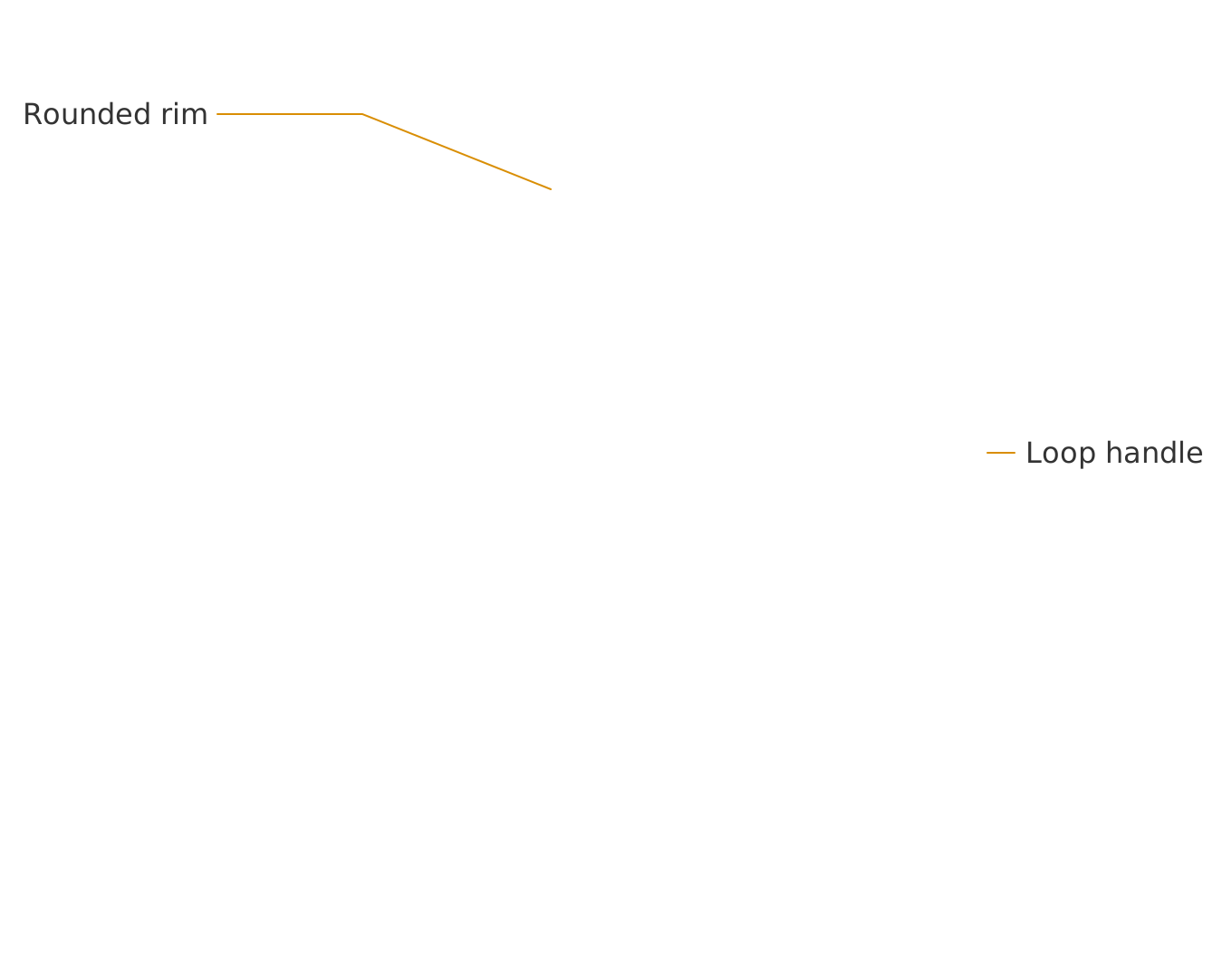
For this example: an ivory mug with a rounded rim, a loop handle on the right, and an unlettered amber rectangle on the front. The downloadable overlay SVG contains only the two editable callout groups. Place it over a 1360×1080 white frame with the original at (168,28). It is not a standalone product picture. Fonts can render differently across editors; the flattened PNG preserves the demonstrated appearance.
Practical questions
Can the photo establish a material or capacity?
No. This fictional source shows shape and colour. Obtain a verified specification before adding those claims.
Is the overlay SVG a complete product image?
No. It contains the two callout groups only. Combine it with the original photo at (168,28) on a 1360×1080 white frame.
Did all photo pixels stay identical?
The unlabelled layout preserves the whole photo. In the annotated layout the protected product rectangle matches exactly, while labels and leaders change some background pixels.
Point to the feature you can actually show
Open Ciyo, keep your original beside the annotated layout and export the graphic with a readable text description.