Workshop activities
Scavenger Hunt Printable: Write Clues You Can Actually Check
A scavenger hunt printable can fail before anyone starts: a clue asks for something absent from the room, or the answer space is too small to explain a discovery. Start with observations participants can make without moving objects, then check the actual setting.
Our November 23, 2026 Ciyo development run used a fictional workshop and six visual or tactile observations. The generated PNG retains those six prompts. The English activity sheet and facilitator CSV are independent working files, and we have not tested this activity with a group or inspected your room.
Quick answer: keep the source and inspect the proof
Write six checkable observations, inspect the setting, and give each prompt its own answer line. Generate a flat page proof, count the rows, then adapt the editable version after the facilitator checks what participants can actually find.
Follow five steps: define the task, prepare a checkable source, generate a visual proof, inspect the actual output and use the separately authored working files.
1. Choose observations rather than hidden objects
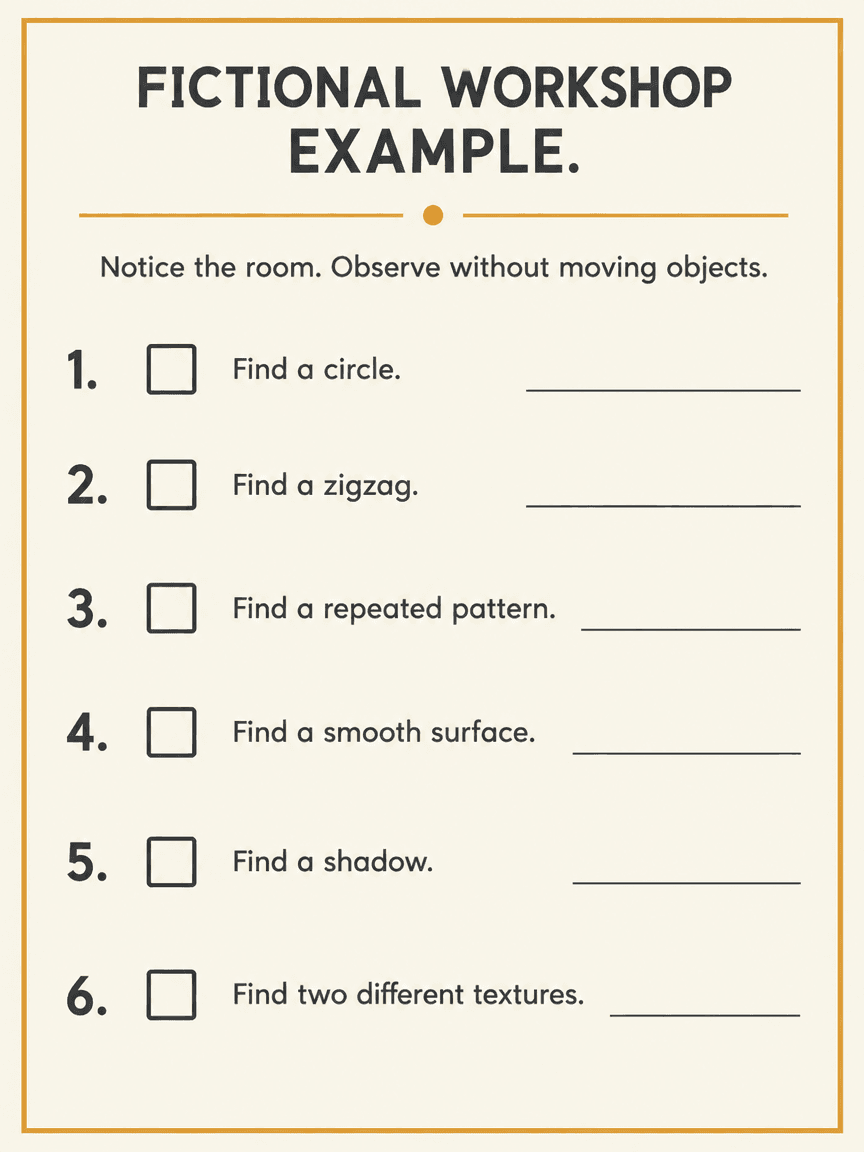
Our prompts ask for a circle, a zigzag, a repeated pattern, a smooth surface, a shadow and two different textures. They encourage noticing features rather than retrieving a specific object. The instruction Observe without moving objects belongs above the list, where participants see it first.
Canva's scavenger-hunt template collection provides examples of the format. The useful choice here is the task design: an observation hunt suits a room that should stay undisturbed. A hunt requiring travel, handling materials or outdoor access needs its own permission and setting checks.
2. Check every clue in the actual room
The facilitator CSV contains possible examples, explicitly labeled illustrative: a clock face might serve as a circle, and paper beside fabric might provide two textures. These are not an answer key for an unseen room. Walk the setting and record an available example or replace the prompt.
Allow a participant to describe an answer rather than touch it. If a surface cannot be reached or a shadow is absent under the current lighting, adapt that clue before starting. Keep the same numbering between the facilitator's source and the participant sheet.
| Prompt | What to check | Acceptable adaptation |
|---|---|---|
| Find a circle | A visible round shape exists | Describe or draw it |
| Find a shadow | Lighting creates a visible example | Replace the clue if absent |
| Find two textures | Both can be observed appropriately | Describe appearance without handling |
3. Generate one flat visual proof in Ciyo
Create an isolated Ciyo project and open Image Generator. Our authenticated development run on November 23, 2026 used GPT Image 2.5 Flare, Medium quality, portrait 3:4, 1K and one image. Select the controls before entering the complete prompt, then review the displayed credit quote. Our run showed 2 credits; check your own current quote.
The copyable prompt is the actual English request. Replace the fictional details consistently and retain the stated constraints. The result is a raster image proof; the editable downloads below were assembled independently and are not Ciyo exports.
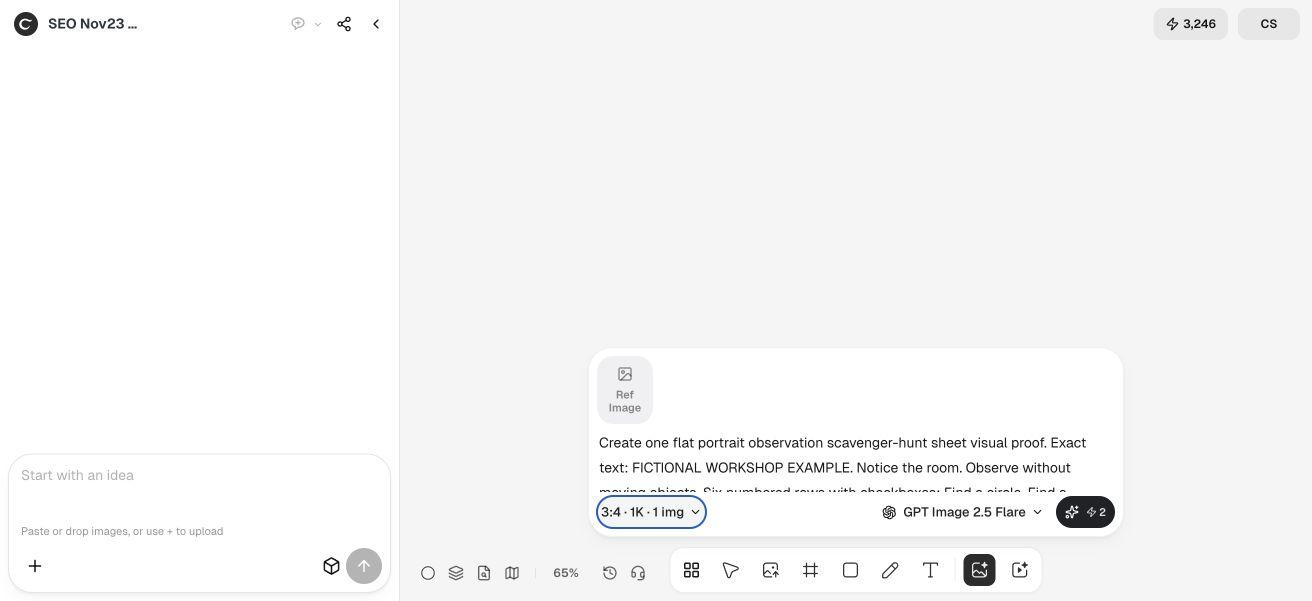
Create one flat portrait observation scavenger-hunt sheet visual proof. Exact text: FICTIONAL WORKSHOP EXAMPLE. Notice the room. Observe without moving objects. Six numbered rows with checkboxes: Find a circle. Find a zigzag. Find a repeated pattern. Find a smooth surface. Find a shadow. Find two different textures. Leave a short blank line beside each for a written answer. Use clear readable charcoal text on ivory, tiny amber accent, no photographs and no invented clues. This is a visual layout proof.4. Compare the actual output with the source
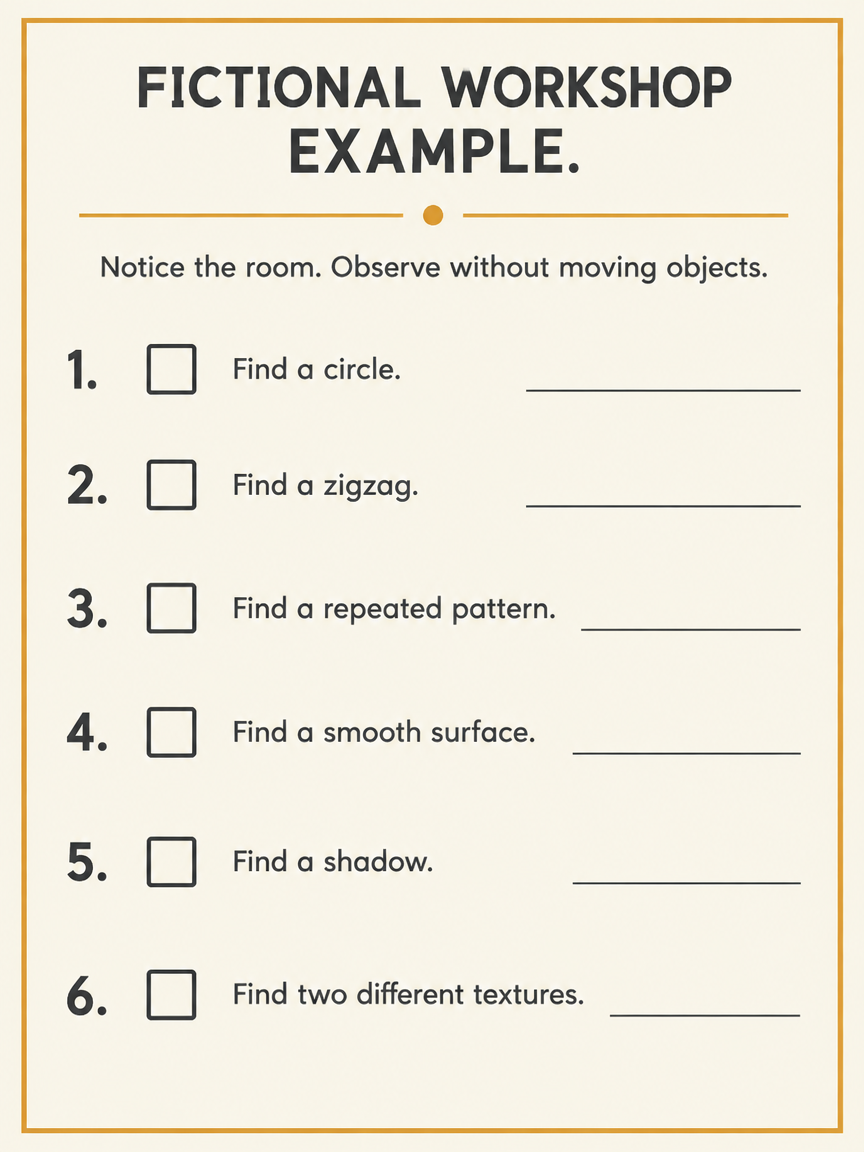
The actual output contains all six prompts in the supplied order, with empty checkboxes and answer lines. It adds periods and wraps the final prompt. The last rows have less horizontal answer space, so a reader who needs longer written explanations should enlarge those areas in the text-based sheet.
A checked box only means a participant marked the sheet; the image cannot judge an answer. There is no generated room-specific solution or automatic scoring. Review the facilitator's actual examples separately from the visual proof.
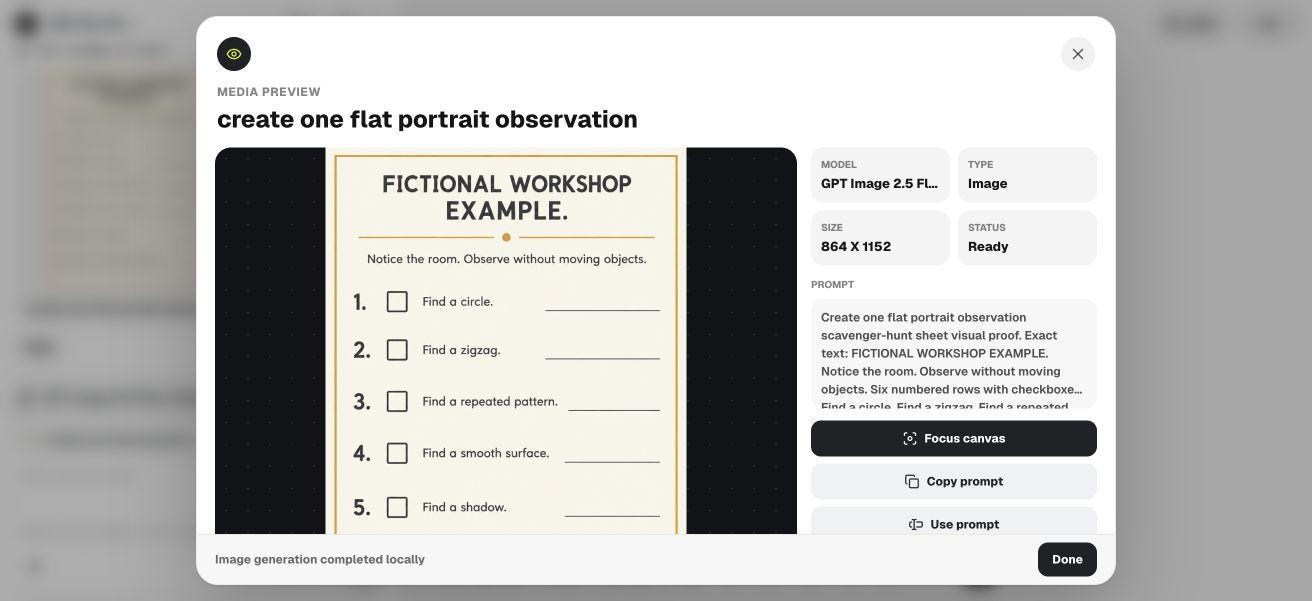
Ciyo media preview: inspect the model and original request
Open the generated asset in Ciyo’s media preview to compare the result with the model details and original English prompt. This whole-product capture shows that review step; the readable prompt and output inspection above remain the reference for small text.
5. Print a participant sheet and keep facilitator notes separate
The English HTML provides the six prompts and writing lines. Print a trial copy and try a short answer in the longest row. The facilitator CSV holds the observation, an illustrative possibility, a room-availability check and a place to record an accepted response or adaptation.
For a quick workshop, keep a single observation per row. For a more reflective session, add discussion after participants finish rather than crowding the sheet with new instructions. Neither file tracks participants or uploads answers.
Choose the source you will maintain
Use an editable activity sheet when the room or audience changes. A Ciyo proof helps compare visual spacing, while the facilitator's room check determines whether the activity is usable. Keep the printable separate from any private participant notes.
Frequently asked questions
Does the download include a universal answer key?
No. The facilitator CSV offers illustrative possibilities and blank room-check fields. A facilitator must inspect the actual setting.
Do participants need to move objects?
The demonstrated prompt explicitly asks them to observe without moving objects. Adapt the activity to the setting and participants before use.
Was this tested with children or workshop attendees?
No. We generated and inspected one fictional visual proof, and separately prepared the working files. No group outcome is claimed.
Explore a clear observation-sheet layout
Start with your approved source, generate one visual proof and inspect the actual result before preparing the final working file.