Creative workflows
Seamless Wrapping Paper Pattern: Check the Repeat Before Printing

A pattern can look finished as one square and reveal a visible seam when repeated across wrapping paper. The production question is whether the edges, spacing and motif scale still work over a large sheet.
The example below is fictional and describes a manual design process. It is a preparation and review exercise, not a measured customer result or a completed production order.
Quick answer
Test a three-by-three tiled preview, inspect every join and check a crop at the intended physical scale. Keep the editable source and request the printer’s actual repeat, color and file specifications before delivery.
1. Design one tile with clear ownership of the edges
For a fictional bookshop wrap, use original leaf and book motifs. Choose a straight repeat for the first test. Record the tile dimensions and identify every motif that crosses an edge. A motif leaving the right edge must continue at the matching left-edge position.
Create original motifs in Ciyo or import artwork you may use. A generated image labeled seamless still needs inspection; the word in the prompt does not establish a working repeat. Keep a source version before changing edge elements.
2. Build the tiled proof
Duplicate the tile into three rows and three columns in a layout tool or manually on the canvas using exact dimensions. Inspect joins at full size and zoom out for accidental stripes, clusters or empty lanes. Use the middle tile’s surroundings to see joins on every side.
A diagonal line that stops at the border or a leaf that becomes two different halves needs repair in the source tile. Do not paint over just one join in the proof, because the error will reappear when the source repeats elsewhere.
3. Check physical scale and printer handoff
Print or inspect a measured sample at the intended scale. Tiny motifs that look elegant on screen can disappear on an actual parcel, while large motifs may leave only fragments visible after folding. Try the pattern around a blank box of the intended size.
Ask the printer for repeat method, required dimensions, color workflow and acceptable file type. Supply the actual repeat tile and a labeled proof separately. This guide does not certify press readiness, color matching or a universal print resolution.
Copy and adapt this request
Replace the bracketed fields with your own approved information. The requested output is a draft for review; the example has not been run as a model benchmark.
Create an original wrapping-paper motif direction for [SHOP] using [MOTIFS]. Keep [PALETTE] and generous spacing. Plan a straight-repeat tile and list which elements cross each edge. Do not add text or logos. The image is a draft: include checks for matching opposite edges, repeated stripes and the intended physical motif size.Repeat-proof checklist
These example checks describe acceptance criteria, not observed model results.
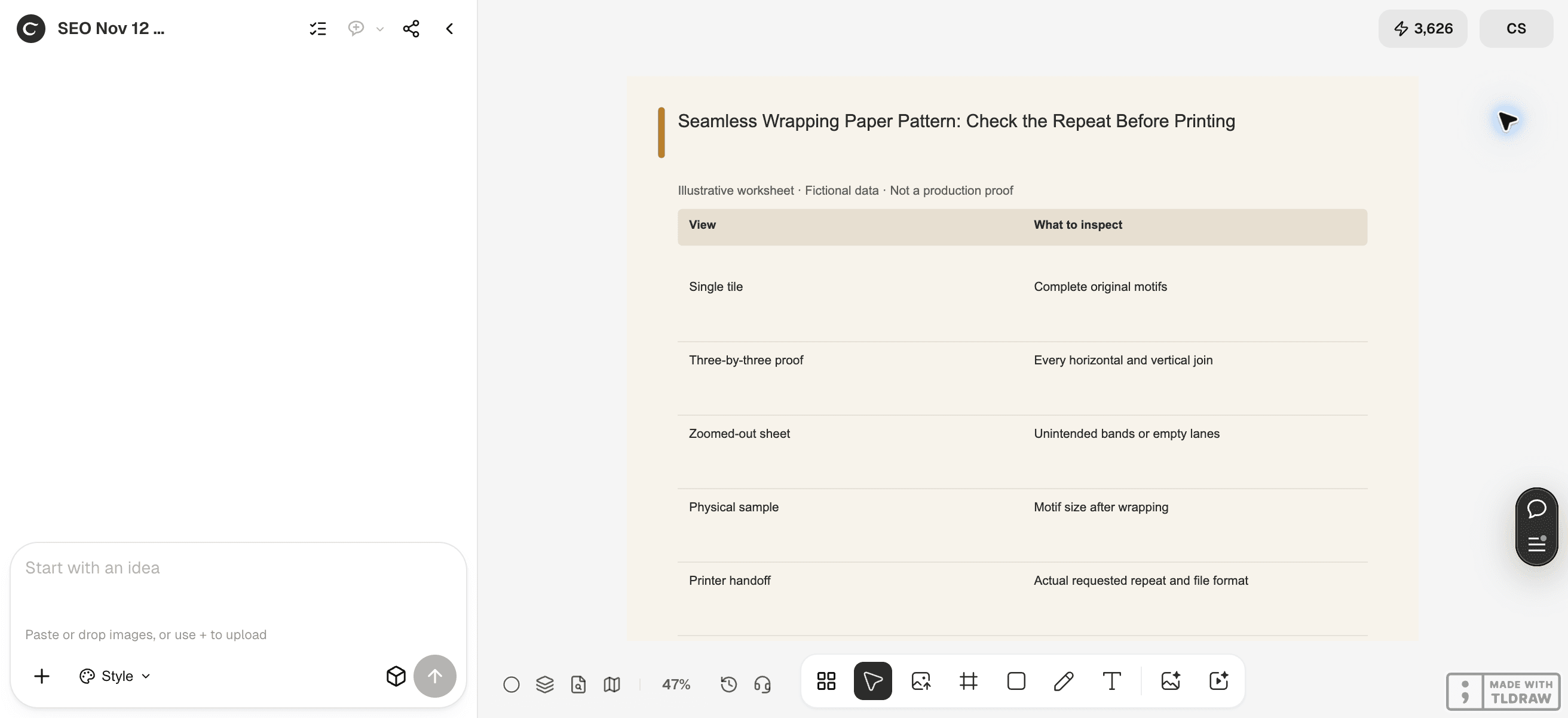
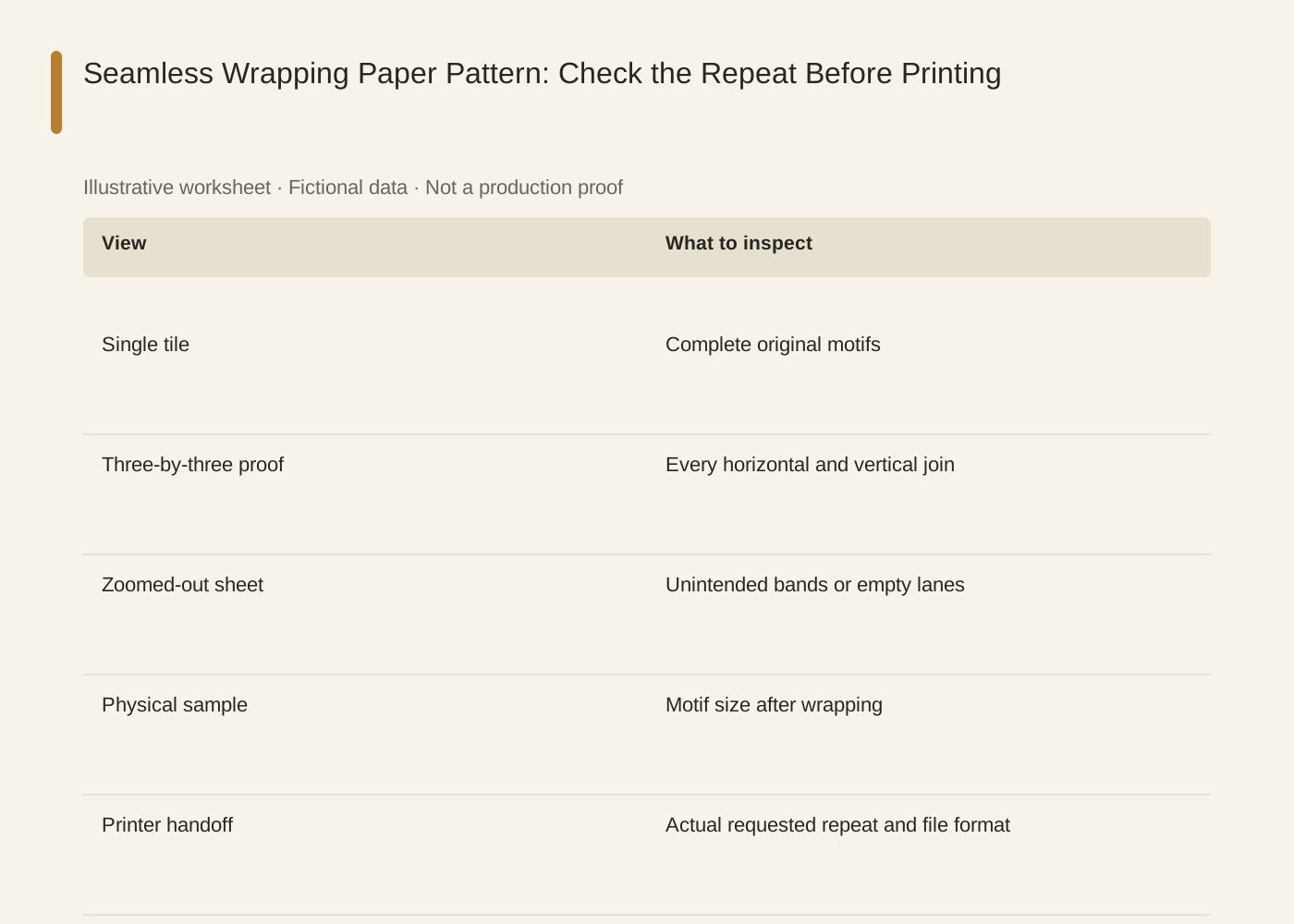
The linked SVG is an illustrative worksheet containing the same fictional review fields. It is separate from native editable canvas text and from a finished production design.
| View | What to inspect |
|---|---|
| Single tile | Complete original motifs |
| Three-by-three proof | Every horizontal and vertical join |
| Zoomed-out sheet | Unintended bands or empty lanes |
| Physical sample | Motif size after wrapping |
| Printer handoff | Actual requested repeat and file format |
Common mistakes and how to recover
Fix seams in the source tile, not just in a large preview. Otherwise the supplied tile still contains the defect.
Do not assume a straight repeat can be sent unchanged to a workflow requiring a half-drop repeat. Confirm the actual production method.
Choose a working method and make the handoff
For a solo shop, start with one item and keep the source facts beside the draft. A team should name one approver and keep a dated version so an old comment cannot silently override the current decision. If the input is incomplete, return to the owner of that fact before polishing the artwork.
Use Ciyo for the visual work described here with the controls and models currently offered in your account. Keep the approved copy separately and add exact wording with editable canvas text where needed. A generated picture is a visual draft; inspect its exported file before using it.
Sources and further reading
Primary documentation and related guides used for this article. Availability and controls can vary by account; verify them before beginning your own run.
Frequently asked questions
Does a seamless prompt guarantee no seam?
No. Inspect the repeated output. Prompt wording is a request rather than evidence that edges match.
Can I use this for fabric too?
The visual repeat checks can help, but fabric production has its own vendor specifications and sampling requirements.
Should I send only the tiled image?
Ask the vendor. A preview helps explain intent, but production may require the source repeat tile or an editable file.
Prepare one visual draft in Ciyo
Bring the approved inputs and review one version against the checks in this guide before making more variants.