Product photography
Build a curved paper backdrop for a white product photograph
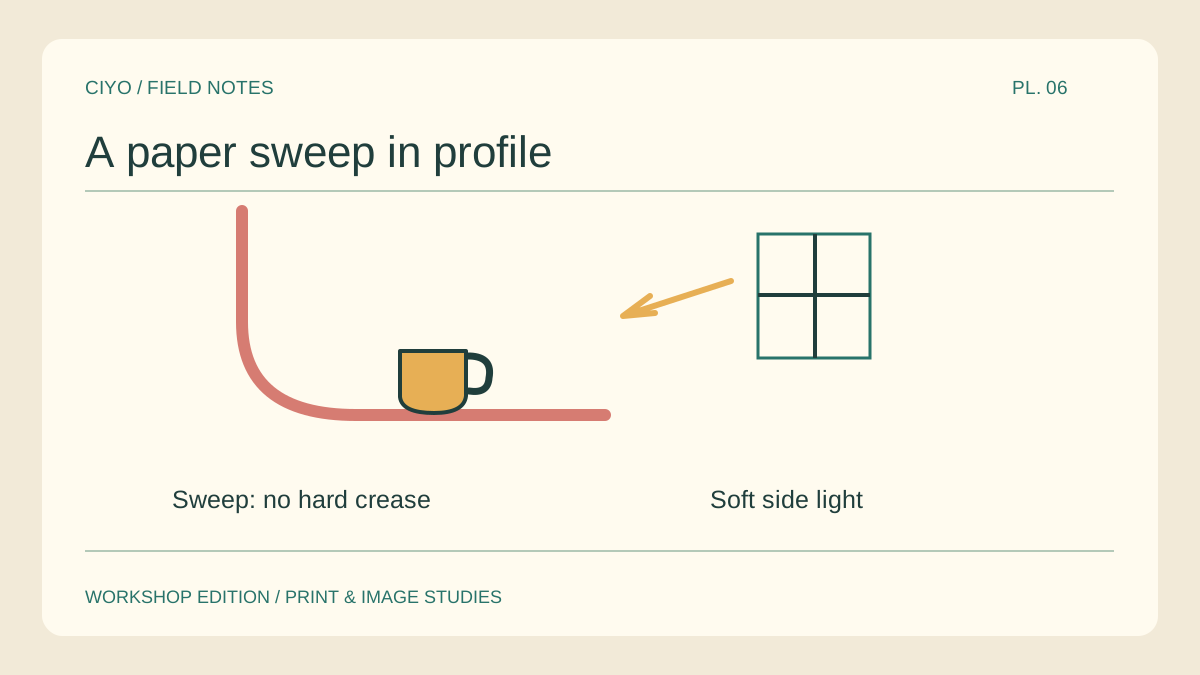
A folded sheet can leave a dark horizon cutting through a small product. A continuous curve removes that hard line. Try the setup with an empty cup before placing something fragile on the sweep.
Support the rear edge
Clip the top of a matte sheet to a stable vertical support. Let the lower section extend onto the table beneath the cup. Give the paper enough length to form a broad curve under its own weight.
Move the cup forward
Look through the camera at label height. Move the cup toward the camera until the curve sits well behind it. Keep extra paper visible on both sides so you can adjust the crop without exposing the table edge.
Inspect the empty background
Remove the cup and take a frame using the same exposure. A dark diagonal in the empty shot points to a shadow from a clip, stand or nearby object. Move that object before changing anything about the cup.
Keep white edges readable
Return the cup and inspect its lightest rim. If it vanishes against the paper, place a narrow dark card outside the crop to give the edge a reflection. Compare the rim and the background separately before raising exposure.
Check the base contact
Look for a small shadow touching the foot of the cup. A gap between the shadow and the object can make the product appear suspended. Adjust the light or the paper under the base, then take another frame.
Store the working dimensions
Record the height of the clip and the distance between cup and curve. Roll the sweep loosely for the next shoot. If you need a transparent version of the finished packshot, make that cutout from a duplicate.
Finish a listing cutout
If you also need an isolated version of the product, remove the background from a copy of the finished photograph.