Printable learning materials
Worksheet Maker Workflow: Plan Space for Every Answer

A worksheet can contain every question and still fail at its practical job if the learner has nowhere to answer. Start with the response you expect: a short label, a written explanation and a drawing need different amounts and shapes of space.
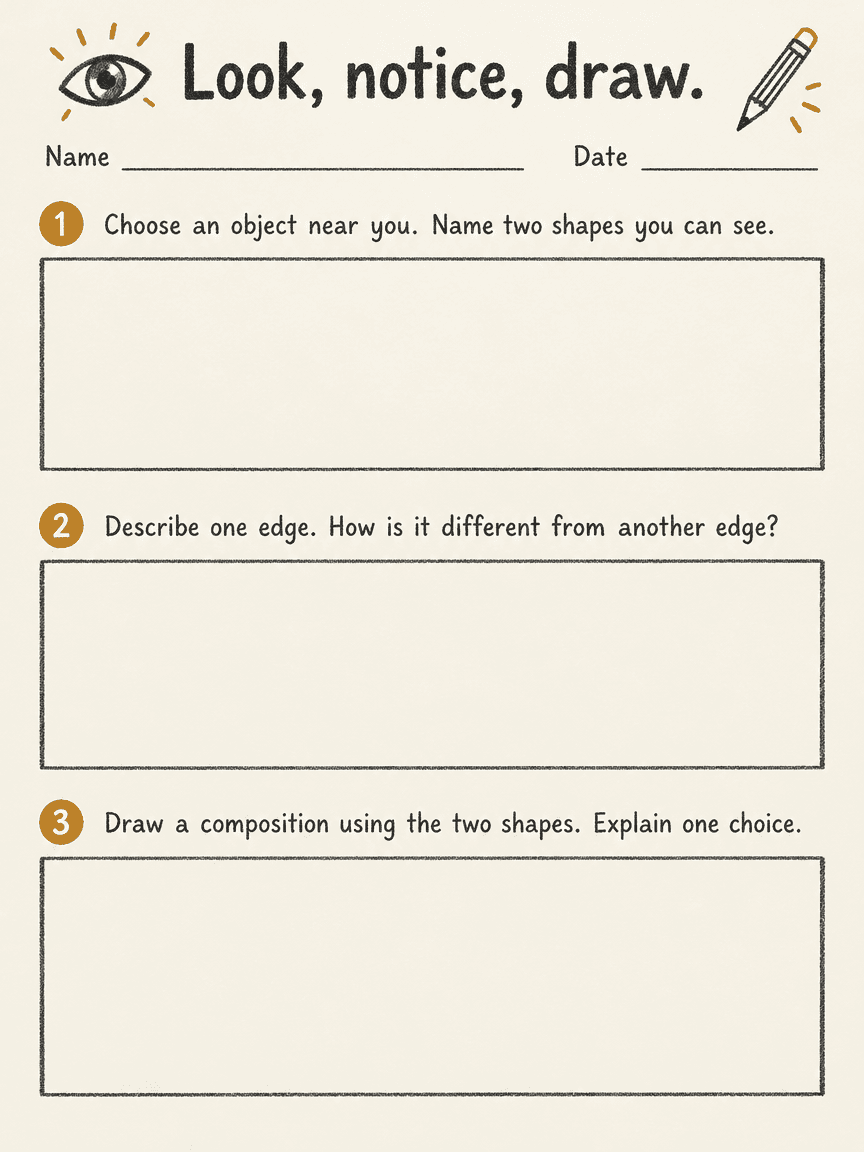
We generated an original three-question art-observation worksheet in a signed-in Ciyo development workspace on November 22, 2026. The downloaded PNG contains the requested questions, name and date lines and three empty answer boxes. The printable HTML, PDF and facilitator notes below are separate editorial companions with slightly expanded wording. The activity has not been classroom-tested, aligned to a curriculum or assessed for learning gains.
Quick answer: a source you can check, then a visual proof
Write the questions first, decide what each response should look like and reserve enough room before adding decoration. Request a flat image proof, check the actual questions and boxes, then keep the final worksheet as editable text and a reviewed printable file.
Follow five steps: define the task, prepare the source, request a visual proof, inspect the actual output and prepare a separately reviewed working file.
1. Choose one observation activity
Our activity asks a learner to notice two shapes in an object, describe an edge and draw a composition using those shapes. These are related tasks with a clear progression from observation to description to making. They do not require a purchased art kit or an invented standard of achievement.
Canva's worksheet page offers examples of common worksheet layouts. Use such examples to consider hierarchy and response areas, while keeping the questions original and appropriate to your learners. A teacher should adapt vocabulary, materials and support to the actual group rather than infer suitability from a polished page.
2. Match the space to the requested response
A name and date need short lines. The first question can use a written response; the second needs room for a comparison; the third needs a drawing area and an explanation. If all three are squeezed into the same tiny row, the layout contradicts the instructions.
The companion gives each question a generous empty box. Its facilitator CSV contains possible responses and discussion prompts, not a rigid answer key. Two learners can observe different shapes and both have reasonable answers. Do not mark a personal observation wrong because it differs from the sample wording.
| Question | Expected response | Space to protect |
|---|---|---|
| Notice two shapes | Names or a brief description | A short written response |
| Compare edges | One descriptive comparison | Several lines or a response box |
| Draw and explain | A drawing plus a reason | An open area with room for a note |
3. Brief the image around questions and empty space
Open a separate Ciyo project and request a flat portrait worksheet titled Look, notice, draw. Supply all three questions and say that the answer boxes should remain empty. Specify name and date lines, clear numbering and restrained decoration rather than a photograph of a finished classroom handout. For the run shown, we used Image Generator with GPT Image 2.5 Flare, portrait 3:4, 1K and one image. Check the displayed credit quote before starting your own run.
The prompt below is the demonstration input. Treat the image as a layout proof. It does not establish that the question text is editable, that the page will print at a particular size or that the task meets a curriculum requirement. Keep the original questions in a separate text source for corrections.
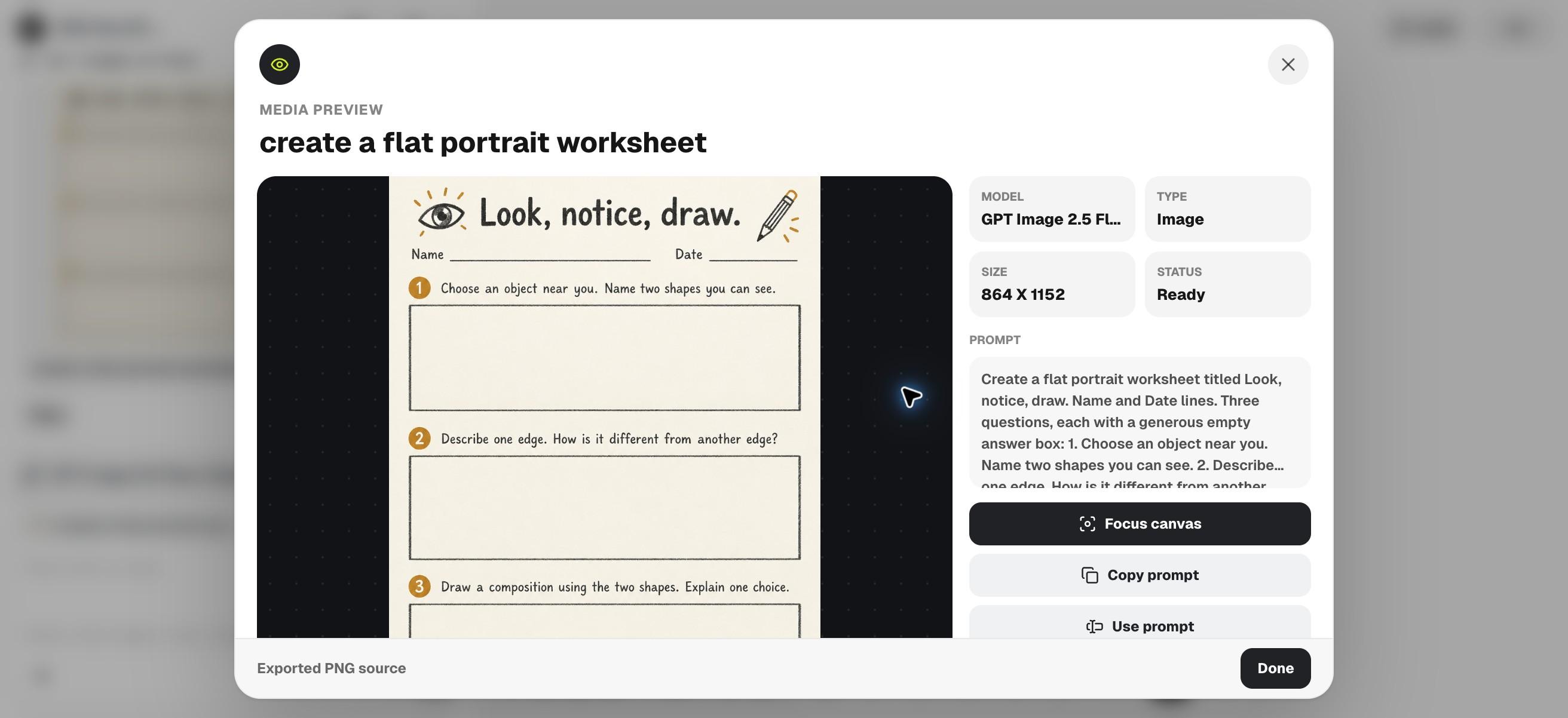
Create a flat portrait worksheet titled Look, notice, draw. Name and Date lines. Three questions, each with a generous empty answer box: 1. Choose an object near you. Name two shapes you can see. 2. Describe one edge. How is it different from another edge? 3. Draw a composition using the two shapes. Explain one choice. Ivory paper, charcoal type, small amber accents. No answers, extra questions or curriculum claims. Image proof only.4. Check the output as a learner would use it
Download the source image and read every question in order. Count the questions and boxes. Check whether the last instruction fits and whether decoration uses the area meant for answers. Reject a result that inserts sample answers or replaces an open task with a different exercise.
Our downloaded PNG has exactly three numbered questions and three large empty response boxes. The title, name and date lines are visible, and the model did not insert answers. The result supports this particular visual check; it does not establish that a learner can read or complete a printed copy at your chosen size.
5. Prepare the working sheet and facilitator notes
Use the separate English HTML and PDF downloads for a text-based working sheet. The facilitator notes CSV provides one possible response and a review prompt for each question. Read it as a conversation aid, not a scoring rubric or an answer key with exclusive correct responses.
Print a proof on the paper and settings you intend to use. Try writing and drawing in the boxes before making a class set. For an individual learner, adapt the task and response method to their needs. For repeated classes, retain the editable source and the date of the version distributed.
Choose the workflow and review the final file
Choose a document or worksheet editor when you need frequent question edits and exact pagination. Use a Ciyo proof to explore visual hierarchy once the activity is settled. Test the real print rather than judging usable writing space solely from a screen preview.
Download the English working files
These English companions are separately assembled editorial files. They preserve the source information or blank fields described above; they are not exports from Ciyo's image-generation step. Review and adapt them before use.
Practical questions
Is this a curriculum-aligned worksheet?
No curriculum alignment or classroom outcome was evaluated. Adapt and review it for your own learners.
Are the facilitator notes an answer key?
No. They give possible responses and discussion prompts for an open-response activity.
Can I change the questions?
Yes. Edit the separate HTML source and review the exported or printed version again after changes.
Design around the learner's response
Write three clear questions, protect the answer space and explore a worksheet proof in Ciyo before reviewing a separate printable source.