Reusable illustration · Tutorial
AI Clipart: Make a Coordinated Set You Can Reuse
A clipart set is useful when its pieces can move into a signup card, a handout and the next project without looking unrelated. A single attractive sheet is not yet a pack of reusable files.
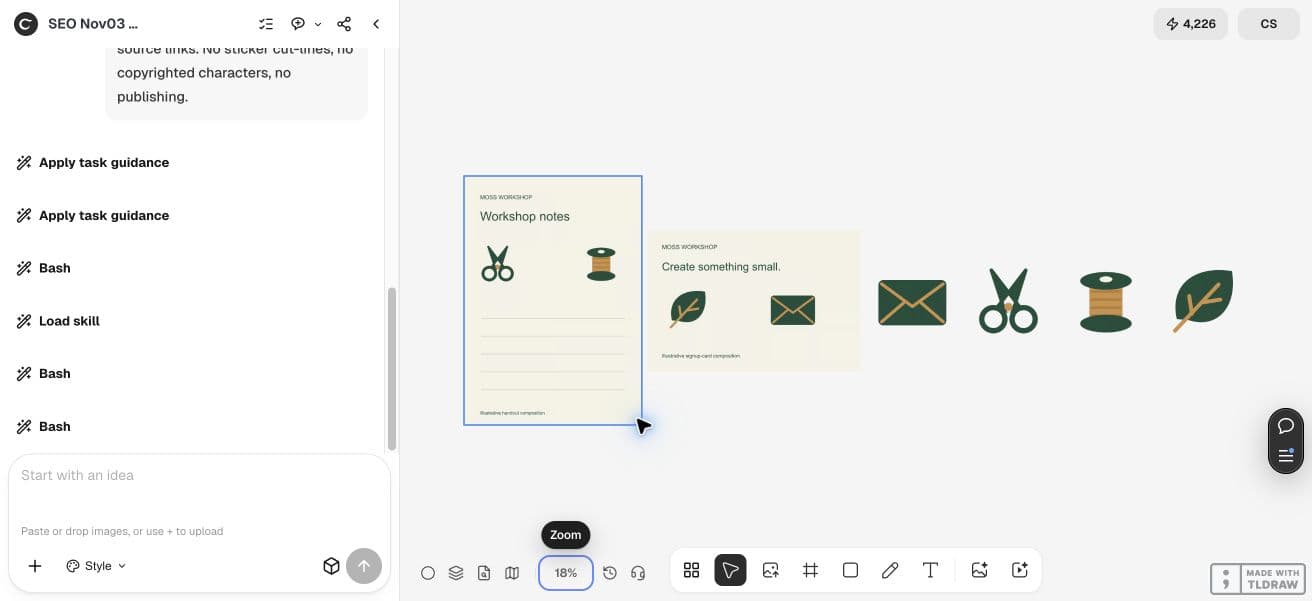
The Ciyo request stalled without saved files, so we stopped it. The downloadable SVGs and transparent PNG previews supplied here are new editorial assets created outside Ciyo. We imported all six previews into the real canvas for review. This demonstrates file import and reuse, not successful agent generation or native editable Text layers.
Quick answer: define one style, deliver four separate files
Choose the objects, palette, viewpoint and visual weight before drawing. Keep each item in its own source and export. Check real PNG transparency, unclipped edges and comparable visible scale, then reuse the pieces on two surfaces.
For simple flat clipart, editable SVG sources can be a good fit. For a textured painted style, raster generation may suit the brief better, but a flat appearance alone does not make an image vector artwork. Choose the route for the drawing style you need.
1. Give the set a shared drawing rule
Moss Workshop uses deep forest green, one warm amber accent and rounded shapes. The four objects are different, but their outlines, detail level and viewpoint should feel related. Make the smallest intended placement part of the brief.
Avoid adding a new decorative treatment to every object. A heavy shaded spool next to a thin outline envelope may feel mismatched even when both use green. Compare silhouette and visual weight before spending time on little details.
| Object | Recognition cue | Consistency check |
|---|---|---|
| Leaf | Simple stem and rounded blade | No finer detail than the other pieces |
| Spool | Thread and a clear central body | Amber stays an accent |
| Scissors | Recognizable handles and blades | Rounded shape language |
| Envelope | Folded flap | Comparable visible size |
2. Ask for portable sources and exports
Our working specification is one 512×512 transparent PNG per object, with an editable SVG source where possible. Equal canvas dimensions make handling easier, but they do not guarantee equal visible size. A tiny leaf centered in a large transparent square still needs adjustment.
Tell the agent how the pieces will be reused. A signup card and a printed handout expose different weaknesses: small-screen legibility on one, fine-line and physical-size limits on the other.
To repeat the import, download the English PNG previews below, open your own Ciyo project, choose Upload in the canvas toolbar, then Upload Image and select the files. Arrange the imported images for review. Edit wording in the separate SVG source outside Ciyo and render a new PNG before replacing an image; importing a PNG does not create native text layers.
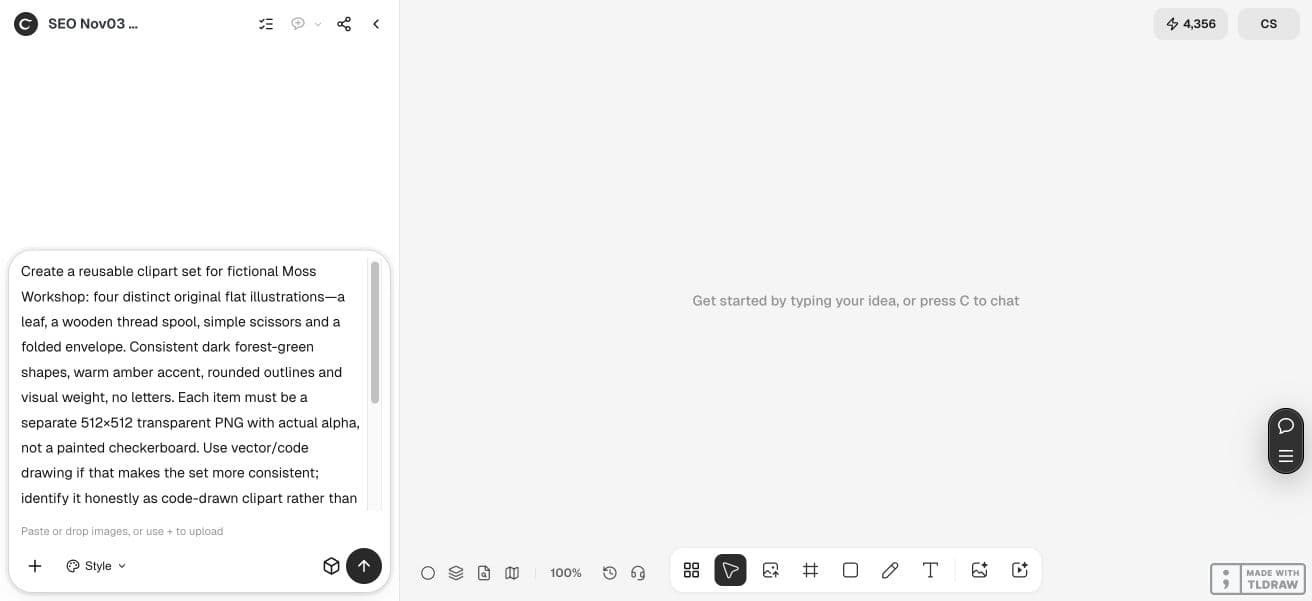
Create four original Moss Workshop clipart objects: leaf, wooden thread spool, simple scissors and folded envelope. Consistent forest-green shapes, warm amber accent, rounded outlines and visual weight. Each object: separate 512×512 PNG with actual alpha and an editable SVG source. Use code drawing for this simple flat set and identify that method. No letters, sticker cut lines or copyrighted characters. Show reuse on a signup card and handout. Inspect clipping, alpha and visible scale. Provide separate files, not only a contact sheet. Do not publish.3. Inspect actual transparency
A checkerboard painted into the pixels is not transparency. Open the downloaded PNG over a light surface, dark surface and the intended background. A real alpha channel lets those backgrounds show through the empty area.
Inspect around handles, blade gaps and the envelope corners. Background-removal leftovers can make a simple drawing look dirty at a small size. If you have a clean vector source, render a fresh transparent export rather than repeatedly removing a background from an already damaged file.
4. Match visual scale and preserve the whole object
Compare the four exports at the same placement size. Judge the visible artwork, not only the file dimensions. Keep a deliberate margin so a handle or stem does not touch the export edge.
Shrink each item to the actual card or handout size. Simplify a detail that disappears; enlarging a low-resolution file does not restore it. A vector source helps with scaling, but fonts, stroke behavior and the export still need checking.
5. Reuse the approved set on two surfaces
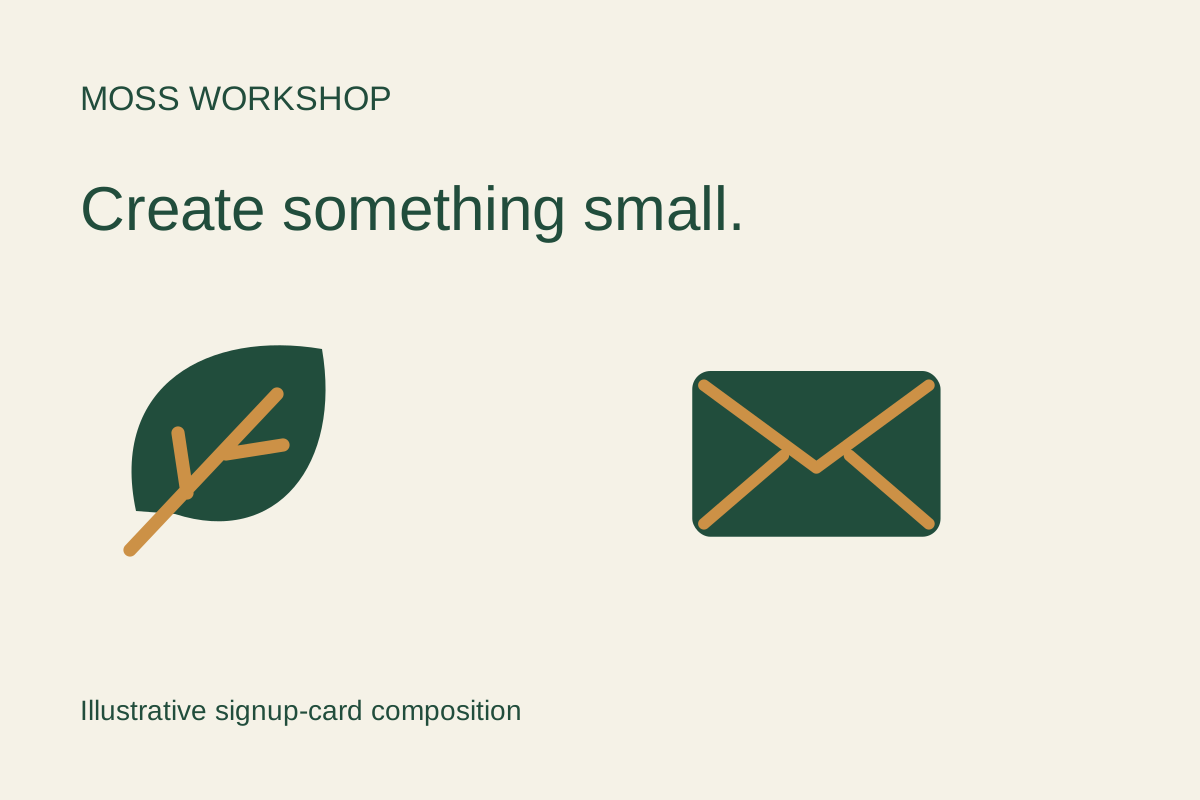
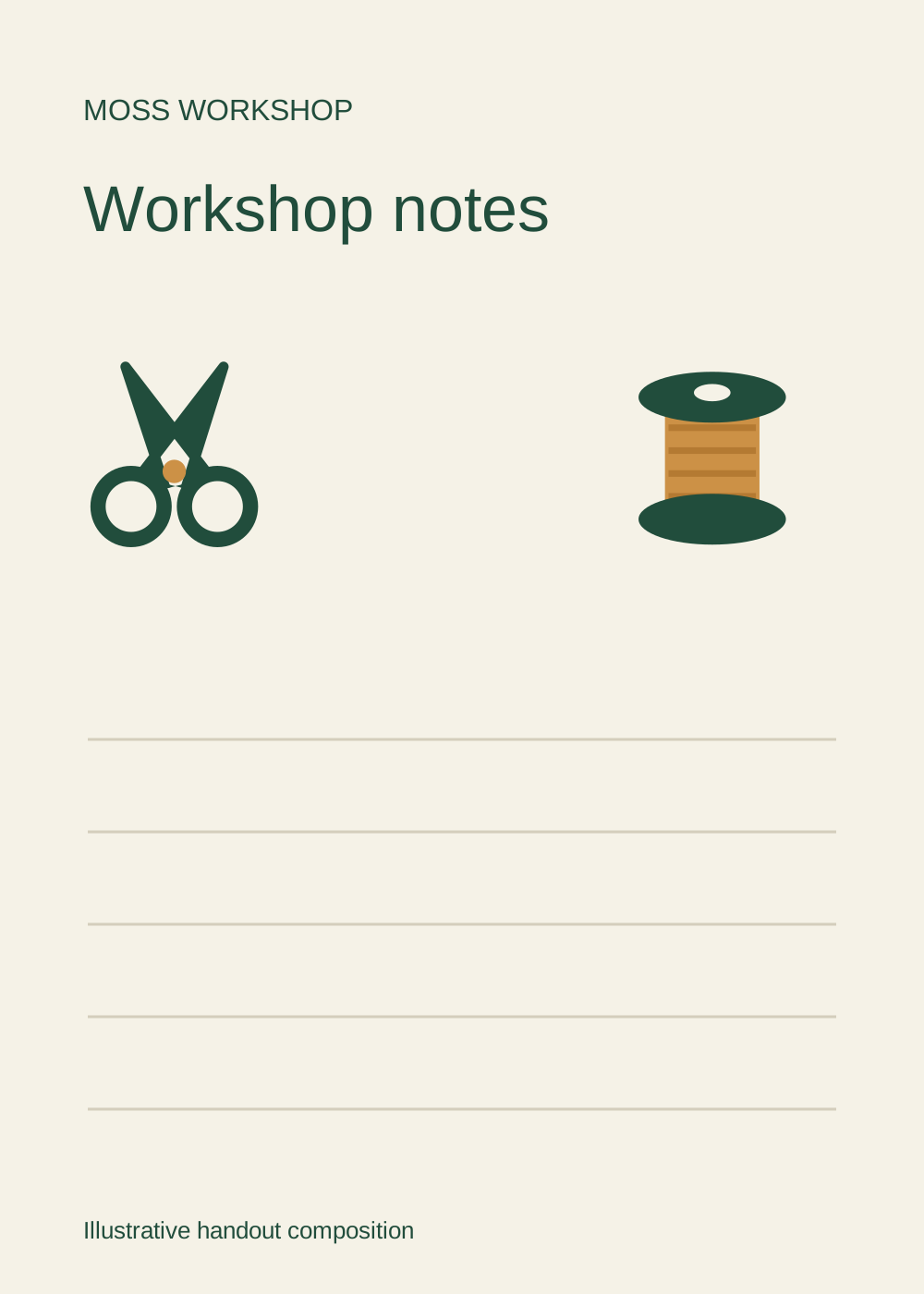
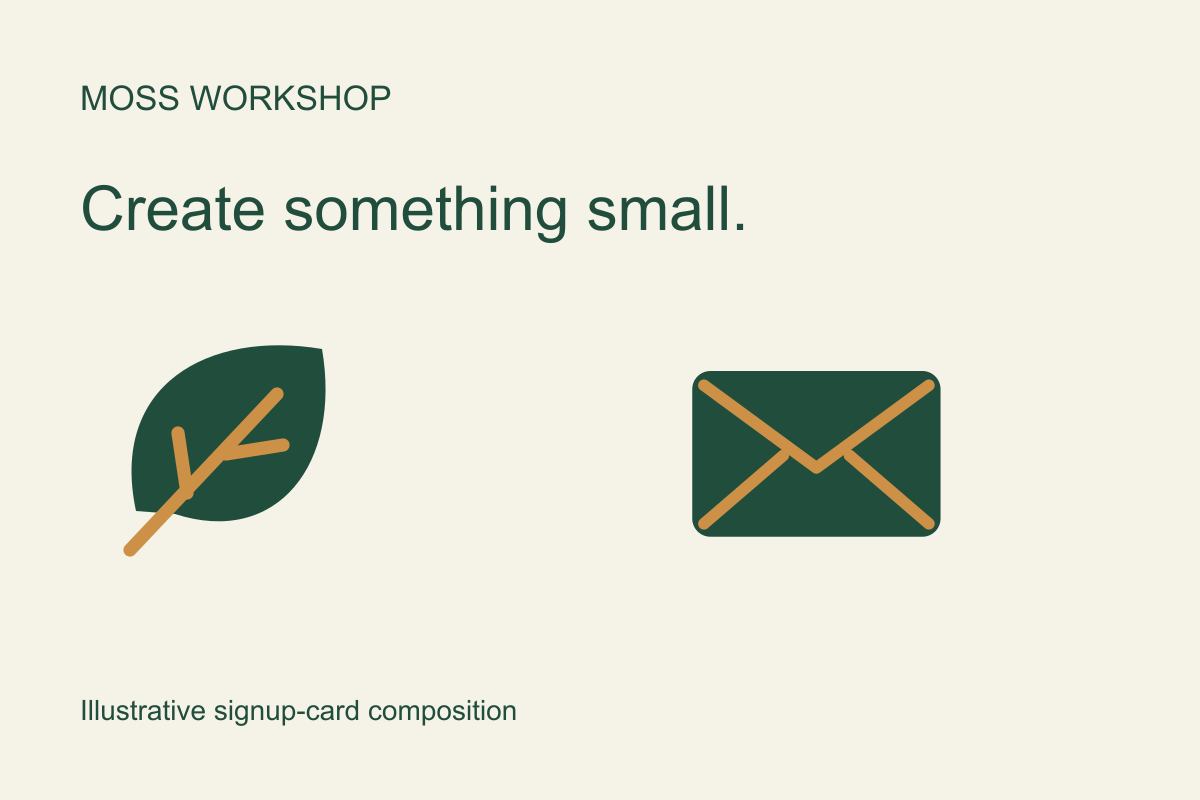
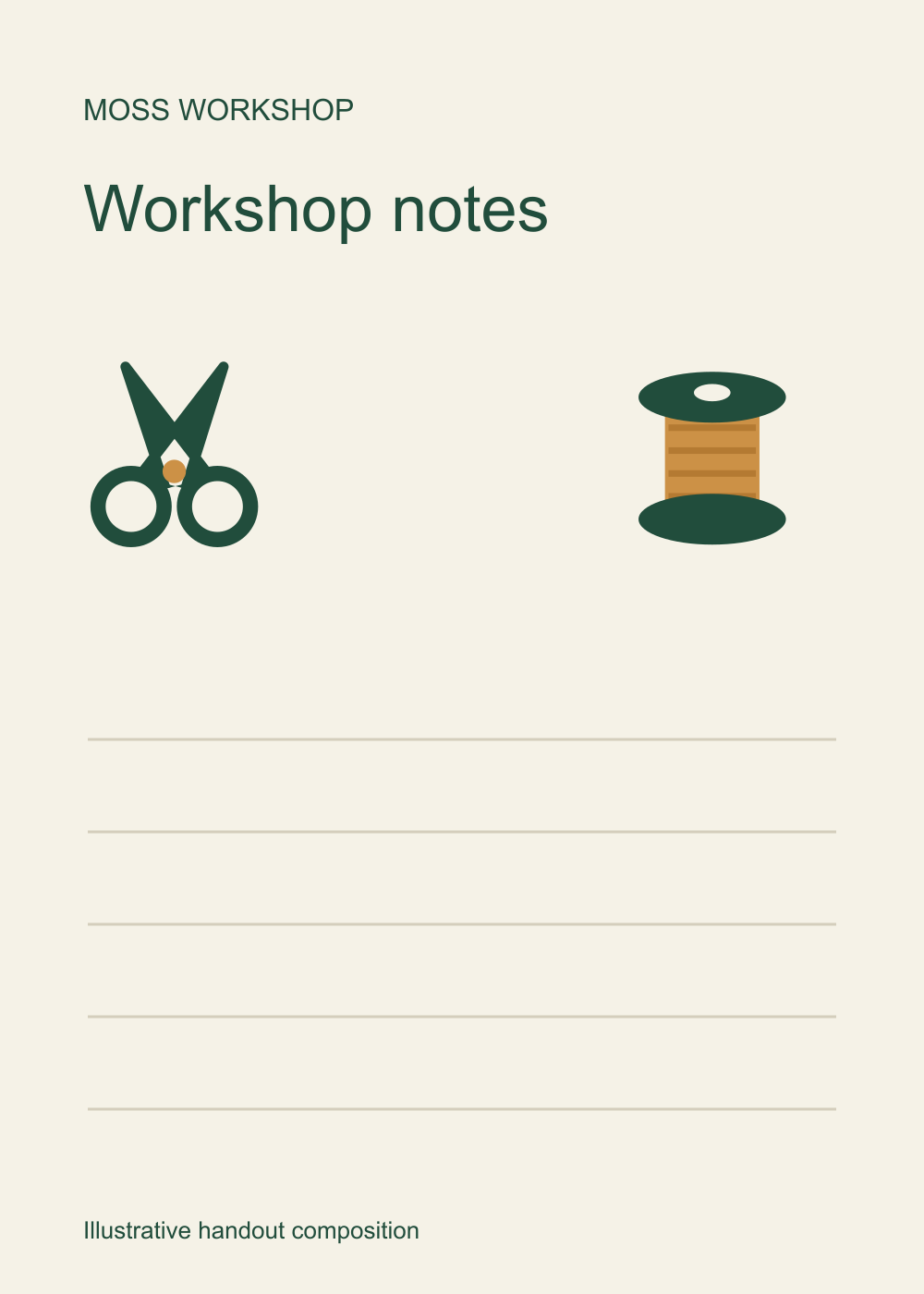
Place the same leaf and envelope into a signup card and the same spool and scissors into a handout. Keep the drawing rules unchanged and adapt the surrounding layout. This tests whether you have a reusable family instead of a one-off illustration sheet.
For a solo creator, start with four useful objects and preserve the sources. For a team, store the palette and drawing rules with the pack. Check rights and any destination marketplace rules separately; original-looking artwork is not a legal clearance or a stock-site acceptance guarantee.




- Use Ciyo’s image generator for a raster approach
- Understand the different sticker-production task
- Keep presentation illustrations consistent
- Download English editorial source: leaf.svg
- Download English editorial source: spool.svg
- Download English editorial source: scissors.svg
- Download English editorial source: envelope.svg
- Download English editorial source: signup-card.svg
- Download English editorial source: handout.svg
- Download English PNG preview: leaf.png
- Download English PNG preview: spool.png
- Download English PNG preview: scissors.png
- Download English PNG preview: envelope.png
- Download English PNG preview: signup-card.png
- Download English PNG preview: handout.png




Practical questions
Is every flat AI image an SVG?
No. Flat-looking raster artwork remains raster. Our example explicitly asks for code-drawn SVG sources and separate PNG exports.
Does a checkerboard prove transparency?
No. Inspect the downloaded file’s alpha and place it over contrasting backgrounds. A painted checkerboard will remain visible.
Why not deliver one sheet with all four objects?
A sheet is useful for review, but separate files are easier to reuse without cutting objects out or damaging their edges.
Is this the same as making stickers?
No. This guide concerns reusable illustrations. It does not specify cut lines, print bleed or die-cut sticker production.
Build a small pack with a clear use
Bring four useful objects and two intended placements. Ask for separate files and inspect the exports before expanding the set.