Practical product imagery
AI Flat Lay Clothing Photography: Keep the Garment Recognizable
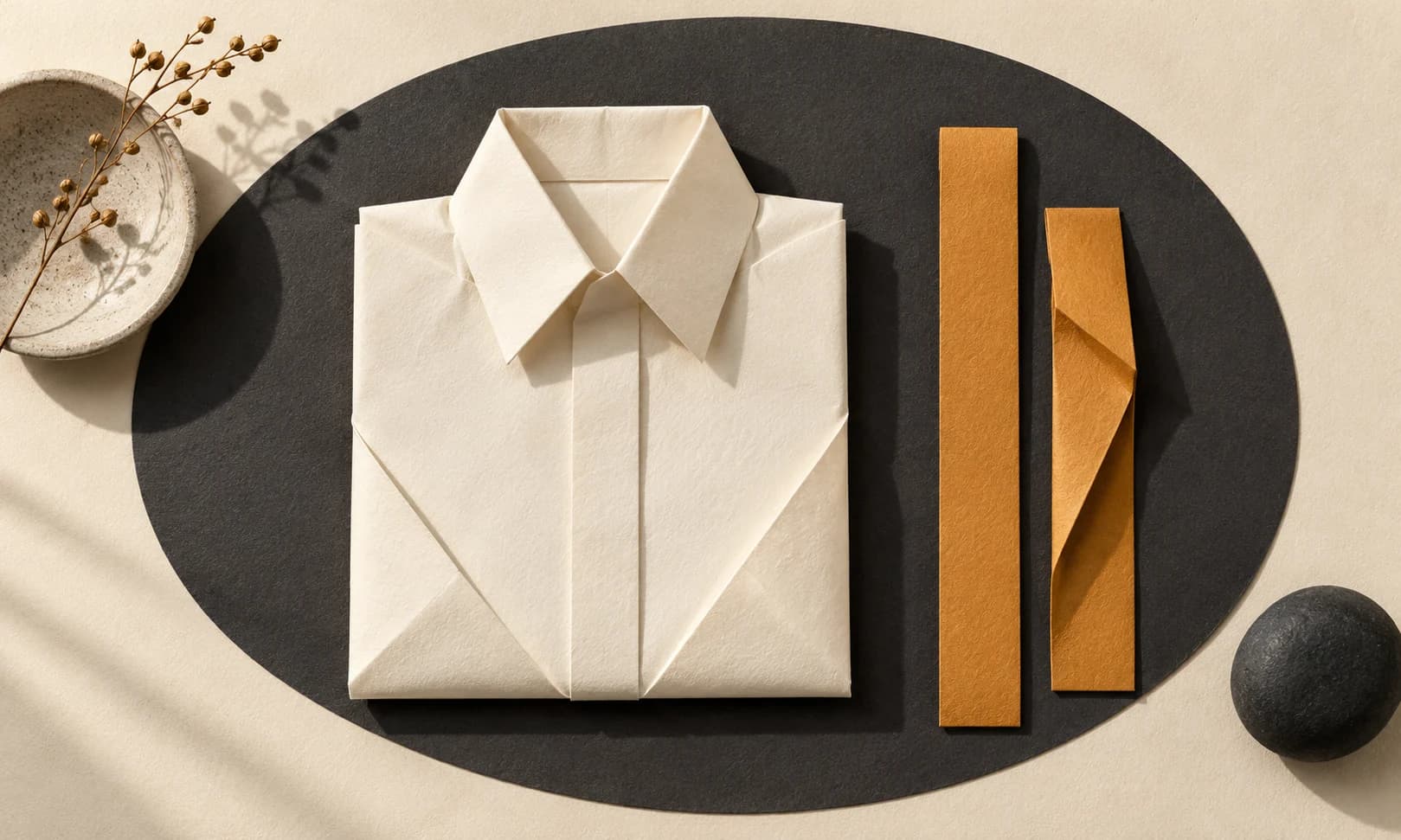
A top-down clothing image looks simple because the camera angle hides the setup. Converting a hanging or worn garment into that view asks an image model to infer folds, proportions and surfaces that the source may not show.
Photoroom documents a dedicated Flat Lay workflow. This guide uses a constrained reference-image request in Ciyo and treats the result as a candidate concept until it has been compared with the actual garment. Ciyo does not need a dedicated Flat Lay preset for the editing request, and no such preset is claimed here.
The useful outcome is an overhead presentation that preserves recognizable product details, with a clear decision to reshoot when the source cannot support the view.
Quick process: define the view before generating the scene
Choose the garment and the intended overhead layout, supply the most informative source, request one candidate and compare its construction with the original. Keep styling props optional and separate from the item being sold.
For a real listing, an actual flat-lay photograph remains the clearest reference for the garment’s laid-out shape. AI can propose a presentation; it cannot reveal hidden construction merely by changing the camera angle.
| Decision | Specify | Why it matters |
|---|---|---|
| Subject | Exact garment and variant | Prevents substitution |
| View | Top-down and complete silhouette | Defines the presentation |
| Evidence | Visible construction and missing areas | Shows what the source can support |
| Styling | Background and allowed props | Limits invented accessories |
| Acceptance | Print, seams and proportions | Turns a concept into a reviewable candidate |
1. Choose the most informative garment reference
Use an authorized original with visible neckline, sleeves, hem and print. A heavily folded or cropped source leaves more to invent. Add an actual second view when it explains a hidden feature, not simply because another image is available.
For a fictional linen-shop exercise, use one simple shirt with a clear button placket and no branding. Label the source as illustrative if it is generated. That example can show the workflow but cannot establish accuracy for a manufactured item.
For a seller with the garment nearby, take a quick overhead photo before spending on repeated transformations. A real source can make the review more decisive even when you later change the background.
2. Specify a complete overhead composition
Place the source in a clean Ciyo project and keep an untouched copy. Describe the camera as directly above the laid-out garment, with the entire silhouette inside the frame. Avoid a list of incompatible style requests.
Choose a simple background first. Props can make a concept attractive, but they can also hide a hem, distort apparent scale or look like included accessories. Establish the garment presentation before adding them.
Using the attached [garment and variant] photo as the reference, create one top-down flat-lay concept on [simple surface]. Show the complete neckline, sleeves and hem with clear space around the garment. Preserve button count, seam placement, print, color and recognizable proportions. No person, hanger, added accessories, invented labels or altered garment design. Treat hidden construction as uncertain and identify any source limitation.3. Generate one candidate with a fixed model choice
Use an image model available in Ciyo and check the Generation quote. If you need to compare outcomes, hold the source, wording and supported settings constant and record the selected model.
The first result answers whether this source can support the requested view. It is not a template for a whole catalog until its details have been inspected. A successful generation response alone says nothing about whether a sleeve or fastening remained accurate.
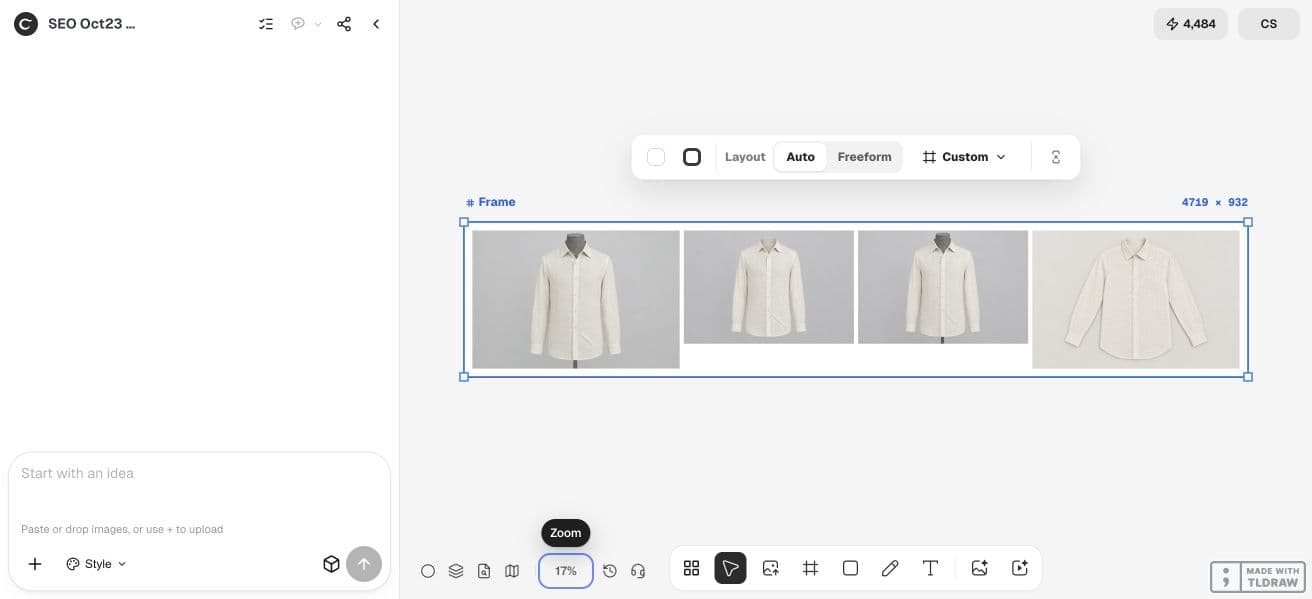
4. Check pose changes against product construction
Compare neckline width, sleeve length, placket placement and hem shape. Count fastenings and follow any printed motif through folds. A change in viewpoint should not turn a straight hem into a curved one or invent a pocket.
Check the cloth behavior too: a laid-out shirt can have natural folds, but it should not gain impossible symmetry or a flattened plastic texture. Keep the review tied to the actual garment rather than a generic idea of a well-styled shirt.
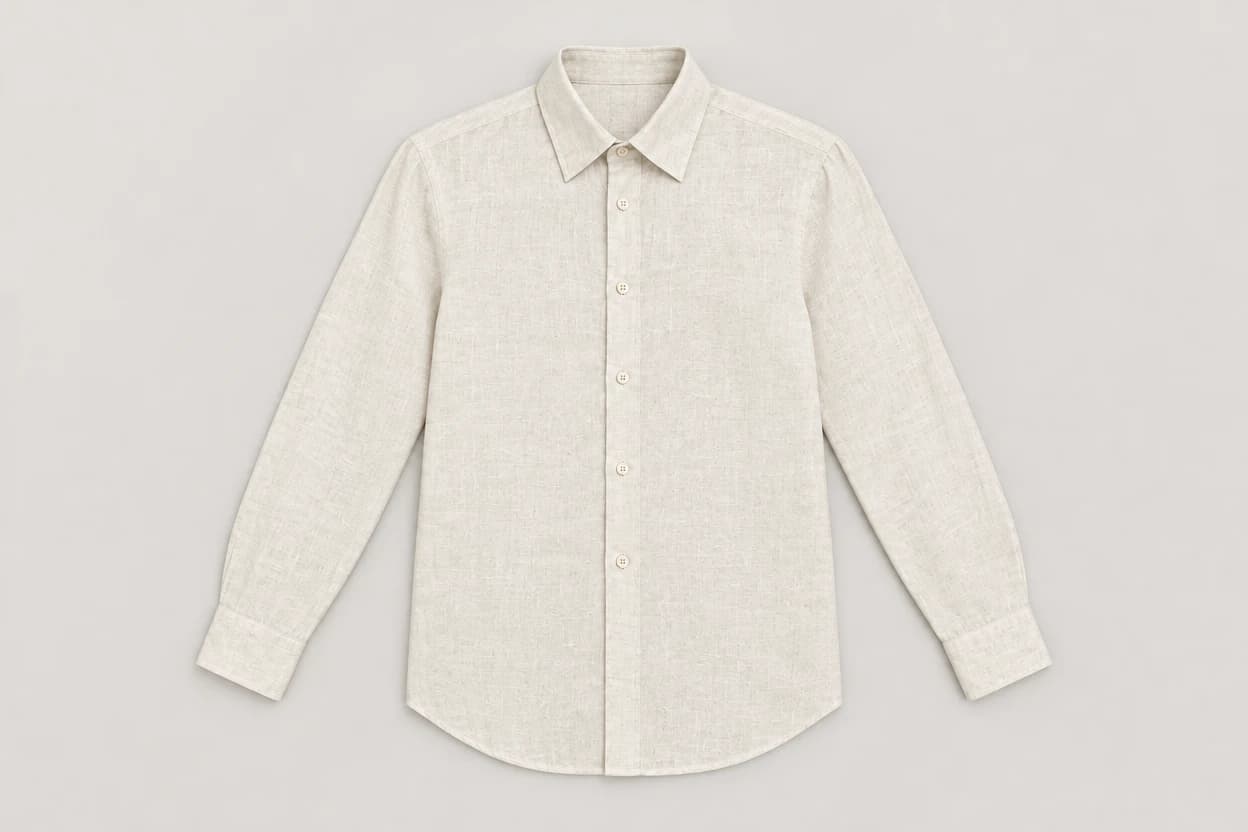
Our single October 23 candidate produced an overhead shirt concept with the sleeves, collar and curved hem in frame and six visible front buttons. It also inferred how the fabric lay on the surface. We treated that inferred drape as a concept to inspect, not evidence that a real garment would settle in the same shape.
| Area | Useful check | Failure to record |
|---|---|---|
| Outline | Compare sleeve and body proportions | Shortened sleeves or reshaped hem |
| Construction | Count buttons and inspect seams | Missing fastening or invented pocket |
| Pattern | Compare motifs and alignment | Rewritten print or repeated texture |
| Presentation | Keep the full item visible | Crop or prop obscures a defining feature |
5. Choose a concept, a revised request or a real photograph
If the candidate is faithful enough for its intended illustrative use, keep the original, prompt and approved result together. If you need a factual listing view and hidden areas remain uncertain, take an actual overhead photo or hand the task to a product photographer.
For an agency, ask the product owner to approve construction separately from styling. For a small seller, check one item thoroughly before applying the same idea to another colorway.
Inspect the final exported file at its destination size. Record rejected attempts when comparing task cost; neither a lower first quote nor a more attractive concept establishes a cheaper accepted deliverable.
Practical questions
Can I turn any clothing photo into an accurate flat lay?
You can request a concept, but accuracy depends on what the source reveals. A cropped or heavily occluded garment may need another real photograph.
Is a flat lay the same as ghost mannequin photography?
No. A flat lay presents clothing on a surface from above; a ghost mannequin image presents supported volume without the visible mannequin.
Can the model add matching accessories?
It can create a styling concept, but accessories must not be mistaken for included products. Establish the accurate garment view first.
Does Ciyo sync the result to my store?
This guide covers generating, reviewing and exporting an image. Store publication or catalog synchronization is a separate workflow.
Prepare one overhead concept with clear checks
Start with one permitted source image and a clear acceptance check. Keep the original beside the result and approve the complete export before using it.