Ciyo · Practical design
AI Greeting Card Generator: Design the Inside Message Too

A greeting card has more than a cover. The recipient’s name, the inside message and the space for a signature matter when the card is opened. A generated front image does not settle those details.
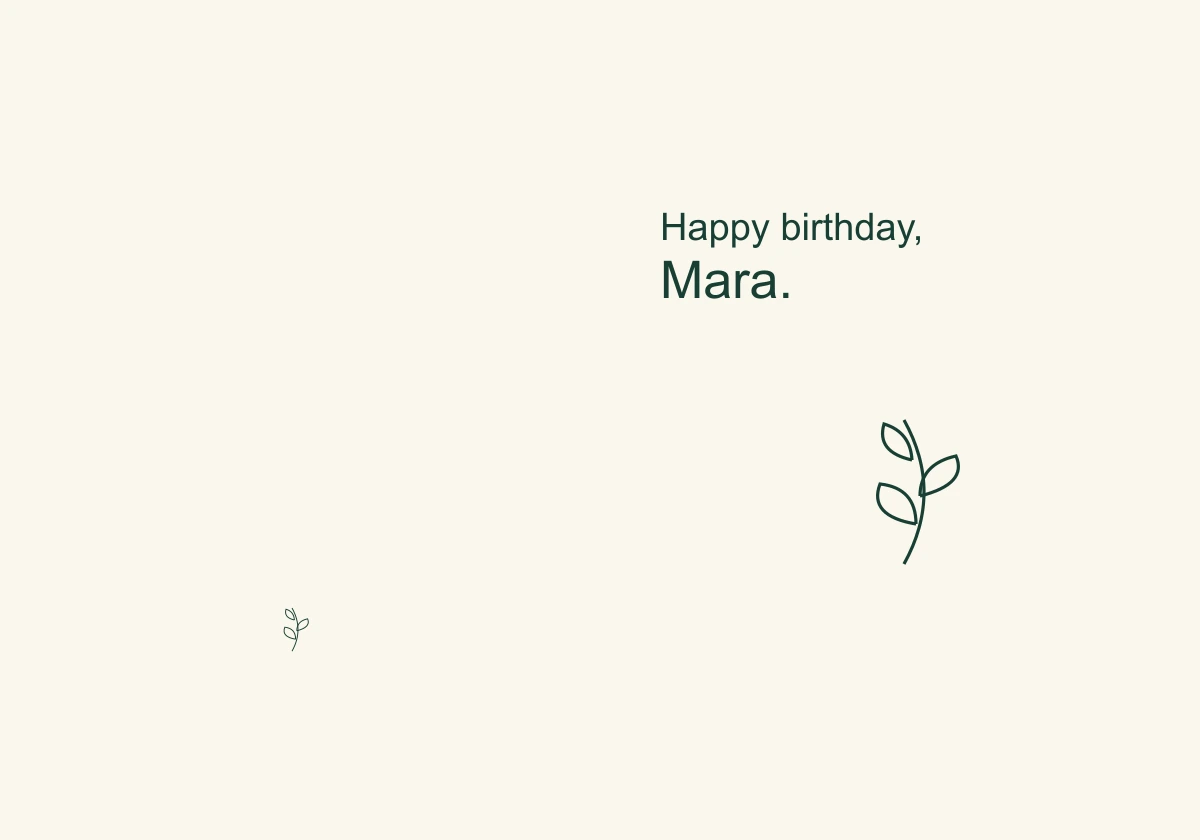
We used a fictional birthday card for Mara, signed by Nia, as a November 5 Ciyo development request. The example defines a 5 × 7 inch folded card with separate outside and inside layouts. It does not claim a physical print, envelope-fit test or successful printer handoff.
Quick answer: separate artwork, message and panel order
Use AI for an original cover direction, keep names and messages editable, and lay out the outside and inside as separate spreads. Fold an actual-size dummy before ordering. The recipient should not discover a reversed panel or missing sender when opening the card.
An illustrated greeting is different from a party invitation or a packaging insert. It needs a personal message and a clear opening sequence. Choose a template editor when fast, predictable printing matters more than developing an original visual direction.
1. Approve the personal copy first
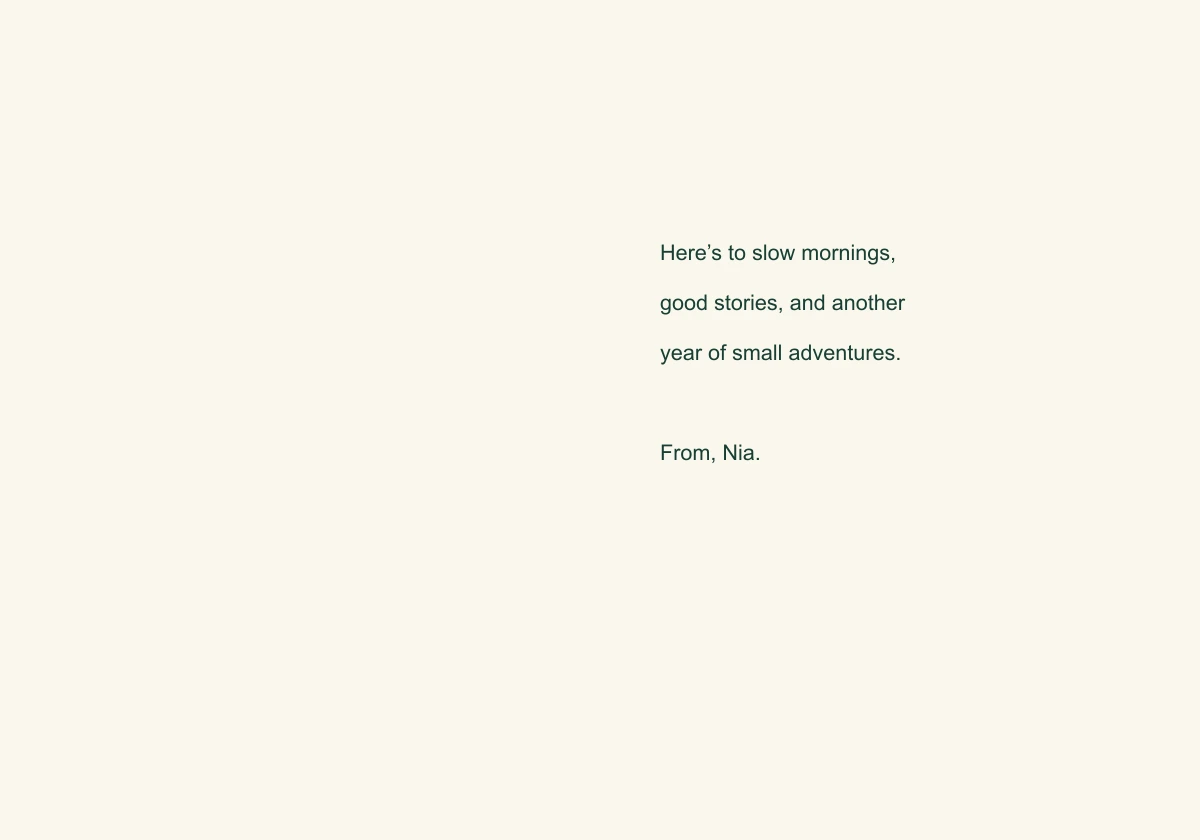
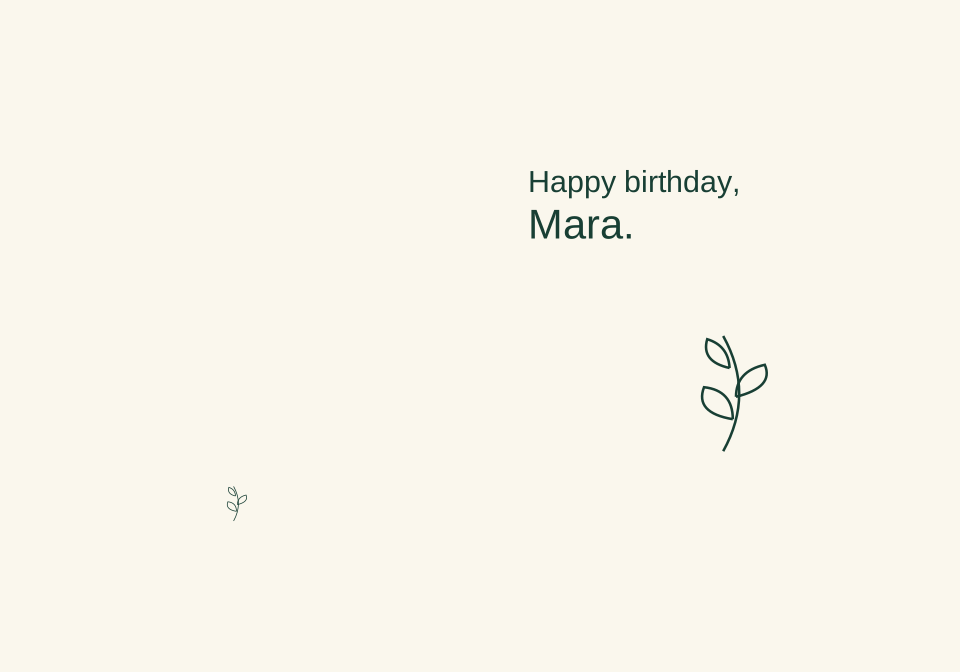
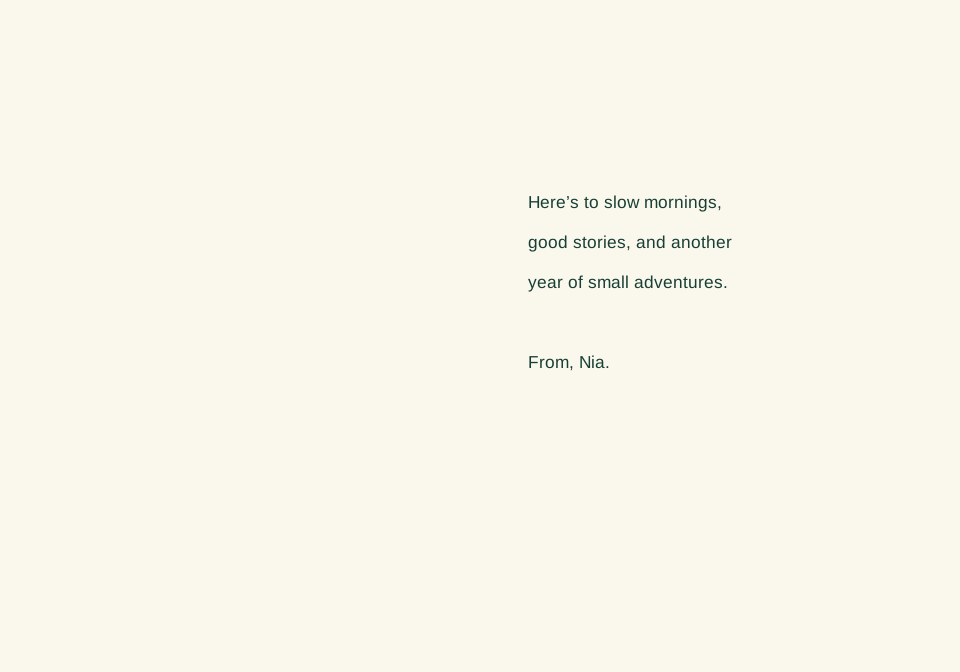
The front reads Happy birthday, Mara. The inside right reads Here’s to slow mornings, good stories, and another year of small adventures. From, Nia. The inside left stays blank for handwriting. These are fictional personal details, not a customer testimonial.
Check names, pronouns and the occasion before design. Decide whether the message is printed, handwritten or split between the two. Avoid using a generated likeness or licensed character unless you have an appropriate basis to use it.
| Surface | Panel | Approved content |
|---|---|---|
| Outside | Front | Happy birthday, Mara |
| Outside | Back | Small botanical mark only |
| Inside | Left | Blank handwriting area |
| Inside | Right | Approved message / From, Nia |
2. Request flat spreads instead of only a mockup
The outside flat spread is 10 × 7 inches for the example’s 5 × 7 inch folded card. The front and back occupy different halves; the inside needs its own spread. Ask Ciyo for the source layout and review PNGs, and state which panel carries each text block.
The development agent request returned a failure before a verified source handoff. That is a limit of this attempt, not proof that a rendered mockup would be editable. Keep the specification and inspect whatever file is actually returned before promising print-ready delivery.
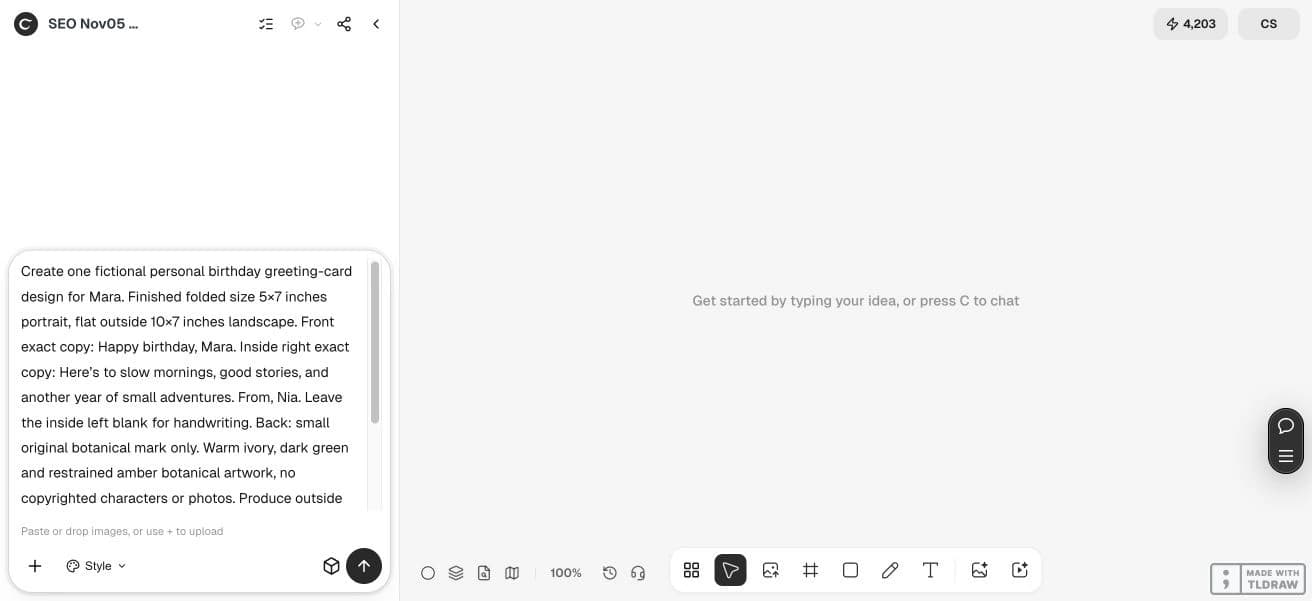
Create one fictional personal birthday greeting-card design for Mara. Finished folded size 5×7 inches portrait, flat outside 10×7 inches landscape. Front exact copy: Happy birthday, Mara. Inside right exact copy: Here’s to slow mornings, good stories, and another year of small adventures. From, Nia. Leave the inside left blank for handwriting. Back: small original botanical mark only. Warm ivory, dark green and restrained amber botanical artwork, no copyrighted characters or photos. Produce outside and inside source SVGs if supported and PNG proofs on the canvas. Show panel order, fold direction and a clearly labeled digital folded preview. Check recipient and sender names; do not claim a physical print or envelope test. Do not publish.3. Let the cover support the message
A restrained botanical illustration can give this card a personal tone without pushing the greeting into a crowded corner. Keep the recipient’s name clearly associated with the greeting. Look at the card at its finished size rather than only as a large screen image.
If the inside is mostly handwriting, keep the background light and unobtrusive. A visually rich digital message can use more of the interior, while a physical card must also work with the intended pen and paper finish.
4. Check the opening sequence
Use a disposable paper sheet labeled front, back, inside left and inside right. Fold it in the intended direction and compare it with the source spreads. This catches panel-order errors more reliably than mentally rotating a decorative mockup.
In a left-opening layout, the panel arrangement differs from a right-opening card. Localizing the article does not automatically change the English sample’s physical construction. If adapting the card itself for another reading direction, deliberately redesign and reproof the spreads.
5. Test the envelope and the saved file
Measure the final folded dummy and compare it with the selected envelope, allowing the supplier’s recommended clearance. A nominal 5 × 7 inch card does not establish that every envelope sold under a similar name will fit the chosen stock.
Open the saved file, verify both names and the complete message, then check fonts, image resolution and the printer’s bleed requirements. The digital example does not measure paper color, handwriting performance, folding accuracy or envelope fit; a physical proof remains the next step.
The linked greeting-card worksheet files are original editorial examples authored outside Ciyo, not product exports. Their sample copy is English. Open the SVG in a compatible editor to revise the text; fonts may substitute. These are digital reading proofs without a physical print test or printer approval.
Questions before you start
Is a greeting-card image enough to print a folded card?
Usually you also need the full outside and inside layout, correct dimensions, panel order and the printer’s file setup.
Can I change a name inside a generated image?
The letters are pixels. An editable text or source-layout file makes a name change easier to inspect and repeat.
Does translation reverse the sample card automatically?
No. The English sample keeps its original construction. Adapting the physical card for another opening direction needs an intentional new layout and proof.
What is the final check before ordering?
Print and fold a dummy, verify names and message, measure it and test it with the intended envelope and paper.
Start with one clear brief
Bring your approved facts and references to Ciyo. Inspect the saved result before using it in print or a campaign.