Ciyo workflow
AI Label Generator: Check a Flat Label Before Ordering
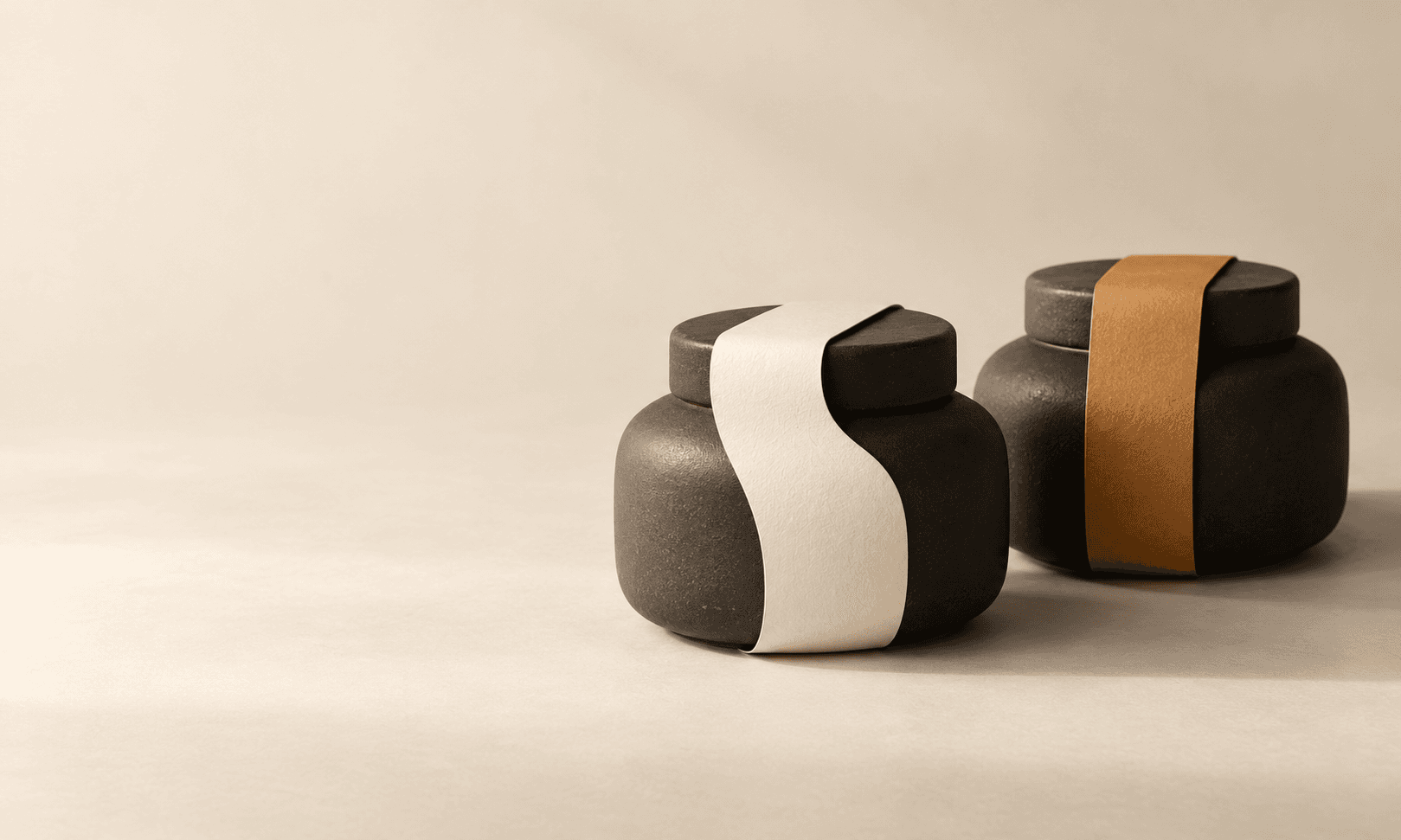
A product mockup can make a label look finished while leaving its flat file, editable copy and printer geometry unresolved. Before buying a larger design batch, test one clean label and one controlled variant.
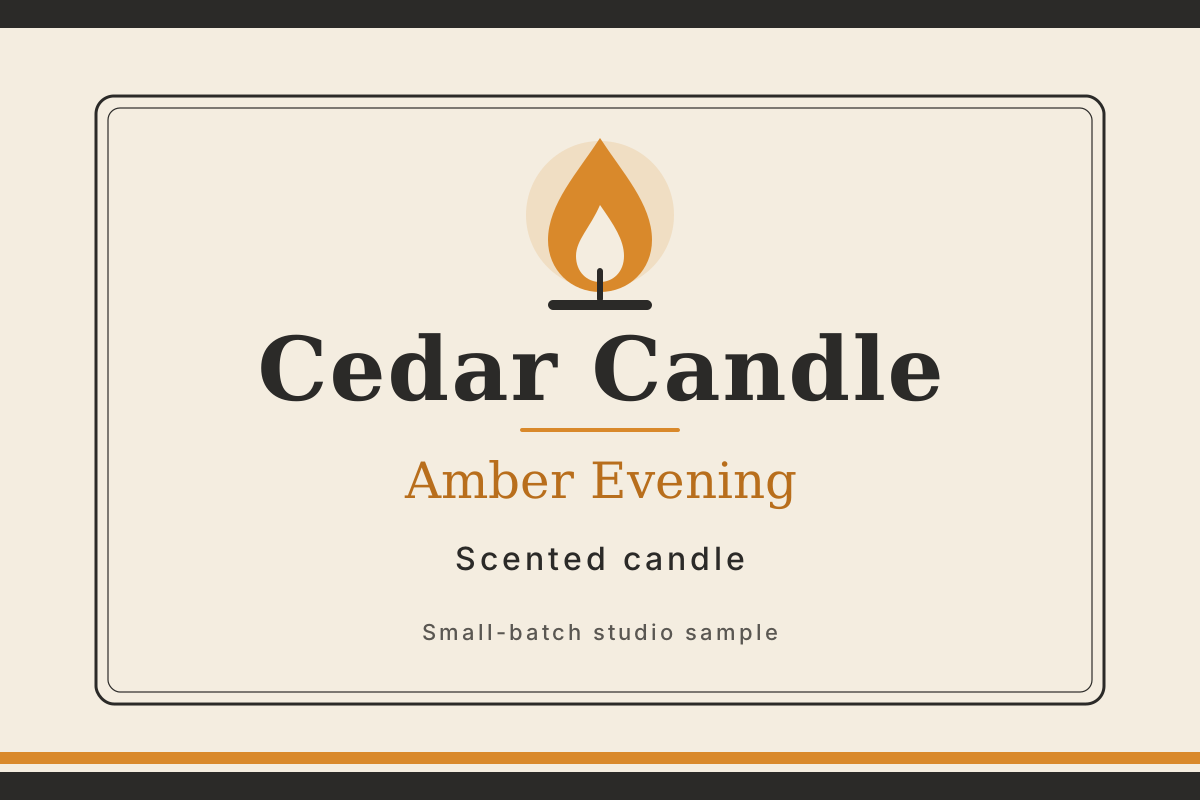
Our fictional Cedar Candle pilot produced a flat SVG, a separate proof and a second scent label in Ciyo. This is a visual handoff test. It does not establish a compliant retail label or a printer-approved file.
Separate the flat design from the package mockup
Start with the wording you own and the file your next editor can use. A mockup helps you judge presentation on a container; the flat artwork lets you inspect spelling, dimensions and text. Keep those deliverables separate.
The pilot uses four supplied lines: Cedar Candle, Amber Evening, Scented candle and Small-batch studio sample. It adds no ingredients, weight, barcode or certification. Supply and review any information needed for your real product separately.
| Deliverable | Acceptance check |
|---|---|
| Clean source | Four editable text lines and vector artwork |
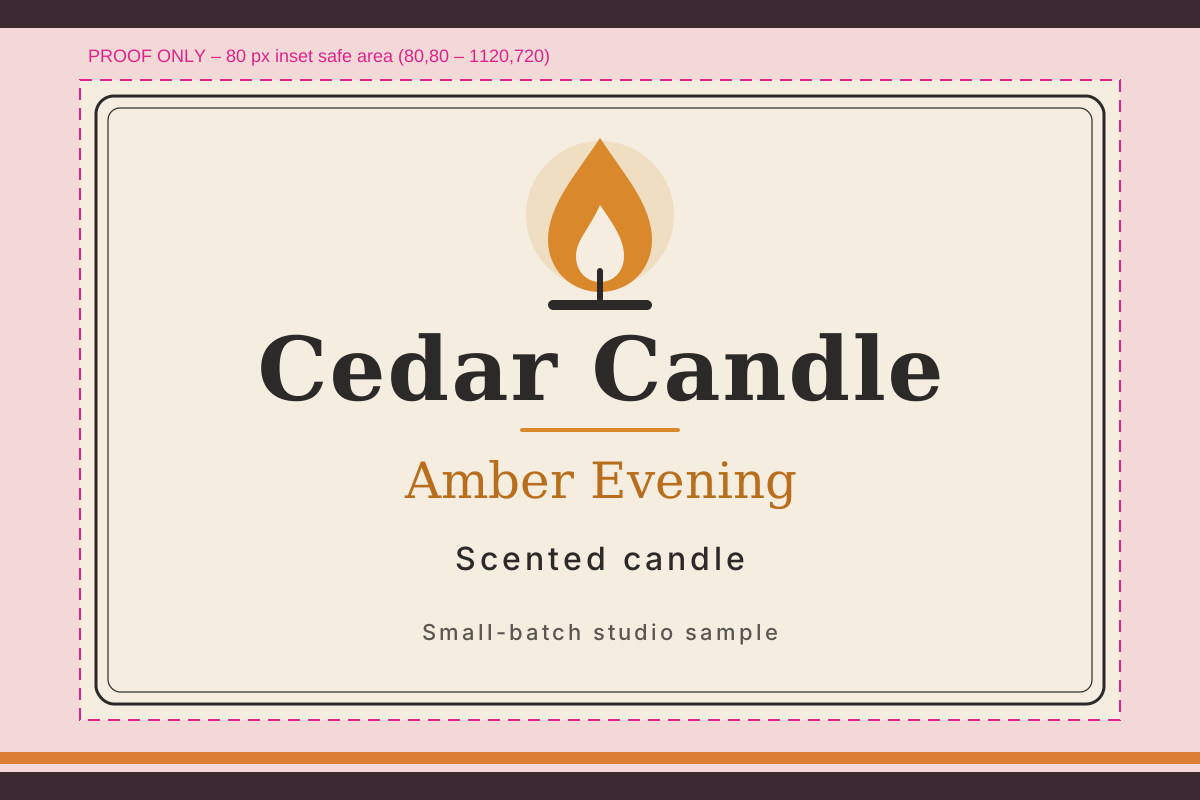
| Separate proof | An 80-pixel inset visibly marked for review |
| Scent variant | The requested name changes without layout drift |
| Printer handoff | Still requires the printer’s actual template and proof |
Ask for a clean source and a separate proof
Create an isolated project and give Ciyo the flat dimensions and exact copy together. The Design agent wrote SVG code, supplied it in chat and rendered canvas previews. No image-generation model was used for this simple vector illustration.
The full workspace shows the clean original, magenta proof and Cedar Morning variant. The small wording is repeated in the prompt and downloadable source so you can inspect it without enlarging a screenshot.
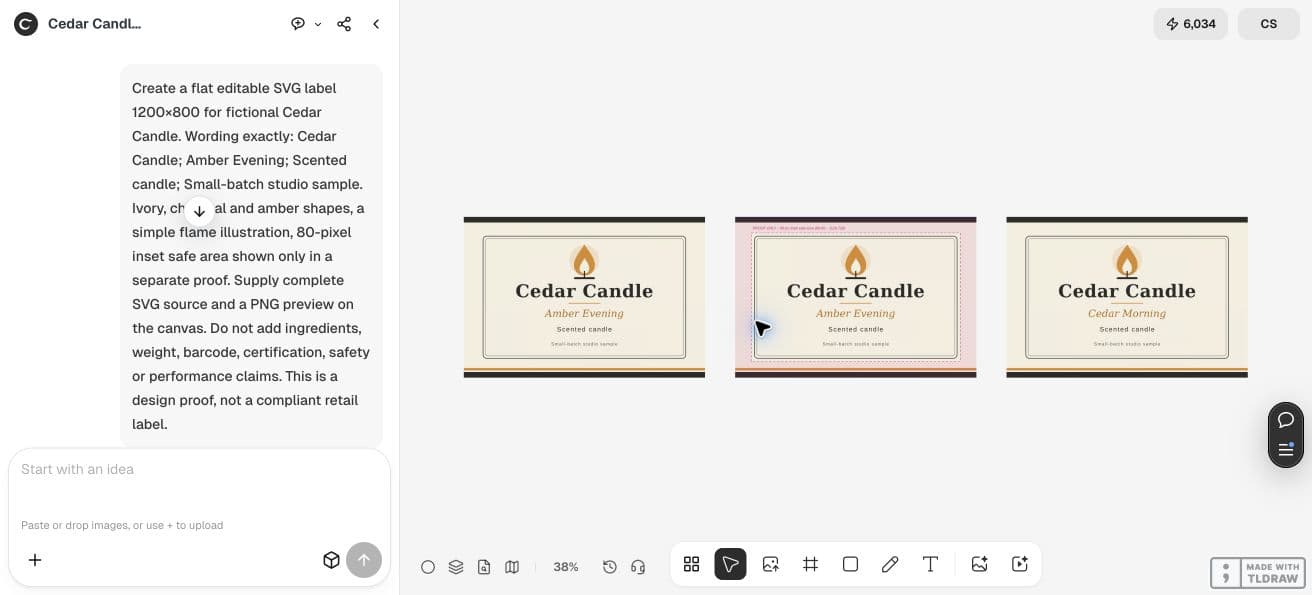
Create a flat editable SVG label 1200×800 for fictional Cedar Candle. Wording exactly: Cedar Candle; Amber Evening; Scented candle; Small-batch studio sample. Ivory, charcoal and amber shapes, a simple flame illustration, 80-pixel inset safe area shown only in a separate proof. Supply complete SVG source and a PNG preview on the canvas. Do not add ingredients, weight, barcode, certification, safety or performance claims. This is a design proof, not a compliant retail label.Use the proof to ask the right print questions
The example’s 80-pixel inset is a review aid, not a universal printing margin. Avery distinguishes the label edge, an inner safety area and an outer bleed line. Use the selected printer’s template to establish those boundaries for the actual label.
Our background reaches the SVG edge; that alone does not provide artwork beyond a printer’s trim line. Confirm physical dimensions, bleed, fonts and a proof before ordering. Keep the magenta overlay out of the clean production artwork.
A recent Affinity discussion asks how to repeat one label on a sheet with varying gutters. That is a separate layout problem from creating the flat label. The post informs this handoff check; it does not describe Ciyo or endorse this pilot.
Published October 12, 2026 in r/Affinity. The author asks about repeating one label across a sheet with varying gutters and margins. Confirm the sheet layout separately from the flat artwork.
Compare one variant with the approved original
We asked for Amber Evening to become Cedar Morning. Comparing the two saved SVGs shows two substitutions: the visible scent text and the document title. All other source lines remain identical, including dimensions, colours and font sizes.
The document title is not visible on the label, but it is still a change worth recording. Inspect the clean variant and reopen its source before asking for more scents. A successful example does not guarantee automatic preservation across a larger catalogue.
Make one scent variant. Change only Amber Evening to Cedar Morning in the clean label SVG. Keep every other text element, coordinate, color, font and size identical. Supply the complete revised SVG and add a clean PNG preview beside the original and the proof. Keep the proof overlay out of the clean export.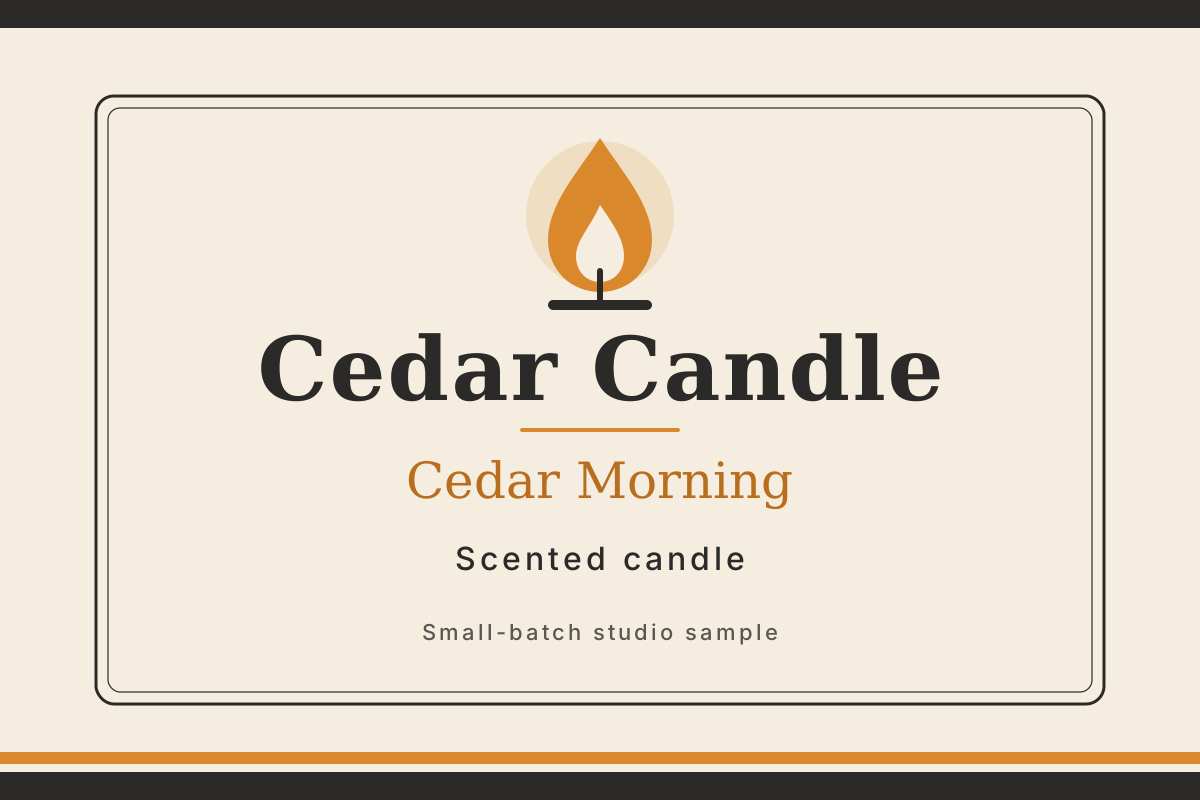
Budget for accepted files and the final proof
Count the clean source, approved variant and printer proof as separate review steps. SVG font fallbacks can alter line widths on another computer; preserve editable text for revisions and confirm font handling with the recipient.
Check the task cost
Billable LLM usage still applies to planning and vector revisions in Ciyo. If you later generate a package mockup or other raster artwork, inspect its Generation quote too. Keep the approved flat file alongside that mockup so the illustration never becomes your only handoff.
Label buying questions
Is this label ready to send to any printer?
The pilot has review geometry and has not been printed. Adapt it to the chosen printer’s dimensions, trim, bleed, font requirements and proof process before ordering.
Does an AI label generator supply all required product information?
This example uses only the four fictional lines supplied in the brief. A generated design does not establish the accuracy or completeness of information needed for a real product.
Test one flat label and one variant
Bring approved copy and the printer’s template. Inspect the source and the clean revision before commissioning the rest of your range.