Practical product imagery
Product Photography Color Accuracy: Compare Two Similar Shades
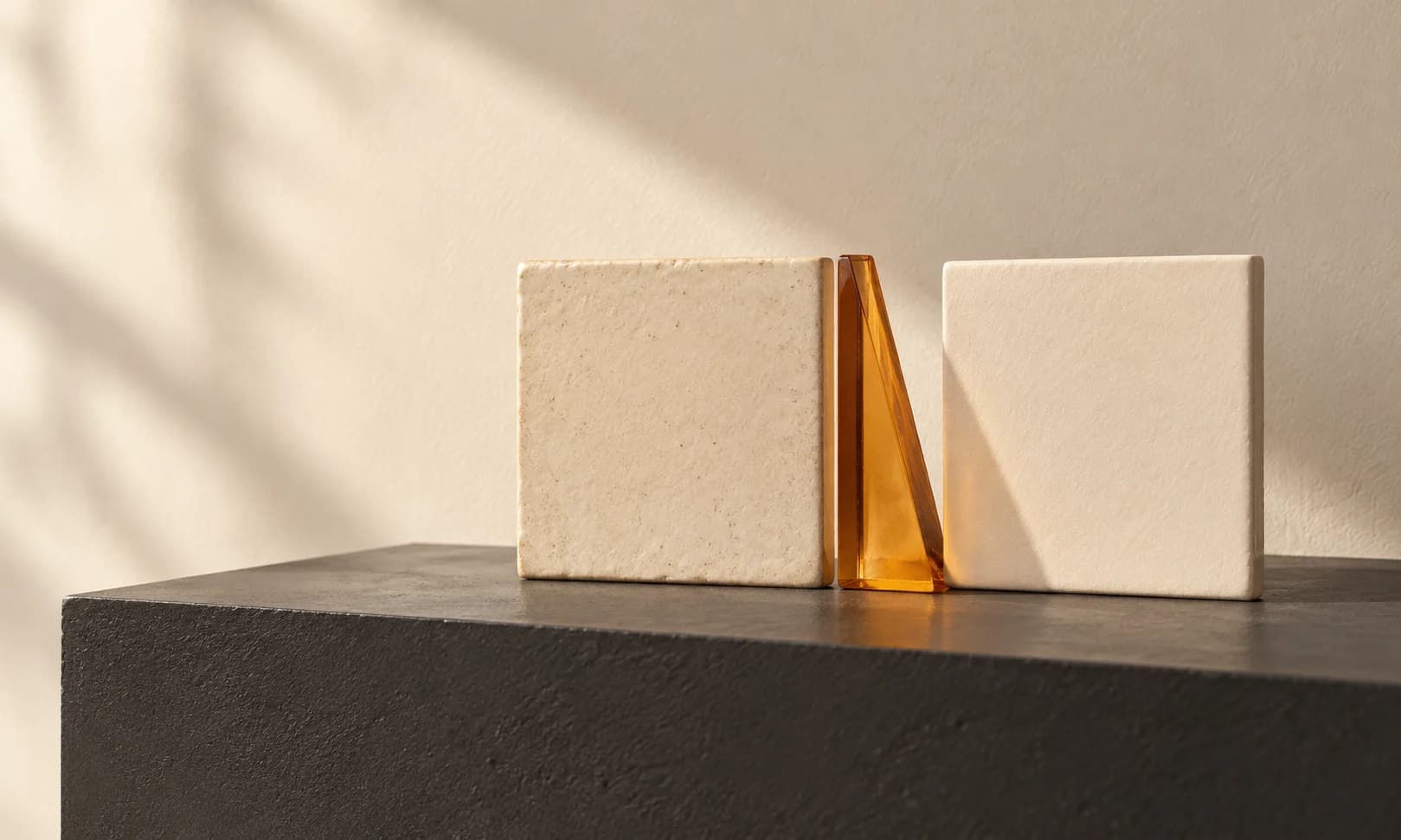
An edit can make a product look attractive while erasing the difference between two things you sell. Navy becomes charcoal, cream becomes white, and the customer loses the information needed to choose a variant.
This guide adapts a documented color-review approach to a small Ciyo editing task. It compares source and output under consistent conditions; it does not turn an ordinary screen or a synthetic reference into a calibrated measurement of a physical product.
The useful starting test is a pair of genuinely similar shades. If an editing workflow collapses them into one appearance, a single beautiful sample would have hidden the problem.
Quick process: preserve the pair, change the scene, compare the difference
Choose two adjacent real shades, photograph them consistently and edit each with the same model and brief. Review hue, lightness and material finish separately. Keep the originals and record which differences remain visible.
Use a real reference for a real accuracy claim. Fictional color swatches can explain the comparison method but cannot establish that an actual textile, glaze or paint has been reproduced.
| Dimension | Question | Example failure |
|---|---|---|
| Hue | Is the color family still recognizable? | Navy becomes purple |
| Lightness and intensity | Are similar variants still distinguishable? | Cream and white collapse together |
| Finish | Does the material respond to light plausibly? | Satin becomes flat paint |
1. Build a paired source set under one lighting setup
Photograph both variants with the same lighting, camera settings and background. Keep the source files and note the intended color names. If possible, include the products together in an additional reference frame so their relationship is visible.
Control viewing conditions before comparing edits: the same display, brightness and file-viewing application. For calibrated claims, use an appropriate color-managed capture and review process. A phone display with automatic adjustments is useful for presentation review, but it is not a color reference instrument.
A small merchant can begin with a consistent side-by-side check. An agency producing catalog-critical colors should agree on the capture standard and acceptable difference with its client before generation.
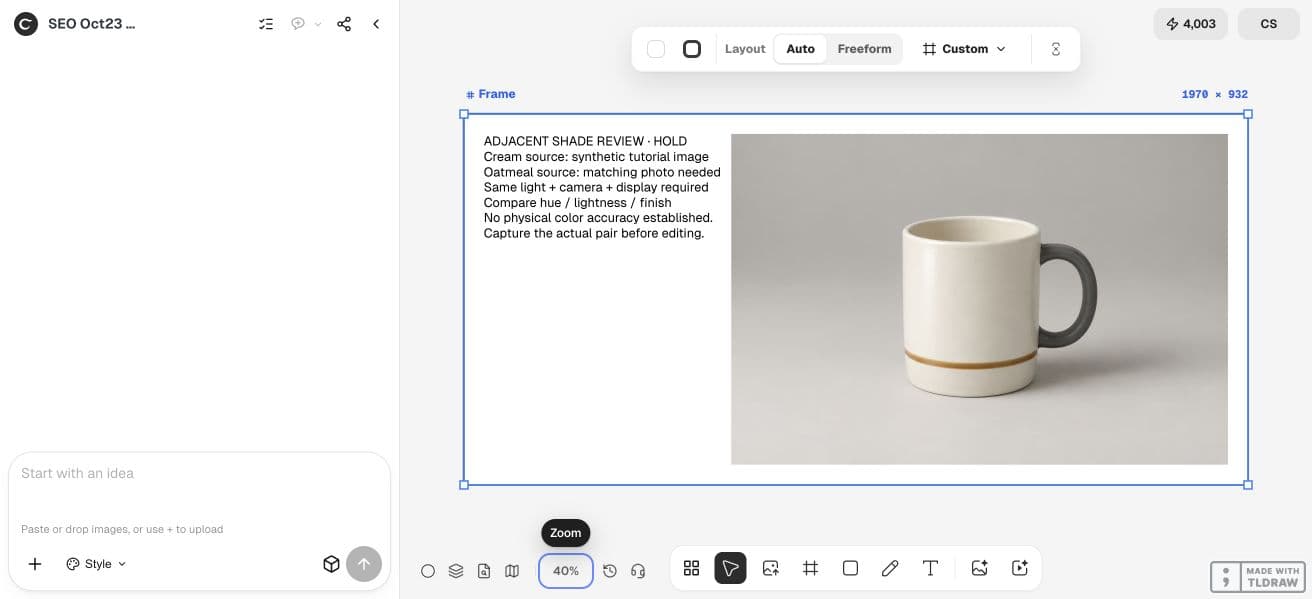
Our October 23 setup deliberately stopped at this input check. The cream mug was synthetic and the matching oatmeal photograph did not exist, so we recorded a hold on the Ciyo board rather than reporting an accuracy result. For your own test, replace that source with both authorized photographs before using the edit recipe below.
2. Change the background without requesting a product recolor
Place the original pair in a clean Ciyo project. Use a fixed available image model and the same background-edit request for each variant. Keep supported output settings comparable. The task is to change presentation while retaining a distinction, not to create a nicer shade.
Check the quote for each generation. Keep rejected candidates so the review reflects the full attempt history. If you change the model or source photo, record that as a different condition.
Use the attached photo of [variant name] as the product reference. Change only the surrounding scene to [simple background]. Preserve the photographed color, lightness relationship, surface finish, silhouette and markings. Do not brighten, warm, recolor or restyle the product to suit the scene. Return one candidate. We will compare it with the original and with the adjacent shade [other variant].3. Compare stable regions instead of highlights and deep shadows
Look at broad product regions with relatively even light. Avoid comparing a highlight in one image with a shadow in another. First ask whether both variants remain distinguishable, then ask whether each one still resembles its own source.
If you use numerical samples, use comparable small regions rather than one convenient pixel. Record the method and values. Do not invent a universal pass threshold or present raw RGB distance as a perceptual color score.
An apparent match can coexist with a finish error. A metallic glaze with the right average color may still be wrong if the edit removes the changing highlights that describe the surface.
4. Repeat on a second background and inspect finish separately
A change in surrounding color can alter the perceived product color and can also influence a generated result. Use a second simple background to discover whether the model is repeatedly inferring a new product shade from the scene.
Check gloss, satin sheen, woven texture and reflected surroundings as separate attributes. Keep a short note for each: preserved, uncertain or changed. This is more informative than averaging all qualities into one attractive-looking score.
| Item | Reference condition | Result to record |
|---|---|---|
| Shade A | Original photographed appearance | Hue, lightness and finish notes |
| Shade B | Original photographed appearance | Hue, lightness and finish notes |
| Pair separation | Both sources under one setup | Whether the same distinction remains |
| Second scene | A different controlled background | Whether color or finish shifts again |
5. Approve a depiction within the limits of your reference
If the pair loses its distinction, return to the original photos and narrow the edit. Consider retaining the original product region and changing only the surrounding layout, or using a conventional photograph for the color-critical listing position.
Inspect the final exported files in the intended storefront as well as the editing workspace. Do not promise that every customer display will reproduce an exact physical color. Keep the original evidence available for review.
Photta’s protocol is a useful research source for separating hue, intensity and finish; it supplies no measured Ciyo result. The procedure here should be assessed on your own paired products.
Practical questions
Can a matching RGB value prove the color is correct?
No. The sample region, color management, lighting and material finish all matter. One matching pixel does not prove physical color accuracy.
Can I use generated products for this check?
They can illustrate how to compare two images. They cannot validate reproduction of a real product color without real reference evidence.
Should I recolor one photo to show every SKU?
Only when you can verify each resulting depiction against the actual product. A plausible new color is not proof of the manufactured variant.
What if the background makes the product look warmer?
Check the product against its original under consistent viewing conditions and repeat on a neutral background. Keep appearance context separate from an actual change in the product pixels.
Check a pair before editing a catalog
Start with one permitted source image and a clear acceptance check. Keep the original beside the result and approve the complete export before using it.