Practical creative workflows
Product Variant Contact Sheet: Keep Every SKU Matched

A store team reviewing three mug colours needs to know which file belongs to which SKU. A pretty collage is insufficient if the labels drift onto the wrong variant. The useful deliverable is an ordered review sheet with an auditable source map.
We prepared three deterministic fictional mug drawings in Ciyo. They are illustrative graphics, not real product photographs or inventory evidence. The final sheet retains each original image at its native size and keeps labels outside the image area.
Create the file-to-SKU map first
List the approved image filename, colour name and SKU together. Confirm that mapping against the real inventory system before asking for a sheet. Filenames alone can be ambiguous after exports, renames and repeated revisions.
Our controlled sources are cc-iv.png for Ivory / CC-IV, cc-as.png for Ash / CC-AS, and cc-am.png for Amber / CC-AM. Each is 256×256 RGB with identical geometry and background. Only the illustrative body colour and its derived shading vary.
| Filename | Colour | SKU |
|---|---|---|
| cc-iv.png | Ivory | CC-IV |
| cc-as.png | Ash | CC-AS |
| cc-am.png | Amber | CC-AM |
Choose an order that matches the review task
State the left-to-right order explicitly instead of letting a layout tool infer it from colour or upload sequence. Keep the label, filename and image connected as one tile.
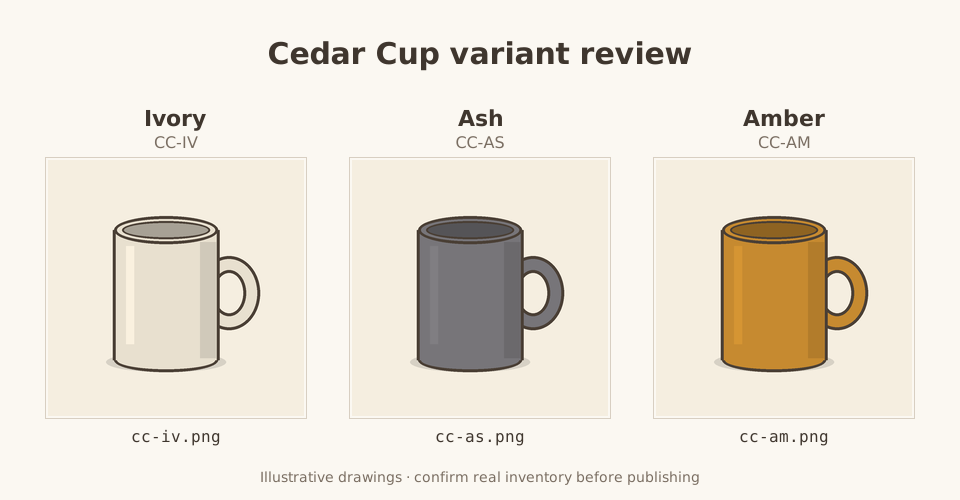
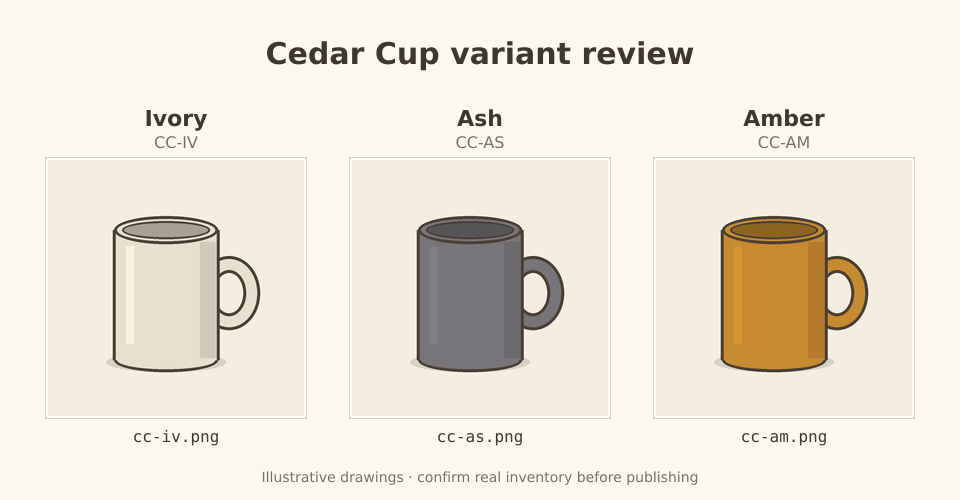
This sheet orders Ivory, Ash and Amber. Its purpose is a catalog handoff and label review, not a customer claim that these products exist. Replace the demonstration drawings with your approved real photographs for an actual store.
Preserve the images inside a separate layout
We requested a 960×500 sheet with 256×256 image rectangles at (48,160), (352,160) and (656,160). The native sources are embedded at a one-to-one scale, with editable text outside each rectangle.
For a different source size, agree the layout and resizing rule first. Keeping the untouched master makes it possible to compare a delivery crop or resized image later. Avoid a new generation when the task is simply combining approved files.
Use this verified filename/colour/SKU map and the exact approved PNGs. Build an ordered contact sheet with labels outside the image rectangles. Do not redraw or recolour the images. Keep each source at its native dimensions, record tile coordinates and hashes, and compare each saved rectangle with its source pixels. Return the editable sheet and manifest.Check label mapping and saved image rectangles
We independently downloaded the final PNG and source files. Each of the three 256×256 rectangles matched its source RGB pixels with no difference. The retained SVG embeds those exact PNG bytes, and its reconstructed hash matched Ciyo’s workspace file.
This confirms preservation and placement of these files. It does not verify that a real store’s SKU, product colour or inventory is correct. That judgment belongs to the catalog owner reviewing the source map.
Keep the source map with the editable sheet
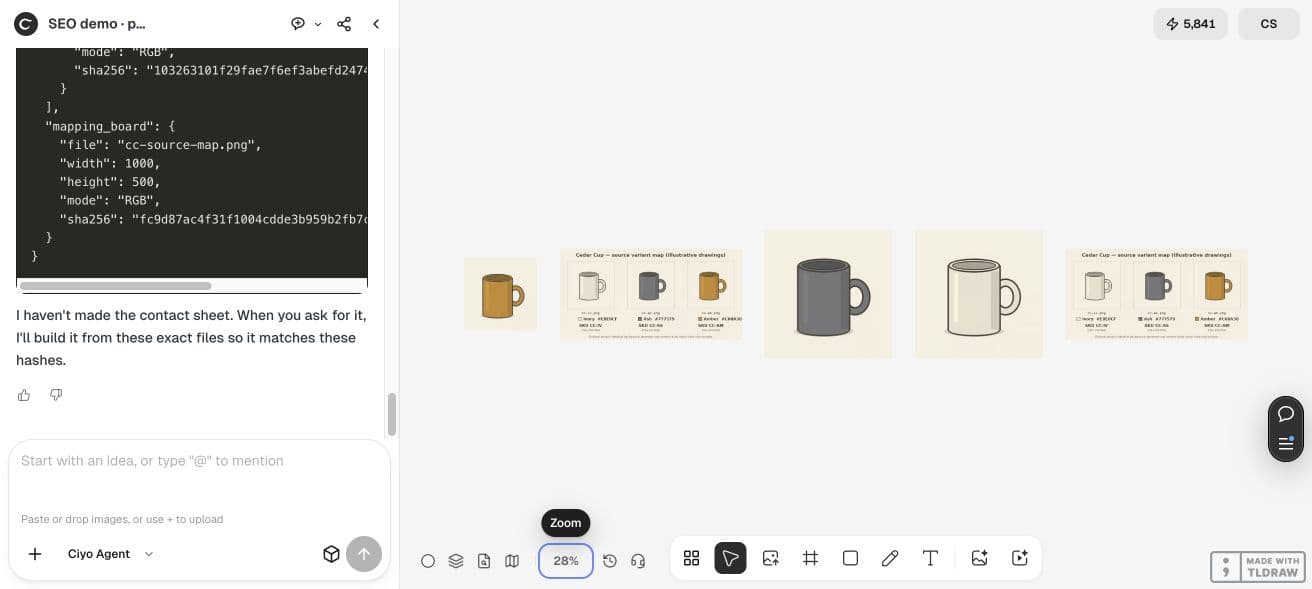
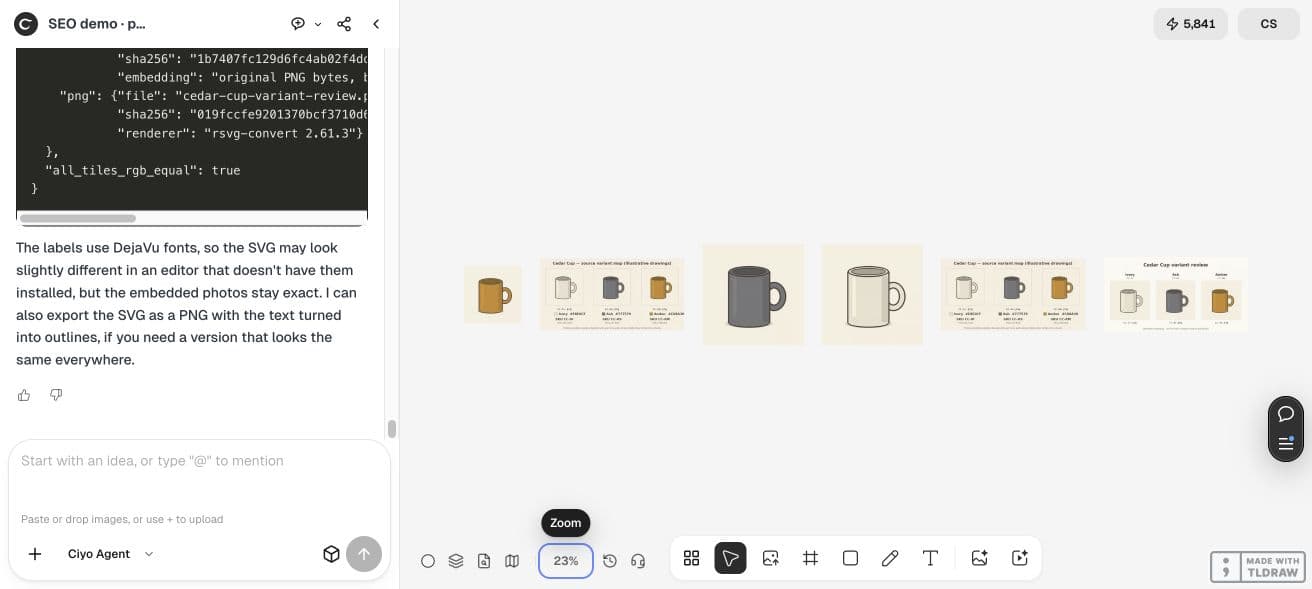
The manifest lists the actual tile coordinates, source hashes and pixel comparisons. A reviewer can trace a misplaced label back to the source decision rather than reconstructing it from visual memory.
The downloadable SVG contains editable label text and embedded source images. Font substitution can change text fit in another editor; reopen the file and inspect long labels after edits. The actual PNG remains a fixed digital review copy.
Approve the map before publishing a catalog
Ask the inventory owner to confirm every filename, colour and SKU. Resolve a mismatched source rather than editing its label to make the sheet look consistent. Keep accepted and rejected versions distinct.
A contact sheet organizes review; it is not a substitute for separate store assets or an inventory import. Once approved, deliver the individual original files and mapping in the format your store uses.
Practical questions
Were these real product photographs?
No. They are controlled fictional drawings used to demonstrate preservation and label mapping.
Does a correct pixel comparison prove the SKU is right?
No. It proves the chosen file was preserved. Confirm the file-to-SKU map against real inventory.
Can I edit the labels?
Yes. The retained SVG uses text elements. Check font substitution and mapping after every revision.
Organize one verified variant set
Bring approved images and a confirmed SKU map into Ciyo, then compare the saved sheet before the catalog handoff.