Buying creative tools
AI Product Photography Cost: Budget for Accepted Images
A shop needs six usable product pictures, not six generation attempts. Before buying credits or approving a photography tool, decide what counts as a keeper and how many attempts you can afford.
This guide builds a fictional Cedar Studio budget worksheet in Ciyo. It demonstrates planning and arithmetic, not a product photoshoot. Every model rate below is illustrative; replace it with the quote for your own settings.
Define the six pictures you will actually use
Write a shot list tied to where the images will appear: two product-page views, two lifestyle scenes and two promotional crops, for example. Specify the product reference, required dimensions and whether accurate packaging text must remain visible.
Use the original product as the acceptance reference. Check shape, color, label and included accessories. A visually attractive result that changes the product should stay outside the accepted-image count.
Build a budget from attempts and edits
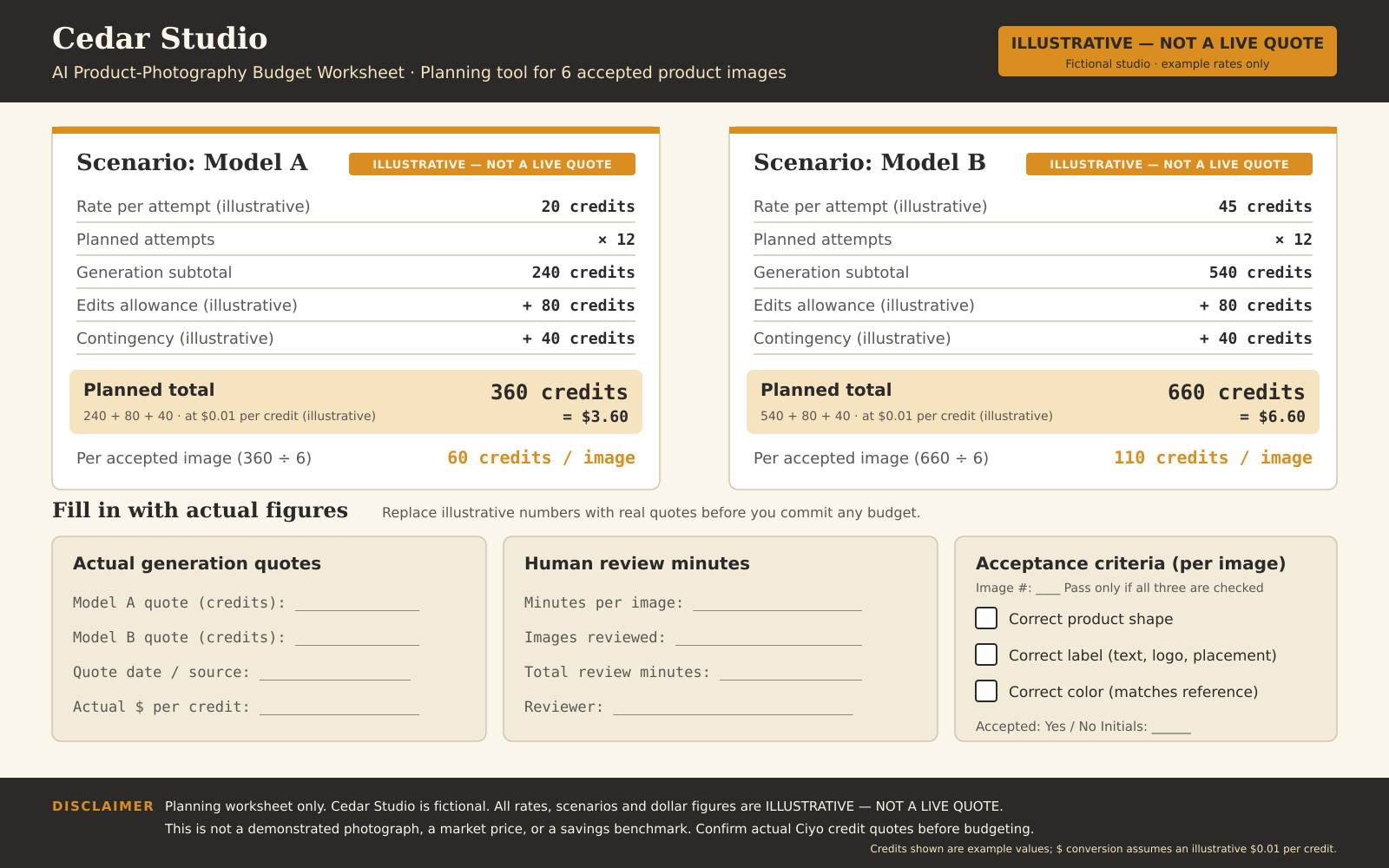
The worksheet uses 12 planned attempts for six accepted images. Model A has an example rate of 20 credits per attempt; Model B uses 45. Both reserve 80 credits for edits and 40 as contingency. These are invented planning inputs, not Ciyo model prices.
The planned totals are 360 and 660 credits, or 60 and 110 credits per accepted image. Ciyo’s published credit unit is $0.01, giving $3.60 and $6.60 of illustrative credit consumption. A credit-pack purchase and the amount consumed by one project are different figures.
| Input or result | Model A | Model B |
|---|---|---|
| Credits per attempt | 20 | 45 |
| Planned attempts | 12 | 12 |
| Edit allowance | 80 | 80 |
| Contingency | 40 | 40 |
| Total credits | 360 | 660 |
| Credits per accepted image | 60 | 110 |
Create the worksheet in Ciyo
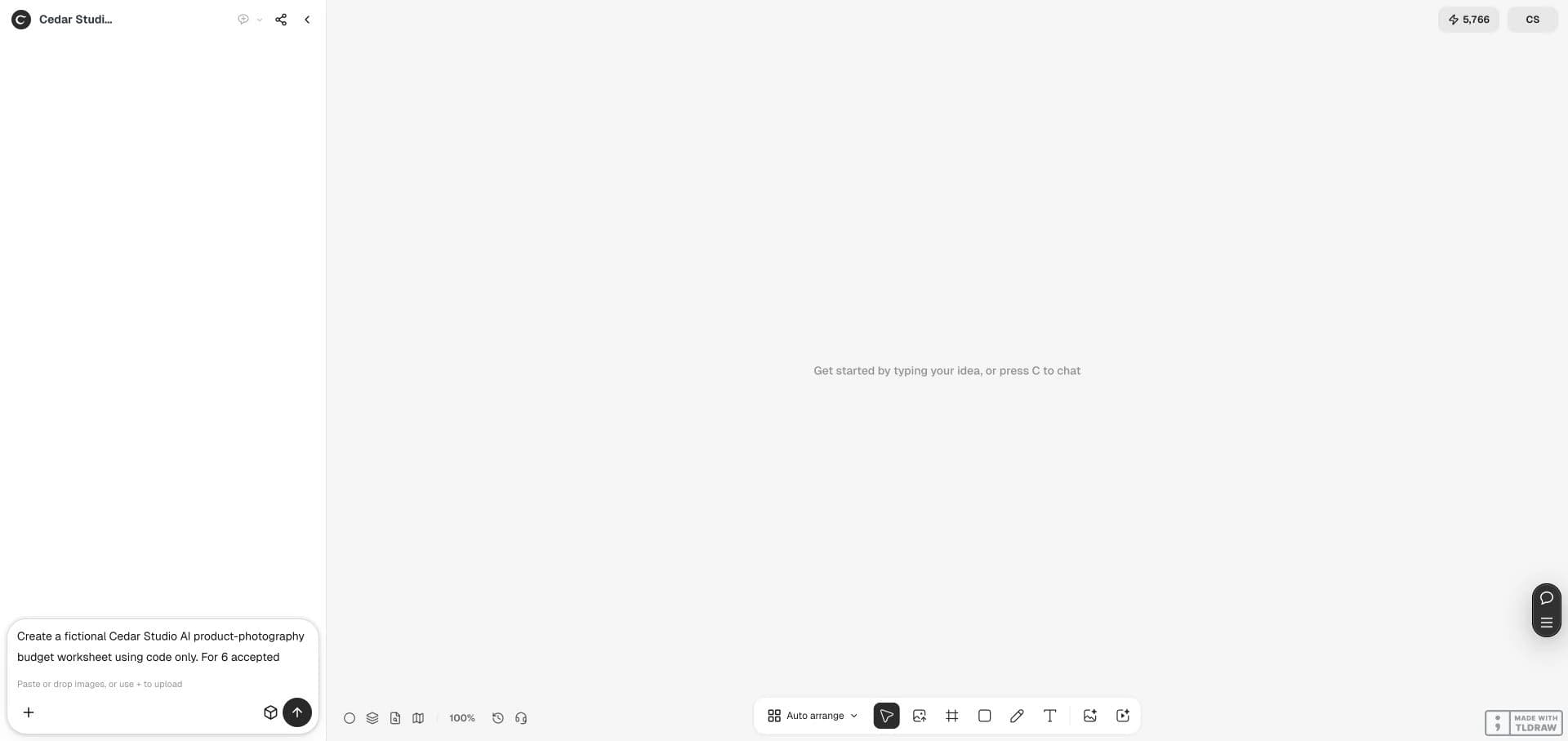
Open an isolated project, supply the arithmetic and label the rates explicitly. Ask the design agent for a worksheet with blanks for real quotes, review minutes and acceptance criteria. Request a PNG proof on the canvas so you can inspect the layout.
Our live run produced a 1600×1000 worksheet. The agent found crowded spacing in its first proof and created a second version. The screenshots show that actual planning interaction; they do not show generated product photographs.
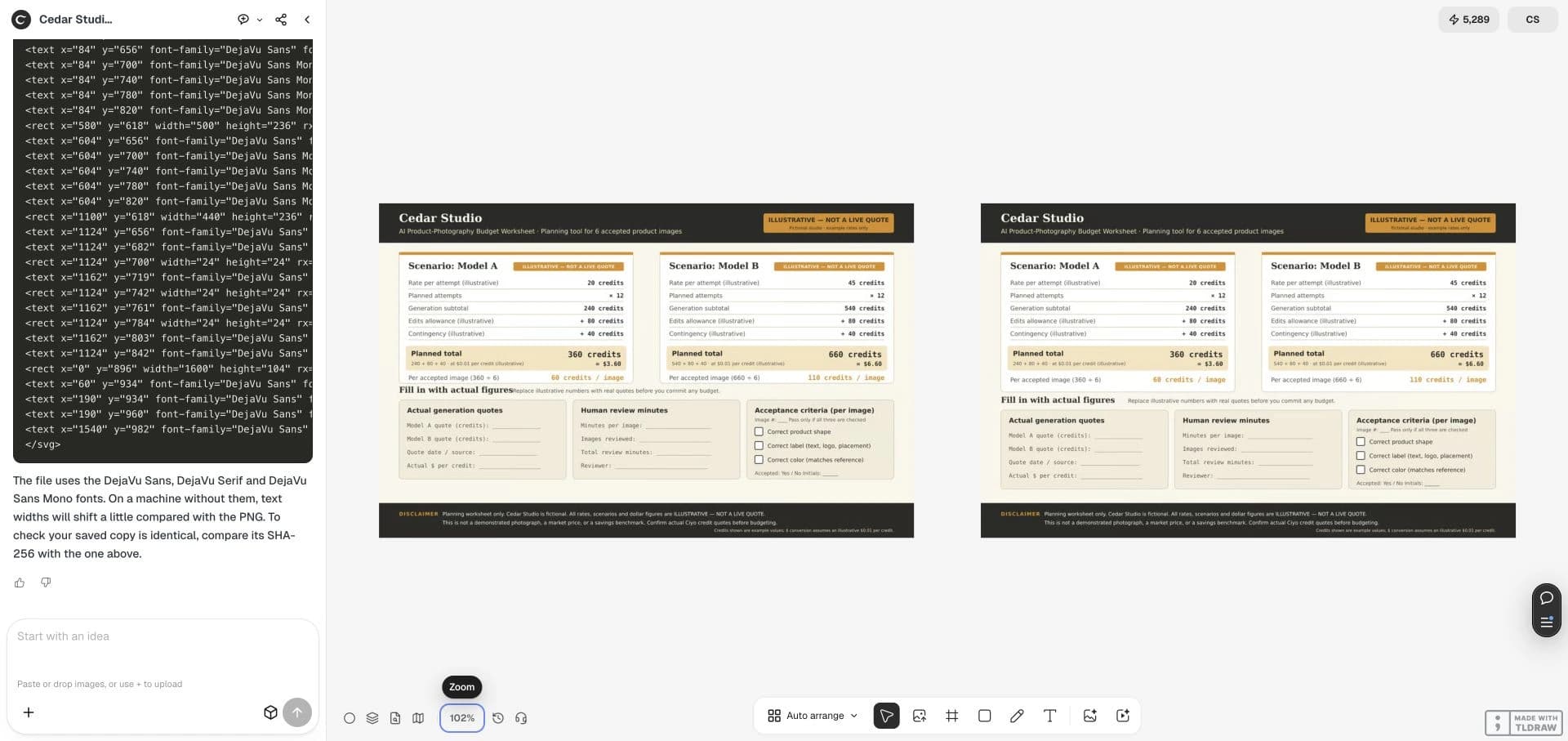
Use code only to create a fictional Cedar Studio product-photo budget worksheet, PNG and SVG at 1600×1000. For 6 accepted images plan 12 attempts: A at 20 credits and B at 45 credits, each plus 80 for edits and 40 contingency. Check totals 360=$3.60 and 660=$6.60 at $0.01 per credit, and 60/110 credits per accepted image. Label every rate ILLUSTRATIVE — NOT A LIVE QUOTE. Leave blanks for actual quotes, human review minutes, and correct product shape, label and color. Inspect spacing, put PNG on canvas, and print full SVG source if it cannot be downloaded. Ivory, charcoal, amber. Do not call a paid image/video generator or claim photography, market prices or savings.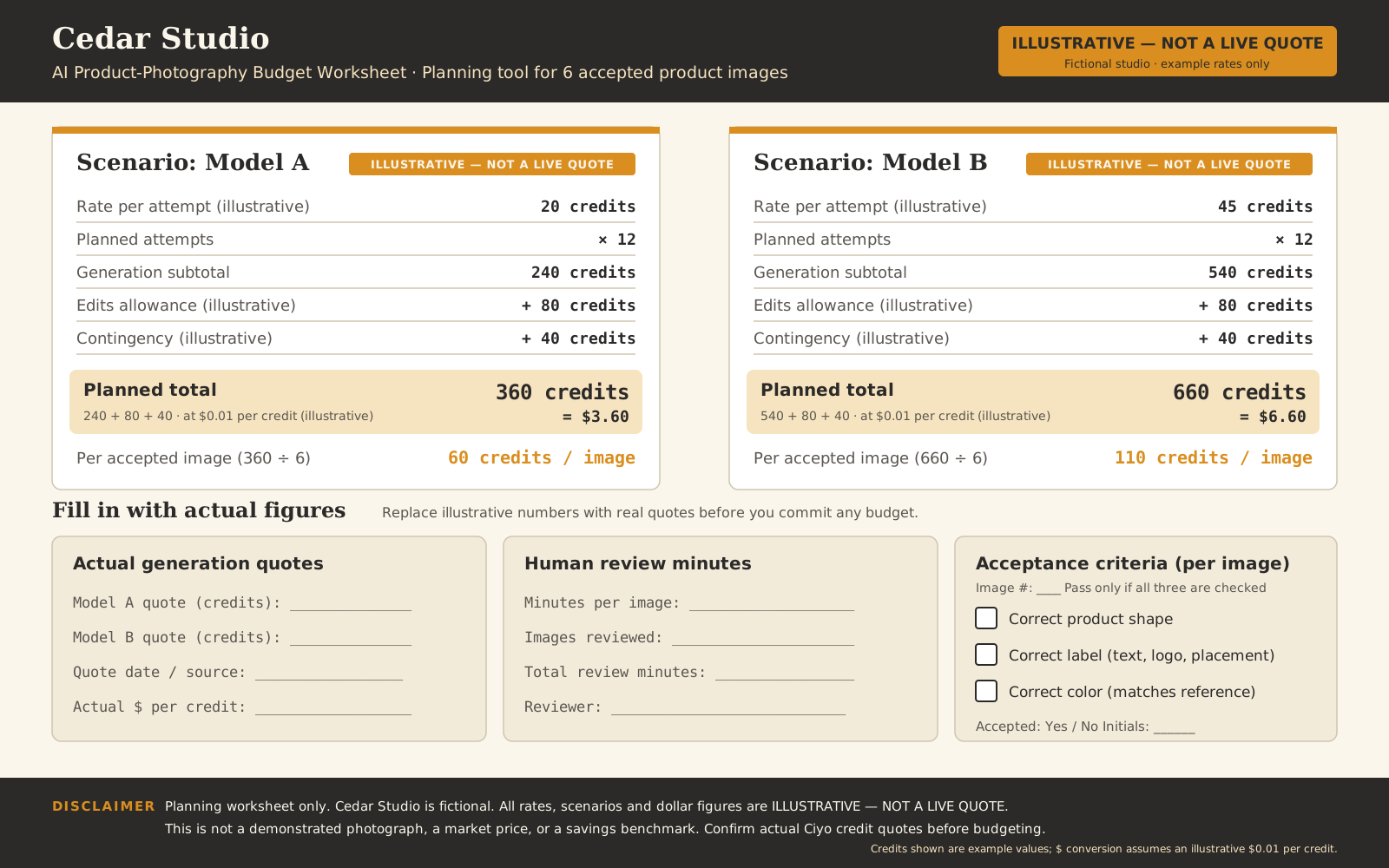
Replace the example rates before spending
Read the quote for the exact model, quality, dimensions and references you intend to use. Record it alongside the date and settings. Review the current pricing page and any other billable work shown in your environment; do not assume the worksheet covers every charge.
If actual attempts cost more than planned, reduce the shot list, choose a different treatment or approve a revised budget before continuing. Keep edits separate so a cheap first generation does not hide an expensive finishing process.
Track usable-image cost and review time
After a small real pilot, divide actual credits consumed by the number of accepted images. Keep rejected attempts in the cost ledger. If none pass, the cost per accepted image is undefined; record the failed pilot instead of dividing by zero.
Record human review time separately. Our worksheet checks arithmetic and layout only: it establishes no acceptance rate, conversion lift, photography accuracy or cost saving. A model’s generation quote alone cannot answer those questions.
Make the purchase decision with the finished pilot
Buy for a defined deliverable and a bounded experiment. Continue only when the pilot preserves the real product and produces the exports you need. If the labels or details cannot be kept accurate, retain real photography for those views.
Keep the pilot record with the accepted files and settings. When you change the product or placement, repeat the fidelity checks before treating the earlier budget as evidence for the new job.
Practical questions
Are $3.60 and $6.60 current photography prices?
No. They convert invented worksheet inputs into dollars. They are neither a live quote nor a measured photoshoot cost.
Should rejected images count in the budget?
Yes. Record attempts and actual charges even when the outputs fail your acceptance criteria.
Does the lowest generation price identify the cheapest tool?
Only after considering acceptance, edits, required exports and review time. Run a small task-specific pilot.
Plan one product-photo pilot
Bring a real product reference and a six-shot list. Make the budget explicit before requesting the pictures.