Practical creative workflows
AI Sprite Atlas: Add Padding and Keep Every Frame Aligned

A sprite atlas is a packing task. You already have the artwork; now the engine needs to know where each frame lives and where its origin belongs.
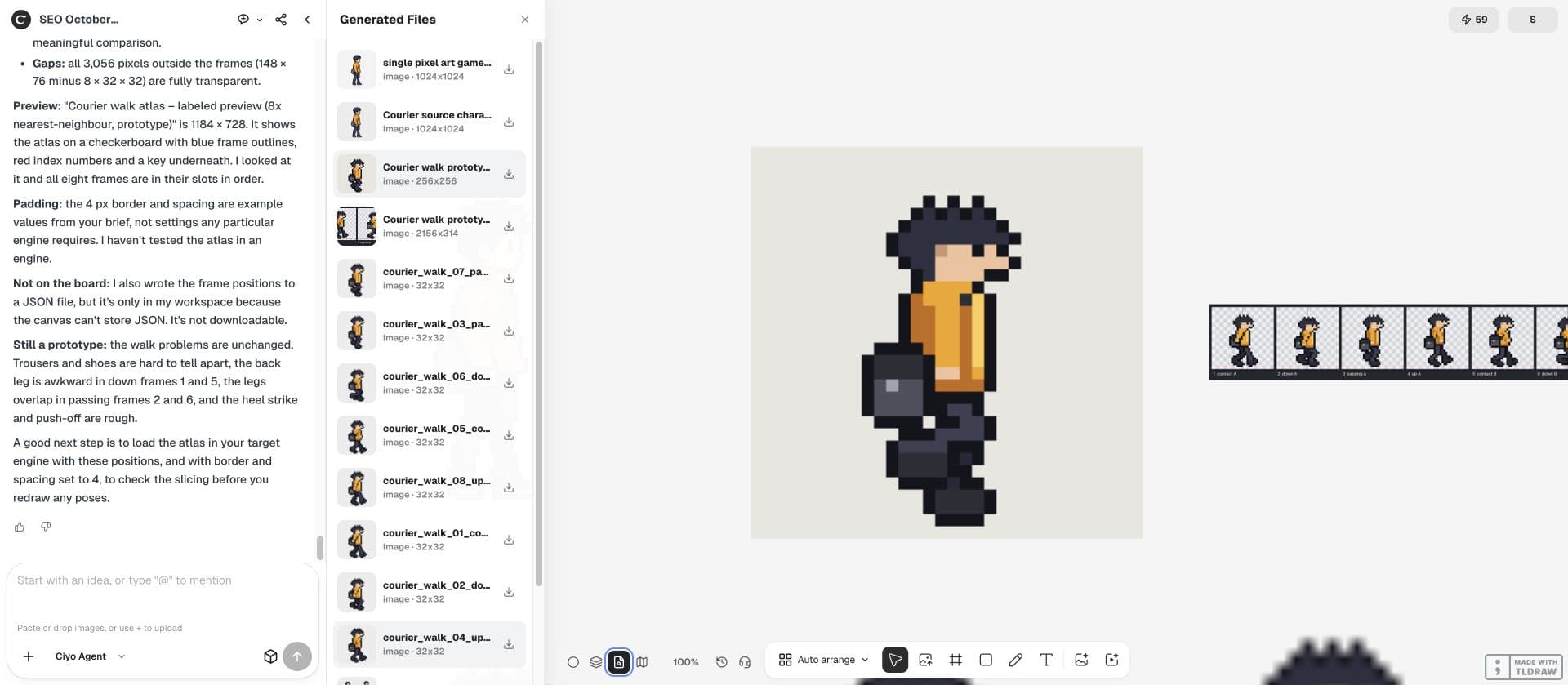
The inputs are the fictional courier’s eight actual prototype walk PNGs. Atlas preparation is separate from character generation: pack the existing pixels and preserve their order, even when the animation itself still needs revision.
Inventory the input files before packing
Import the approved images into a clean Ciyo project and retain their filenames. Record each file’s width, height and alpha channel. If one walk frame is 30 × 32 while the others are 32 × 32, decide whether that difference is intentional before packing.
Avoid accepting a composite picture as the sole source. Individual frames let you compare the packed regions with the originals. List animations and frame order explicitly; alphabetic sorting can put frame_10 before frame_2.
Write the atlas contract
Choose a target engine and its supported manifest format. If you have not chosen an engine, request a simple JSON map as a working record rather than claiming universal compatibility.
Ask the design agent to process existing files in its workspace. Packing should preserve approved pixels. A generative edit is unnecessary when the task is to arrange frames and write coordinates.
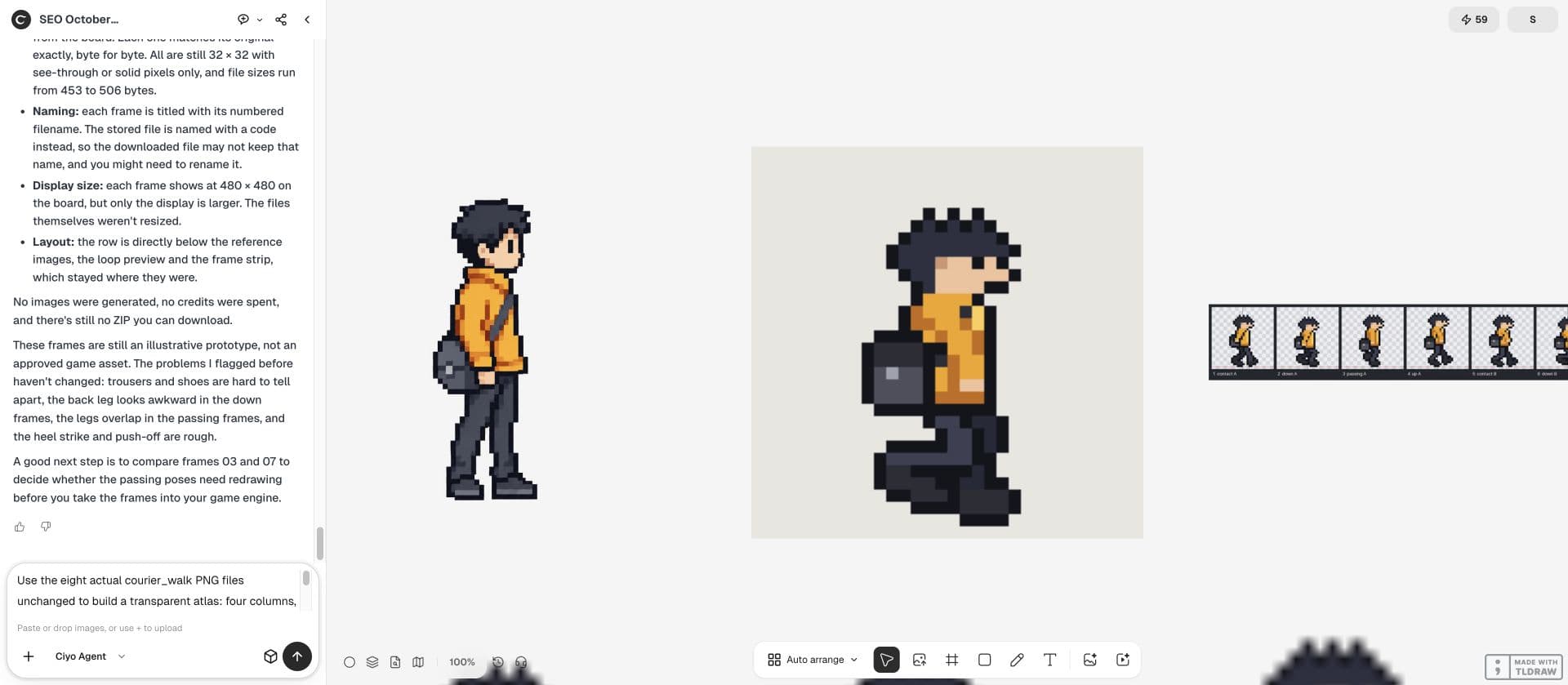
Pack these approved courier PNGs into one atlas without redrawing, resampling or changing colours. Disable rotation. Keep the original frame order. Add 4 pixels of transparent separation as an example setting. Write JSON with filename, x, y, width, height and source size. Report the actual output dimensions and every input you could not read.Treat padding as a setting to test
Padding separates adjacent sprites. Some pipelines also extrude edge colours into a border. Those are different operations: transparent spacing and copied edge pixels should not be silently substituted for each other.
Unity exposes padding and other packing settings because import and filtering behavior matter. The example’s 4-pixel gap is a starting point, not a guarantee for every scale, mipmap or compression setting. Check the target configuration before choosing a final value.
Keep trimming separate from the character origin
Trimming transparent margins can reduce the packed area but changes where a sprite begins. A correct manifest needs enough information to restore the sprite’s original frame and offset.
For a first atlas, disable trimming and rotation. Once the simple version works, add those optimizations individually and repeat the animation check. A smaller download is not an improvement if the bag or feet shift between frames.
Inspect the manifest against the actual PNG
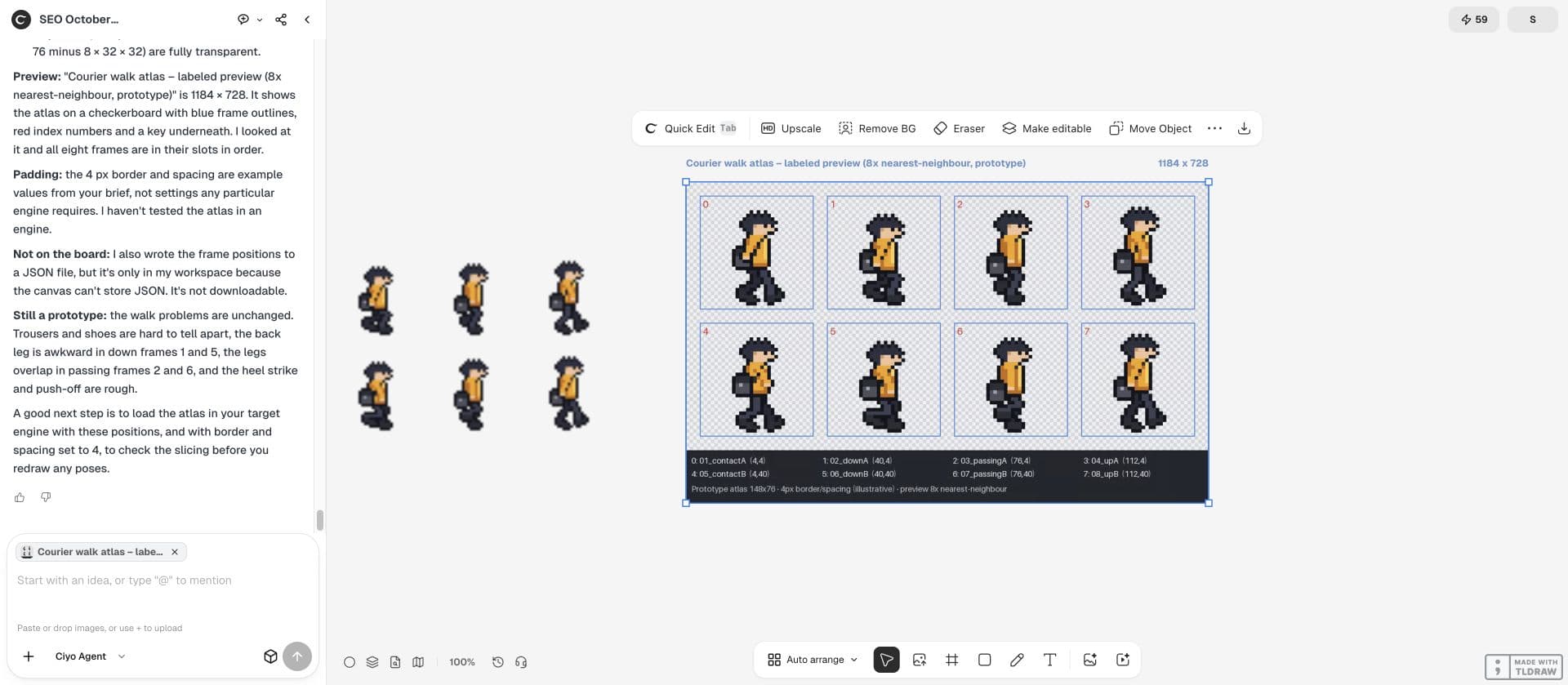
Check that each rectangle is inside the output image, rectangles do not overlap and filenames are unique. Extract several packed regions and compare their pixels with the original files. Inspect all frames if the atlas is small enough.
| Item | Evidence | Failure |
|---|---|---|
| Coordinates | Rectangles match extracted frame files | Clipped or overlapping regions |
| Order | Walk sequence plays in intended order | Lexical filename sorting |
| Alpha | Transparent margins remain transparent | Opaque background introduced |
| Origin | Untrimmed frames share the same origin | Character jumps during playback |
Make the import test the last gate
Bring the atlas into the intended engine and play the idle and walk animations against both a light and a dark background. Check native scale and any scale used in the shipped scene. Look for neighboring colours at the edges and a shift at the loop seam.
Keep the source frames, packing settings and manifest together. If import fails, you can repack without regenerating the character. A checked atlas PNG is useful evidence, but engine compatibility needs an actual import result.
Practical questions
Is an atlas the same as a contact sheet?
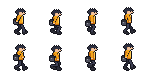
An atlas has defined packed regions and an import contract. A contact sheet may only be a visual overview.
Is 4-pixel padding always enough?
No. Filtering, compression, mipmaps and display scale affect the requirement. Test the setting in your target engine.
Can I trim every sprite tightly?
Yes only if the manifest and engine restore the correct original size and offset. Start untrimmed when diagnosing jumps.
Pack the approved sprites
Keep your source frames on one Ciyo board and ask for a packing contract before exporting an atlas.